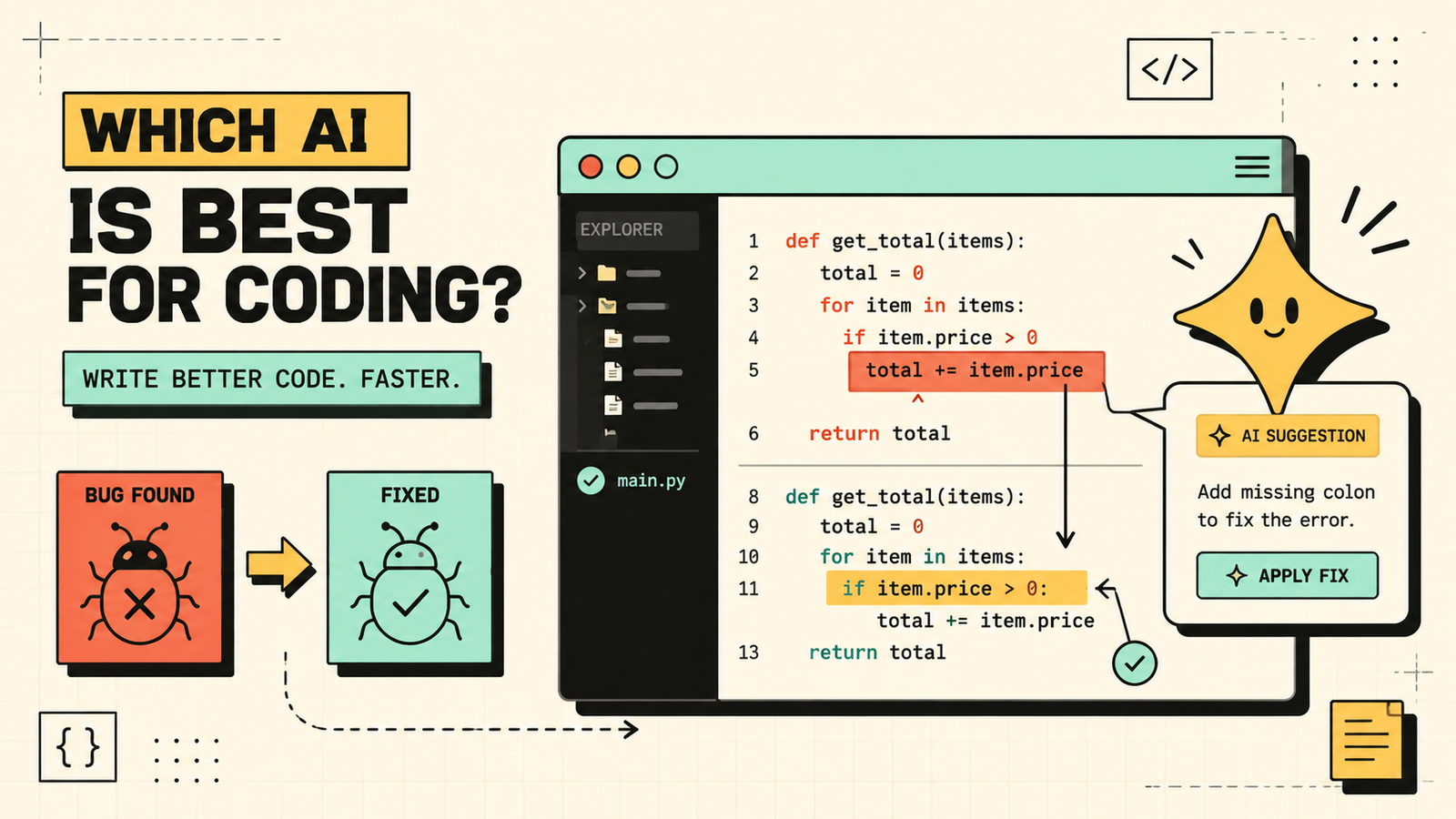
You are stuck on a bug that has eaten two hours, Stack Overflow gave you an answer from three years ago that no longer works, and you just need something that looks at your actual code and tells you what is wrong. That is where AI coding tools have become genuinely useful: not replacing developers, but acting as an always-available pair programmer that reads your code, explains what is happening, suggests fixes, and helps you write faster. This guide covers which AI is best for coding, what each tool handles well, which are free, and how developers actually use them.
What to look for in an AI coding tool
Coding has less tolerance for mistakes than writing, so the tool matters more here. Look for accuracy and reliability, since a tool that confidently suggests broken code is worse than no tool at all. Check how much code it can see at once, because understanding a bug often requires reading the surrounding context, not just one function. See whether it integrates into your editor or IDE, since switching to a browser tab breaks flow. Check language and framework support for what you actually work with. And see whether there is a free plan that covers real development usage, not just a demo.
Which AI Is Best for Writing?
The best AI tools for coding
Here are the tools that matter, matched to the coding job they handle best.
Claude
Claude is the strongest AI for code reasoning, debugging, and working with large codebases. Its very large context window means you can paste entire files or multiple files and it understands the relationships between them, which is essential for debugging complex issues. It explains code clearly, catches subtle bugs, and generates well-structured solutions. It is particularly strong with Python, JavaScript, TypeScript, and web development. Free plan available, paid for heavier use. Best for debugging, code review, and working with large or complex codebases.
ChatGPT
ChatGPT is the most versatile AI coding assistant. It handles code generation, explanation, debugging, refactoring, and learning across most languages and frameworks. It is fast, good at explaining concepts, and useful for quick tasks and prototyping. The free plan (GPT-4o) is genuinely capable for coding. It is not as strong as Claude for very complex reasoning or large-context debugging, but its speed and breadth make it the most practical everyday tool. Best as an all-round coding partner for daily development.
GitHub Copilot
GitHub Copilot is the standard AI coding tool for developers working inside an IDE. It autocompletes code as you type, suggests functions, generates boilerplate, and handles routine coding tasks without leaving your editor. It integrates with VS Code, JetBrains, and other major IDEs. It is paid (with a free tier for some users). Best for in-editor code completion and writing code faster inside your IDE.
Cursor
Cursor is an AI-first code editor built around conversational coding. You can ask it questions about your codebase, generate code, and make edits through natural language inside the editor. It is designed for developers who want AI deeply integrated into the editing experience rather than as a separate tool. Free tier available, paid for more features. Best for developers who want the deepest editor-AI integration.
Gemini
Gemini handles coding across languages and integrates with Google's ecosystem and Android Studio. It is a solid general coding assistant, especially useful for Google-stack developers. Free plan available. Best as a coding assistant for developers in the Google ecosystem.
Which AI Is Best for Research?
AI coding tools compared
| Tool | Best for | Context / codebase understanding | IDE integration | Free plan |
|---|---|---|---|---|
| Claude | Debugging, code review, complex reasoning | Excellent (very large context) | Via API/extensions | Yes |
| ChatGPT | All-round coding, learning, prototyping | Good | Via plugins/browser | Yes (GPT-4o) |
| GitHub Copilot | In-editor completion and generation | Good (project-aware) | Built-in (VS Code, JetBrains) | Limited free |
| Cursor | Conversational coding inside the editor | Excellent (codebase-aware) | Is the editor | Yes (limited) |
| Gemini | Google-ecosystem development | Good | Android Studio, extensions | Yes |
Claude vs ChatGPT vs Copilot: which is best for coding?
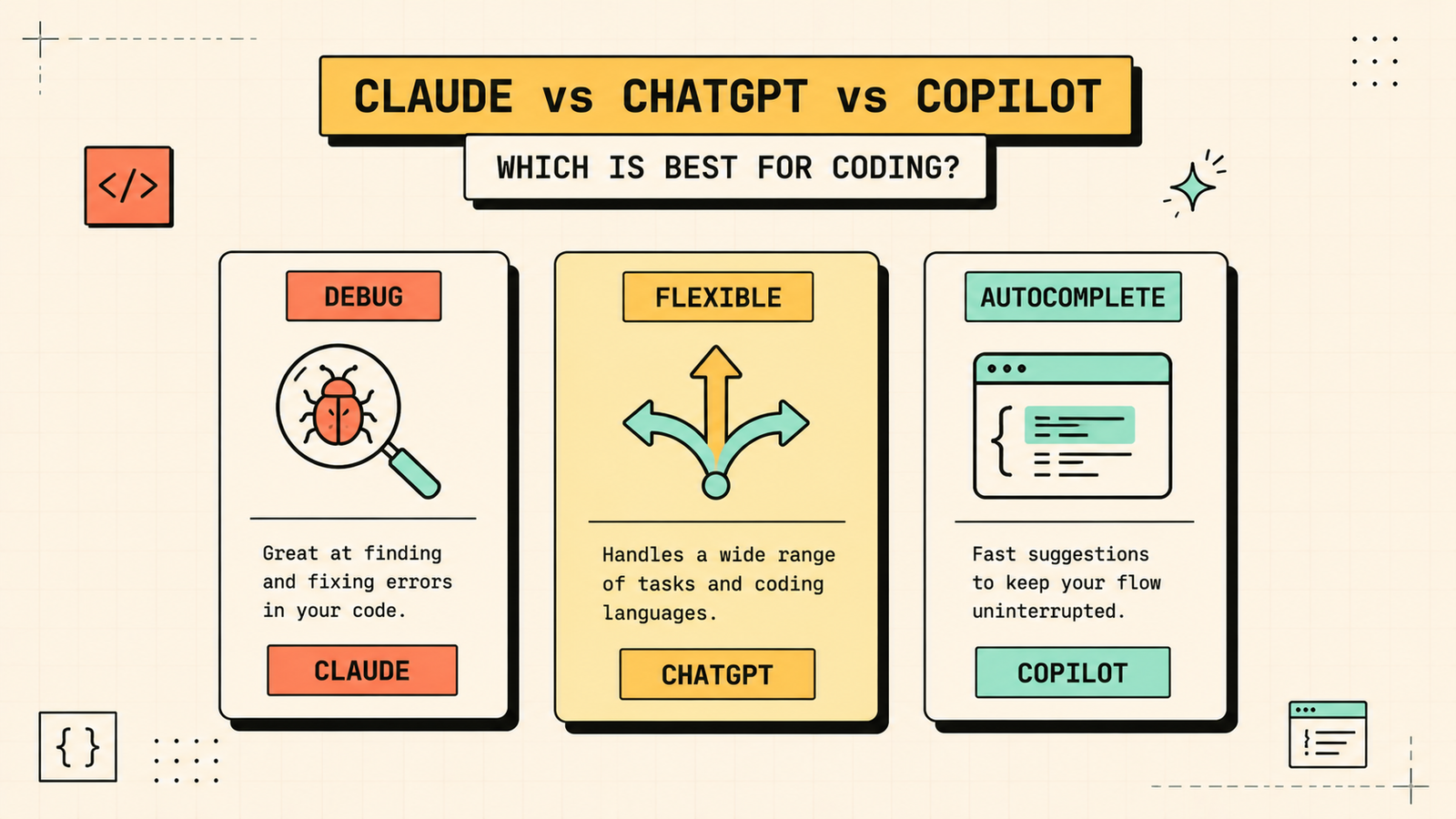
Each wins at a different part of the developer workflow. Pick Claude when you are debugging something complex, reviewing code, or need to paste a large chunk of your codebase and have the AI understand the full picture. Its reasoning on code is the strongest, especially for catching subtle bugs and understanding how pieces fit together. Pick ChatGPT when you need a fast, flexible coding partner for everyday tasks: generating functions, explaining concepts, refactoring, and quick prototyping across any language. Pick GitHub Copilot when you want AI autocomplete inside your editor that speeds up writing code line by line without breaking your flow. Many developers use Copilot in their IDE for real-time suggestions and Claude or ChatGPT in a separate window for thinking through harder problems.
Best free AI for coding
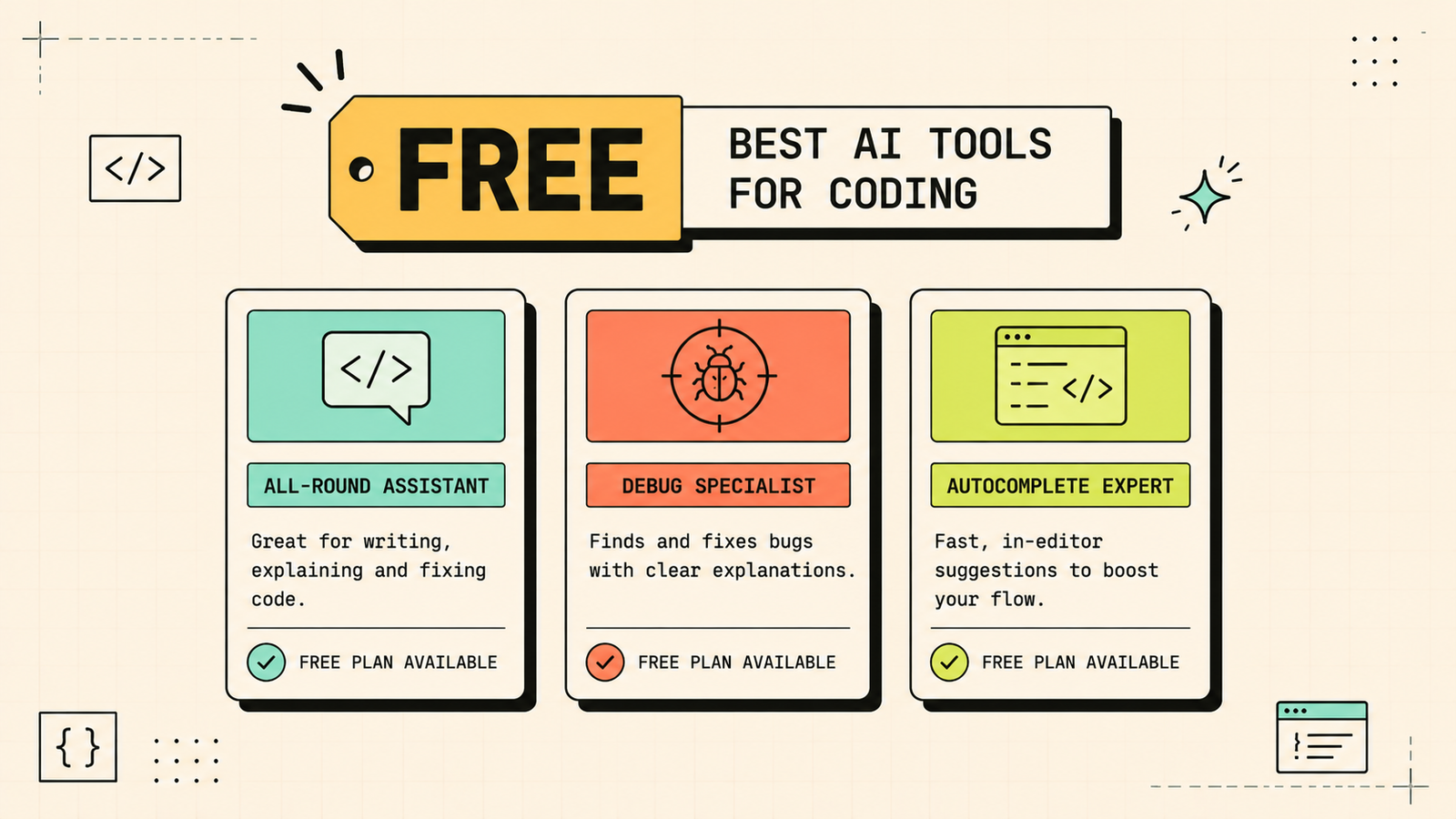
If you are not paying for anything, the free options still cover a lot. ChatGPT free (GPT-4o) handles code generation, debugging, explanations, and prototyping across most languages. Claude free handles complex debugging and code review, with heavier usage on paid tiers. Cursor has a free tier for AI-assisted editing. Between these, you can write, debug, learn, and review code at zero cost. GitHub Copilot has a limited free tier for some users. Paid plans mainly add more usage, longer context, and deeper IDE features, but the free tools handle genuine development work.
We'll show you exactly which AI coding tools fit your workflow and save you the most time.
Get a clear, practical plan to build a coding toolkit that helps you write, debug, and review code faster.
Best AI for debugging
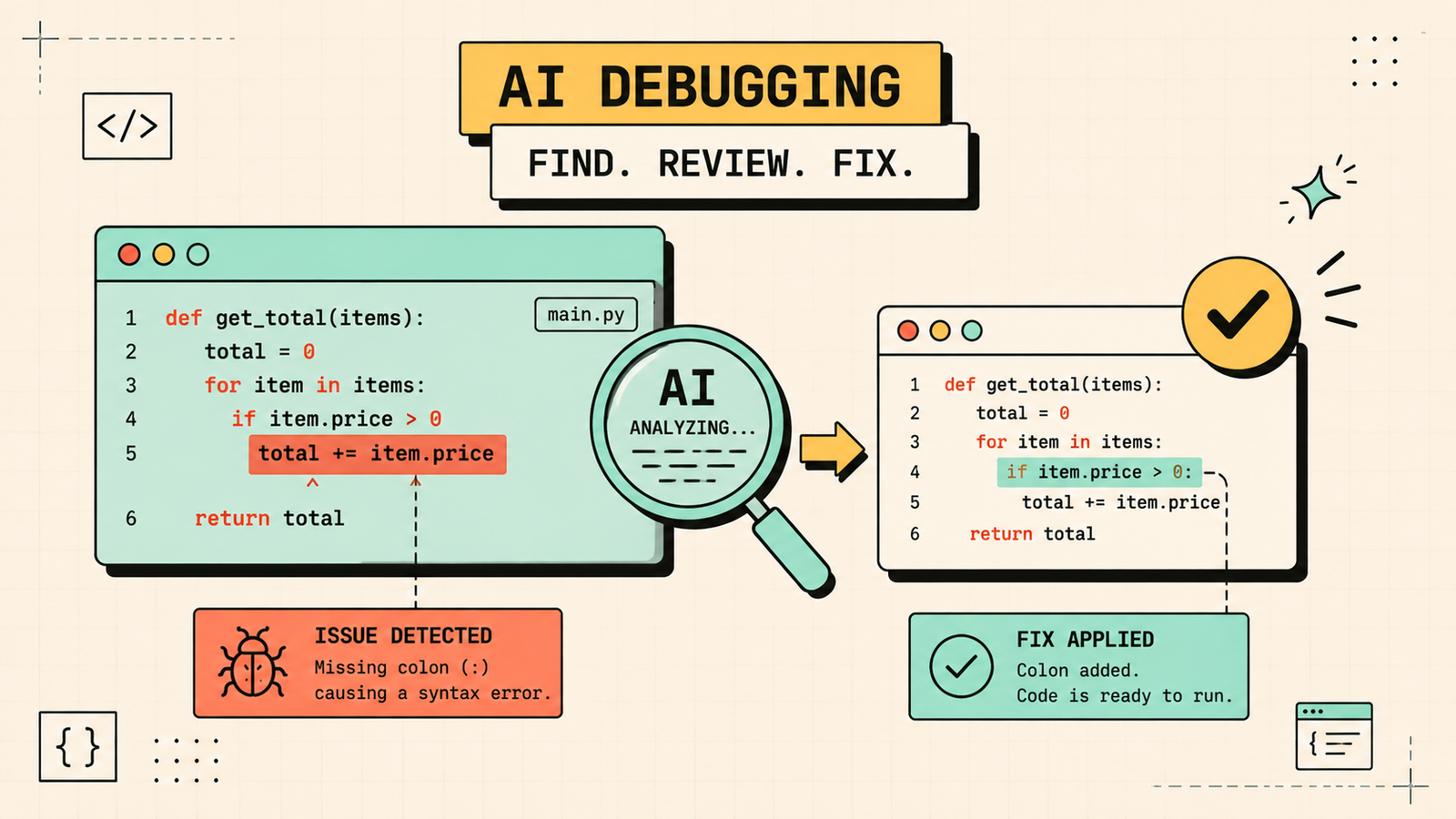
Debugging is where the tool differences matter most. Claude is the strongest debugger because it can hold a large amount of code in context and reason through complex logic, catching bugs that require understanding how multiple parts interact. ChatGPT is a solid second pick for debugging and is faster for simpler issues. GitHub Copilot and Cursor help catch errors in real time inside the editor. The best debugging workflow for hard bugs is to paste the relevant code into Claude, describe the problem, and let it trace through the logic. For quick, obvious bugs, any of the tools work.
Best AI for learning to code
If you are learning rather than building, ChatGPT is the best teacher. It explains concepts in plain language, walks through solutions step by step, answers follow-up questions, and adjusts its explanations to your level. It is patient, available anytime, and covers every language and framework. Claude is also excellent for explanations, especially for more advanced concepts. Copilot helps learners by showing how experienced code looks in practice as they type, though it can be overwhelming if you accept suggestions without understanding them. The key for learners is to always understand what the AI suggests before using it, because accepting code you do not understand teaches you nothing.
Best AI for code review
Code review requires understanding context, catching potential bugs, and suggesting improvements. Claude is the best for this because its large context window lets it read substantial codebases and its reasoning catches subtle issues. ChatGPT handles smaller code reviews well. Neither replaces a human reviewer for production code, but they catch many issues before a human even looks, which speeds up the review process and reduces back-and-forth. Use AI as a first-pass reviewer, then have a human review the important parts.
AI Tools for Marketing
Which programming languages does AI handle best?
All major AI coding tools handle Python, JavaScript, TypeScript, HTML, CSS, Java, C++, Go, Rust, and SQL well. Python and JavaScript get the strongest support because they dominate training data. Less common languages and niche frameworks get weaker support, so test the AI on your specific stack before relying on it. For mainstream web development, data science, and backend development, any of the tools listed here works well.
Can AI write full applications?
AI can generate significant amounts of functional code, but building a full production application still requires a developer making architectural decisions, handling edge cases, managing deployment, and ensuring security. AI is best as an accelerator: generating boilerplate, building components, writing tests, and handling routine code while you focus on the hard decisions and the parts that require domain knowledge. Think of it as a very fast junior developer who writes decent first drafts but needs review and direction.
Common mistakes when using AI for coding
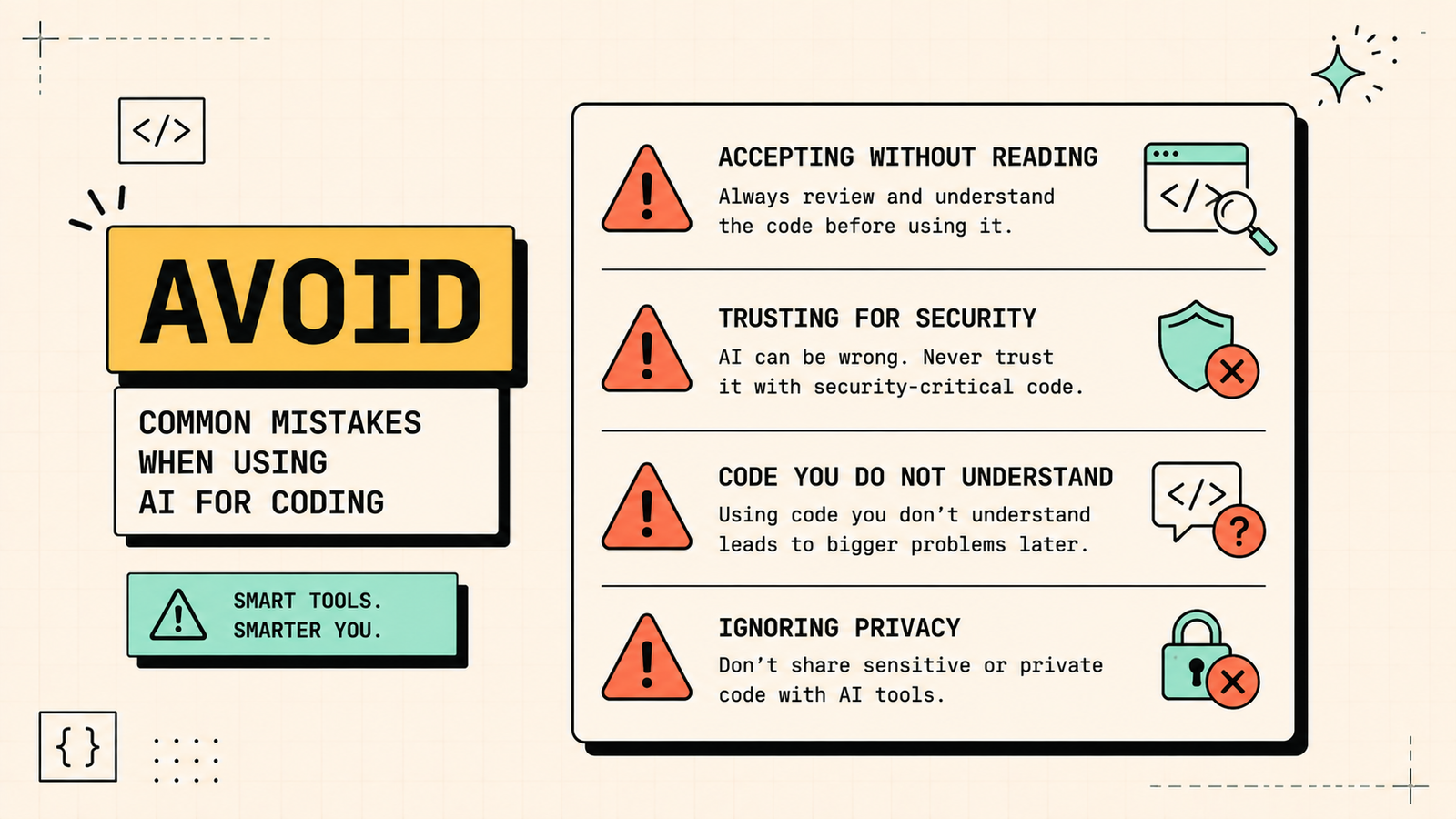
A few patterns waste time or create problems. Accepting AI-generated code without reading it puts untested code into production. Trusting AI with security-critical code without careful review is genuinely dangerous. Using AI to write code you do not understand means you cannot maintain or debug it later. Relying on one tool when another handles your specific problem better leaves you fighting the tool. And pasting sensitive or proprietary code into a public AI tool without considering data privacy is a real risk. Use AI to code faster, review everything it produces, and understand what you accept.
LetMeRank
How developers actually use AI in their workflow
The developers getting the most from AI are not using it for one thing. They are weaving it into multiple parts of their workflow. They use Copilot or Cursor for real-time suggestions as they write, which handles boilerplate and routine code. They use ChatGPT for quick questions, generating test cases, and explaining unfamiliar code. They use Claude for the hard problems: debugging a complex issue by pasting in the relevant context, reviewing a pull request before human review, and reasoning through architectural decisions. They use AI to write documentation and commit messages, which are tedious but important. And they verify everything before it goes into production, because AI suggestions are a starting point, not a final answer. The net effect is not that AI writes the code for them. It is that they spend more time on the interesting, hard problems and less time on the repetitive parts that used to fill the day.
The bottom line
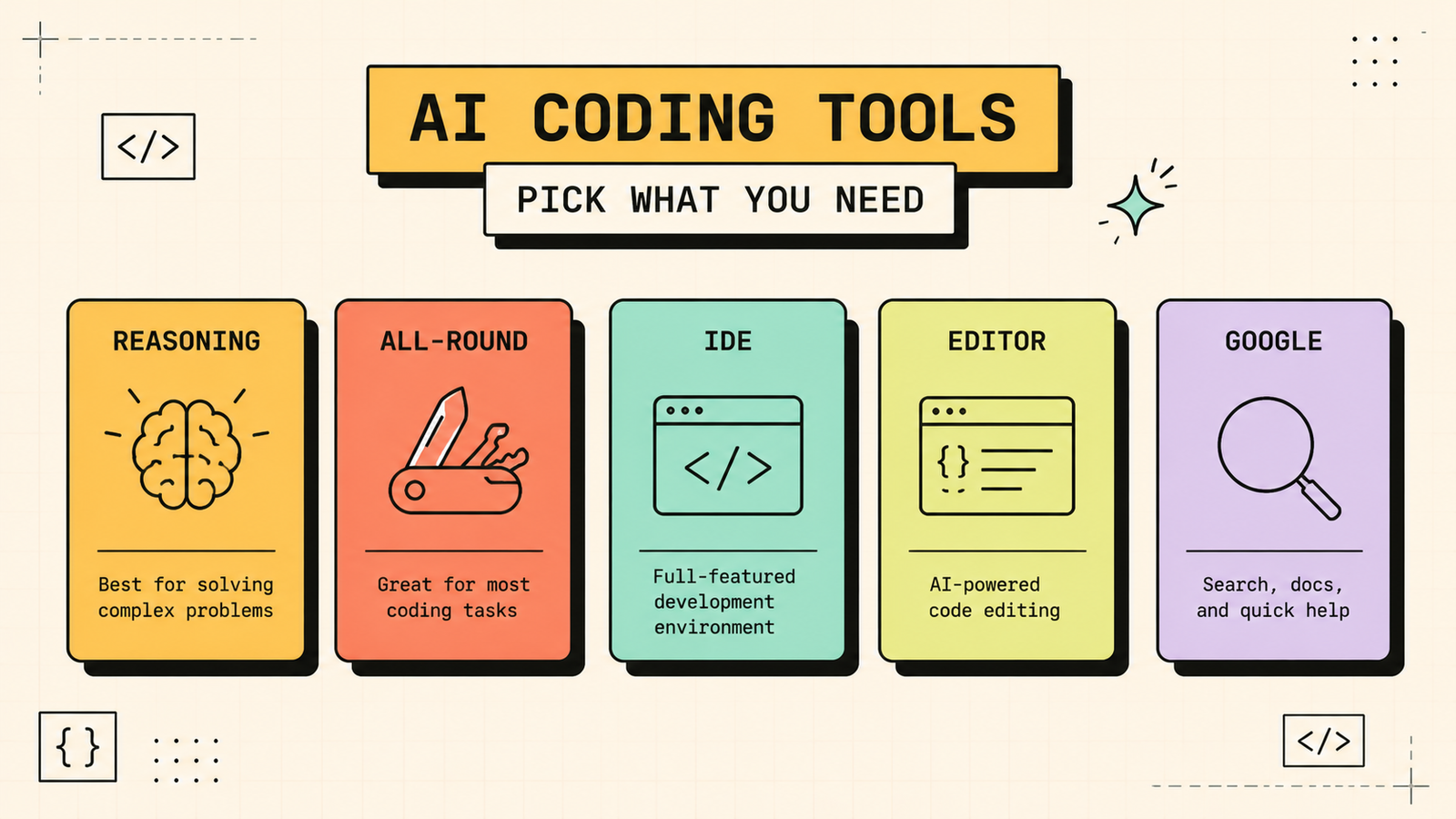
The best AI for coding depends on how you work. Claude for deep debugging and code review, ChatGPT for versatile everyday coding, GitHub Copilot for in-editor completion, and Cursor for conversational coding inside the editor. Start free, use AI as a pair programmer rather than a replacement, review everything it generates, and you get a genuine speed advantage without sacrificing code quality.
If you found this useful, LetMeRank publishes practical guides on AI tools and organic growth for developers, founders, and teams.











