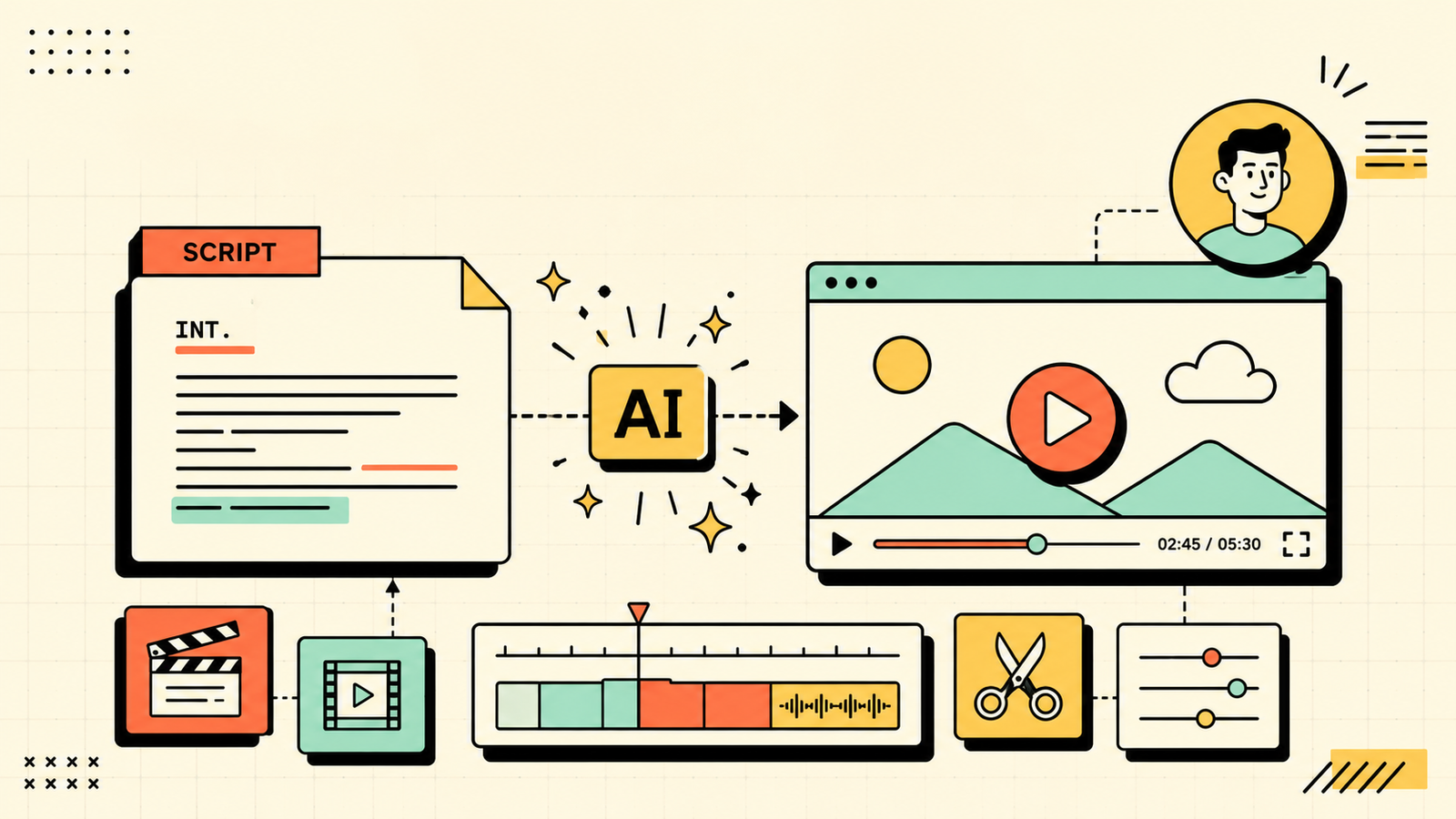
You know video works. You see it everywhere, performing better than text and images on nearly every platform. The problem has never been whether to make video. It has been that making video takes too long, costs too much, and requires skills you do not have. AI video tools have changed that equation. You can now go from a script or even a text prompt to a finished, publishable video in minutes rather than days, without a camera, a studio, or an editing suite. This guide covers which AI is best for video creation, what each tool handles well, which are free, and how to actually use them to produce video worth publishing.
What to look for in an AI video tool
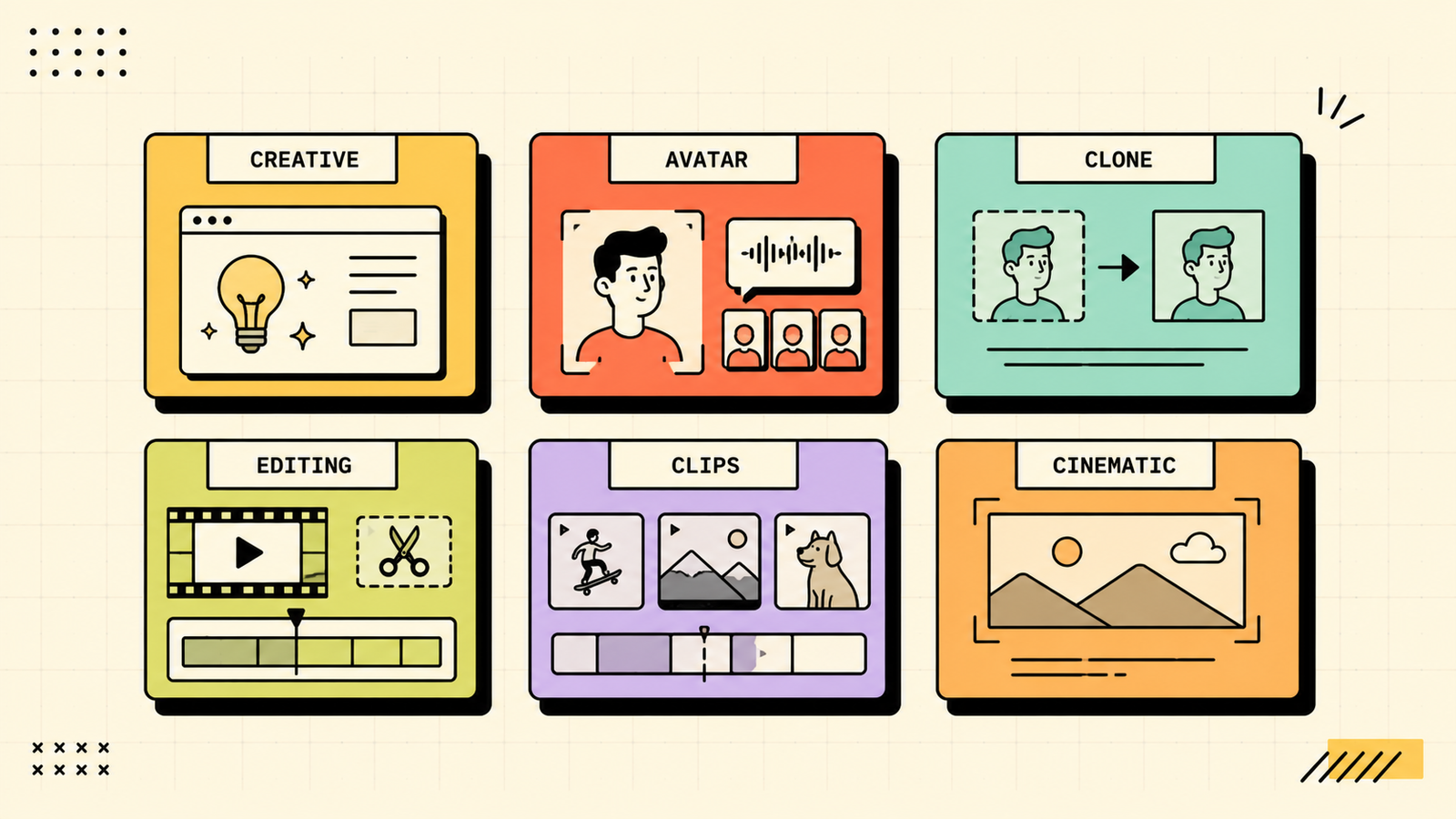
Video AI splits into several categories that solve different problems. Before choosing, figure out which problem you actually have. Do you need to create a video from scratch using just text or a script? Do you need to edit an existing video faster? Do you need to repurpose a long video into short clips? Do you need a talking-head presenter without filming yourself? Each need points to a different tool. Also check the output quality, since some tools produce polished results and others look obviously AI-generated. See whether there is a free plan that produces downloadable video, not just a preview behind a paywall. And check whether the output is usable on the platforms you care about.
Which AI Is Best for Image Generation?
The best AI tools for video creation
Here are the tools worth knowing, matched to the video job they solve.
Runway
Runway is the most powerful generative video tool, capable of creating video clips from text prompts and images. It produces cinematic, visually striking results and is the closest thing to a creative studio in a browser. It handles style transfer, motion generation, and visual effects. Free tier with limited generations, paid for serious use. Best for creating original video content from scratch where visual quality and creative ambition matter most.
Synthesia
Synthesia creates professional talking-head videos using AI avatars. You write a script, choose an avatar and language, and it produces a presenter-style video without any filming. It supports over 140 languages and dozens of realistic avatars. It is paid with a free demo. Best for explainer videos, training content, internal communications, and any video where a human presenter delivers information to the camera.
HeyGen
HeyGen is similar to Synthesia, creating AI avatar videos from a script, with a focus on speed and customisation. It also offers avatar cloning (create a digital twin of yourself) and video translation into other languages. Free trial available, paid plans for more. Best for personalised sales videos, multilingual content, and founders who want a digital version of themselves presenting.
Descript
Descript takes a different approach. Instead of generating video from nothing, it makes editing existing video radically faster by letting you edit video and audio by editing text. Delete a word from the transcript and the video cuts to match. It handles filler word removal, screen recording, and basic AI features like eye contact correction. Free plan with limits. Best for podcasters, talking-head creators, and anyone who films content and needs editing to be faster.
Opus Clip
Opus Clip solves the repurposing problem. Give it a long video and it automatically finds the best moments and cuts them into short clips ready for Reels, Shorts, and TikTok, with captions, aspect ratio cropping, and a virality score. Free tier available. Best for turning long-form video (podcasts, webinars, interviews) into short-form social content without manual editing.
Veo (Google)
Veo is Google's generative video model, producing video from text and image prompts with a focus on realism and cinematic quality. Access is still expanding, and availability varies. Best for high-quality generative video when it becomes widely available, especially for Google-ecosystem creators.
Which AI Is Best for Coding?
AI video tools compared
| Tool | Best for | Creates from | Talking head | Free plan |
|---|---|---|---|---|
| Runway | Original creative video | Text/image prompts | No | Yes (limited) |
| Synthesia | Presenter/explainer video | Script + avatar | Yes (AI avatars) | Demo only |
| HeyGen | Personalised avatar video | Script + avatar/clone | Yes (AI + clone) | Trial |
| Descript | Editing existing video fast | Your recorded video | No (editing tool) | Yes (limited) |
| Opus Clip | Repurposing long to short | Your long video | No (clipping tool) | Yes |
| Veo | Cinematic generative video | Text/image prompts | No | Expanding access |
Runway vs Synthesia vs Descript: which is best for video?
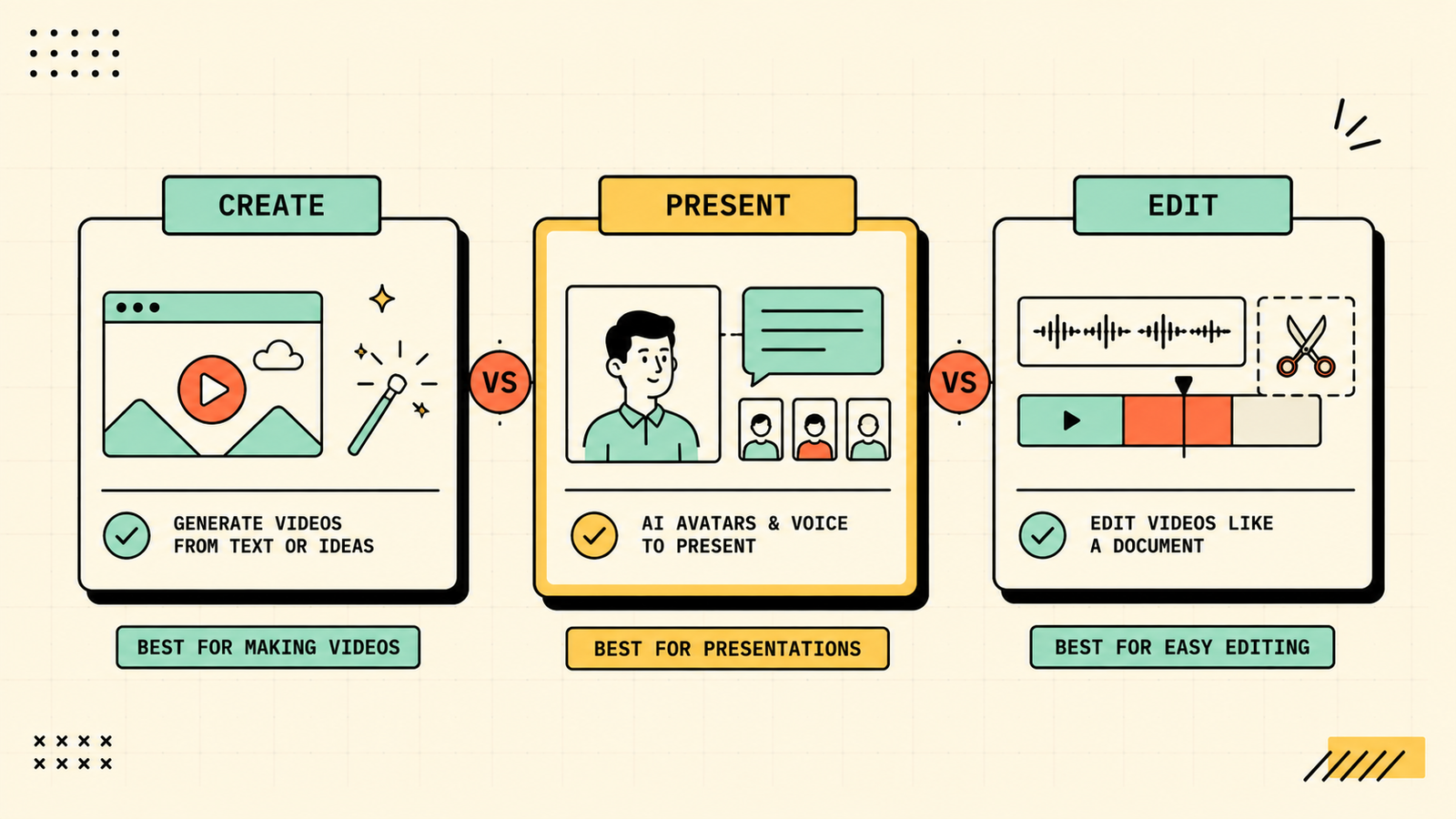
Each solves a completely different problem. Pick Runway when you need to create original video content from nothing, a text prompt or an image, and visual quality matters. It is the most creatively powerful tool. Pick Synthesia when you need a human-looking presenter delivering a script to camera without actually filming anyone. It is the fastest way to produce training, explainer, and communication videos at scale. Pick Descript when you already have recorded video and need to edit it fast, since editing by editing text is genuinely transformative for anyone who films regularly. Most video workflows need at most two of these: one for creation and one for editing or repurposing.
Best free AI for video creation
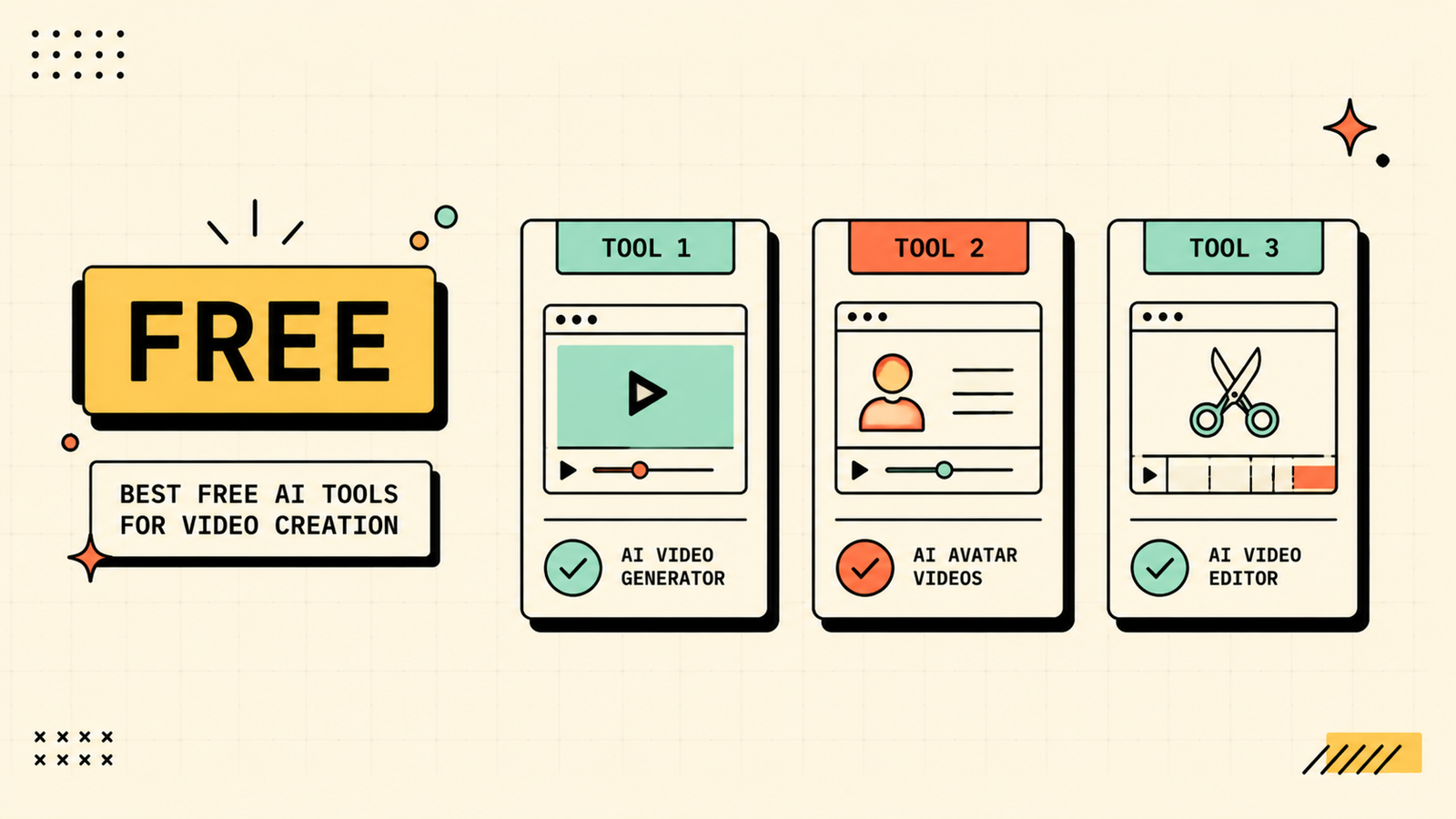
If budget is zero, the free options depend on what you need. Runway free gives you limited generative video to experiment with. Descript free handles basic video and audio editing. Opus Clip free turns long videos into short clips. For talking-head video without filming, CapCut's free AI features and basic text-to-video tools offer a starting point, though the quality is lower than Synthesia or HeyGen. Between Runway free, Descript free, and Opus Clip free, you can create, edit, and repurpose video at zero cost, though with usage limits.
We'll show you exactly which AI video tools fit your workflow and save you the most time.
Get a clear, practical plan to build a video creation toolkit that produces content worth publishing.
Best AI to turn text or a script into video
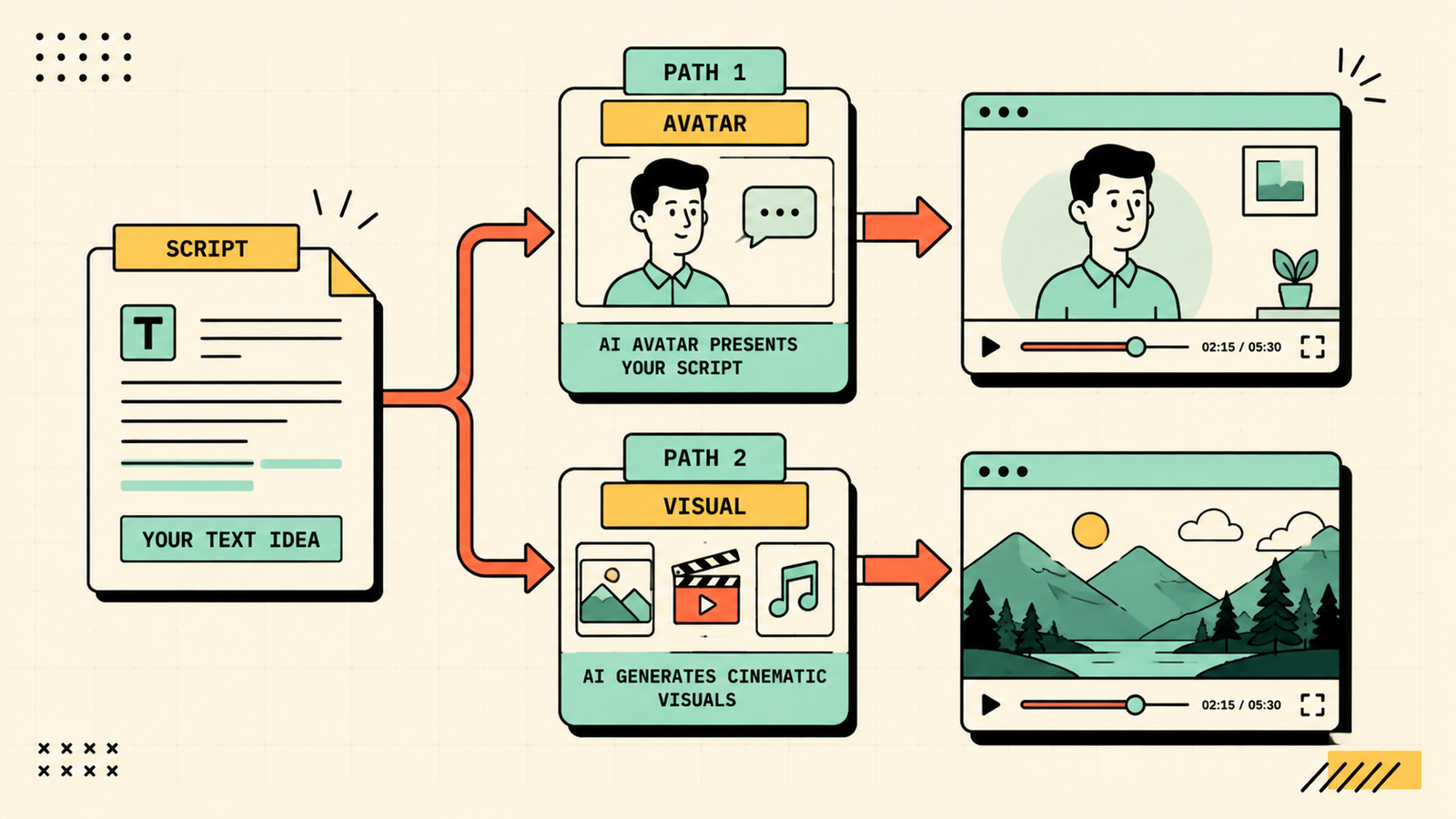
If you want to go from written text to a finished video, you have two main paths. For a talking-head presenter reading your script, Synthesia and HeyGen both produce polished, realistic avatar videos. For visual, non-presenter video generated from a description, Runway creates cinematic clips from text prompts. For a simple slideshow-style video with narration, tools like Pictory and InVideo turn blog posts and scripts into narrated video with stock footage. Choose based on whether you want a human face on screen or a visual montage.
Best AI for short-form video (Reels, Shorts, TikTok)
Short-form is where AI saves the most time relative to the work involved. Opus Clip takes any long video and automatically pulls the best clips with captions and formatting for vertical platforms. Descript lets you edit a quick clip by deleting text rather than scrubbing through a timeline. CapCut offers free AI editing features designed for short-form. The most efficient workflow for short-form is to record or generate one long piece, then let Opus Clip pull the best moments, which turns a single effort into a week of social content.
Best AI for talking-head and avatar videos
If you want a human face delivering content without actually filming, Synthesia and HeyGen are the two leaders. Synthesia has the widest range of professional, realistic avatars and supports over 140 languages, making it the go-to for multilingual and training content. HeyGen offers avatar cloning, so you can create a digital twin of yourself, which is powerful for personalised outreach and founder-led content. Both are paid. For occasional talking-head video, consider simply filming yourself and editing in Descript, which is cheaper and looks more authentic.
AI Tools for Marketing
Can AI create videos for YouTube?
Yes, AI can help create YouTube content, but the most successful YouTube channels use AI as an accelerator rather than a complete replacement. Use AI to generate ideas and scripts (ChatGPT or Claude), create thumbnails (Ideogram or Midjourney), edit your recorded footage faster (Descript), add AI-generated B-roll or visual effects (Runway), and repurpose into Shorts (Opus Clip). Fully AI-generated channels exist, but they tend to perform poorly because audiences value authenticity. The strongest play is to combine your real expertise and personality with AI tools that handle the production work faster.
Common mistakes with AI video tools
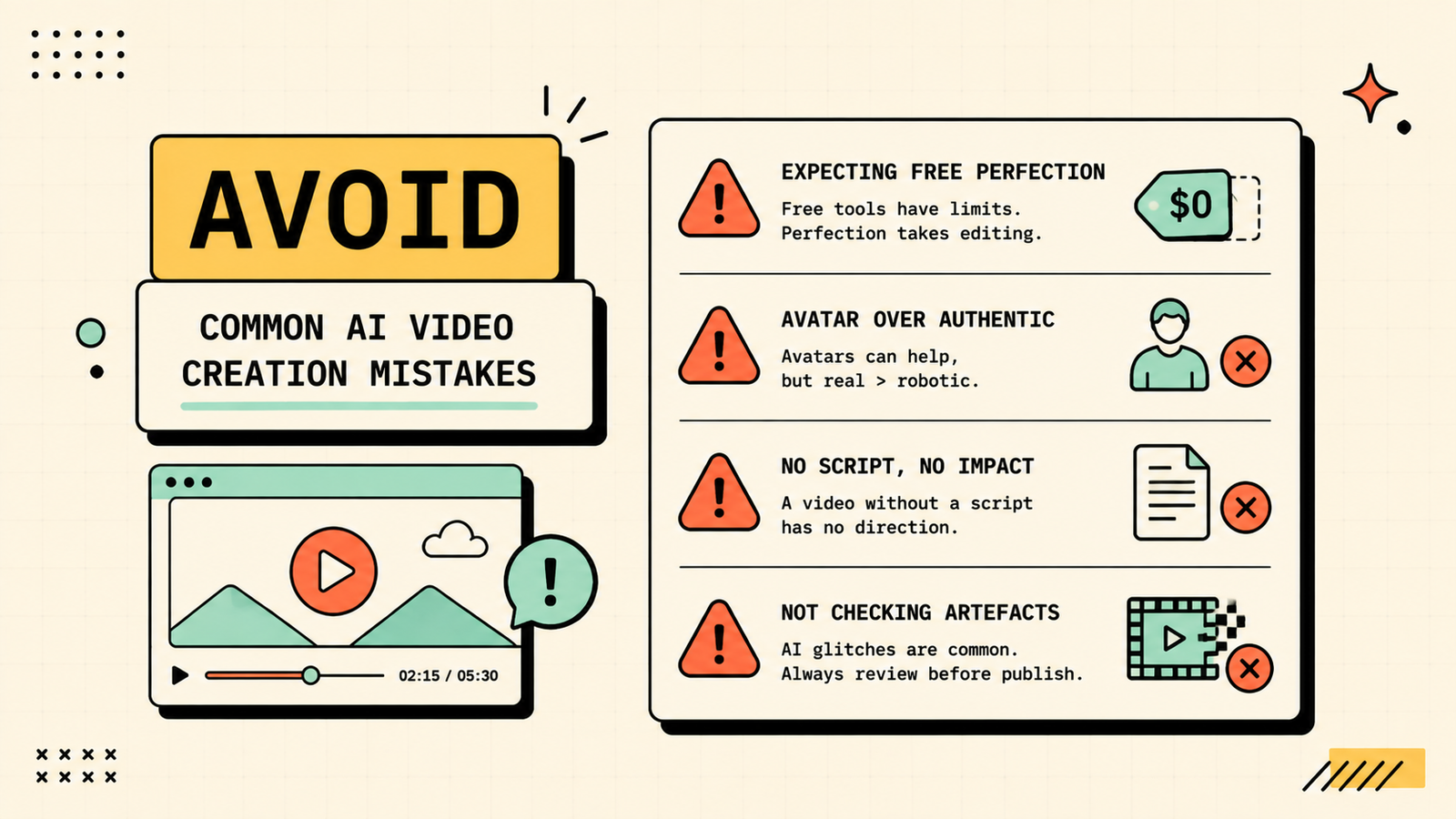
A few patterns waste time or produce unusable results. Expecting cinematic quality from free tiers leads to disappointment, since the best output is on paid plans. Using AI avatars when authentic, filmed content would connect better misses the point of video, which is human connection. Generating video without a clear script produces unfocused content. Not checking AI-generated visuals for artefacts, glitches, and unnatural movement before publishing looks careless. And trying to use one tool for everything when each solves a different problem slows you down. Match the tool to the job, invest in quality when it matters, and keep authenticity where it counts.
LetMeRank
AI video for business: what actually works
For businesses, not every type of AI video is worth making. The formats that consistently deliver value are explainer and onboarding videos (Synthesia or HeyGen with a script), short-form social clips from existing content (Opus Clip), product demos with screen recording and AI editing (Descript), and repurposed webinar or podcast highlights (Opus Clip or Descript). The formats that tend to underwhelm are fully AI-generated promotional videos with no human element, since they feel hollow and audiences notice. The rule for business video is the same as content: AI handles the production speed, but your expertise and personality are what make people care. Put a real person, a real insight, or a real demonstration at the centre, and let AI handle everything around it.
Do you need expensive equipment to make AI video?
No, and this is one of AI's biggest practical advantages. A phone camera, decent lighting (a window works), and a quiet room are enough for filming content that Descript can edit into something polished. For avatar video, you need nothing beyond a script and a browser. For generative video from Runway, you need nothing at all, just a text prompt. The bottleneck has moved from equipment and editing skill to having something worth saying, which is exactly where it should be. Start with what you have, and invest in better gear only once video is clearly working for your business.
The bottom line
The best AI for video creation depends on what kind of video you need. Runway for original creative content, Synthesia or HeyGen for talking-head presenters, Descript for fast editing, and Opus Clip for repurposing long content into short clips. Start free to learn the tools, invest in paid when quality and volume demand it, and remember that the best video combines AI speed with your real expertise and personality.
If you found this useful, LetMeRank publishes practical guides on AI tools, content, and organic growth for founders and teams.











