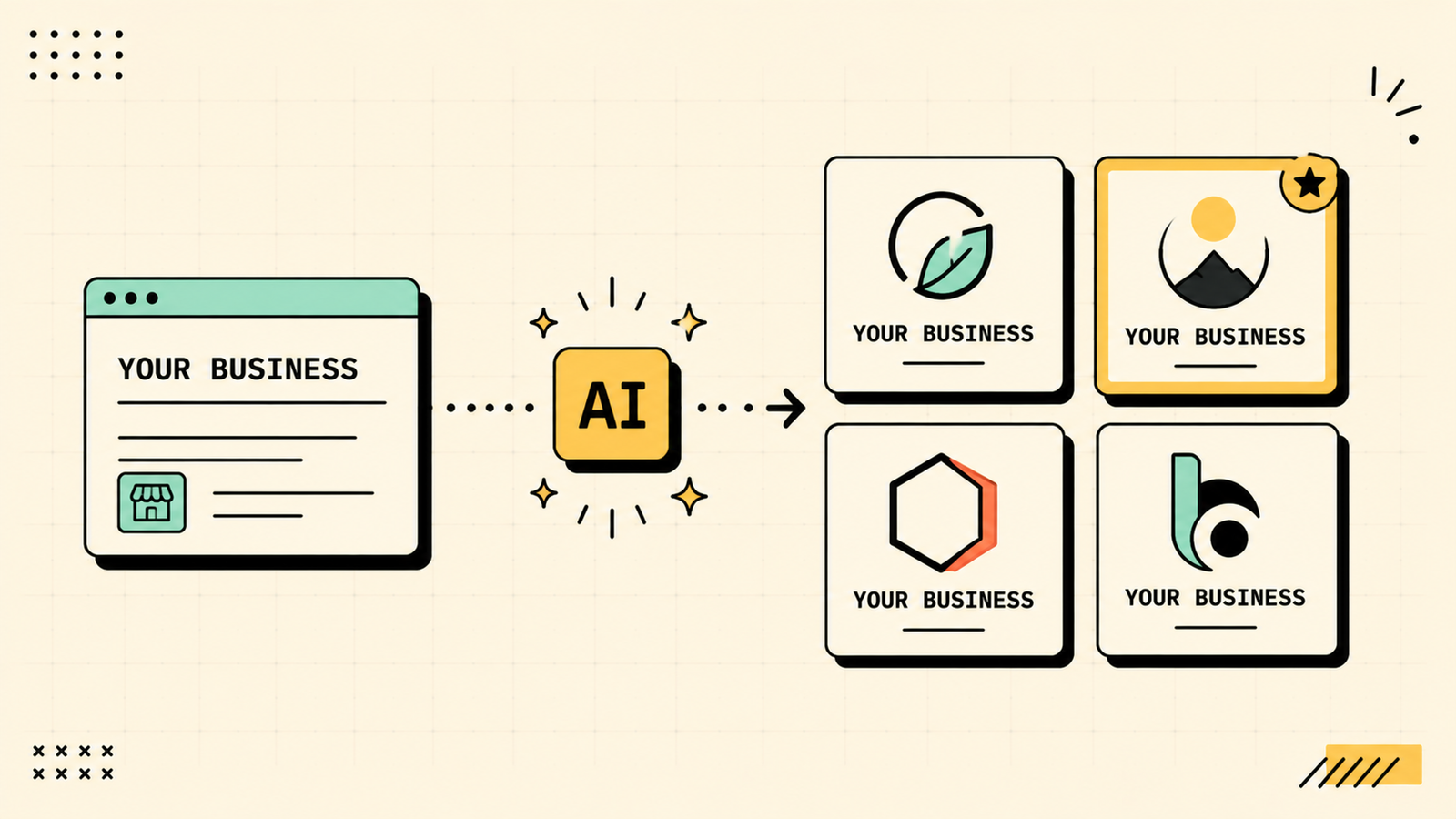
You need a logo. You do not have a designer, you cannot spend thousands, and the stock logo sites are giving you the same generic swoosh everyone else has. AI logo makers promise to fix that, turning a business name and a vibe into a usable logo in minutes. Some deliver. Most do not. The gap between a logo you would actually put on your business and one that screams "I used a free generator" is wide, and it comes down to which tool you pick and how you use it. This guide covers the best AI logo makers, what each produces, which are free, and the honest answer on whether AI logos are good enough for real businesses.
What an AI logo maker can and cannot do
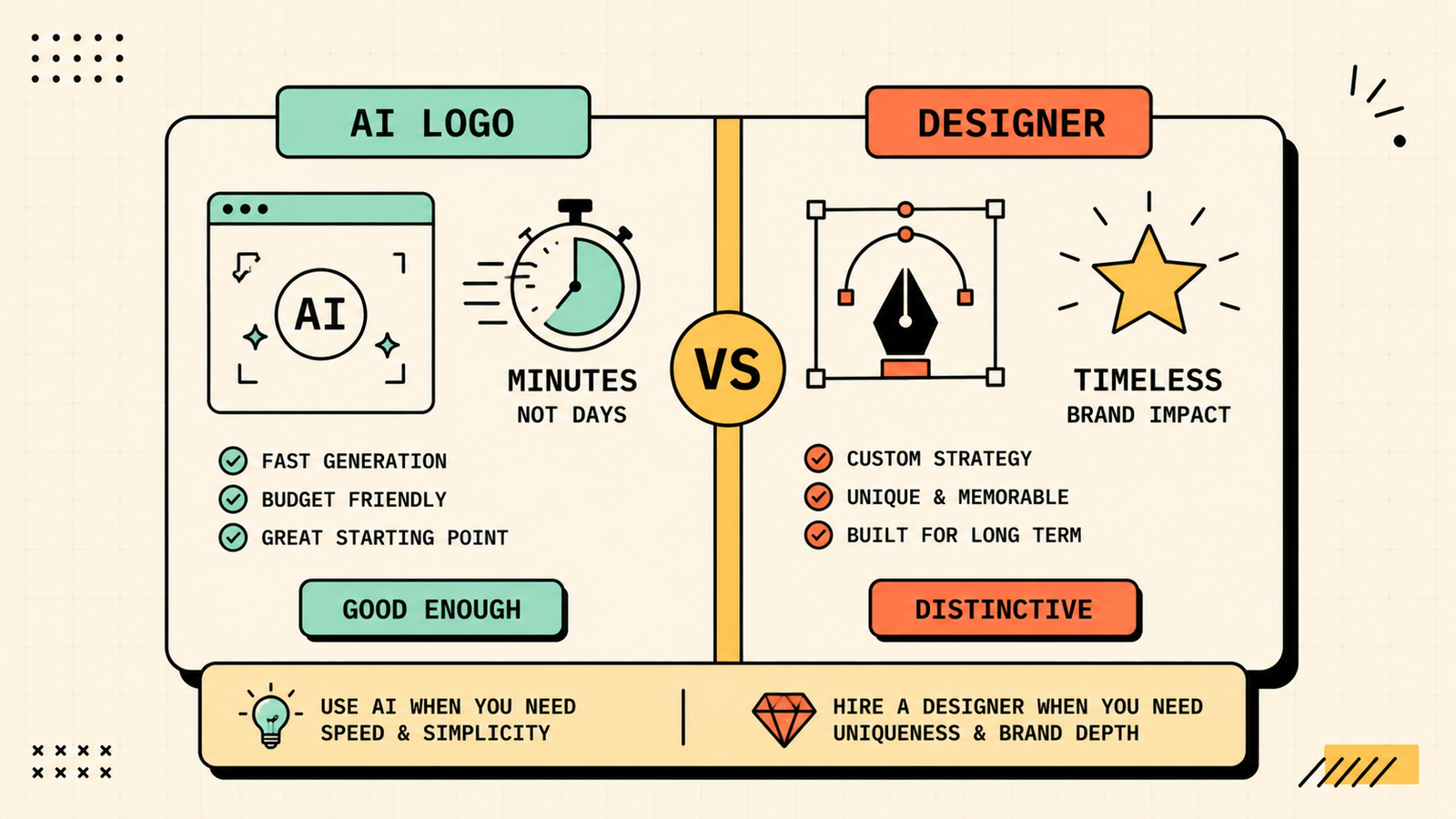
Setting expectations matters here more than with most AI tools. AI logo makers can generate a starting concept fast, give you dozens of variations to react to, handle basic text and icon combinations, and save you from the blank-page problem of designing from nothing. They cannot produce the strategic, deeply custom work a professional designer does, where your logo is built on brand positioning, competitor differentiation, and a design system that works across every touchpoint. For an early-stage business, a side project, a personal brand, or a starting point before hiring a designer, AI logos work. For a brand that will be seen by millions and needs to be genuinely distinctive, a professional is still worth the investment.
Which AI Is Best for Video Creation?
The best AI logo makers
Here are the tools worth knowing, matched to what they actually produce.
Looka
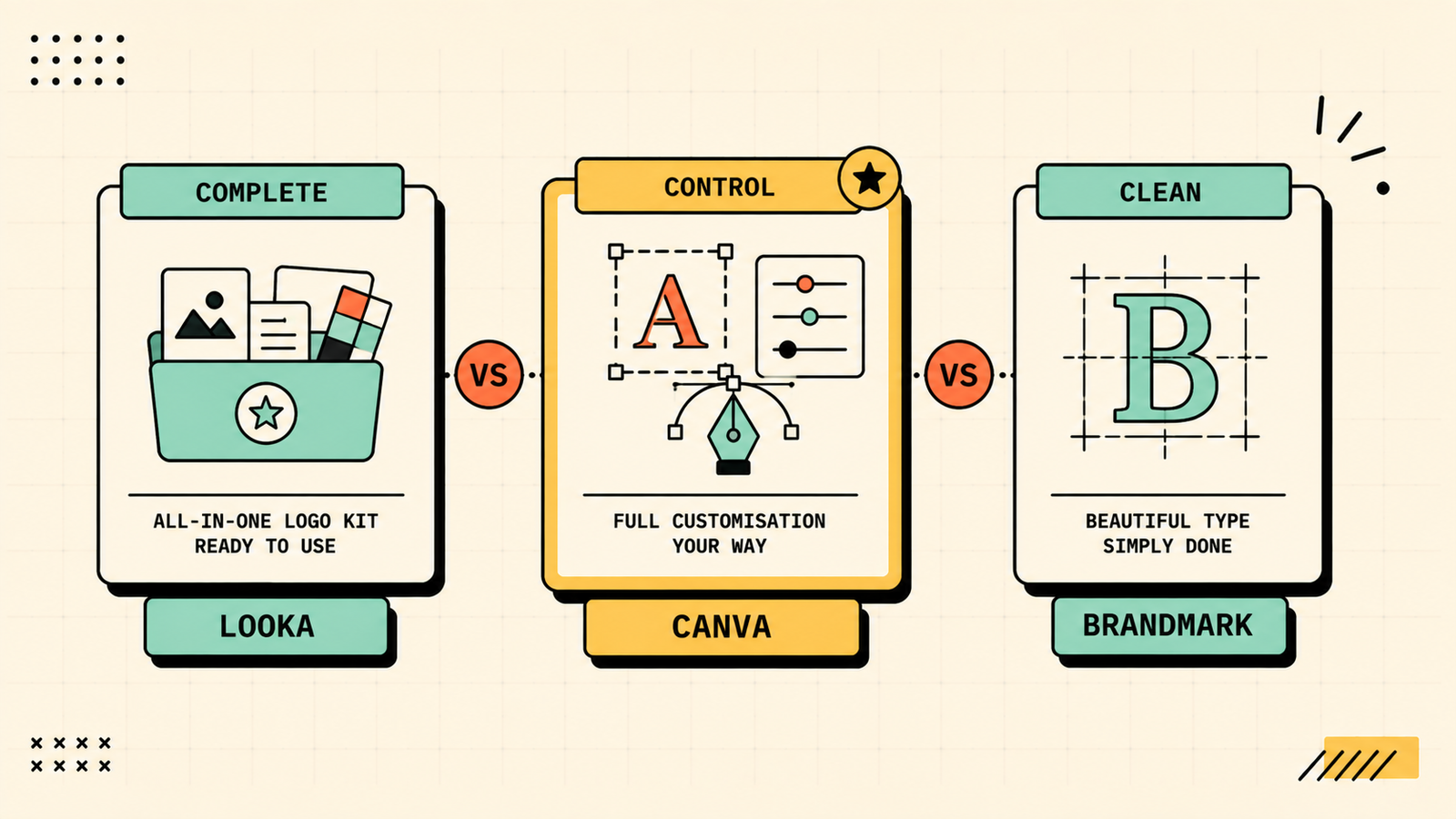
Looka is the most popular AI logo maker and produces the most complete branding package. You enter your business name, pick styles and colours, and it generates logo concepts plus a full brand kit: business cards, social profiles, letterheads, and more. The logos are clean and professional for a generator. Logos are free to preview, paid to download. Best for entrepreneurs who want a logo and a complete brand kit in one tool.
Canva
Canva's logo maker combines AI generation with manual design tools, giving you both automated concepts and full creative control to customise. It has a huge template library and integrates with the rest of Canva's design platform. Free plan available, Pro adds brand controls. Best for people who want to customise beyond what a pure generator offers and already use Canva.
Brandmark
Brandmark generates logos with a strong focus on typography and clean, modern design. It produces wordmarks, lettermarks, and icon combinations that tend to look more refined than average generators. Paid to download, free to preview. Best for text-forward, typography-driven logos with a clean, modern feel.
Ideogram
Ideogram is not a dedicated logo maker, but its ability to render text cleanly inside generated images makes it a powerful option for logo concepts. You can describe the style, icon, and text you want and get creative, unique results that go beyond template-based generators. Free daily credits. Best for creative, unique logo concepts that break out of the template look.
LogoAI
LogoAI generates logos with AI and also provides brand identity assets. It focuses on producing simple, usable logos quickly. Free to preview, paid to download. Best for a fast, simple logo when you need something clean and do not need heavy customisation.
Hatchful by Shopify
Hatchful is a free logo maker by Shopify that generates basic logos from your business name and category. The output is simpler than paid tools, but it is completely free to download and use. Best for a free, basic logo when budget is genuinely zero and you need something now.
Which AI Is Best for Image Generation?
AI logo makers compared
| Tool | Logo quality | Customisation | Brand kit included | Free to download |
|---|---|---|---|---|
| Looka | Good, professional | Moderate | Yes (full kit) | No (paid download) |
| Canva | Good, highly customisable | High (full editor) | Partial (Pro) | Yes (basic, watermark-free) |
| Brandmark | Good, typography-focused | Moderate | Partial | No (paid download) |
| Ideogram | Creative, unique concepts | Low (image generator) | No | Yes (daily credits) |
| LogoAI | Clean, simple | Moderate | Partial | No (paid download) |
| Hatchful | Basic | Low | No | Yes (fully free) |
Looka vs Canva vs Brandmark: which is best for logos?
These three cover the most common needs. Pick Looka when you want the most complete package: logo plus full brand kit (business cards, social assets, letterheads) generated together, which saves time if you are starting a brand from scratch. Pick Canva when you want creative control and want to customise the logo yourself beyond what a generator decides, especially if you already use Canva for design. Pick Brandmark when you want a typography-focused, modern logo with a cleaner, more refined feel than most generators produce. For most entrepreneurs starting out, Looka gives the most complete result. For those who want hands-on control, Canva is the better fit.
Best free AI for logo design
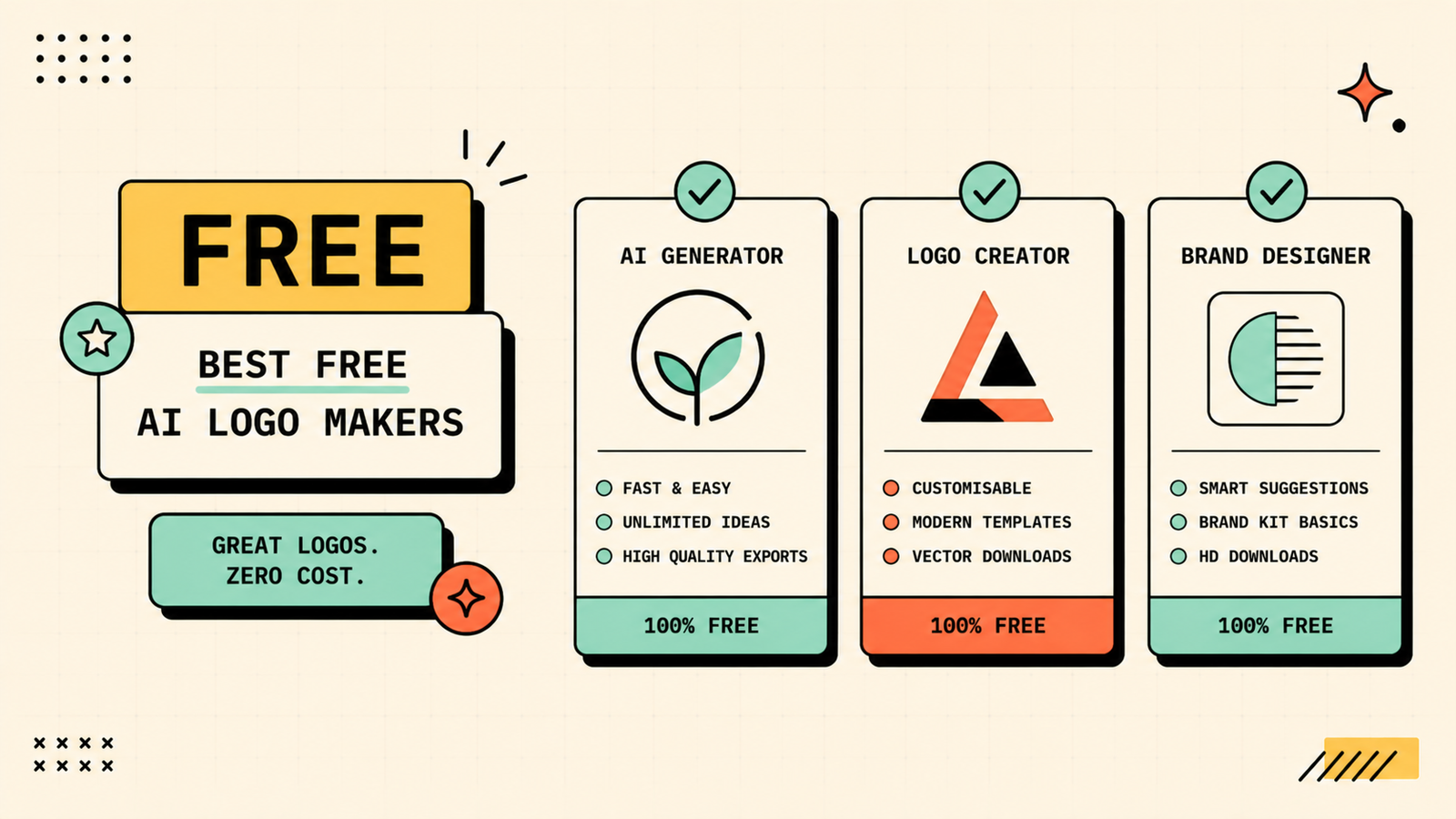
If you are spending nothing, your best options are Canva free (generate and customise logos at no cost), Hatchful by Shopify (completely free logo generation and download), and Ideogram free (creative logo concepts from text prompts with daily credits). Between these three, you can create and download a usable logo without paying. The output will not match a professional designer or a premium AI tool, but for an early-stage brand, a side project, or a placeholder while you grow, free logos work.
We'll show you exactly which AI logo tool fits your brand stage and budget.
Get a clear, practical plan to create a logo that works for your business without wasting time or money.
Best AI to make a logo from a text prompt
If you want to describe your logo in words and have AI create it, Ideogram is the strongest option. Its text rendering is the best of any image generator, and it can create unique, creative concepts from a detailed prompt rather than mixing templates. Describe the style, icon, colours, and text, and it generates concepts you would not get from a template-based tool. The trade-off is less precision than a dedicated logo maker and no built-in brand kit, but for creative exploration it is unmatched. DALL-E via ChatGPT can also generate logo concepts conversationally, though text rendering is less reliable.
Are AI logos safe to trademark?
This is the question most people forget to ask. The legal landscape for AI-generated images and trademarks is still evolving and varies by country. In many jurisdictions, purely AI-generated works may not qualify for full copyright protection, which could complicate trademarking. The safest approach is to use an AI-generated logo as a starting point, then have a designer refine it into a final, human-created version, which strengthens your legal standing. If trademark protection matters to your business (and for most serious brands it should), consult a trademark attorney before building your brand on a purely AI-generated logo. For early-stage brands using the logo as a placeholder, the practical risk is low, but know the limitations.
When to use AI vs hiring a designer
The honest answer depends on your stage and stakes. Use AI when you are early stage and need something decent now rather than perfect later, when budget is genuinely tight, when you need a placeholder while you validate the business, or when you want to explore concepts before briefing a designer. Hire a designer when your brand will be seen by a large audience and needs to be distinctive, when you want a full design system (logo, type, colour, layout rules) that scales, when trademark protection matters, or when you have tried AI and the output does not feel right. Many founders start with AI, validate their business, then invest in professional design once the brand justifies it. That is a perfectly smart sequence.
AI Tools for Marketing
How to get better results from AI logo makers
A few habits improve the output significantly. Be specific about style, colours, and mood rather than accepting the first default. Try many variations before settling, since the first batch is rarely the best. Look at what your competitors use and deliberately go in a different direction. Test your favourite on different backgrounds, sizes, and formats to make sure it works everywhere. And if the AI gets you 80% there, it is often worth paying a designer to polish the last 20% into something genuinely yours. A refined AI concept plus a designer finishing pass is often the best value for a growing brand.
Common mistakes with AI logo design
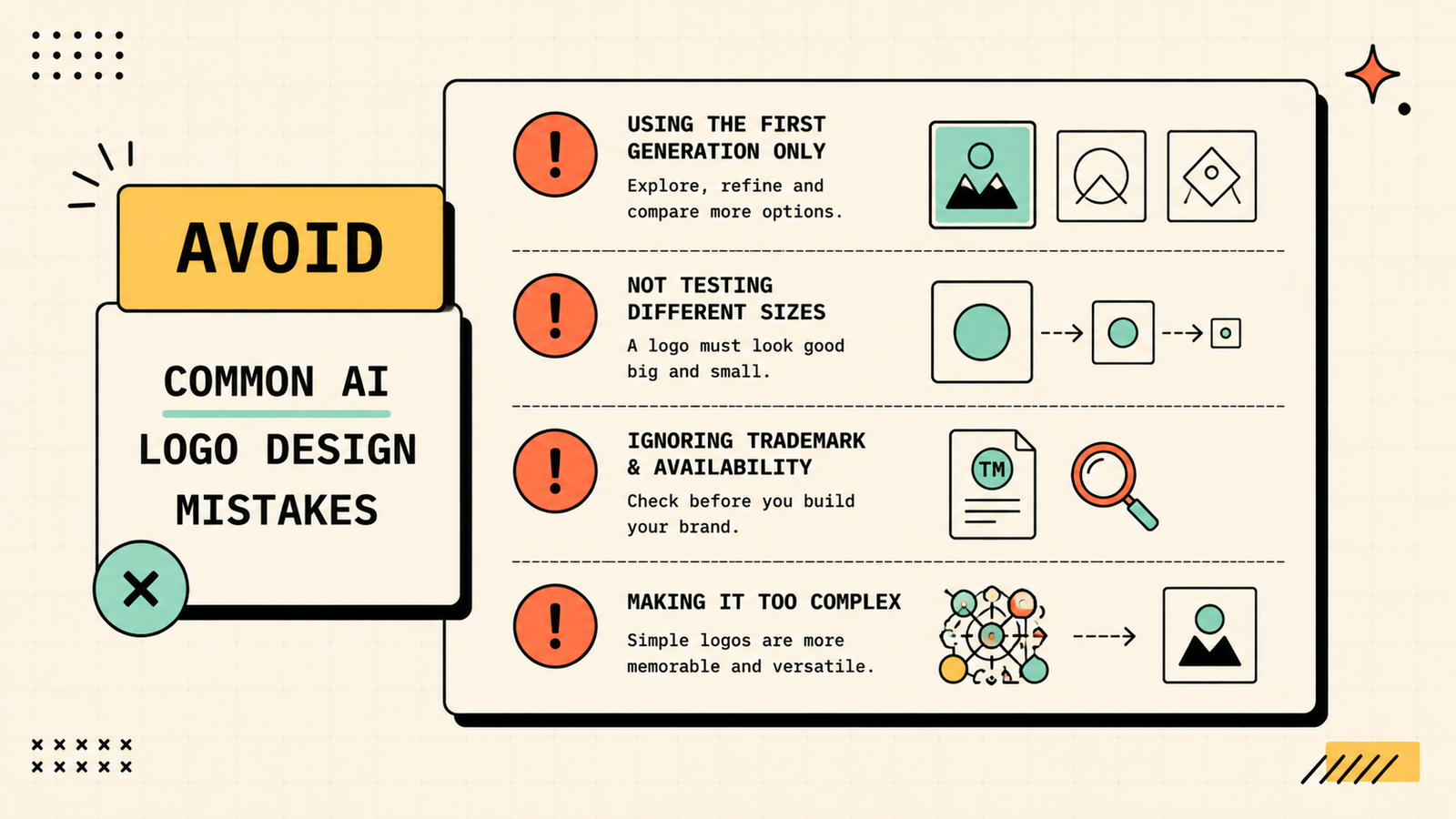
A few patterns lead to logos you will regret. Accepting the first generation without exploring variations means you settle for average. Not testing the logo at small sizes, on dark backgrounds, and in black and white reveals problems after you have already printed it everywhere. Ignoring trademark and copyright questions creates legal risk as your brand grows. Using an overly complex or detailed AI-generated image as a logo means it will not scale down or reproduce cleanly. And treating the logo as permanent when it is really a placeholder leads to attachment to something that was always temporary. Use AI for speed and exploration, but keep your eyes open about its limits.
LetMeRank
Quick checklist before you finalise an AI logo
Before you commit to any AI-generated logo, run it through a few quick checks that save you from problems later. Does it work in black and white, not just in colour? Does it look clear and readable at a very small size, like a favicon or a social profile picture? Does it look good on both light and dark backgrounds? Is it simple enough to be memorable, or is it so detailed that it turns into a blur at small scale? Have you searched to make sure no one else is using something very similar? And can you get it in vector format (SVG or similar) so it scales cleanly to any size? If the answer to any of these is no, keep iterating or bring in a designer to fix the problem spots. A logo that fails at small size or on a dark background will cause headaches the moment you try to use it anywhere beyond your website header.
The bottom line
The best AI for logo design depends on what you need and where your business is. Looka for a complete brand kit, Canva for customisable control, Brandmark for clean typography, and Ideogram for creative concepts from a prompt. Start free with Canva, Hatchful, or Ideogram, explore widely, and invest in a designer when your brand grows to the point where a truly distinctive identity matters. AI gets you started. Design judgment makes it last.
If you found this useful, LetMeRank publishes practical guides on AI tools, content, and organic growth for founders and teams.











