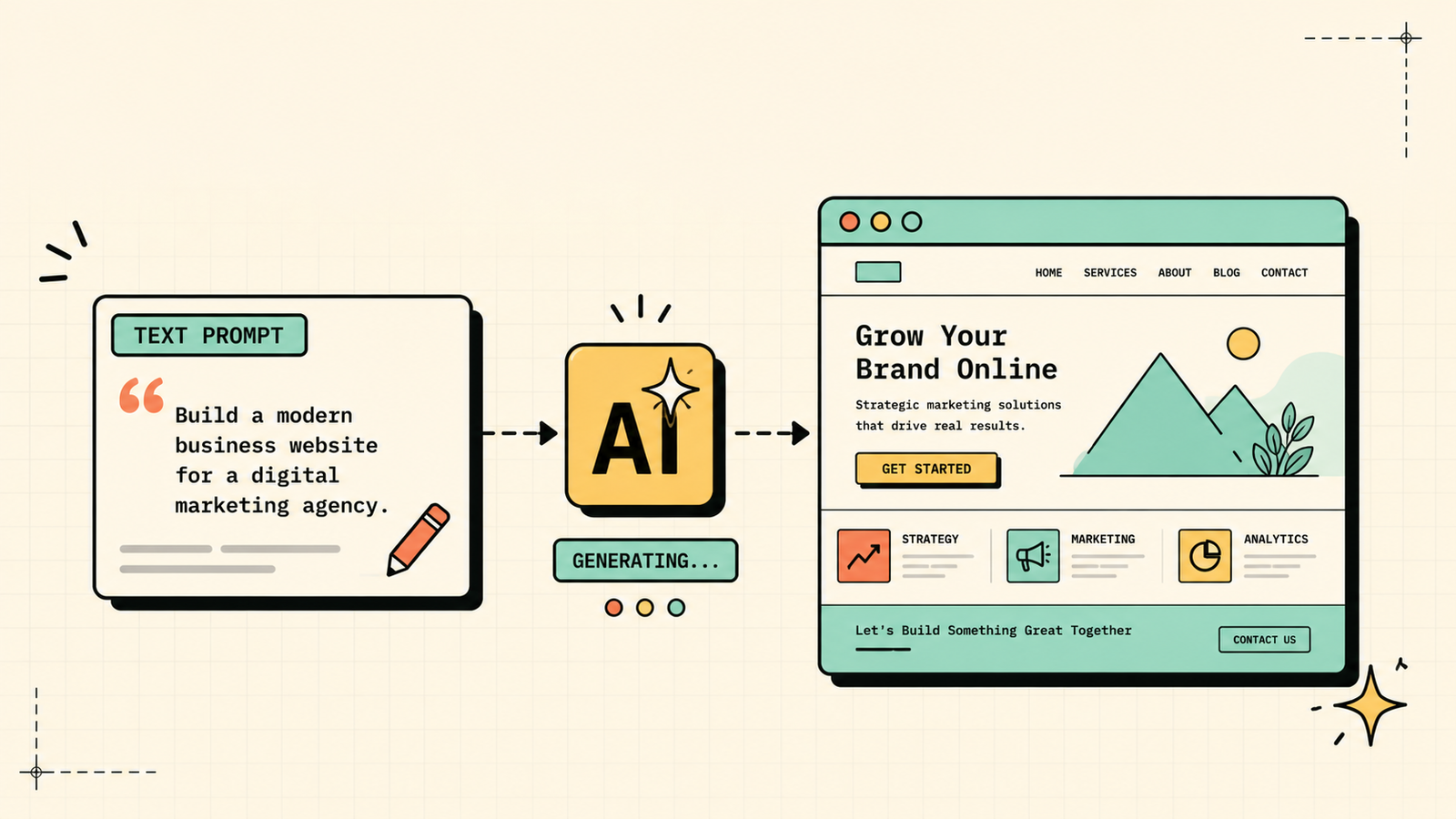
You need a website, you do not know how to code, and the idea of spending weeks learning WordPress or thousands hiring a developer feels like the wrong answer for where your business is right now. AI website builders have changed the equation. You describe what you want, the AI builds it, and you have a live site in minutes. But "live" and "good" are not the same thing, and the gap between tools that produce a genuine, usable website and ones that produce a pretty demo you cannot actually run a business on is wide. This guide covers which AI is best for building a website, what each tool produces, which are free, and the honest answer on when AI is enough and when you need something more.
What to look for in an AI website builder
Before choosing, check a few things. Does the tool produce a real, hosted, live website you can point a domain to, or just a design mockup? How much can you customise after generation, since no AI gets everything right on the first try? Does it handle the basics a real site needs: mobile responsiveness, basic SEO, contact forms, and analytics? How fast and reliable is the hosting? Is there a free plan that lets you publish, not just preview? And can you move your site away if you outgrow the tool, or are you locked in? A tool that builds fast but locks you into a limited platform creates a different problem down the road.
Which AI Is Best for Logo Design?
The best AI website builders
Here are the tools worth knowing, matched to what they produce and who they suit.
Framer
Framer is the most design-forward AI website builder. You describe your site or paste content and it generates a visually polished, modern website with strong animations and interactions. It produces sites that genuinely look custom-designed rather than template-based. You can customise extensively after generation. Free plan available (Framer branding), paid for custom domain and full features. Best for founders, creators, and agencies who want a website that looks professionally designed without hiring a designer.
Wix ADI
Wix ADI (Artificial Design Intelligence) asks you a few questions about your business and generates a complete website with content, images, and structure. It is backed by Wix's full platform, so you get hosting, SEO tools, ecommerce, booking, and everything Wix offers. Free plan available (Wix branding), paid for custom domain. Best for small businesses that want an all-in-one platform with AI generation plus a mature feature set.
Durable
Durable claims to build a website in 30 seconds, and it delivers on that promise. You enter your business type and name, and it generates a complete site with copy, images, and structure. It is the fastest option and includes CRM and invoicing tools. Paid with a trial. Best for service businesses and freelancers who want a simple site live as fast as possible.
Hostinger AI Website Builder
Hostinger's AI builder generates a full website from a description and includes hosting, domain, and email in one affordable package. The output is clean and functional, and the pricing is among the lowest for a hosted, custom-domain site. Paid (affordable). Best for budget-conscious businesses that want hosting, domain, and site in one cheap package.
Lovable
Lovable (formerly GPT Engineer) takes a different approach: you describe what you want in natural language and it generates a full, deployable web application with real code. It is more powerful than template-based builders and can produce complex, functional sites and apps. Free tier available. Best for founders and makers who want a real coded web app from a text description, not just a template site.
Squarespace (with AI features)
Squarespace has added AI content generation and design suggestions to its established, design-focused platform. It is not an AI-first builder, but its AI features speed up setup on what is already one of the best-looking website platforms. Paid with a trial. Best for people who want Squarespace's proven design quality with AI helping the setup.
Which AI Is Best for Photo Editing?
AI website builders compared
| Tool | Design quality | Speed | Customisation | Free plan | Best for |
|---|---|---|---|---|---|
| Framer | Excellent, custom-looking | Fast | High | Yes (branded) | Design-forward sites |
| Wix ADI | Good, template-based | Fast | High (full Wix) | Yes (branded) | All-in-one business site |
| Durable | Clean, simple | Fastest | Moderate | Trial | Service businesses |
| Hostinger AI | Good, functional | Fast | Moderate | No (affordable paid) | Budget all-in-one |
| Lovable | Varies (real code) | Moderate | Very high (code) | Yes (limited) | Web apps from text |
| Squarespace | Excellent (established) | Moderate | High | Trial | Premium design |
Framer vs Wix vs Durable: which is best for a website?
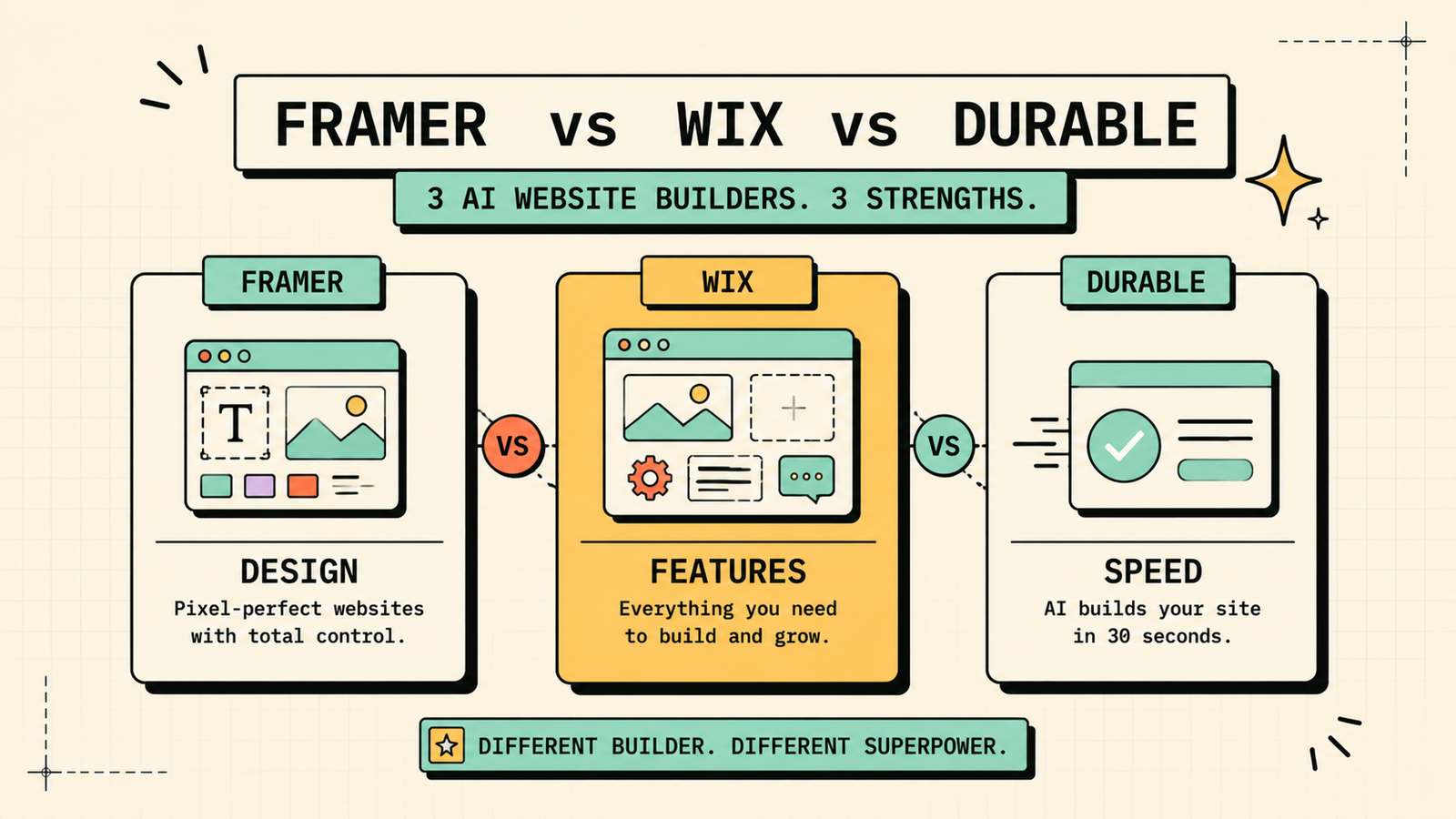
Each fits a different need. Pick Framer when how the site looks matters most and you want something that looks custom-designed without hiring anyone. Its output is the most visually impressive of the AI builders. Pick Wix when you need a full business platform, not just a website, with ecommerce, bookings, CRM, email marketing, and SEO tools all in one place. Pick Durable when speed is everything and you need a simple, clean site live in minutes with minimal fuss. For a founder building a brand, Framer. For a small business needing an all-in-one solution, Wix. For a service provider who just needs something up now, Durable.
Best free AI to build a website
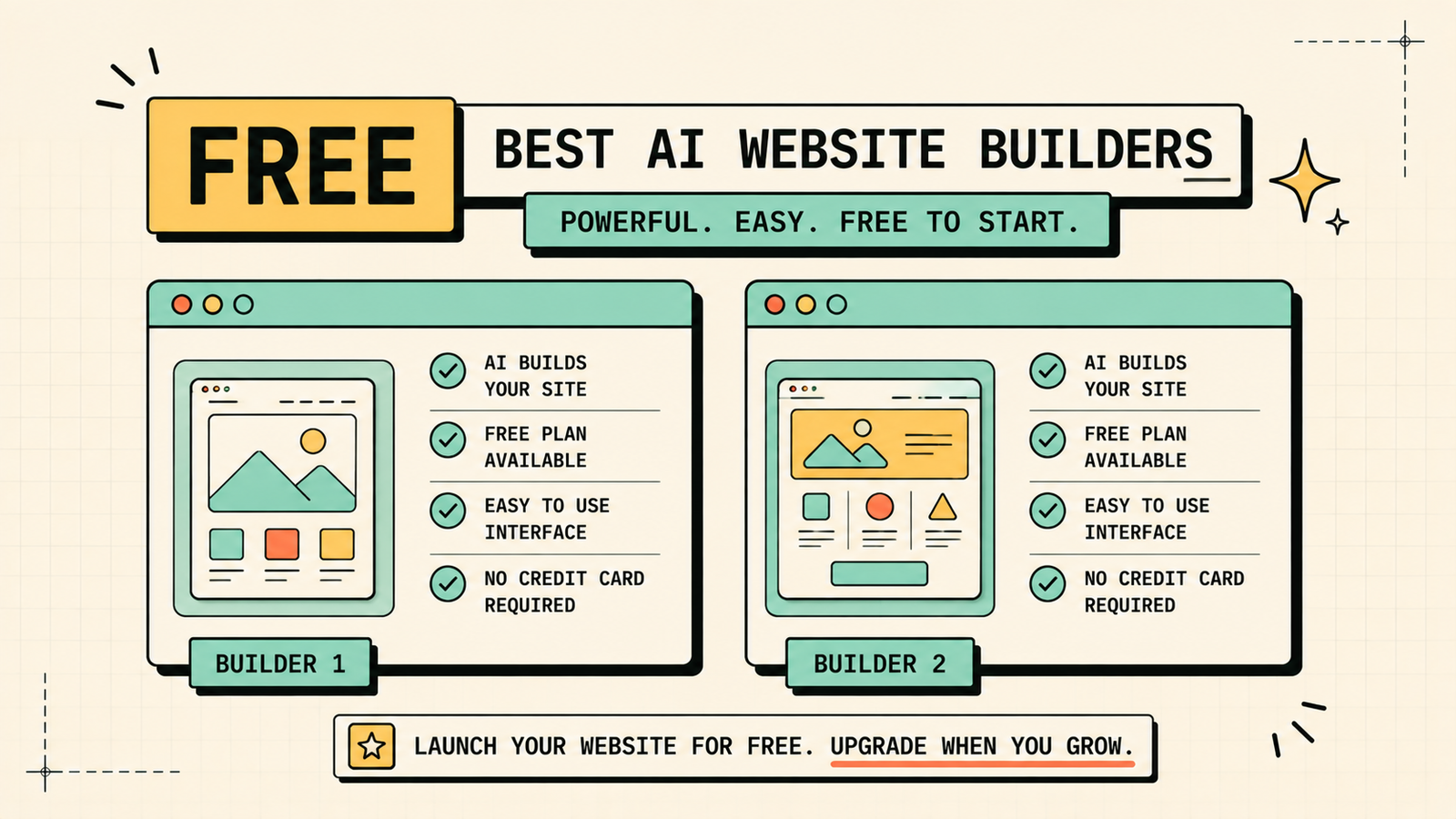
If you are spending nothing, Framer free and Wix free both let you publish a live site at no cost, though with platform branding. Lovable has a free tier for building web apps. The trade-off on free plans is branding and limited custom-domain support, so the site works but looks less professional until you upgrade. For a placeholder, a portfolio, or a project you are validating before investing, free plans are genuinely usable. Upgrade when you want a custom domain and no platform branding.
We'll show you exactly which AI builder fits your business stage and goals.
Get a clear, practical plan to build a website that works for your business without wasting time or money.
Best AI to build a site from a text prompt
If you want to describe your website in words and have AI create it, Framer and Durable both handle this well. Framer takes a description and generates a design-forward, polished site. Durable generates a functional site in seconds from your business type and name. Lovable goes further by generating actual coded web applications from natural-language descriptions, which suits more complex projects. For a simple business site from a prompt, Durable is fastest. For a good-looking site from a prompt, Framer wins. For a real web app from a prompt, Lovable is the pick.
Are AI-built websites good for SEO?
This is a critical question, and the answer depends on the tool. Wix has strong built-in SEO tools and handles the basics well: clean URLs, meta tags, sitemaps, and mobile responsiveness. Framer produces fast, well-structured sites that rank well. Squarespace has solid SEO fundamentals. Durable and Hostinger cover the basics. The key is that AI builds the site, but SEO still requires you to target real keywords, write helpful content, and build authority. No builder, AI or otherwise, ranks you automatically. The builder creates the foundation. Your content and SEO work determine whether anyone finds it.
AI website builder vs hiring a developer
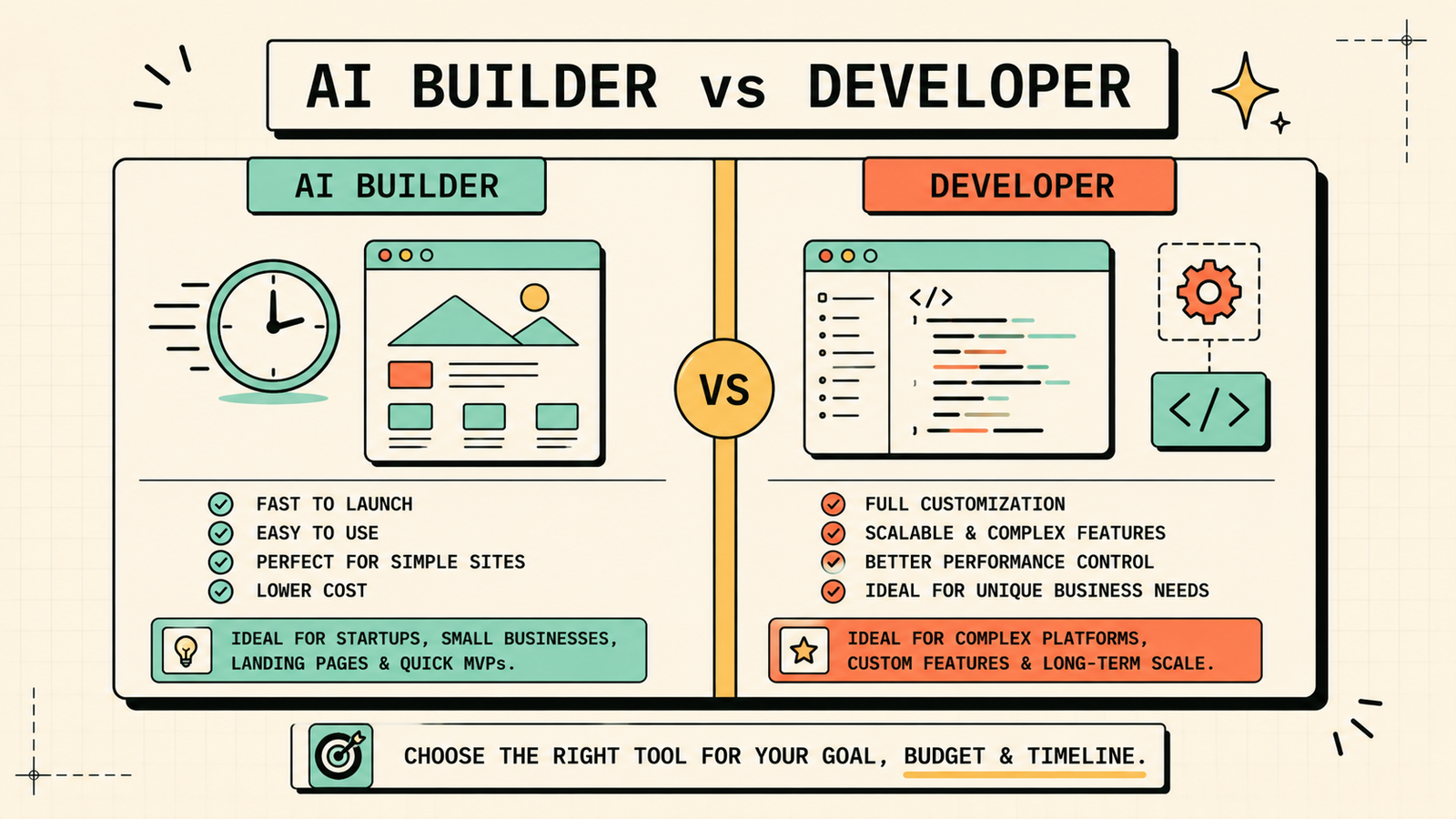
The honest answer depends on complexity and stakes. Use an AI builder when you need a simple site fast, budget is limited, the site is mostly informational (landing page, portfolio, service business), or you are validating an idea before investing heavily. Hire a developer when you need custom functionality the builder cannot produce, when the site is a core product (SaaS, marketplace, complex ecommerce), when you need integrations the builder does not support, or when scale and performance are critical. Many founders start with an AI builder to launch fast, then hire a developer when the business grows to the point where the site needs capabilities the builder cannot provide. That is a smart sequence.
AI Tools for Marketing
Common mistakes with AI website builders
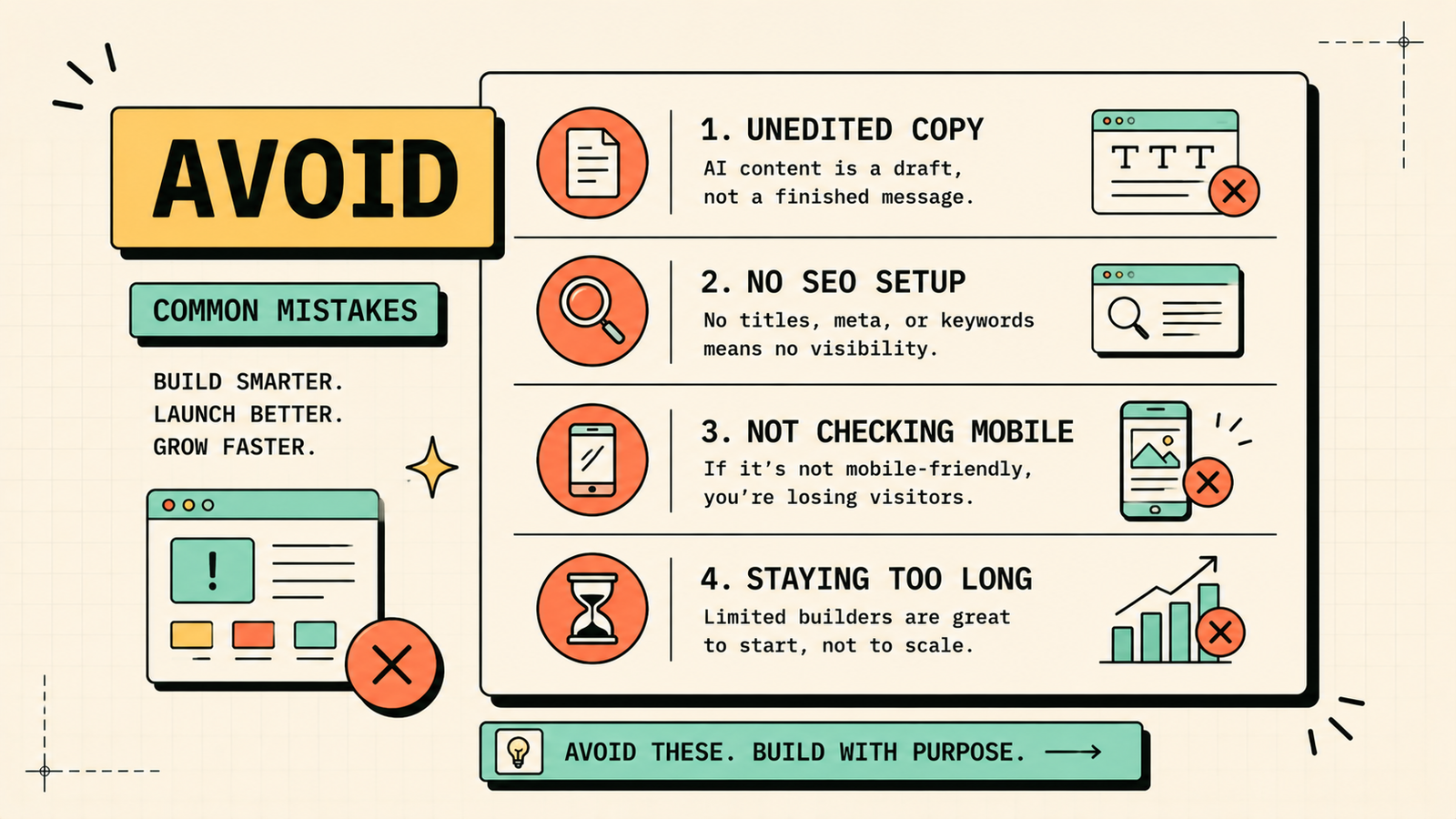
A few patterns cause problems. Publishing the AI-generated site without editing the copy means your site sounds like every other AI-generated site. Not setting up basic SEO (meta titles, descriptions, proper headings) wastes the organic traffic the site could earn. Choosing a builder based on the demo without checking what the free plan actually includes leads to surprise limitations. Not testing the site on mobile before publishing misses issues most visitors will see. And staying on a limited builder too long when the business has outgrown it creates friction you could avoid by migrating earlier. Use AI for speed, edit everything it generates, and upgrade the platform when your business demands more.
What happens after you build the site
Building is the fast part. Keeping the site useful is the ongoing work most guides skip. After launch, add Google Analytics and Search Console so you can see what visitors do and how search engines find you. Update content regularly, since a stale site signals abandonment to both visitors and search engines. Add pages as your business grows: service pages, blog posts, case studies, and FAQs all bring in traffic and build trust. And keep the design current, since an AI-built site that looked modern at launch can start looking dated within a year or two if you never touch it. The builder handles the initial creation. You handle the ongoing presence that makes the site actually work for your business.
LetMeRank
When to migrate away from an AI builder
AI builders are excellent starting points, but some businesses outgrow them. Consider migrating to a custom-built or more powerful platform when you need functionality the builder cannot support (complex ecommerce, user accounts, custom integrations), when performance and page speed become critical at scale, when you want full ownership of your code and hosting, or when design limitations are holding back your brand. The smart sequence is: launch fast with AI, validate the business, then invest in a custom solution once the revenue and complexity justify it. Most businesses stay on their builder longer than they expect, and that is fine as long as it still does the job.
The bottom line
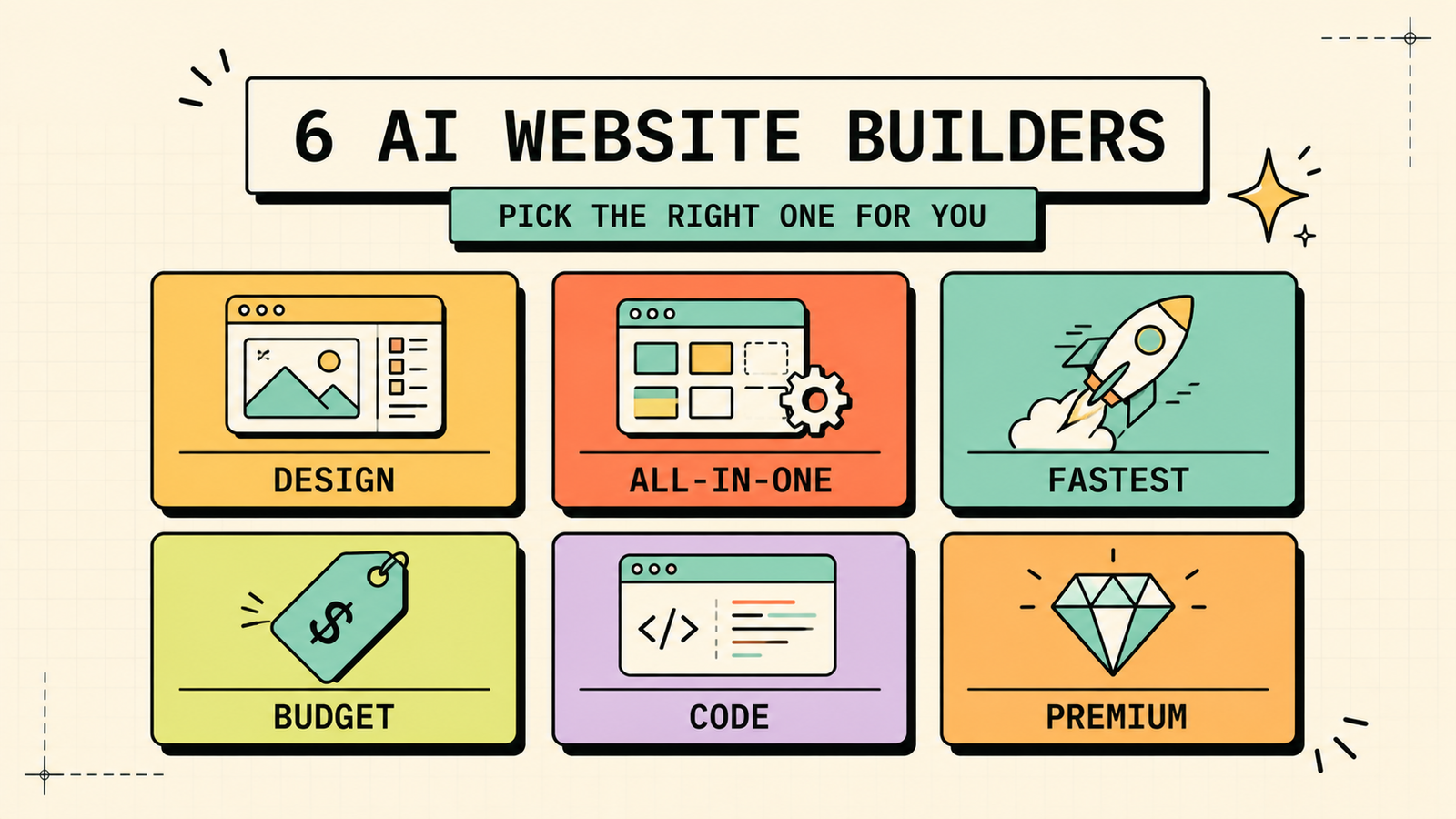
The best AI for building a website depends on what you need. Framer for design-forward sites, Wix for all-in-one business platforms, Durable for the fastest simple site, Hostinger for budget hosting included, Lovable for real coded web apps, and Squarespace for premium design with AI help. Start free or cheap, edit everything the AI generates, and upgrade when your business outgrows the builder. AI gets you live fast. Your content and SEO determine whether anyone visits.
If you found this useful, LetMeRank publishes practical guides on AI tools, websites, and organic growth for founders and teams.











