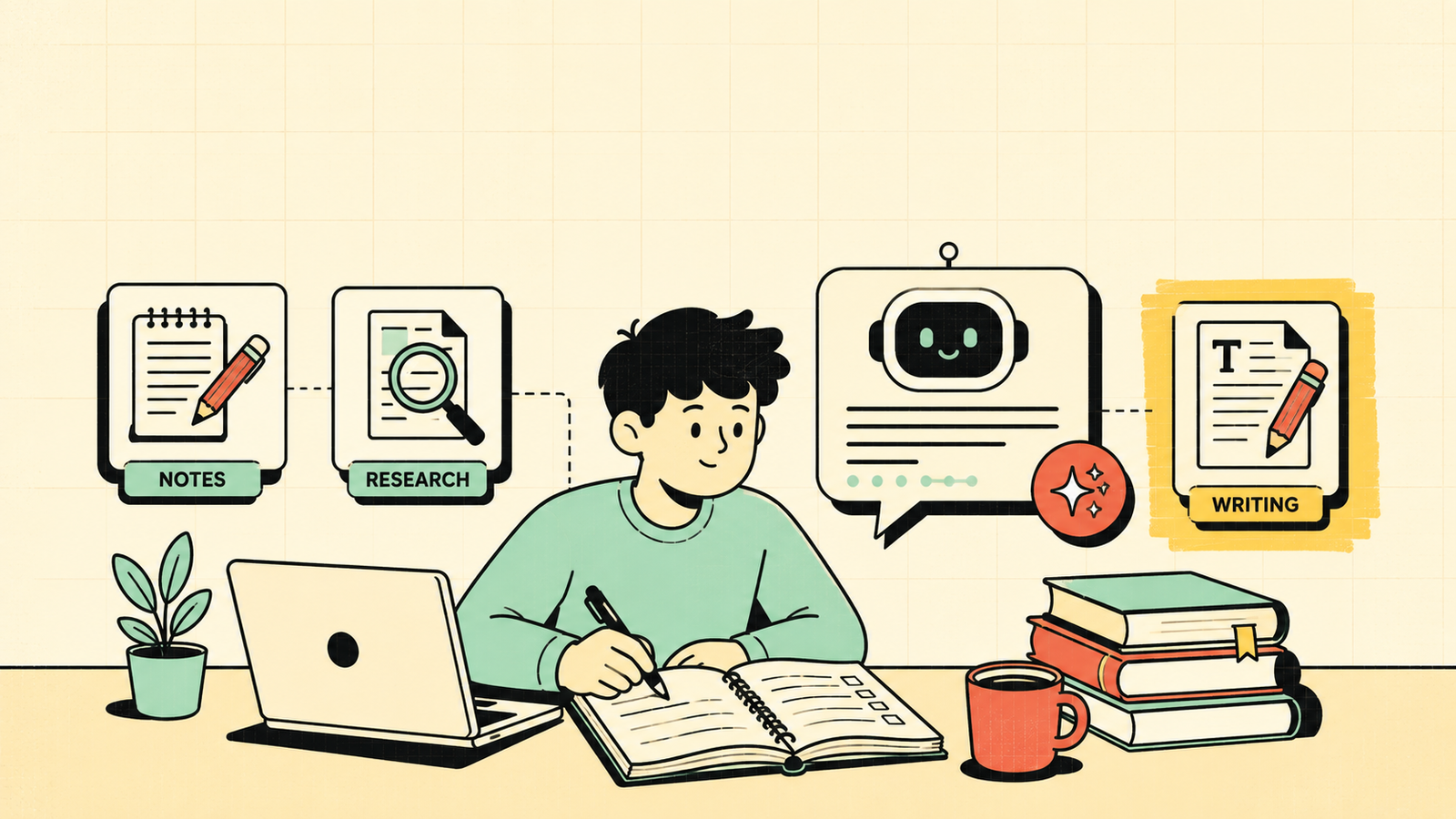
You have a paper due, notes you can barely read, and three chapters to revise before tomorrow. You do not need another app. You need the right AI tool that actually saves time instead of wasting it. The problem is there are dozens of AI tools claiming to help students, and most are either overpriced, unreliable, or so generic they barely help with anything specific. This guide cuts through the noise and covers the best AI tools for students by what you actually need them for, which ones are free, how they compare, and how to use them without crossing a line.
What makes an AI tool good for students
Not every AI is useful for study. The ones that help share a few things in common. They answer questions clearly and explain concepts, not just spit out text. They give sources or at least let you verify what they say. They work for different subjects, from essays to science to maths. They have a free plan or free tier that covers real usage, since most students are not paying for premium subscriptions. And they do not just write your work for you, they help you understand and learn, which is the whole point.
How to Increase Website Traffic
The best AI tools for students
Here are the tools worth knowing, grouped by what you actually use them for.
ChatGPT
ChatGPT is the most versatile AI assistant and the one most students already know. It handles almost anything: explaining concepts, brainstorming essay ideas, summarising notes, solving problems, writing outlines, and answering follow-up questions in conversation. The free plan covers GPT-4o and is genuinely useful. The paid plan (Plus) adds more usage, image generation, and advanced features. It is the best all-rounder for students who want one tool for everything.
Perplexity
Perplexity is built for research. Unlike ChatGPT, it searches the web in real time and gives you answers with cited sources, so you can check where the information came from. That makes it excellent for finding reliable facts, exploring a topic, and building a reference list. The free plan is strong, and Pro adds deeper search and file uploads. It is the best AI for students who need sourced, trustworthy research rather than general conversation.
Claude
Claude is excellent at long, careful work. It handles very long documents, which means you can paste an entire textbook chapter or research paper and ask it to summarise, explain, or find key points. Its writing is clear and well structured, which makes it strong for essay outlines, editing, and breaking down complex ideas. The free plan is usable, with paid tiers for heavier use. It is the best pick for students who work with long readings and need thoughtful, detailed answers.
NotebookLM
NotebookLM (by Google) is designed specifically for working with your own materials. You upload your notes, PDFs, or lecture slides, and it builds an AI that answers questions based only on that content, not the whole internet. That means no hallucinated facts, just answers grounded in your actual study material. It is free. It is the best tool for revision and exam prep when you want answers strictly from your own notes and sources.
Quillbot
Quillbot is a writing assistant focused on paraphrasing, grammar, and improving your text. It helps you rewrite sentences in your own words, fix grammar, and check for plagiarism. The free plan covers basic paraphrasing and grammar, with Premium adding more modes and the plagiarism checker. It is the best pick for students who want to improve their writing and make sure it reads well before submitting.
Notion AI
Notion AI sits inside Notion, the note-taking and organisation app many students already use. It can summarise notes, generate study plans, answer questions about your content, and help organise your work. If you already use Notion for study, the AI add-on makes it more powerful without switching tools. It is paid as an add-on but Notion itself has a free plan. It is the best pick for students who want AI inside their existing notes and planning workflow.
What Is SEO and How Does It Work?
AI tools for students compared
| Tool | Best for | Sources / citations | Free plan | Paid adds |
|---|---|---|---|---|
| ChatGPT | All-round studying, explaining, brainstorming | No built-in citations | Yes (GPT-4o) | More usage, images, advanced tools |
| Perplexity | Research with real sources | Yes, inline citations | Yes | Deeper search, file uploads |
| Claude | Long documents, essays, careful analysis | No built-in citations | Yes | More usage, longer context |
| NotebookLM | Revision from your own notes and PDFs | Grounded in your uploads only | Yes (fully free) | N/A |
| Quillbot | Paraphrasing, grammar, plagiarism check | N/A | Yes (basic) | More modes, plagiarism checker |
| Notion AI | Notes, organisation, study planning | N/A | Notion free, AI is paid add-on | AI features |
ChatGPT vs Perplexity vs NotebookLM: which is best for students?
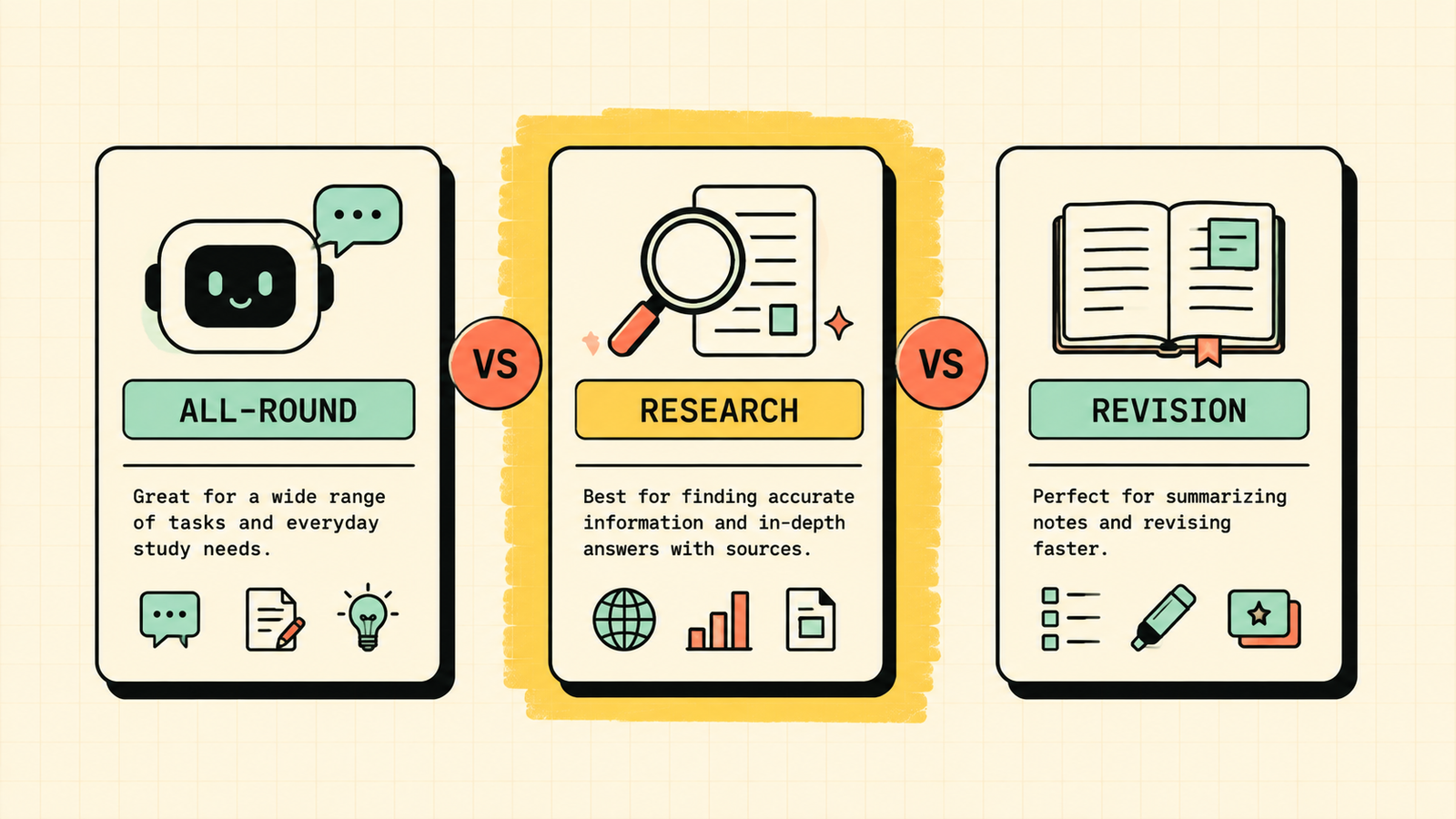
These three come up most, and each wins for a different job. Pick ChatGPT when you need a flexible all-rounder that explains, brainstorms, and solves across any subject. Pick Perplexity when you need facts you can trust and cite, especially for research assignments and papers. Pick NotebookLM when you are revising from your own materials and want answers that never hallucinate beyond what you uploaded. In practice, many students use two: one for research and one for everything else.
Best free AI tools for students
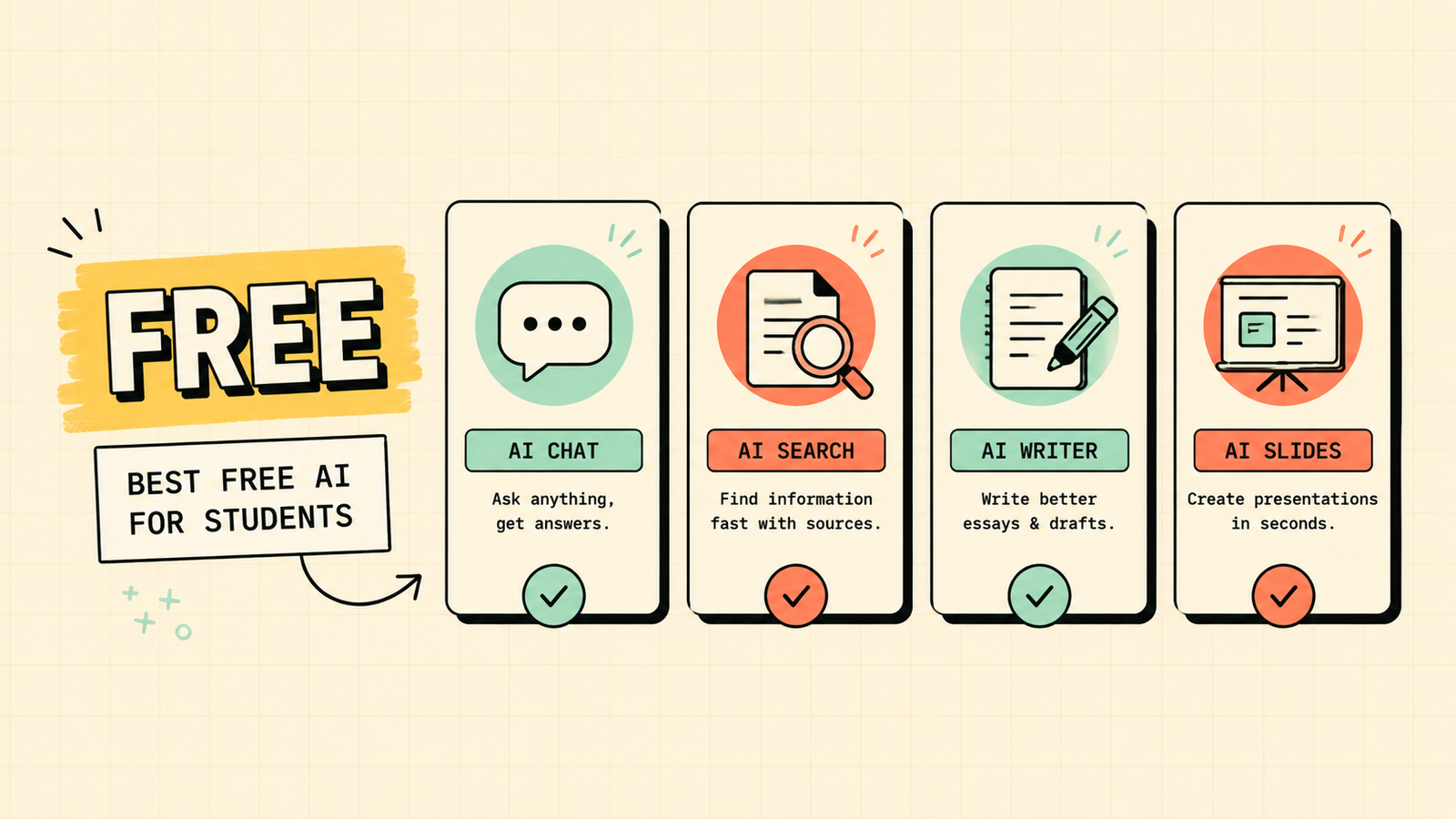
If you cannot pay for anything, you still have strong options. ChatGPT free gives you a powerful all-rounder. Perplexity free gives you sourced research. NotebookLM is completely free and perfect for revision. Quillbot free handles basic paraphrasing and grammar. Between these four, you can cover research, understanding, writing, and revision at zero cost. Paid plans add convenience and heavier usage, but the free tools handle most of what a student needs day to day.
We'll show you exactly which AI tools fit your study needs and which ones are just noise.
Get a clear, practical plan to build your own AI study stack that actually saves time.
AI tools for notes, essays and revision
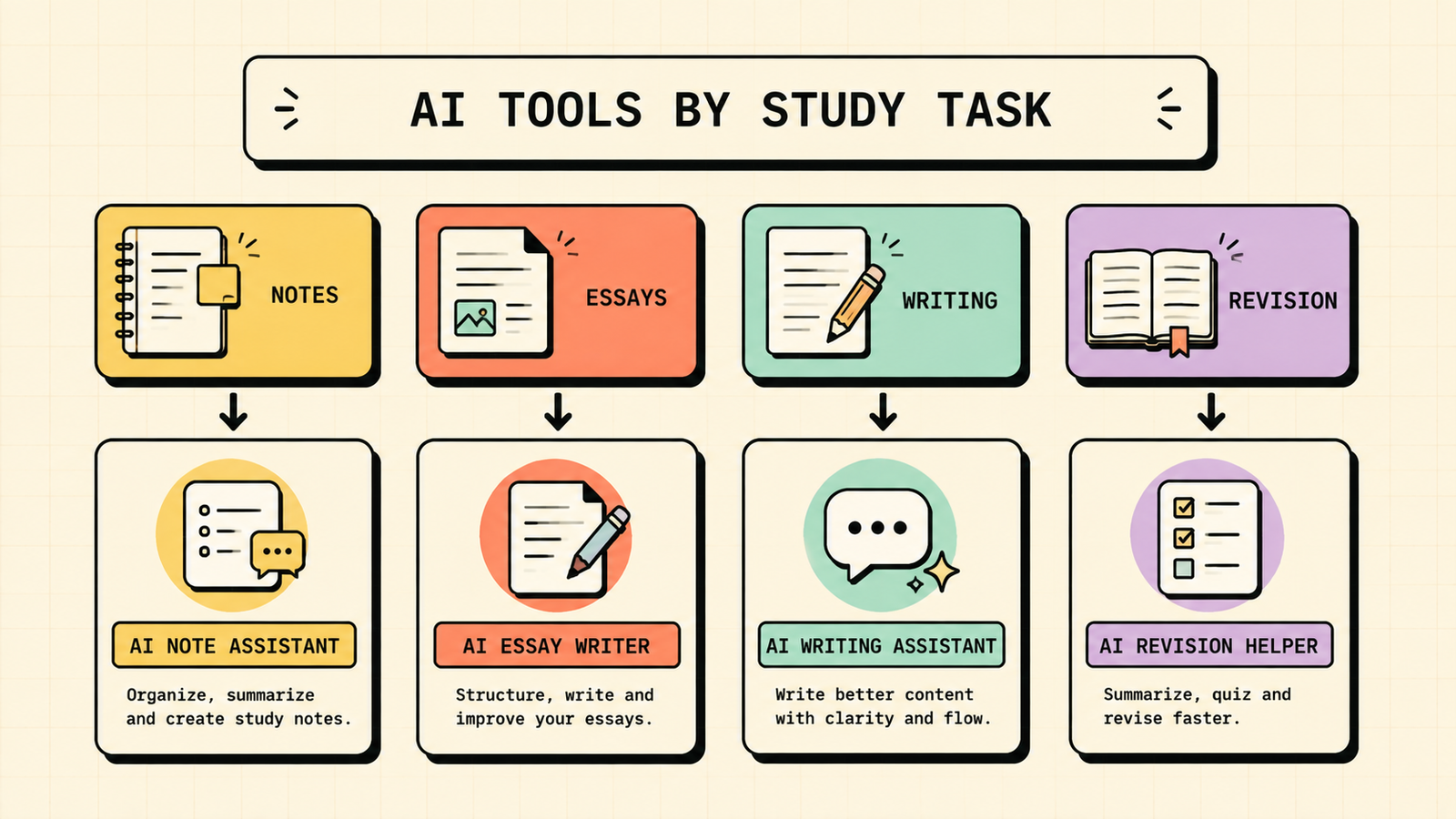
Different study tasks need different tools. For taking and organising notes, Notion AI or NotebookLM work best because they sit inside your own material. For essay outlines, brainstorming, and structure, ChatGPT and Claude are strongest because they handle open-ended thinking well. For writing improvement and paraphrasing, Quillbot is purpose-built. For revision and exam prep, NotebookLM is unmatched because it answers only from your notes, so you study what you actually need to know.
Which AI should you avoid for schoolwork?
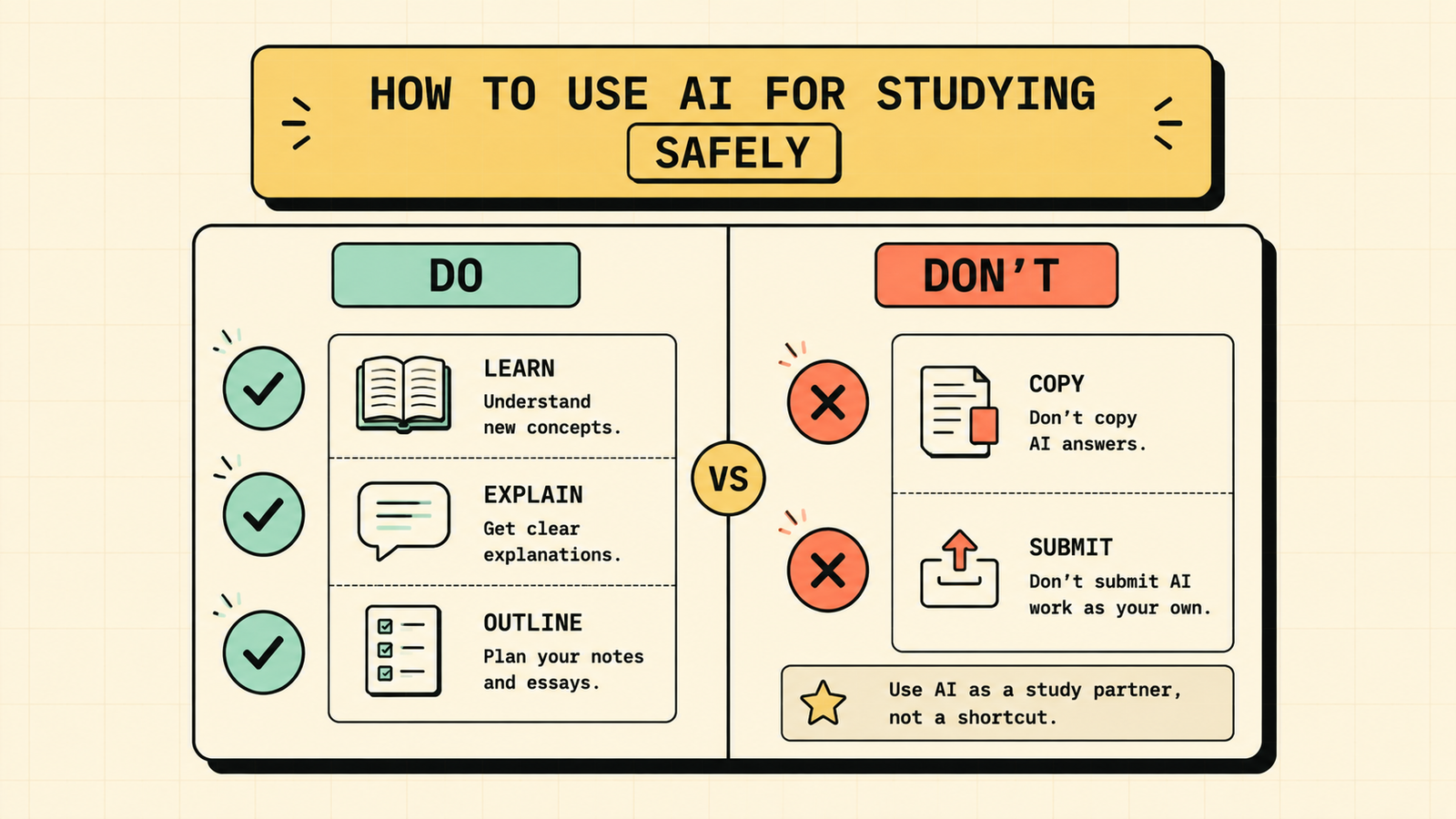
A few habits get students in trouble. Avoid using any AI to write finished work you submit as your own, since that is plagiarism and most institutions have detection tools. Avoid AI tools that do not cite sources when you need verified facts, because they can confidently give you wrong information. Avoid free tools with aggressive upsells that lock basic features behind paywalls, since the ones listed here have genuinely useful free plans. And avoid trusting any AI blindly with numbers, dates, or quotes, since every model makes mistakes. Use AI to help you think and learn, not to replace thinking and learning.
How to use AI for studying without getting in trouble
The line is simple: use AI as a study partner, not a ghost writer. Ask it to explain concepts you do not understand, summarise long readings so you can focus, quiz you on material, outline your ideas so you can write them yourself, and check your grammar and clarity. Do not paste the output into your assignment and call it your own. Most schools and universities now have clear AI policies, so check yours. When in doubt, disclose that you used AI assistance. Used honestly, these tools make you a better student, not a cheating one.
Best AI Tools for Making Presentations
Best AI tools by subject
Different subjects lean toward different tools. For STEM subjects like maths, physics, and coding, ChatGPT and Claude are strongest because they handle problem-solving and step-by-step explanations well. For humanities, essays, and analysis, Claude's careful, well-structured writing and ChatGPT's brainstorming are the best pair. For research-heavy subjects that need real sources, Perplexity is essential because it cites where every fact comes from. For language learning, ChatGPT is surprisingly good as a conversation partner and grammar explainer. And for any subject where you have your own notes and readings to revise from, NotebookLM is the clear winner. Matching the tool to the subject gets better results than forcing one tool to do everything.
AI tools for exam preparation
When exams approach, the job shifts from learning new material to consolidating and testing what you already know. NotebookLM is the standout here because you feed it your notes and it quizzes you on exactly that content, with no risk of irrelevant or hallucinated material. ChatGPT is useful for generating practice questions on any topic and explaining answers when you get stuck. Perplexity can quickly fill knowledge gaps with sourced answers when you realise you missed something. And Quillbot helps if you need to condense your own notes into cleaner, shorter summaries for last-minute review. The key with exam prep is using AI to test yourself actively, not just re-read passively, because active recall is what makes knowledge stick.
The bottom line
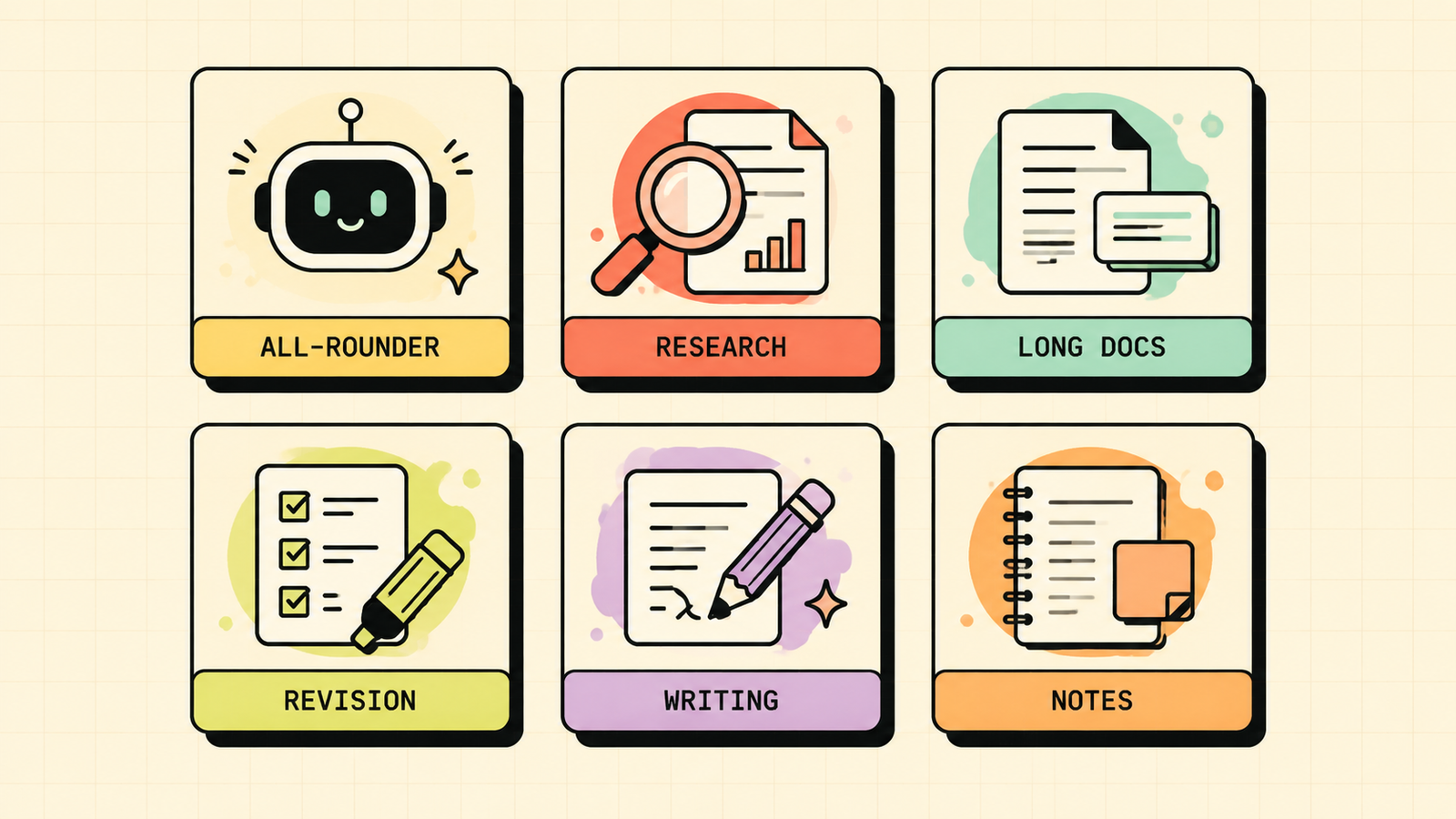
The best AI tool for students depends on what you need: ChatGPT for a flexible all-rounder, Perplexity for sourced research, Claude for long documents and careful writing, NotebookLM for revision from your own notes, Quillbot for writing improvement, and Notion AI if you live in Notion already. Start with the free options, match the tool to the task and the subject, use AI to learn rather than to skip learning, and you get a genuine advantage without the risk. The tools are free, the learning is yours.
If you found this useful, LetMeRank publishes practical guides on AI tools and organic growth. Worth a bookmark when you need more of the same.











