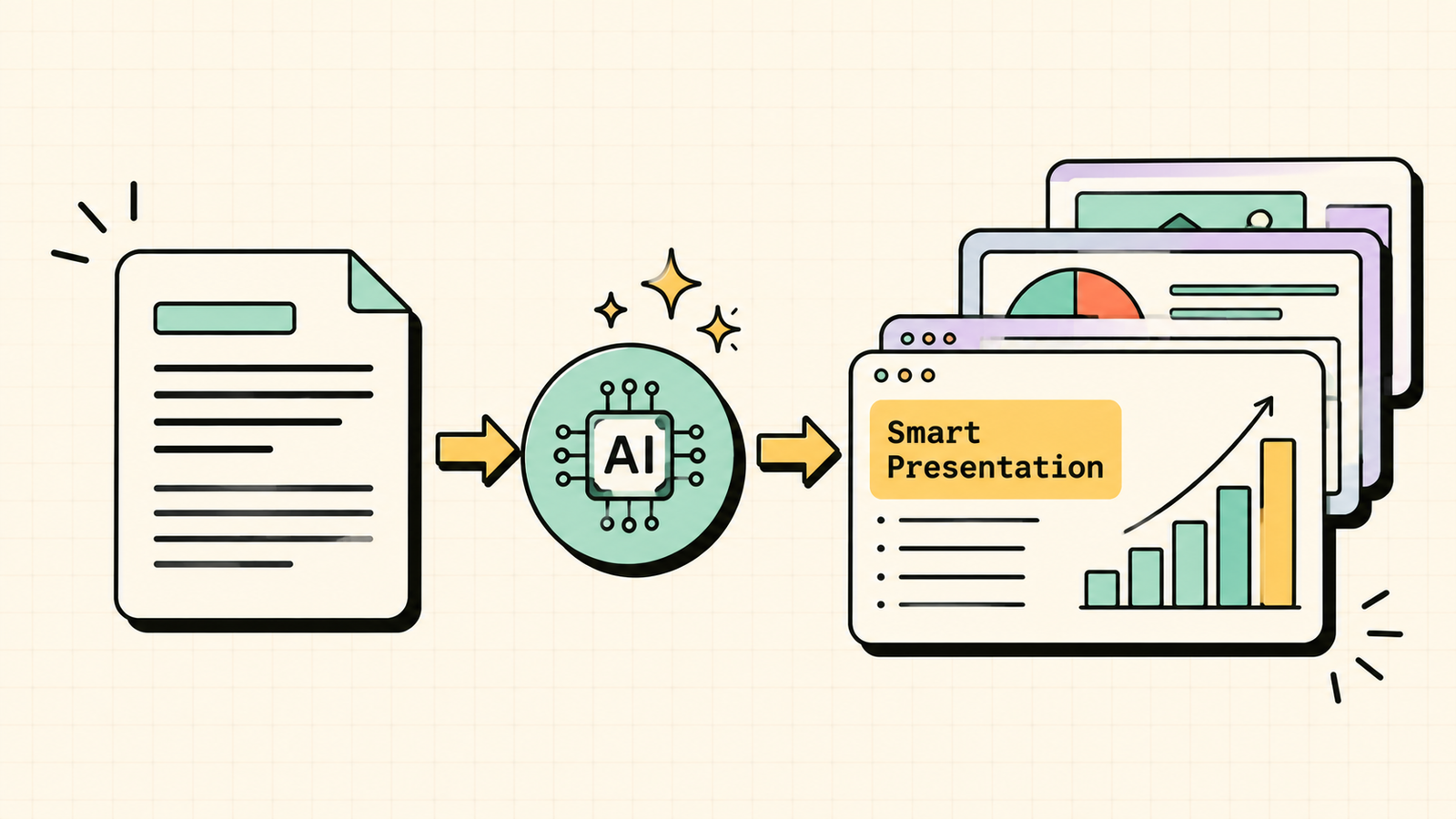
You have a deck due, a blank slide staring back at you, and about an hour you do not have. This is exactly the job AI presentation tools were built for: turn a rough idea or a block of text into a finished, good-looking slide deck in minutes. But not all of them are the same, and the right one depends on what you actually need, whether that is speed, design polish, working inside PowerPoint, or simply doing it for free. This guide covers what to look for, the best AI presentation tools available, and which one fits your situation, including the best free option.
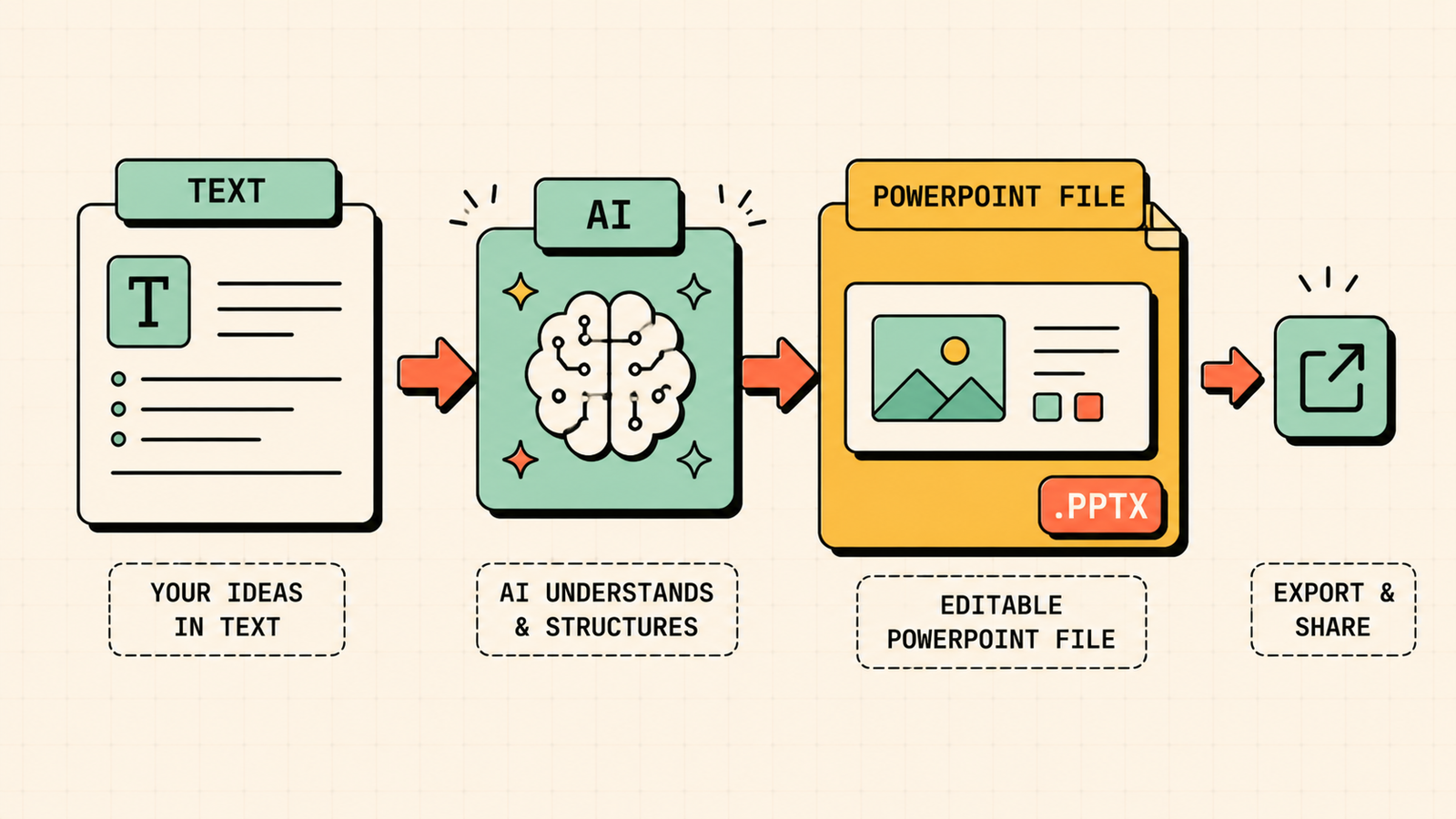
What to look for in an AI presentation maker
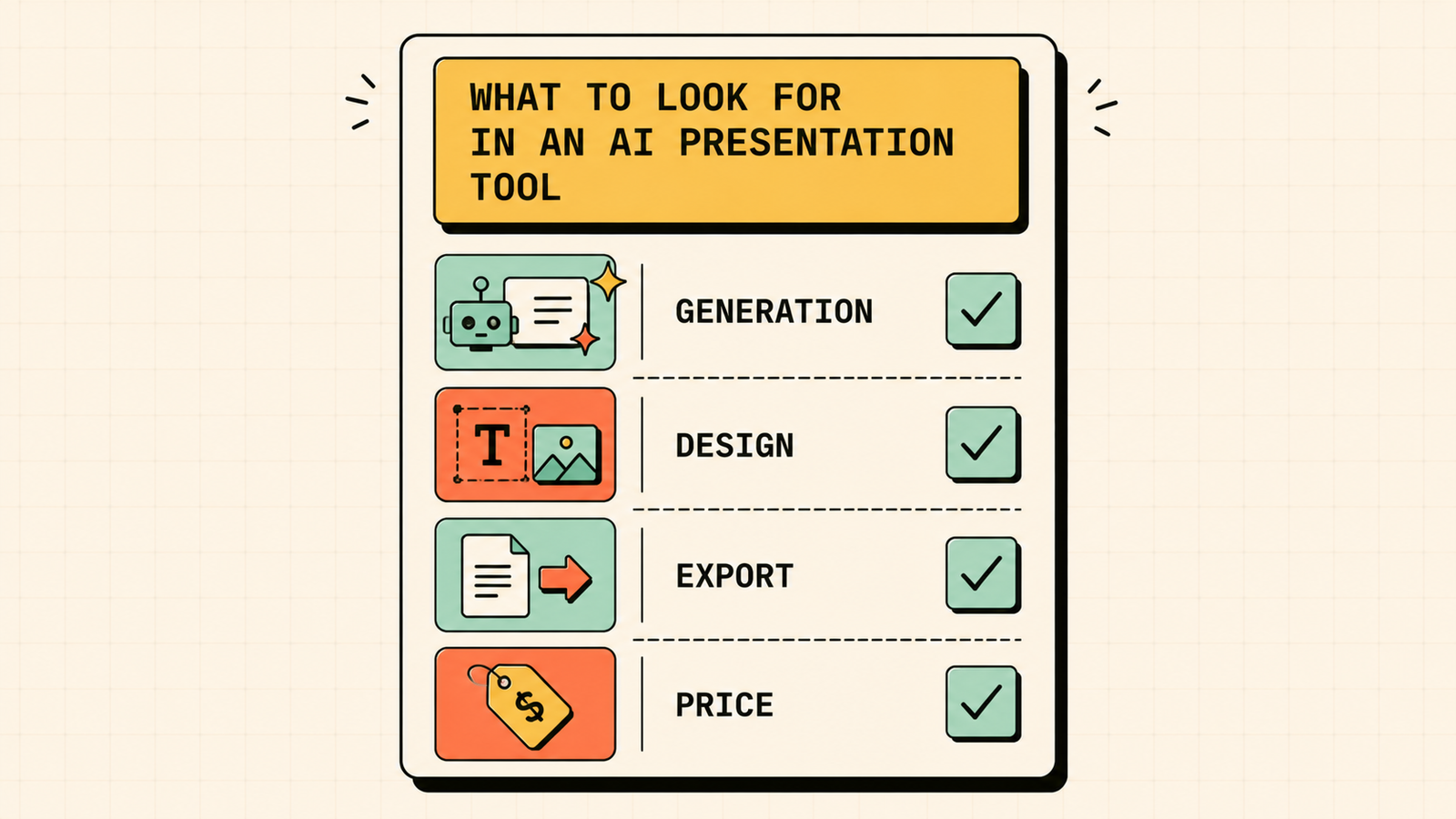
Before picking a tool, it helps to know what separates a good one from a frustrating one. Look for how it creates decks, whether it builds a full presentation from a text prompt or a document, and how much editing you still have to do afterward. Check the design quality, since the whole point is slides that look professional without effort. Consider where it lives, because some tools are their own platform while others work inside PowerPoint or Google Slides. Think about export options, so you can get your deck into the format you need. And of course, weigh the free plan against the paid one, since many tools let you start free and only charge for more features or exports.
How to Do an SEO Audit
The best AI tools for making presentations
Here are the tools worth knowing, what each does best, and who they suit.
Gamma
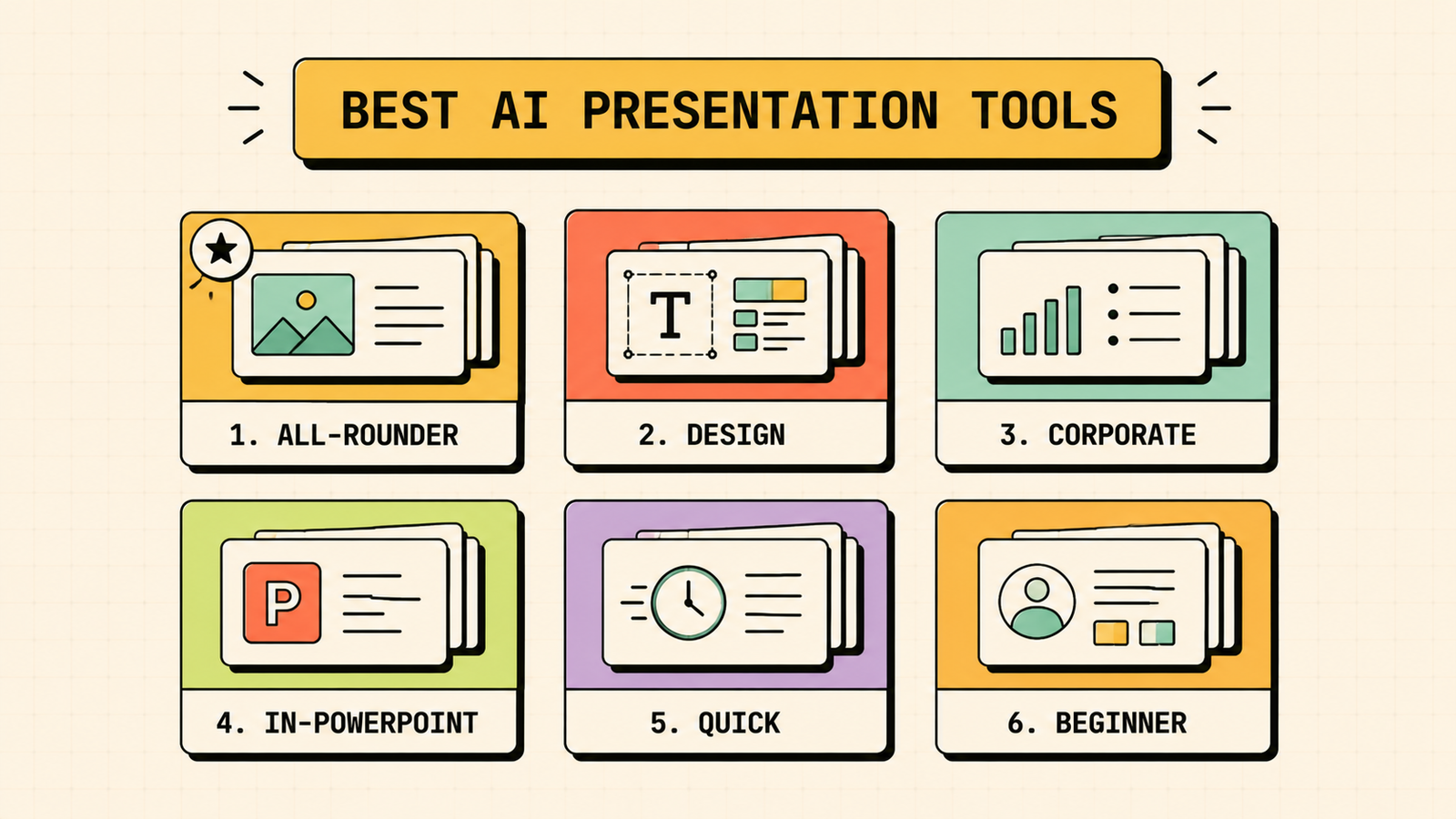
Gamma is the most popular all-rounder, and for good reason. You give it a topic or paste in text, and it generates a polished, modern presentation you can refine with simple editing. It is fast, the default designs look good, and it works well for pitch decks, reports, and general business slides. It has a free plan with credits, with paid tiers for more usage and features. Best for most people who want a great-looking deck quickly.
Canva
Canva added strong AI features to a design platform millions already use. Its AI can generate slides and designs, and you get access to a huge library of templates, images, and brand tools. It is a great fit if you also make other visual content and want everything in one place. It has a generous free plan, with Pro adding more AI and brand features. Best for brand-consistent, visual decks and teams already on Canva.
Beautiful.ai
Beautiful.ai focuses on design that fixes itself. Its slides automatically adjust layout as you add content, so everything stays clean and aligned without fiddling. It leans more corporate and polished, which suits business and sales presentations. It is a paid tool with a trial. Best for professional decks where consistent, tidy design matters most.
Plus AI
Plus AI is different because it works inside Google Slides and PowerPoint rather than being its own platform. If your workflow is built around those tools, Plus AI lets you generate and edit slides right where you already work, then keep the native file. It is paid with a trial. Best for people who must stay in PowerPoint or Google Slides.
Presentations.ai
Presentations.ai generates full decks from a prompt with a focus on speed and templates, aiming to get you from idea to finished slides fast. It has a free plan with paid upgrades. Best for quick, straightforward business presentations.
Decktopus
Decktopus is built for simplicity, guiding you through creating a deck and handling design decisions for you, with extras like forms and voice notes. It suits people who want minimal choices and a fast result. It has a free trial with paid plans. Best for beginners who want the tool to make the design calls.
AI presentation tools compared
Here they are side by side.
| Tool | Best for | Where it works | Free option |
|---|---|---|---|
| Gamma | Fast, great-looking all-round decks | Own platform | Yes, with credits |
| Canva | Brand-consistent visual decks | Own platform | Yes, generous |
| Beautiful.ai | Polished corporate design | Own platform | Trial only |
| Plus AI | Staying in PowerPoint or Slides | Google Slides, PowerPoint | Trial only |
| Presentations.ai | Quick business decks | Own platform | Yes |
| Decktopus | Beginners who want it done for them | Own platform | Trial |
What Is SEO and How Does It Work?
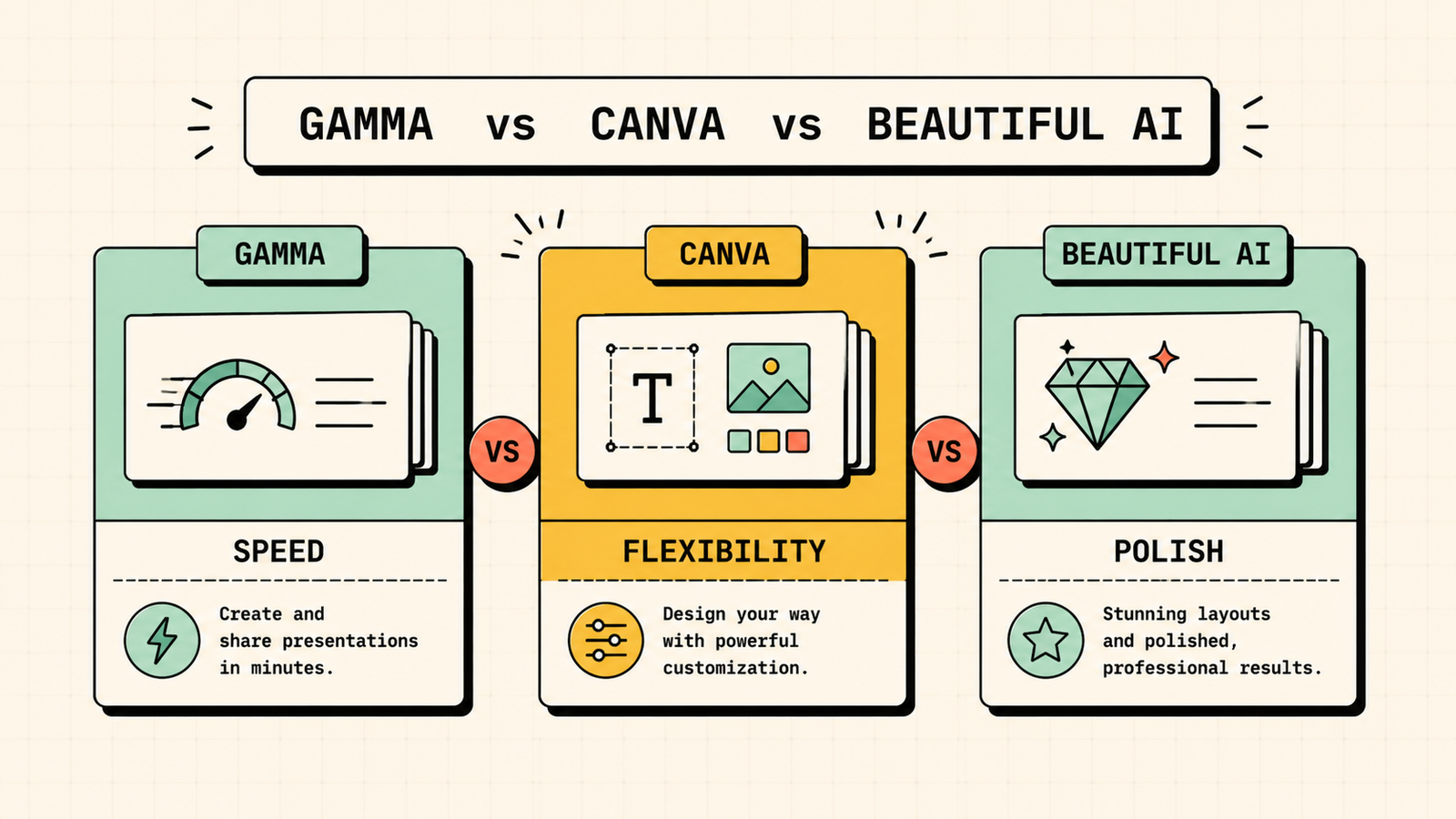
Gamma vs Canva vs Beautiful.ai: which is best?
These three come up most, so here is how to choose between them. Pick Gamma if you want the fastest path from an idea or text to a polished, modern deck with the least effort, which suits most people. Pick Canva if design flexibility, brand control, and having all your visual content in one place matter more, especially if your team already uses it. Pick Beautiful.ai if you make a lot of corporate or sales decks and want design that stays perfectly tidy automatically. In short, Gamma for speed, Canva for flexibility, Beautiful.ai for polished consistency.
Best free AI for presentations
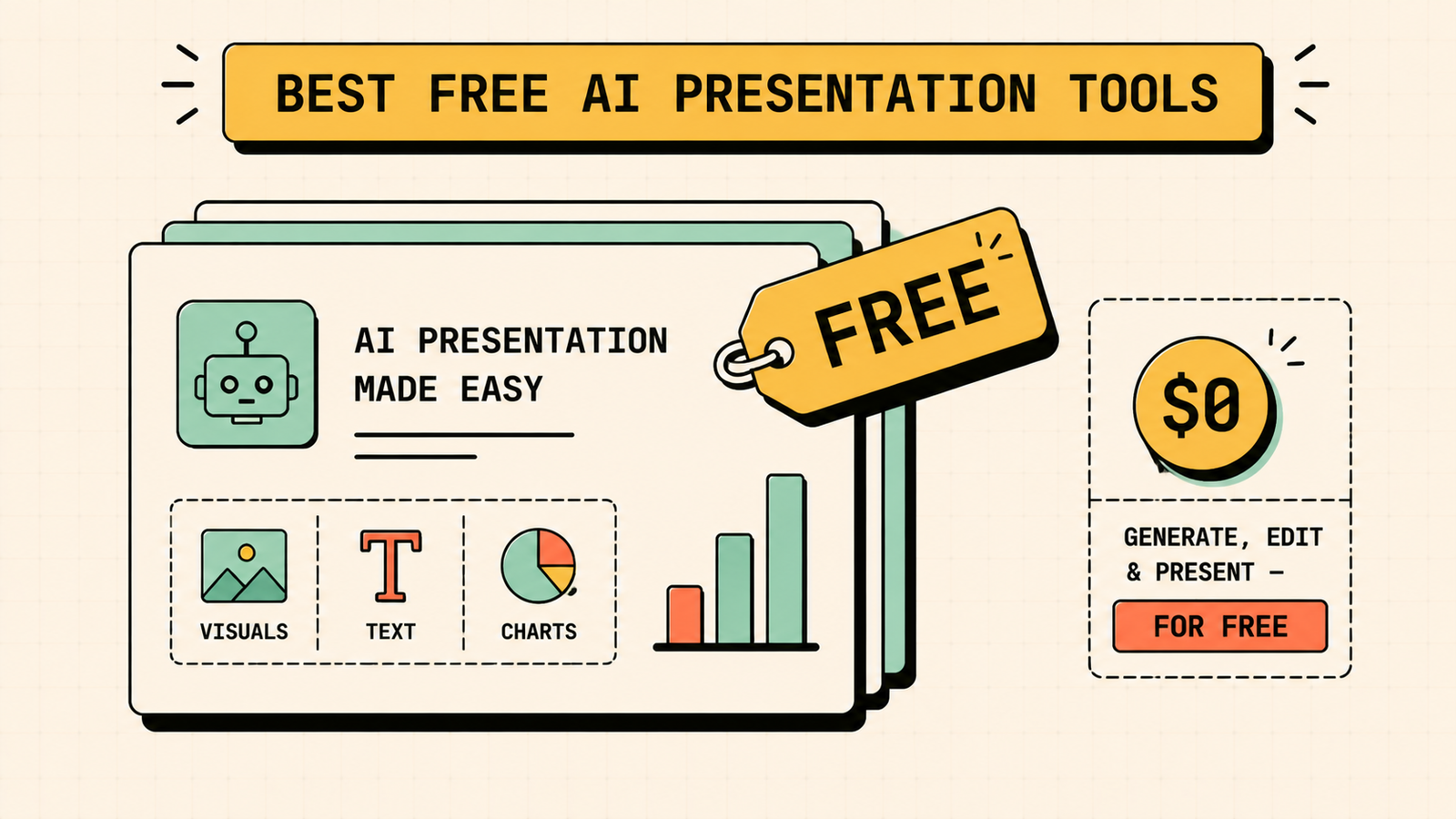
If your main filter is cost, the strongest free options are Gamma and Canva. Gamma gives you free credits to generate genuinely impressive decks and is the quickest way to a finished result at no cost. Canva has the most generous free plan overall, with AI slide generation plus a massive template and image library, which is ideal if you want more manual design control for free. Between them, choose Gamma for the fastest hands-off deck and Canva for the most free creative control. Most other tools offer only a trial rather than a lasting free plan.
Best AI to make a PowerPoint (PPT) from text
If you specifically need a PowerPoint file, not just an online deck, you have two good routes. Use Plus AI if you want to generate slides directly inside PowerPoint or Google Slides and keep a fully native, editable file, which is the cleanest option for PowerPoint users. Or use Gamma or Canva to create your deck, then export it to PowerPoint format, which works well though the file may need minor tidying after export. For anyone who must hand over a real .pptx that colleagues can edit natively, Plus AI is usually the smoothest choice.
We'll show you exactly which AI tools your brand actually needs and which ones are just draining budget.
Get a clear, data-backed plan to build a lean marketing stack that moves the needle without overlapping subscriptions.
Free vs paid: which do you actually need?
For occasional decks, a free plan is often all you need. Gamma or Canva free will comfortably handle a presentation here and there. You should consider paying when you make decks regularly, need more exports or higher-quality outputs, want to remove credit limits, or need brand controls and team features. A simple rule: start free, and only upgrade once you hit a limit that genuinely slows you down. There is no reason to pay before the free version stops being enough.
How to get great results from an AI presentation tool
The tool does a lot, but a little effort on your side makes a big difference. Give it a clear, specific prompt or a well-organized block of text rather than a vague topic, since better input means better slides. Keep your content focused, because AI can pad decks with filler if you let it. Always review and edit the generated slides, checking facts, trimming waffle, and adjusting the flow. Apply your brand colors and fonts where the tool allows, so it looks like yours rather than a template. And remember the AI drafts, but you direct, so the final judgment on what stays and what goes is still yours.
Which tool fits your specific situation
To make the choice concrete, match the tool to what you are actually doing. If you are a founder building a pitch deck fast, Gamma gets you a sharp, modern deck with the least effort. If you run a brand and need every slide on-brand, Canva keeps colors, fonts, and assets consistent. If you are in sales or consulting and send polished decks often, Beautiful.ai keeps them tidy automatically. If your company runs on PowerPoint or Google Slides and the file has to stay native, Plus AI works right inside them. If you are a student or beginner who just wants something decent quickly and for free, start with Gamma or Canva free. Matching the tool to the job beats chasing whichever one is trending.
LetMeRank
Common mistakes when using AI for presentations
A few habits undo the time these tools save. Accepting the first draft without editing leaves in generic filler and the occasional wrong fact, so always review. Cramming too much text onto slides defeats the point, since good decks are visual and concise. Ignoring your brand makes every deck look like a template, so apply your colors and fonts. Trusting AI-generated data or quotes without checking can embarrass you in the room, so verify anything factual. And relying on one tool for everything is limiting, since the best deck sometimes means generating in one tool and finishing in another. Avoid these and the AI genuinely saves you hours instead of creating cleanup work.
The bottom line
The best AI presentation tool depends on your need. Gamma is the fastest all-rounder and a great free starting point, Canva wins on brand-consistent design and a generous free plan, Beautiful.ai suits polished corporate decks, and Plus AI is the pick if you must stay inside PowerPoint or Google Slides. Start with a free option, give it clear input, edit the result, and you can turn that intimidating blank slide into a finished deck in minutes.
If you found this useful, LetMeRank publishes practical guides on AI tools, content, and organic growth for founders and small teams, so it is worth a look when you want more of the same.











