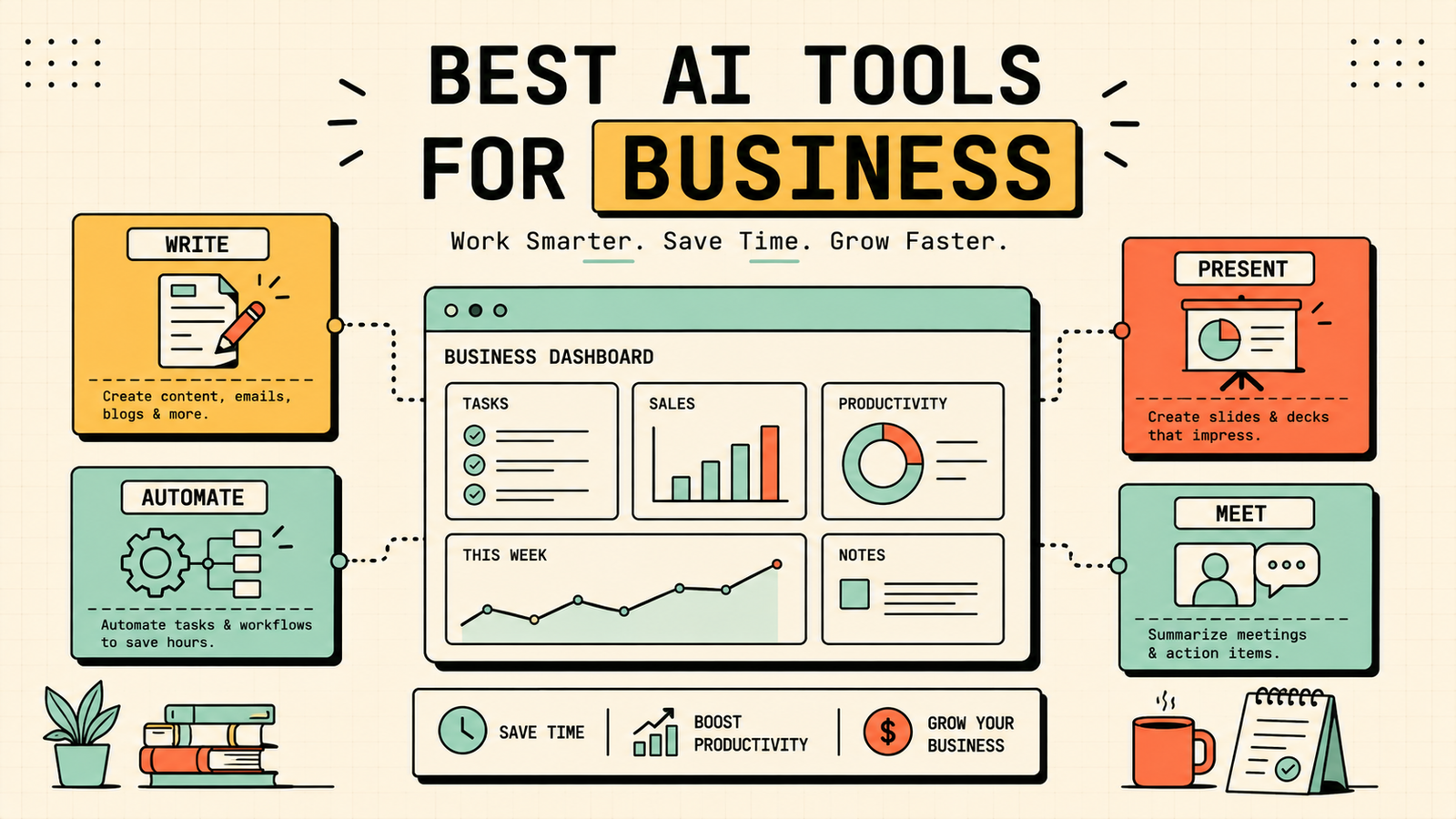
You keep hearing that AI is transforming business, but when you sit down and try to figure out which tool to actually use for your specific problem, the advice is either vague or it is a list of fifty apps you do not have time to evaluate. Here is a simpler approach: start with the task you need done, not the tool that is trending. This guide covers the best AI tools for business by function, from marketing and sales to operations, admin, and communication, which ones are free, how to choose without overspending, and the mistakes that waste the most money.
How to choose AI tools for your business
Before you sign up for anything, get clear on two things: what task is eating the most of your time or costing you the most money, and would a tool that speeds that up save more than it costs. That is the whole test. Most small businesses need at most three or four AI tools. The expensive mistake is collecting subscriptions you barely use because someone recommended them, rather than solving the actual bottleneck first. Start with one tool for your biggest pain point, learn it properly, and only add another when a real need appears.
Which AI Is Best for Studying?
The best AI tools for business by function
Here are the tools that matter, grouped by what business problem they solve.
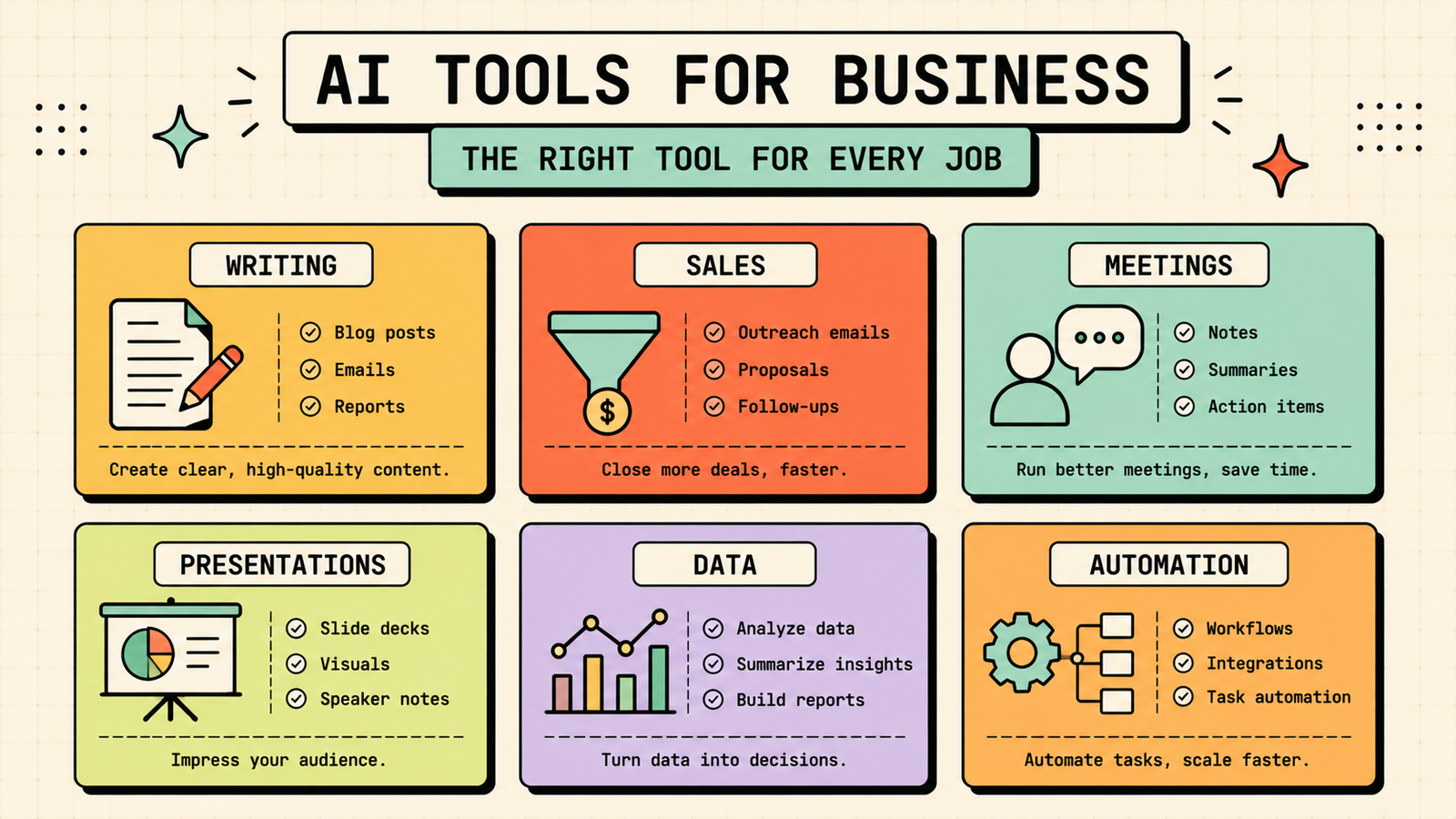
Writing, communication and marketing
ChatGPT handles emails, proposals, blog posts, social captions, ad copy, strategy brainstorming, and nearly any writing task a business generates. It is the most versatile tool available and the best starting point for most businesses. Free plan covers most needs.
Claude is the better pick when quality of writing, careful analysis, or handling long documents matters more than speed. It produces more polished, structured output and handles complex briefs well. Free plan available.
Jasper is built specifically for marketing teams that produce a high volume of copy and need brand voice controls, campaign workflows, and templates. Paid only. Best for marketing-heavy businesses.
Sales and CRM
ChatGPT drafts outreach emails, follow-ups, proposals, and call scripts. Give it context about the prospect and it produces personalised communication quickly.
Apollo.io combines prospecting, enrichment, and outreach automation with AI features that help you find leads, write sequences, and manage your pipeline. Paid with a free tier. Best for B2B sales teams.
Meetings and admin
Otter.ai transcribes meetings in real time and generates summaries with action items, so you can focus on the conversation rather than note-taking. Free plan covers basic use.
Notion AI sits inside Notion and helps with notes, project management, task summaries, and knowledge base queries. If your team already uses Notion, the AI add-on makes it more powerful without switching tools. Paid add-on, Notion free plan available.
Presentations and documents
Gamma generates polished presentation decks from a prompt or text. Fastest way to go from an idea to a finished slide deck. Free plan with credits.
ChatGPT or Claude draft reports, SOPs, strategy documents, and any long-form business writing.
Data and analysis
ChatGPT (with file upload on paid plans) and Claude both analyse spreadsheets, summarise data, and answer questions about uploaded files.
Julius AI is built specifically for data analysis, handling spreadsheets, charts, visualisations, and statistical work. Free tier available.
Automation
Zapier connects your apps and automates repetitive workflows with AI features that help build the automations. It is the glue that makes your other tools work together without manual steps. Free plan covers basic automations.
Make (formerly Integromat) does the same with a more visual builder and is often cheaper at scale. Free plan available.
Best AI Tools for Content Creation
AI tools for business compared
| Function | Best tool | What it does | Free plan |
|---|---|---|---|
| Writing (all-round) | ChatGPT | Emails, proposals, copy, brainstorming | Yes |
| Writing (polished, complex) | Claude | Reports, analysis, long documents | Yes |
| Marketing copy | Jasper | Brand voice, campaigns, templates | No (paid) |
| Sales prospecting | Apollo.io | Find leads, outreach, enrichment | Yes (limited) |
| Meeting notes | Otter.ai | Transcription and summaries | Yes |
| Notes and projects | Notion AI | AI inside your Notion workspace | Paid add-on |
| Presentations | Gamma | Prompt-to-deck generation | Yes |
| Data analysis | Julius AI | Spreadsheets, charts, stats | Yes (limited) |
| Automation | Zapier | Connect apps, automate workflows | Yes |
ChatGPT vs Claude vs Gemini: which is best for business tasks?
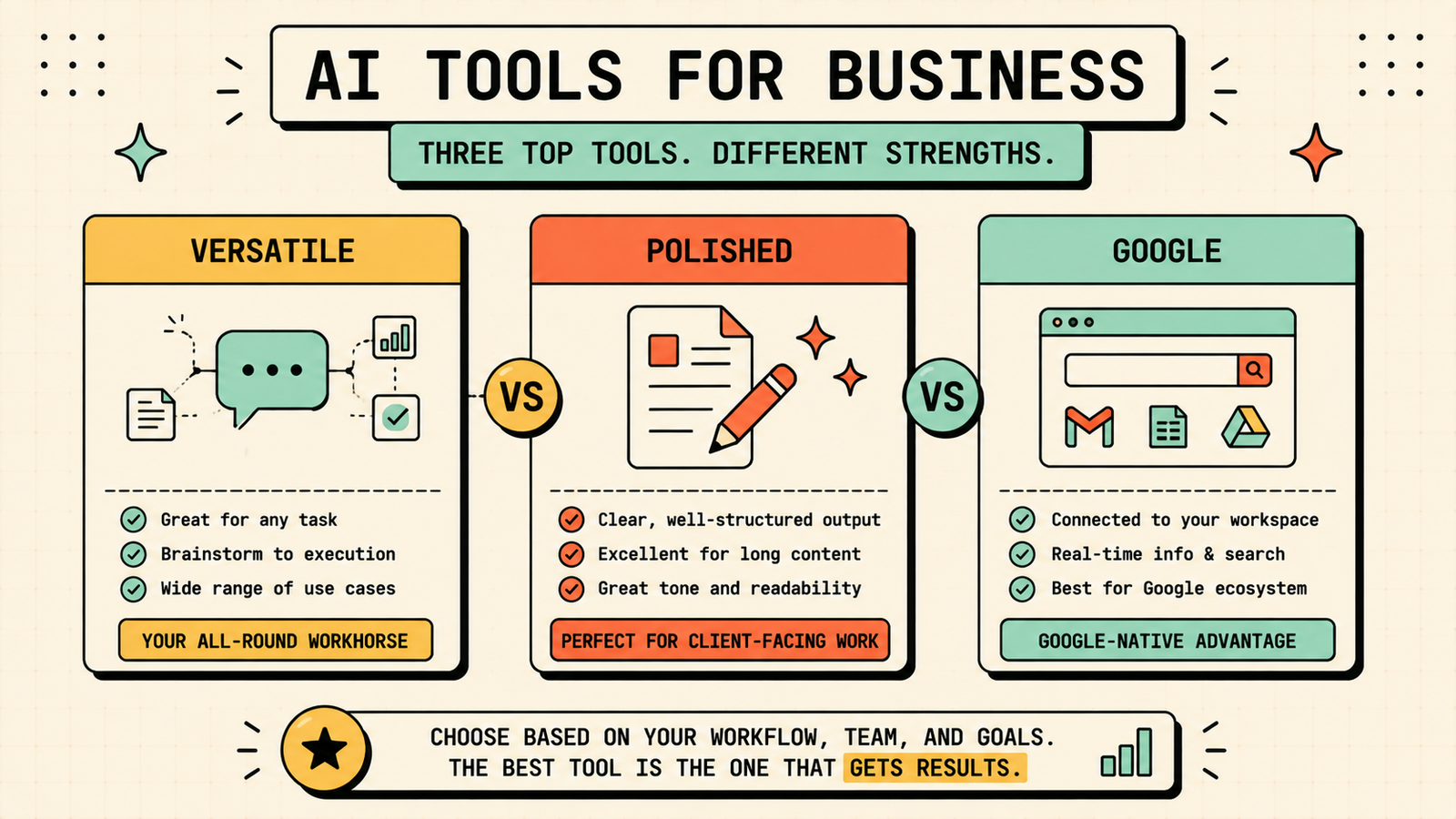
All three handle common business tasks, but each leans toward a different strength. Pick ChatGPT when you need one tool for the widest range of tasks, from emails and proposals to brainstorming and data questions. It is the best all-rounder. Pick Claude when the task requires careful, detailed work, like analysing a contract, writing a long strategy document, or reviewing a large file. It produces the most polished, thoughtful output. Pick Gemini when your business runs on Google Workspace and you want AI built into Gmail, Docs, and Sheets. It is the most integrated option for Google-native teams. For most small businesses, ChatGPT is the best starting point, with Claude as the upgrade when quality and depth matter more.
Best free AI tools for a small business
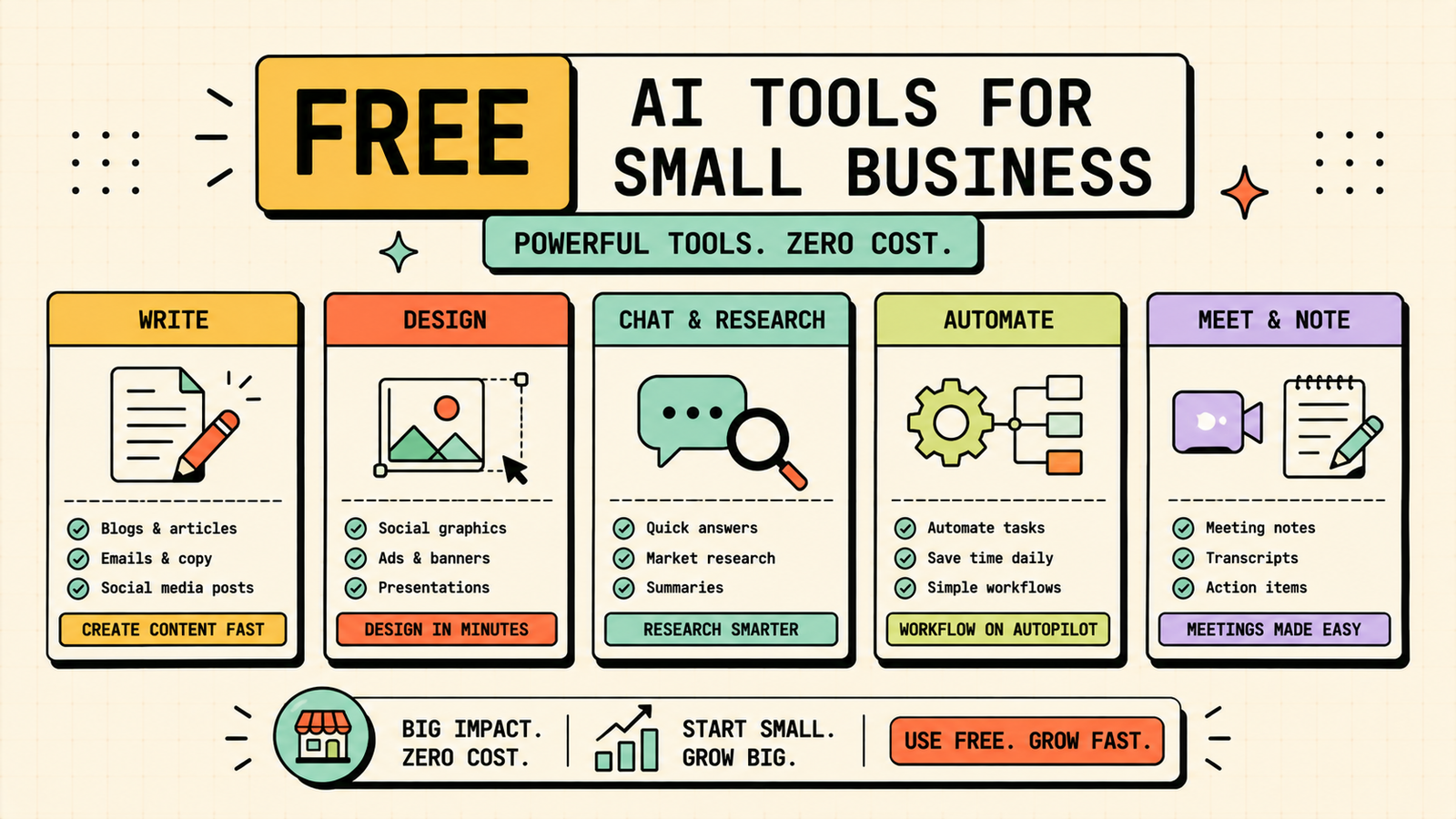
If budget is tight, the free stack covers a lot. ChatGPT free handles writing, brainstorming, and most daily communication. Claude free handles careful analysis and long documents. Gamma free creates presentation decks. Zapier free automates basic workflows. Otter.ai free transcribes meetings. Between these five, most of a small business's daily AI needs are covered without spending anything. Upgrade only when you hit real limits on a tool you use every day.
We'll show you exactly which AI tools fit your business and save you the most time and money.
Get a clear, practical plan to build a lean business AI toolkit that actually moves the needle.
How much should a small business spend on AI tools
Most small businesses do not need to spend much, and many spend too much on tools they barely use. A common sensible budget is one paid AI assistant subscription (ChatGPT Plus or Claude Pro, roughly $20 per month) plus one or two specialised tools if you have a specific heavy-use need, like Jasper for marketing copy or Apollo for sales prospecting. The total rarely needs to exceed $50 to $100 per month for a small team. The rule is the same as any business expense: spend only when the time or money saved clearly exceeds the cost. If you cannot point to the specific hours or revenue a tool saves you, you probably do not need it yet.
AI tools by business stage
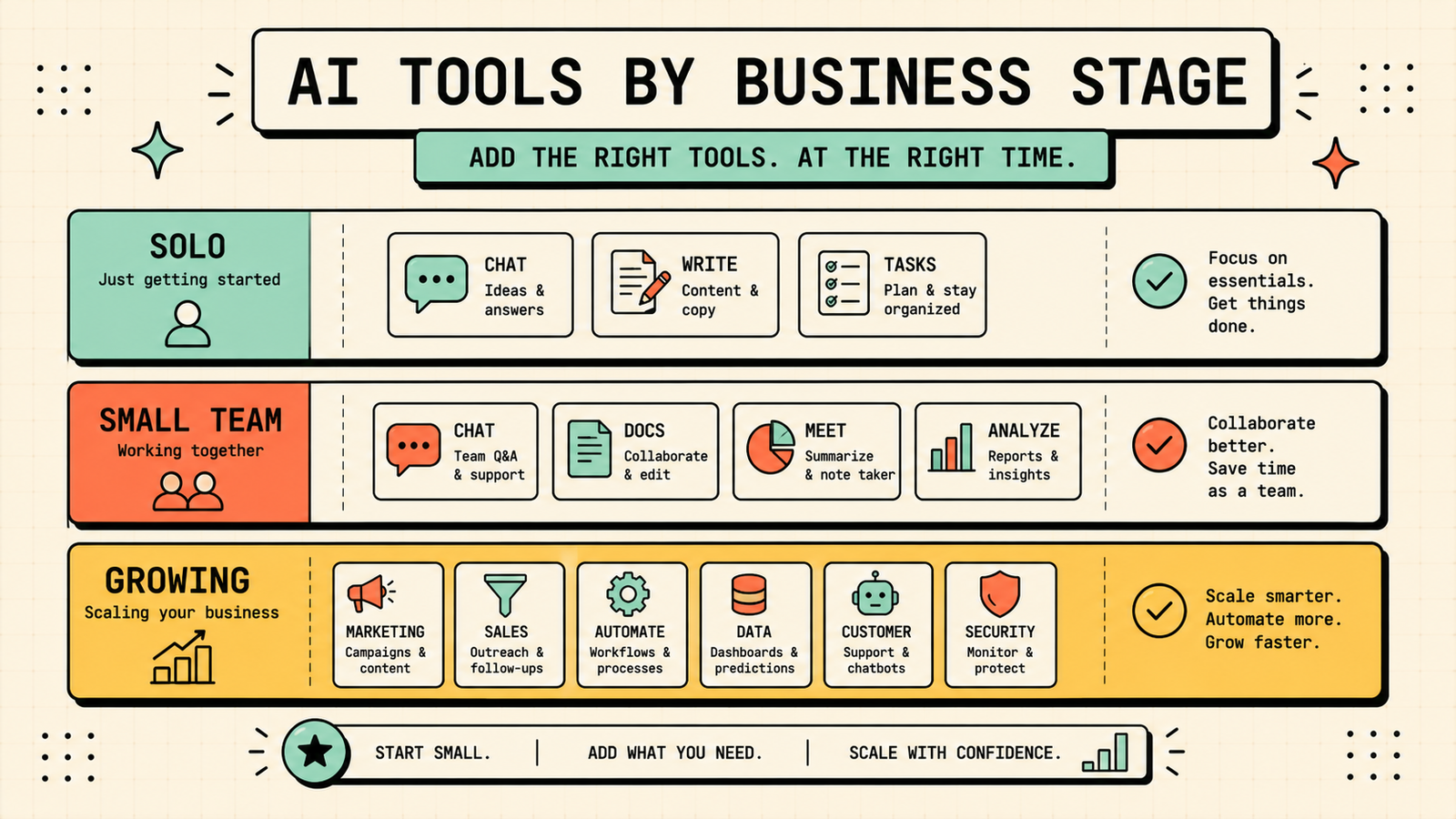
What you need shifts as you grow.
| Stage | What to focus on | Suggested tools |
|---|---|---|
| Solo founder | Writing, communication, basic automation | ChatGPT free, Zapier free |
| Small team (2 to 10) | Content, sales outreach, meetings | ChatGPT/Claude, Otter, Gamma |
| Growing business | Marketing ops, CRM, data, workflow | Add Jasper, Apollo, Julius, Notion AI |
Start lean and add tools only as real needs appear at each stage. The solo founder who masters ChatGPT and Zapier has more leverage than the small team paying for eight tools they use once a month.
Common mistakes businesses make with AI tools
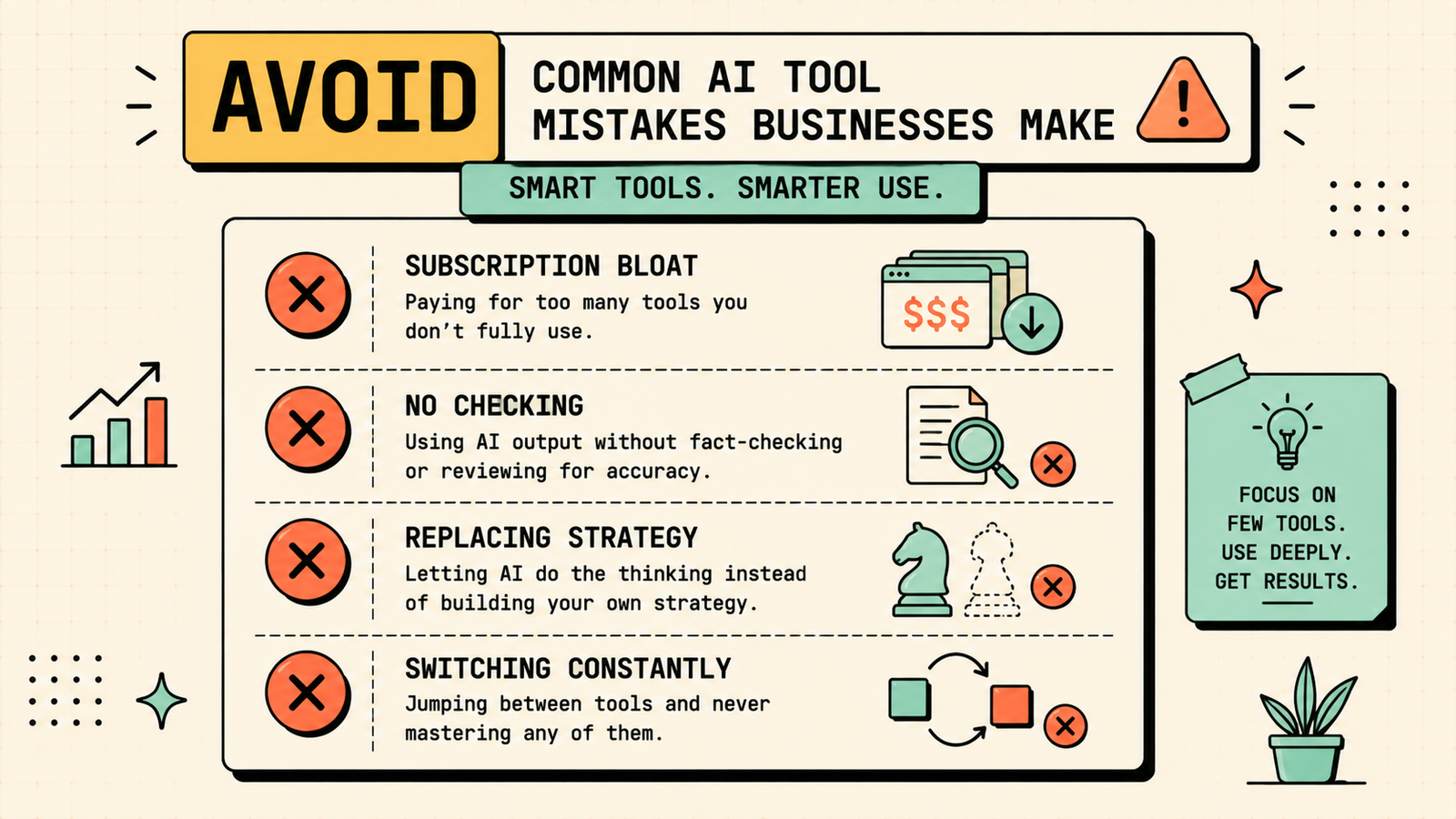
A few patterns waste the most money and time. Subscribing to tools you saw recommended without a specific use case creates subscription bloat. Using AI for everything without checking the output lets errors into client-facing communication. Expecting AI to replace strategy rather than speed up execution leads to generic, directionless output. Not training your team on how to prompt well means everyone gets mediocre results and blames the tool. And switching tools constantly instead of learning one well means you never get deep enough to see the real value. Pick a focused stack, learn it, and let the tools do the repetitive work while you handle the judgment.
How to measure whether an AI tool is actually worth it
Most businesses adopt AI tools on faith and never check whether they actually help. A simple monthly check fixes that. For each paid tool, estimate the hours it saves your team per week and multiply by what those hours cost you. Compare that to the subscription price. If the tool saves you more than it costs, keep it. If you cannot point to the specific time or money it saves, you probably do not need it, or you are not using it well enough yet. For free tools, the test is even simpler: does it make a task faster or better than doing it without? Track this for a month after adopting any new tool, and you will never waste money on AI subscriptions that sound good but deliver nothing.
AI Tools for Marketing
How to get your team to actually use AI tools
Buying a tool is easy. Getting your team to use it well is the real challenge. Start by picking one tool and one task, not five tools at once. Show the team a specific workflow: here is what we do now, here is how the tool speeds it up, here is the output. Let them try it with real work, not a demo. Share the best prompts and templates so nobody starts from scratch. And give it a real trial period, at least two weeks of daily use, before deciding whether it works. Teams adopt AI when they see it save them time on something tedious, not when they are told to use it in the abstract. One quick win builds more momentum than any training deck.
LetMeRank
The bottom line
The best AI tools for business depend on what your business actually needs, not on what is trending. ChatGPT or Claude for writing and communication, Gamma for presentations, Zapier for automation, Otter for meetings, and specialised tools for sales, data, or marketing when a real need appears. Start with one tool for your biggest bottleneck, learn it properly, and add the next only when the first one has paid for itself. That is how AI saves a business time and money instead of adding another line item.
If you found this useful, LetMeRank publishes practical guides on AI tools, content strategy, and organic growth for founders and small teams.











