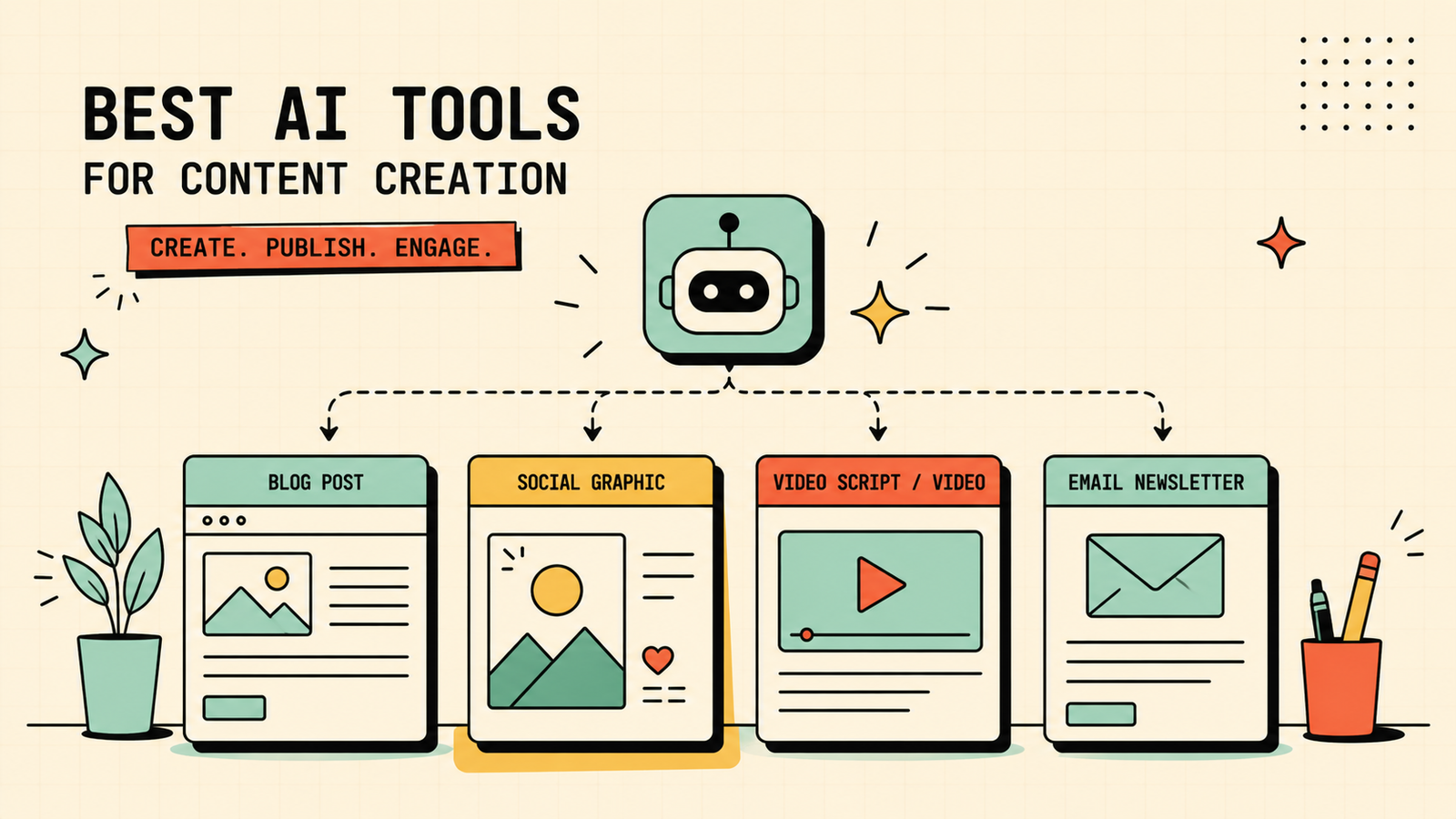
You need a blog post, three social graphics, a short video clip, and an email newsletter by Friday. You are one person. And somehow this is supposed to look like it came from a real team. That is the reality of content creation for most small brands and creators, and it is exactly where AI tools earn their keep. The right ones let a single person produce the volume and quality that used to need a full content team. The wrong ones waste your time generating generic filler nobody wants to read. This guide covers the best AI tools for content creation by what you actually create, which ones are free, how they compare, and how to keep the output worth publishing.
What to look for in AI content tools
Before you add another subscription, check a few things. Does the tool handle the format you create most, whether that is text, images, video, or design? Does the output need heavy editing or is it usable quickly? Can you stay on-brand with your own voice, fonts, and colours? Is there a free plan that covers real usage? And does it save you more time than it costs? The best content tools disappear into your workflow and make you faster. The worst ones create a new chore of fixing what they produce.
Best AI Tools for Teachers
The best AI tools for content creation
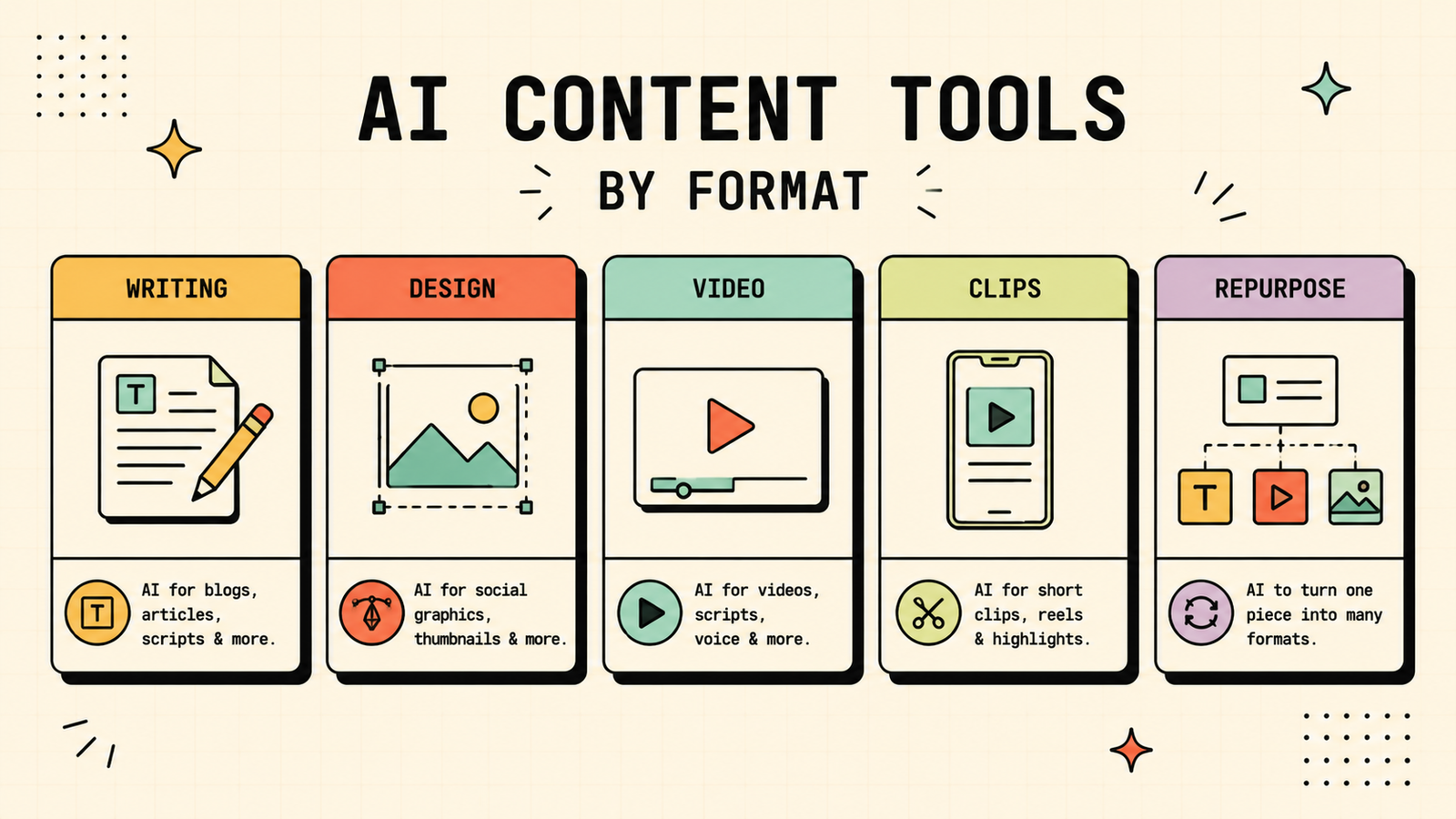
Here are the tools that matter, grouped by what you actually make.
Writing: blogs, social captions, emails, ad copy
ChatGPT is the most versatile writing tool. It drafts, outlines, rewrites, and brainstorms across any format. Give it a clear brief and it produces a solid first draft you can edit into your voice. The free plan covers most writing needs.
Claude is the stronger choice for longer, more polished writing. Blog posts, newsletters, and anything where structure and tone matter come out cleaner from Claude, especially at longer lengths. Free plan available, paid for heavier use.
Jasper is built specifically for marketing copy. It has brand voice controls, campaign workflows, and templates for ads, emails, landing pages, and social posts. It is paid only and best for teams producing a high volume of marketing content.
Design: social graphics, thumbnails, brand visuals
Canva is the all-in-one design tool most creators already use, and its AI features now generate images, layouts, and designs inside the platform you already know. The free plan is generous, and Pro adds brand kit and more AI features.
Adobe Firefly generates original images and effects inside Adobe's ecosystem, which suits creators already in Photoshop or Illustrator. Free credits available, with more on paid Adobe plans.
Video: short clips, talking heads, repurposing
Descript lets you edit video and audio by editing text, which makes it genuinely fast for podcasts, talking-head content, and removing filler. Free plan available with limits.
Opus Clip takes a long video and automatically cuts it into short clips for Reels, Shorts, and TikTok, picking the best moments. Free tier available.
HeyGen creates AI avatar videos from a script, useful for explainers, course content, and scaled video without filming. Paid with a free trial.
Repurposing: one piece into many
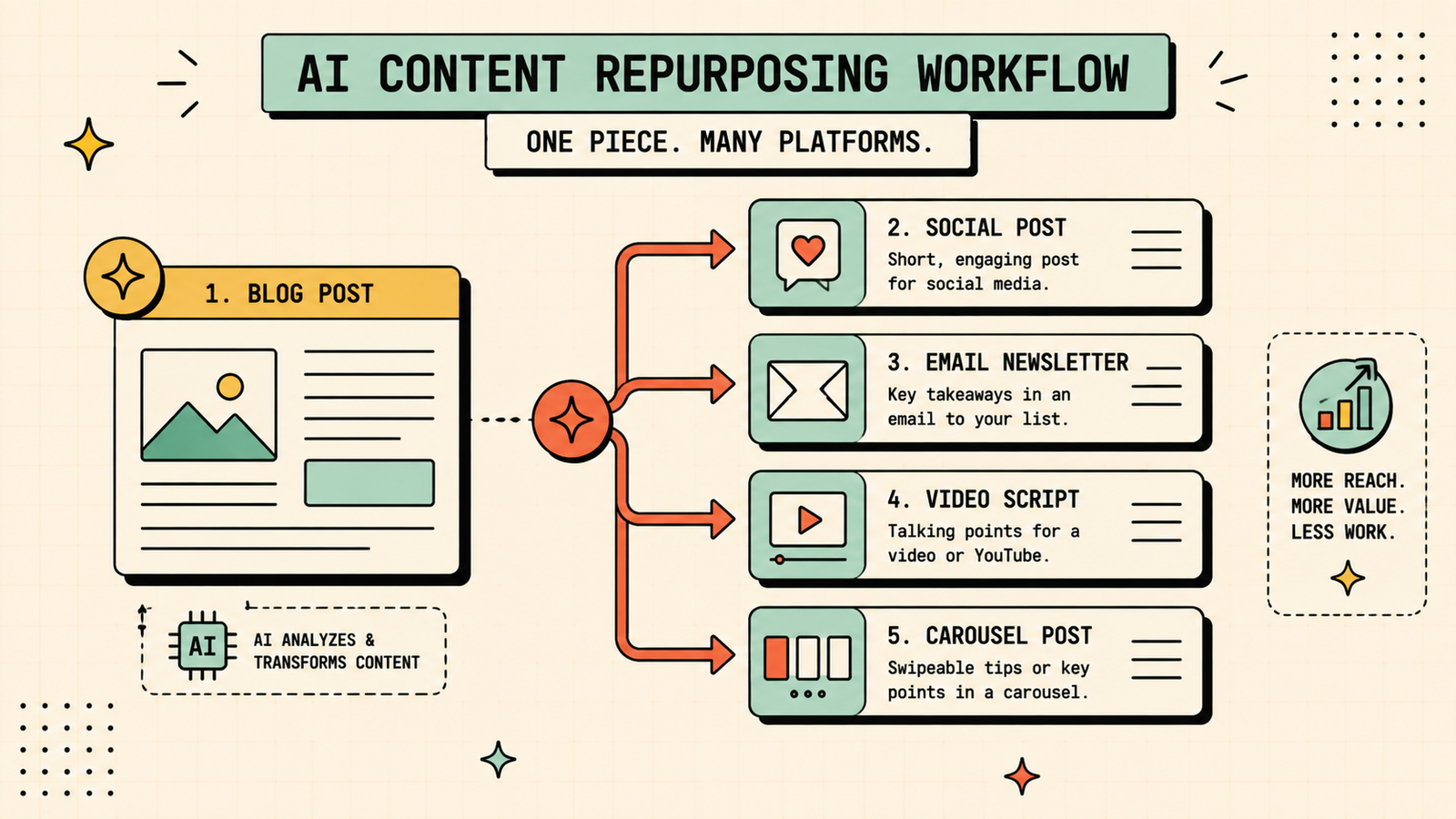
ChatGPT or Claude can take a blog post and turn it into social captions, an email, a thread, and a video script in minutes. No extra tool needed for text repurposing.
Opus Clip handles video-to-short-clips repurposing.
Canva lets you resize and adapt one design into every platform format.
The best content repurposing workflow is often just a general AI assistant plus a design tool, no dedicated repurposing app required.
Which AI Is Best for Math?
AI content creation tools compared
| Category | Best tool | What it does | Free plan |
|---|---|---|---|
| Writing (all-round) | ChatGPT | Drafts, outlines, rewrites anything | Yes |
| Writing (polished, long-form) | Claude | Cleaner structure and tone at length | Yes |
| Writing (marketing copy) | Jasper | Brand voice, campaign templates | No (paid) |
| Design and graphics | Canva | Social posts, thumbnails, brand visuals | Yes |
| Image generation | Adobe Firefly | Original images and effects | Yes (credits) |
| Video editing | Descript | Edit video by editing text | Yes (limited) |
| Video clips | Opus Clip | Long video to short social clips | Yes |
| Avatar video | HeyGen | AI talking-head from a script | Trial |
ChatGPT vs Jasper vs Canva: which is best for content creation?
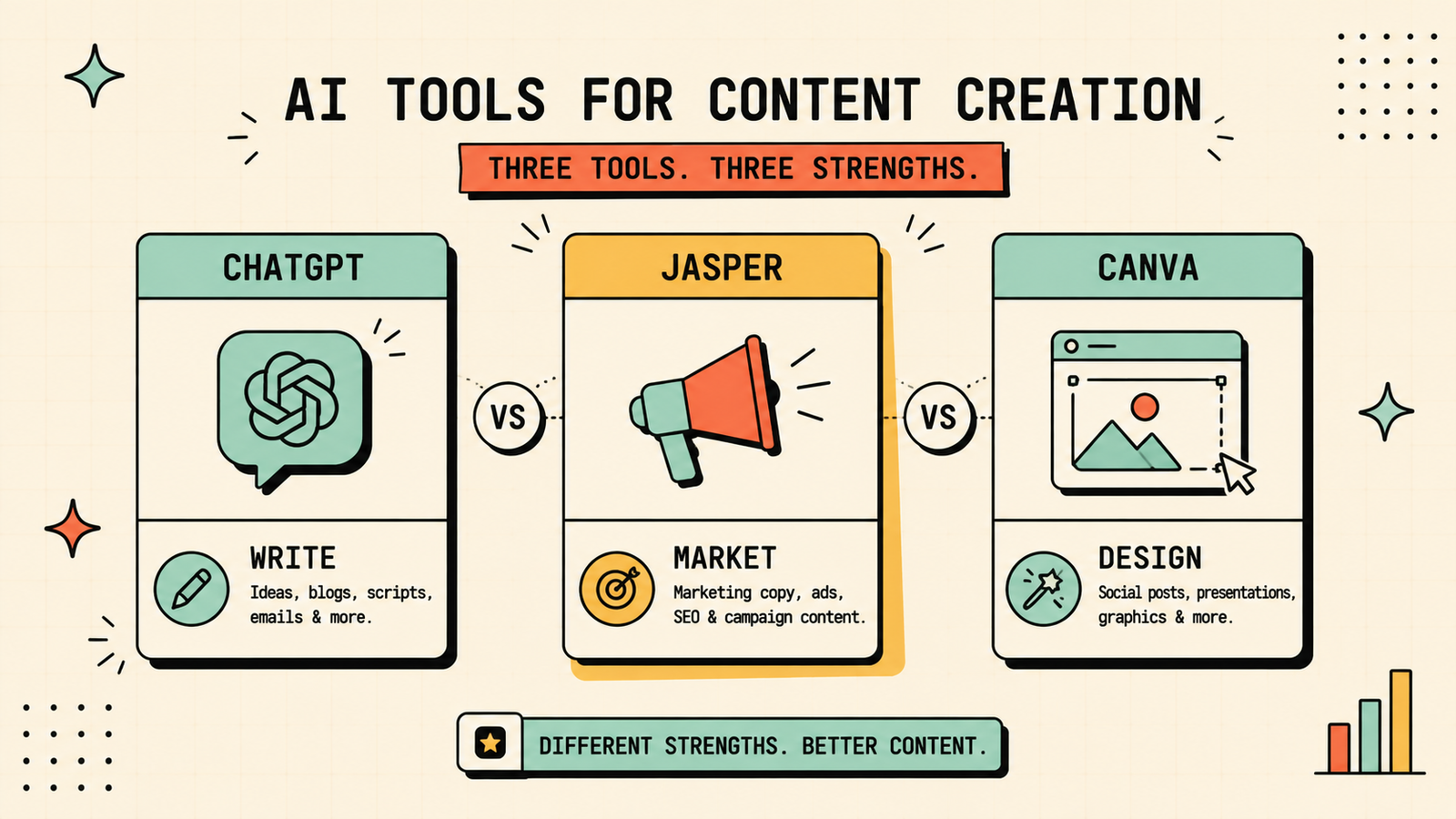
Each wins at a different job. Pick ChatGPT when you need flexible, fast writing across any format and want one tool for brainstorming, drafting, and repurposing. Pick Jasper when you run a team producing a high volume of marketing copy and need brand voice controls and campaign workflows built in. Pick Canva when design is the bottleneck and you need social graphics, thumbnails, and brand visuals fast. Most small creators do best with ChatGPT (or Claude) for writing plus Canva for design, which covers the two biggest needs without paying for a third tool.
Best free AI tools for content creation
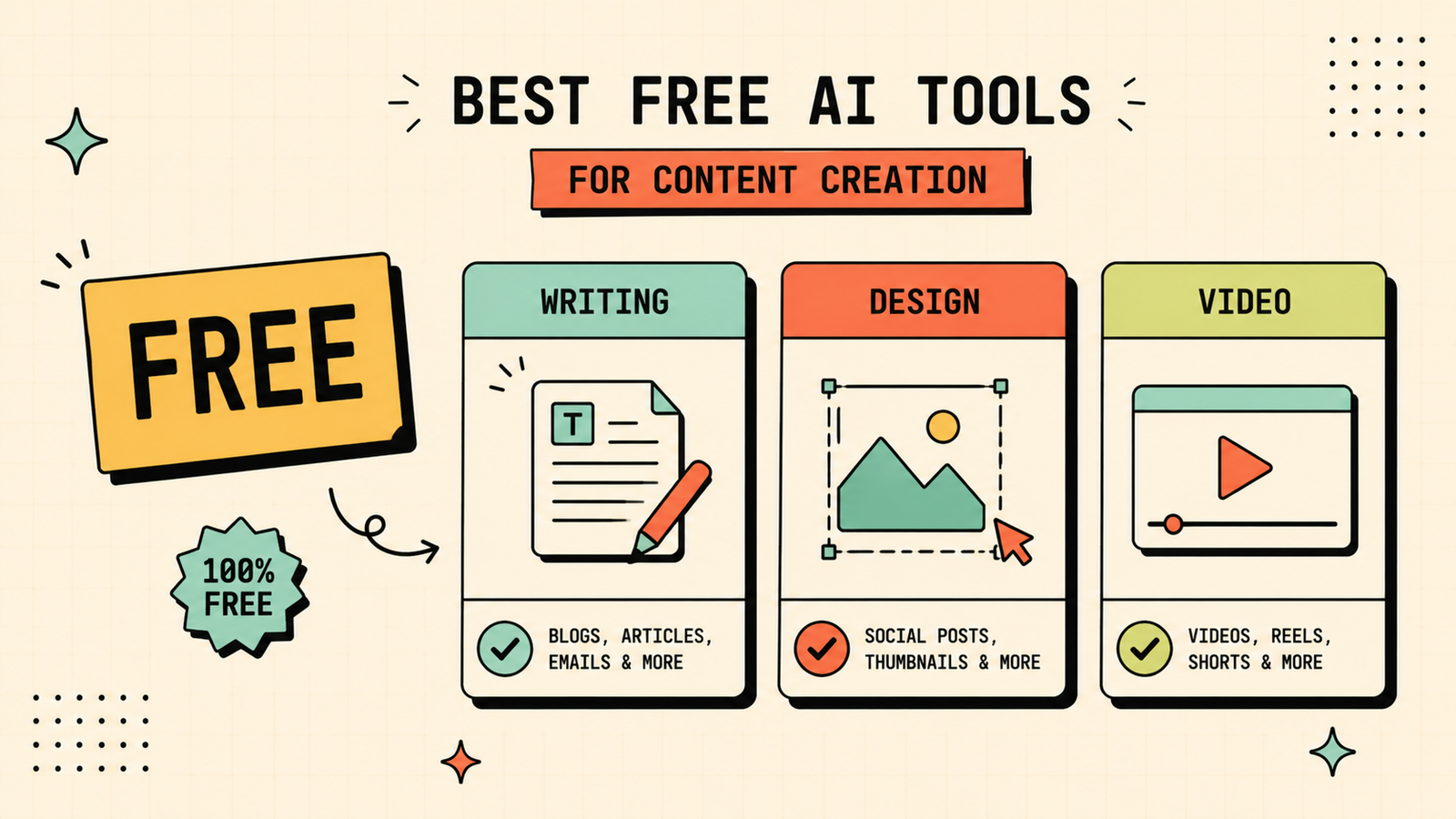
If you are paying for nothing, the stack is simpler than you think. ChatGPT free handles all your writing, drafting, outlining, and repurposing. Canva free covers design, social graphics, and basic AI image generation. Descript free handles basic video and audio editing. Between these three, you can produce blog posts, social content, emails, graphics, and video clips at zero cost. Paid plans add convenience and volume, but the free tools genuinely cover a one-person content operation.
We'll show you exactly which AI content tools fit your workflow and save you the most time.
Get a clear, practical plan to build your own content creation toolkit that actually produces quality output.
Best AI for repurposing one piece of content into many
This is where AI saves the most time relative to effort. Take your best-performing blog post and ask ChatGPT or Claude to turn it into five social captions, an email newsletter intro, a video script, and a Twitter/X thread. Then take the key points into Canva to make carousel graphics or quote cards. If you have a video version, run it through Opus Clip to pull short clips. One strong piece of content becomes a week of posts across every channel, and the whole process takes less than an hour. This is the workflow that makes a solo creator look like a team.
Can AI content rank on Google?
Yes, but only if it is genuinely helpful. Google does not penalise content for being AI-assisted. It penalises content for being low quality, regardless of how it was made. Raw, unedited AI output rarely ranks because it tends to be generic, surface-level, and missing real expertise. Content that ranks is AI-assisted but human-led: you use AI to draft and speed up, then add your own experience, edit for accuracy, and make it genuinely more useful than what already exists. Treat AI as a fast first draft, not a publishing button.
How to keep AI content original and on-brand
The biggest risk with AI content is that it sounds like everyone else's AI content: the same phrasing, the same structure, the same safe generalities. To avoid that, always edit the output into your own voice and add details only you know. Give the AI your brand guidelines, tone examples, and specific instructions rather than a vague prompt. Add real examples, opinions, and experience that a generic AI cannot produce. And never publish a first draft without reading it yourself and asking whether you would actually want to read this. AI handles the blank-page problem. You handle everything that makes the content yours.
AI Tools for Marketing
Common mistakes with AI content creation
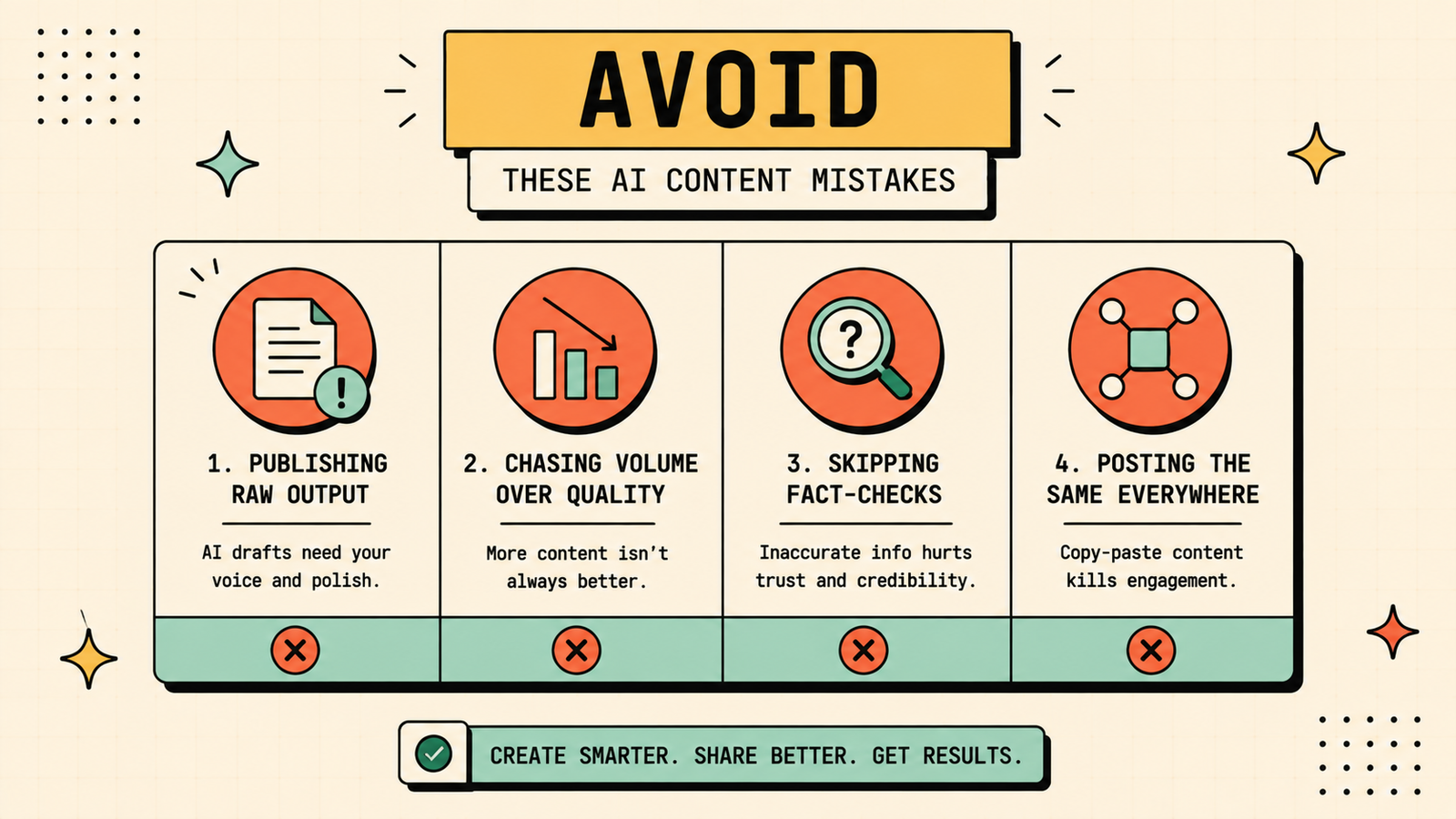
A few patterns waste the most time and goodwill. Publishing raw AI output without editing produces forgettable, generic content that does not convert or rank. Using AI for volume instead of quality floods your channels with filler. Forgetting to fact-check lets confident-sounding errors slip through. Not adapting the output to each platform means the same bland post appears everywhere. And paying for overlapping tools when one general assistant plus one design tool would cover it wastes budget. Fewer tools, better prompts, and real editing beat a drawer full of subscriptions.
The AI content creation workflow that saves the most time
Here is the workflow that turns AI from a gadget into a genuine productivity engine. Start each piece by defining what you need: format, audience, tone, and goal. Feed that as a clear brief to ChatGPT or Claude and get a structured outline plus a first draft. Edit the draft into your voice, add your own examples and expertise, and fact-check anything specific. Pull the key visuals into Canva and create the graphics in your brand style. If you have video, run it through Descript to clean up and Opus Clip to pull short clips. Then repurpose the finished piece: ask the AI to turn it into social captions, an email intro, and a thread. One clear brief in, a full week of content out. The trick is that AI handles the blank-page problem and the repetitive reformatting, while you handle the judgment, voice, and quality that make the content actually work. That division is what makes the workflow sustainable, not just fast.
LetMeRank
How to build a brand voice AI can follow
Generic output is the biggest complaint about AI content, and it is almost always a prompting problem, not a tool problem. Build a short brand voice document that describes your tone (casual, professional, witty, direct), words you use and words you avoid, sentence length preference, and a few examples of your best writing. Paste it into your AI prompt every time you start a draft, and the output will sound like you rather than like everyone else. Save it as a reusable template so you never start from scratch. The ten minutes it takes to write this document saves hours of editing AI output into something that sounds human.
The bottom line
The best AI tools for content creation depend on what you create. ChatGPT or Claude for writing, Canva for design, Descript for video editing, Opus Clip for short clips, and HeyGen or similar for avatar video. Start free, use AI to draft and repurpose, then add your own voice and expertise so the output is worth publishing. One person with the right two or three tools can genuinely produce what used to need a full content team.
If you found this useful, LetMeRank publishes practical guides on AI tools, content strategy, and organic growth for founders and creators.











