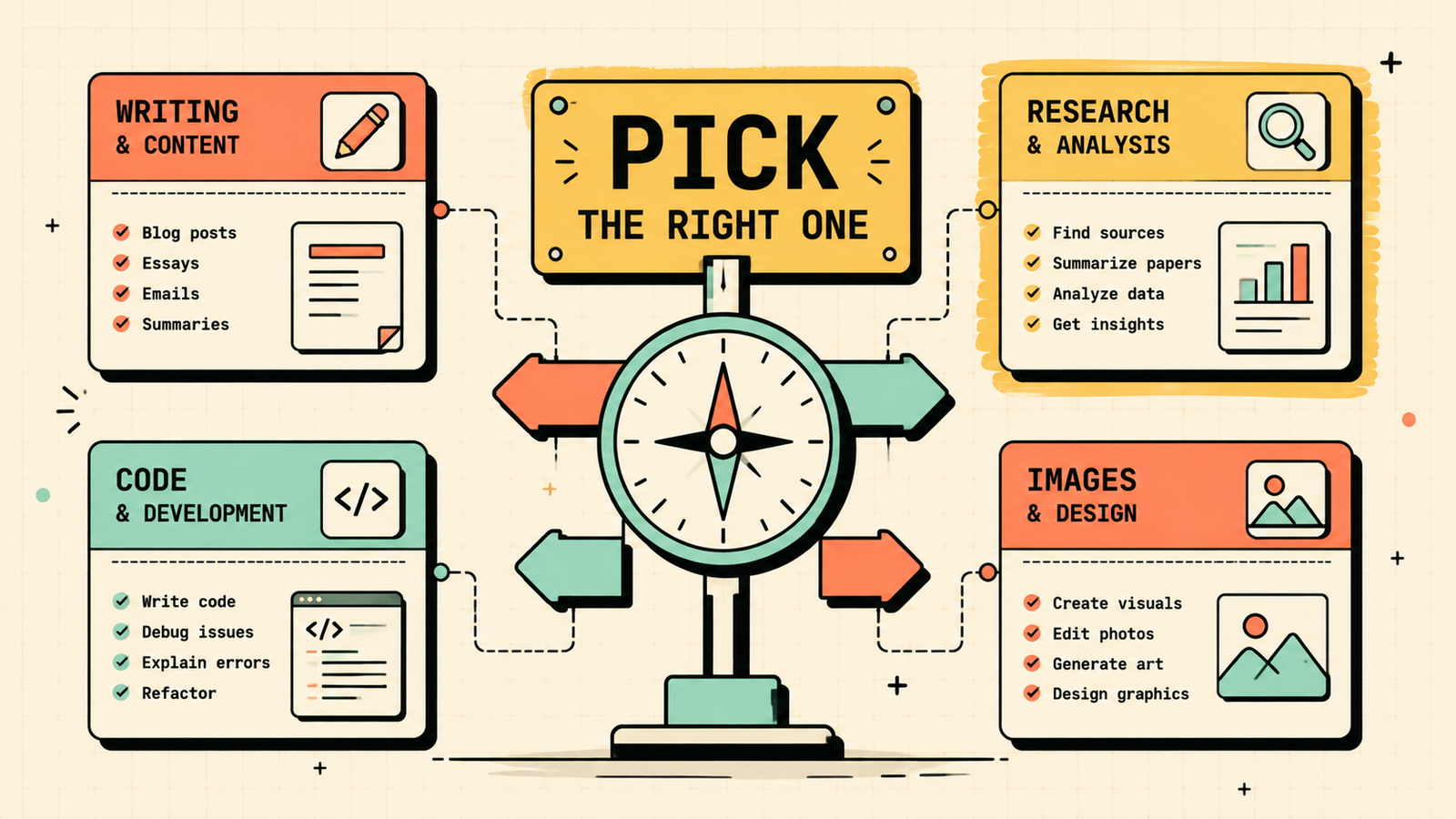
There are now so many AI tools that the hardest part is no longer finding one. It is figuring out which one to actually use for the thing you need to do right now. ChatGPT, Claude, Gemini, Perplexity, Grok and dozens of others all claim to do everything, but each has genuine strengths and real weaknesses. This guide cuts through the overlap and tells you which AI is best for each common task, from writing and research to coding, images, studying, presentations and more, so you can stop testing every tool and start using the right one.
How to pick the right AI for any task
The simplest rule: match the tool to the job, not the hype. Every AI is built with different priorities. Some are optimised for conversation and creativity, some for accuracy and sourcing, some for speed, and some for working with your own files. The one your friend swears by might be the wrong pick for your specific task. Before choosing, ask two questions: what exactly do I need done, and does this tool do that specific thing better than the others? The answers change depending on the job, which is why a quick-reference guide like this one saves you from trial and error.
Best AI Tools for Students
Which AI is best for each task (quick reference)
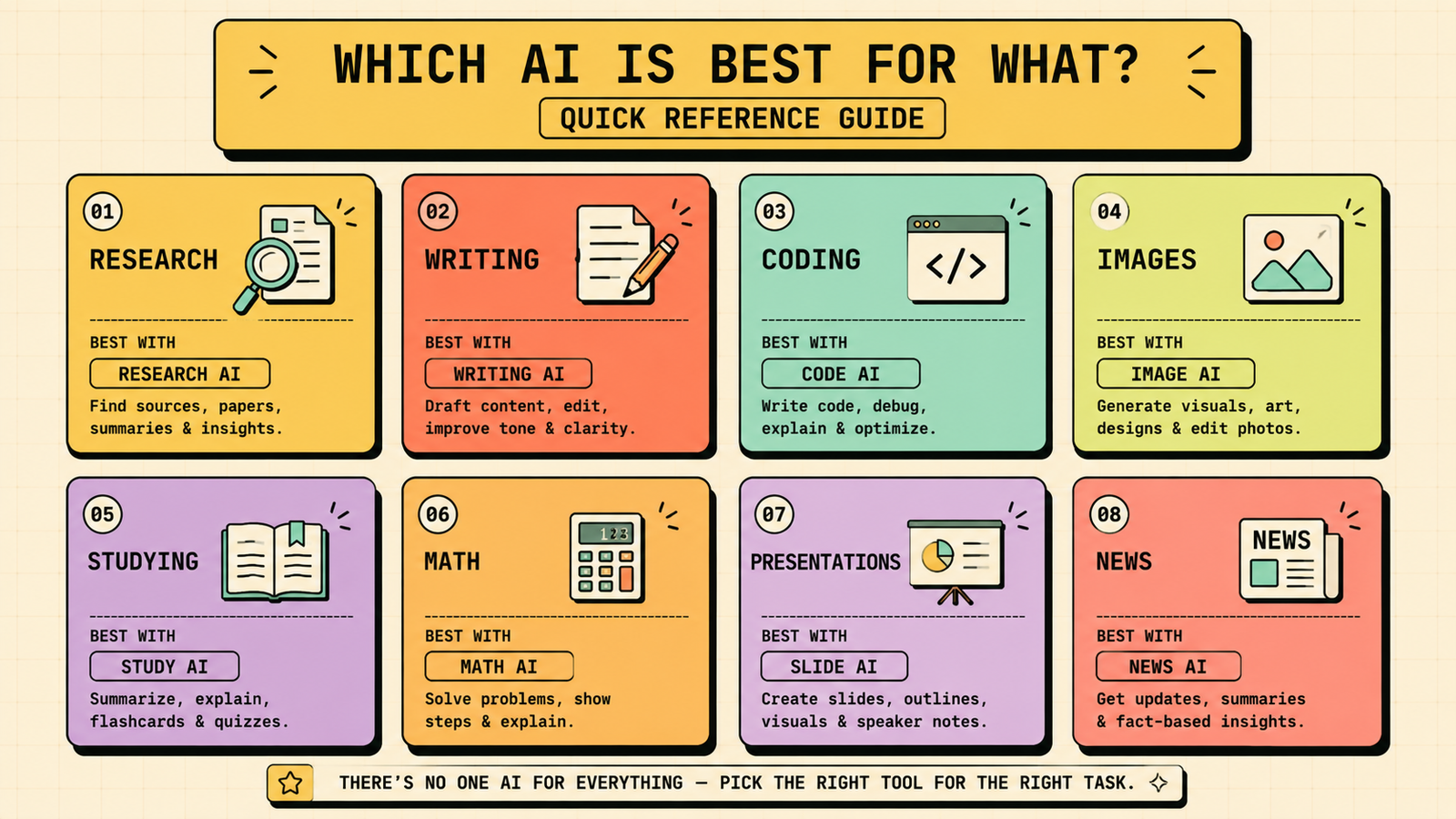
Here is the short answer for every common task. Details follow below.
| Task | Best AI | Why |
|---|---|---|
| General questions and conversation | ChatGPT | Most versatile all-rounder, handles almost anything |
| Research with real sources | Perplexity | Searches in real time, gives inline citations |
| Long documents and deep analysis | Claude | Handles very long context, careful and thorough |
| Writing and editing | Claude or ChatGPT | Claude for polish and structure, ChatGPT for speed and ideas |
| Coding | Claude or GitHub Copilot | Claude for reasoning and debugging, Copilot for IDE integration |
| Image generation | Midjourney or Ideogram | Midjourney for art quality, Ideogram for text in images |
| Studying and exam prep | NotebookLM | Answers only from your uploaded notes, no hallucination |
| Math and problem solving | ChatGPT or Wolfram Alpha | ChatGPT for explanations, Wolfram for exact computation |
| Presentations | Gamma | Fastest path from idea to polished slides |
| Research papers | Perplexity + Consensus | Sourced research from web and academic databases |
| Video creation | Runway or Synthesia | Runway for cinematic, Synthesia for talking-head avatars |
| Real-time news and trends | Grok or Perplexity | Grok for X/social pulse, Perplexity for web-wide search |
ChatGPT: what it is best at
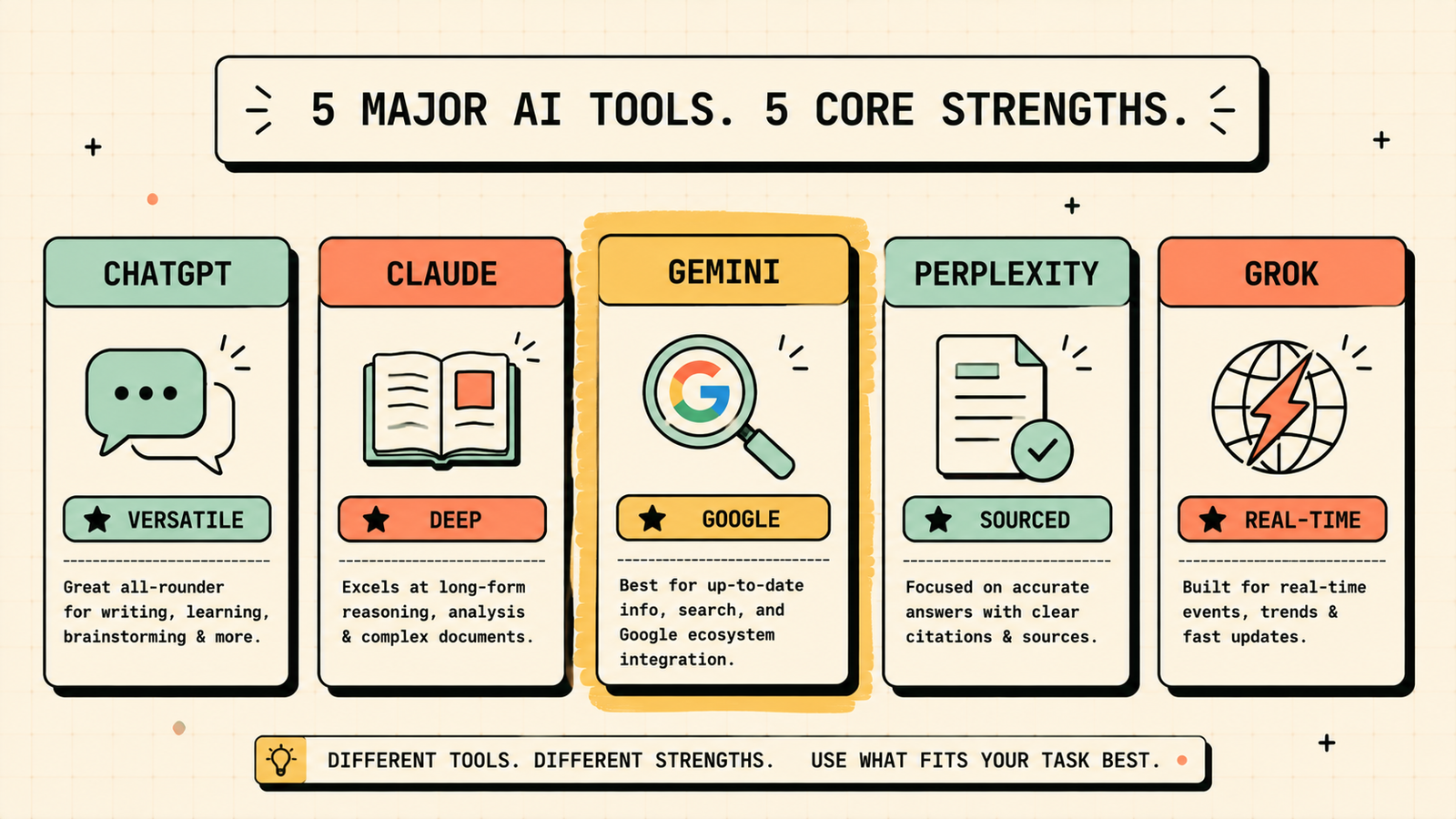
ChatGPT is the most widely used AI and the strongest all-rounder. It handles conversation, brainstorming, writing, coding, math explanations, and creative tasks across almost any topic. Its biggest strength is flexibility: whatever you throw at it, it produces a usable answer quickly. The free plan includes GPT-4o and is genuinely powerful. Where it falls short is research with verified sources (it does not cite natively) and very long documents (its context window is shorter than Claude's). Pick ChatGPT when you need one tool for everything and speed matters more than sourcing.
Claude: what it is best at
Claude is the strongest for careful, detailed work. It handles very long documents (you can paste entire papers, reports, or codebases), writes with clean structure and polish, and reasons through complex problems thoughtfully. It is particularly strong for coding (debugging, explaining, and reviewing) and for any task where accuracy and depth matter more than speed. The free plan is usable, with paid tiers for heavier use. Where it falls short is real-time information (it does not search the web natively) and image generation. Pick Claude when quality of thinking matters most.
Gemini: what it is best at
Gemini (Google's AI) is tightly integrated with Google's ecosystem, which is its biggest advantage. It works inside Gmail, Docs, Sheets, and Search, making it the natural choice if you live in Google Workspace. It handles general questions, summarisation, and multimodal tasks (text plus images) well. The free plan is strong. Where it falls short is coding depth (not as strong as Claude) and research sourcing (not as citation-focused as Perplexity). Pick Gemini when you want AI inside your Google tools or need multimodal understanding.
Best AI Tools for Writing a Research Paper
Perplexity: what it is best at
Perplexity is the best AI for research. It searches the web in real time and gives every answer with inline citations, so you can see exactly where each fact came from. That makes it excellent for fact-finding, exploring topics, building reference lists, and any task where trust and sourcing matter. The free plan is strong, and Pro adds deeper search. Where it falls short is creative writing and open-ended brainstorming, since it is built for accuracy rather than imagination. Pick Perplexity when you need facts you can trust and cite.
Grok: what it is best at
Grok (by xAI, available on X/Twitter) is built around real-time information and has a direct connection to what is happening on X. It is strong for current events, trending topics, and anything where you want the AI to know what happened in the last few hours. It also has a more casual, direct tone. Where it falls short is deep analysis and long-form work, which Claude and ChatGPT handle better. Pick Grok when you need the latest pulse on news, social trends, or real-time events.
Best free AI for each task
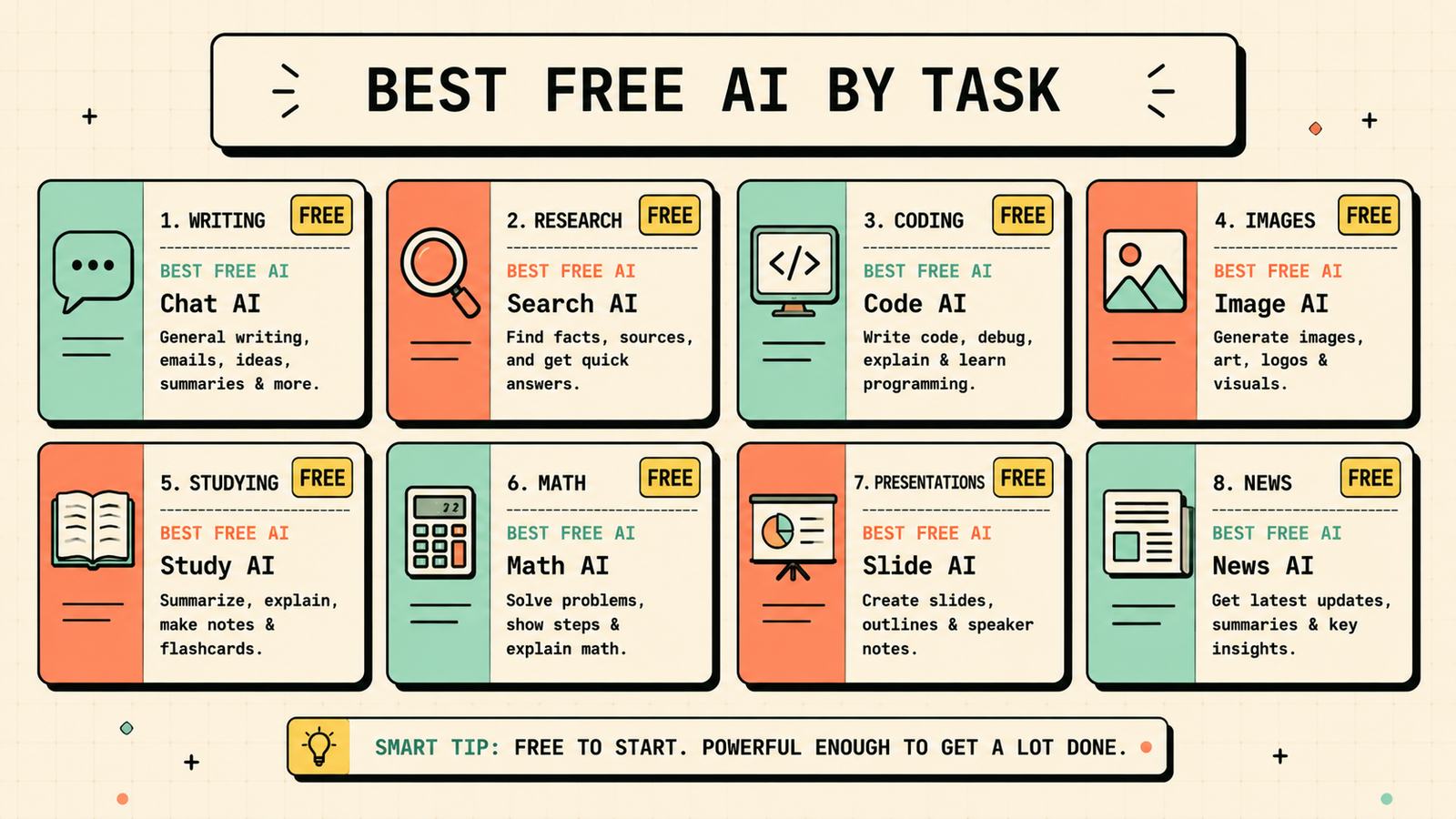
If you are paying for nothing, here is the free pick per task.
| Task | Best free AI |
|---|---|
| General use | ChatGPT free (GPT-4o) |
| Research | Perplexity free |
| Long documents | Claude free |
| Studying and revision | NotebookLM (fully free) |
| Writing improvement | Quillbot free |
| Presentations | Gamma free or Canva free |
| Design and graphics | Canva free |
| Image generation | Ideogram free or Grok free |
| Math | ChatGPT free |
Between ChatGPT free, Perplexity free, Claude free, and NotebookLM, most tasks are covered at zero cost. Add Canva free for design and you have a very capable stack without paying anything.
We'll show you exactly which AI tools fit your workflow and which ones are just noise.
Get a clear, practical plan to build your own AI toolkit that actually saves time without overlapping tools.
When to use more than one AI
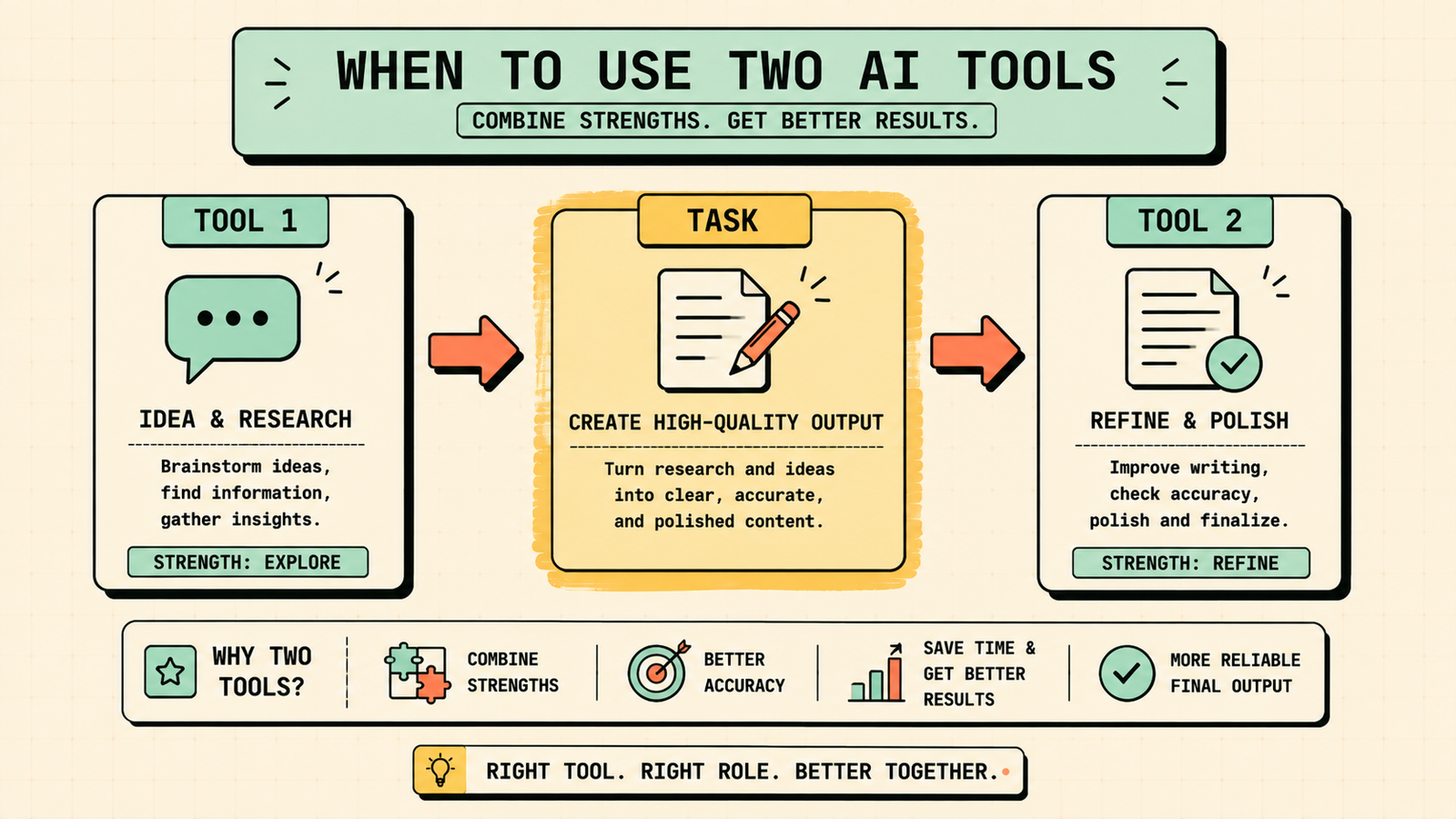
No single AI is the best at everything, and the strongest workflow often combines two. Use Perplexity to research and find sources, then ChatGPT or Claude to organise and write. Use ChatGPT to brainstorm and draft, then Claude to refine and polish. Use NotebookLM to study your own notes, then ChatGPT to quiz yourself on gaps. Use Gamma to generate a deck, then Canva to add brand polish. Switching between tools sounds like extra work, but it takes less time than fighting one tool to do something it was not built for. Two minutes choosing the right tool saves twenty minutes getting a bad result from the wrong one.
Common mistakes when choosing an AI tool
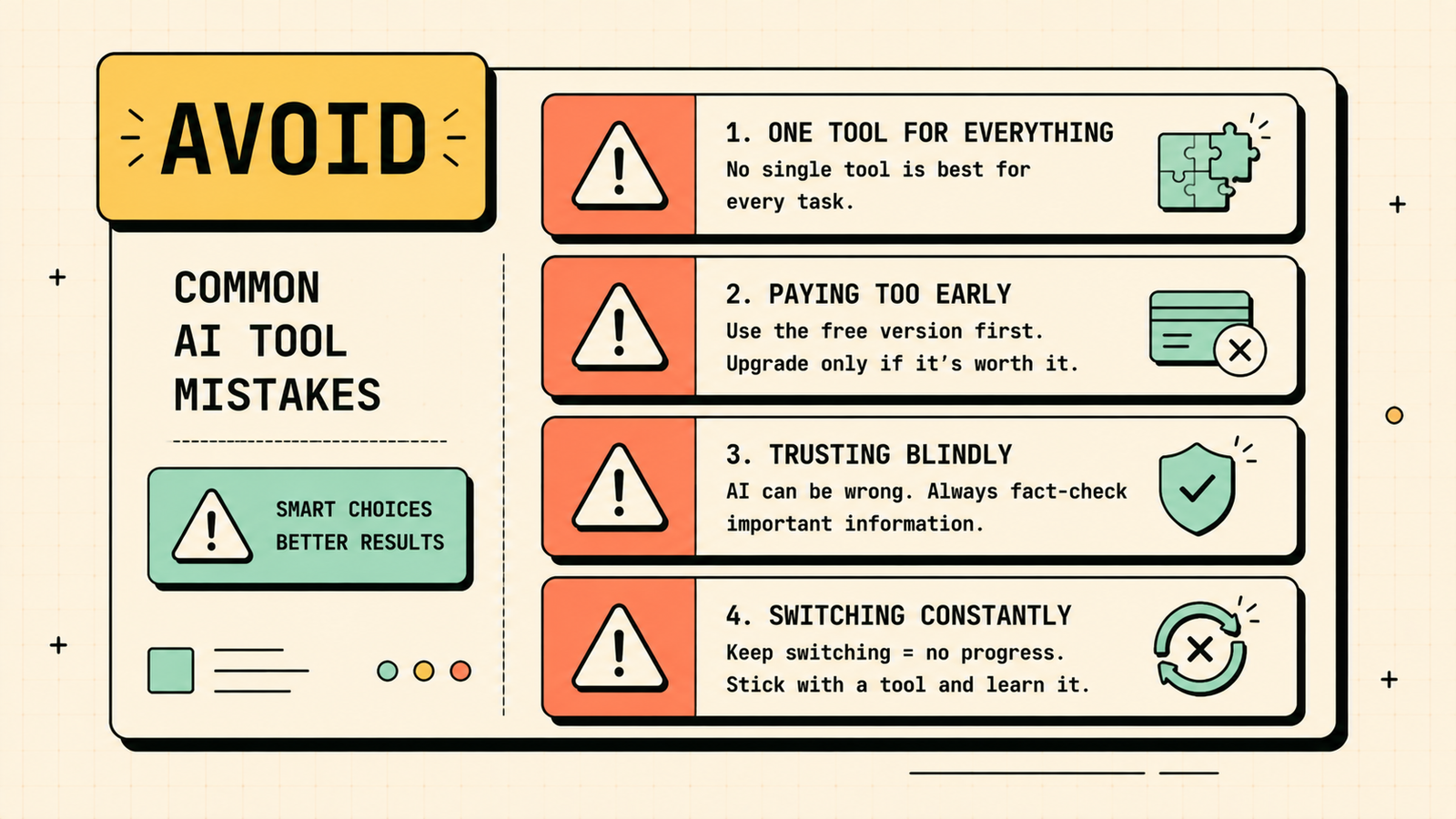
A few patterns waste the most time. Using one AI for everything when it is genuinely weak at some tasks gives you mediocre results and makes you think AI is overrated. Paying for a premium plan before hitting the free tier's limits wastes money. Trusting any AI for facts without checking leads to errors, since every model hallucinates sometimes. Jumping to the newest tool every month means you never learn any tool well enough to get the most from it. And judging an AI by one bad answer rather than testing it properly on your actual tasks misses what it can really do. Pick the right tool for the job, learn it, and verify the output.
AI Tools for Marketing
Do you need more than one AI subscription?
For most people, no. The free tiers of ChatGPT, Perplexity, Claude, and NotebookLM cover an enormous range of tasks. If you do enough volume to hit limits, one paid subscription (usually ChatGPT Plus or Claude Pro, depending on whether you value breadth or depth) is typically enough. A second paid subscription only makes sense if you have a specific, heavy-use need the first one does not cover, like Perplexity Pro for daily research or Midjourney for professional image work. Start free, pay for one when you need to, and resist subscribing to everything.
Which AI is best for specific roles
Different jobs lean on different strengths. If you are a founder or marketer, ChatGPT's versatility across writing, brainstorming, and planning makes it the best starting point, with Perplexity for research and Gamma for decks. If you are a developer, Claude's code reasoning and debugging, or GitHub Copilot's IDE integration, are the strongest picks. If you are a student, the combination of ChatGPT for explaining, Perplexity for sourced research, and NotebookLM for revision covers almost everything. If you are a researcher or academic, Perplexity plus Consensus (for peer-reviewed evidence) is the core pair. If you are a designer or creative, Midjourney or Ideogram for images and Canva for layouts and graphics do the heavy lifting. Matching the tool to your actual daily work, not to a generic "best AI" ranking, is what makes the difference between useful and frustrating.
AI tools change fast, so here is how to keep up
Models update, new tools launch, and what was best six months ago may not be best today. The simplest way to stay current without wasting hours testing everything is to master two or three core tools that cover your main tasks, then check in on alternatives only when your current tools genuinely fall short. Follow a few trusted reviewers or communities rather than chasing every launch. And remember that fundamentals change slowly even when interfaces change quickly: an AI that is strong at research, writing, or coding today will likely stay strong in the same area even as the specific version updates. Do not switch tools every month. Do switch when a new tool clearly does your most important task better than what you are using now.
LetMeRank
The bottom line
There is no single best AI. There is a best AI for each task. ChatGPT for versatility, Claude for depth and careful work, Perplexity for sourced research, Gemini for Google integration, Grok for real-time trends, NotebookLM for studying your own materials, and specialised tools for images, presentations, and code. Match the tool to the job, start with the free plans, and combine two when one is not enough. That is the whole system.
If you found this useful, LetMeRank publishes practical guides on AI tools, content, and organic growth for founders and teams.











