You know you should post regularly. You have said "I will post three times a week" more than once. And every time, you manage it for a week, maybe two, before the ideas dry up, the motivation fades, and your feed goes silent again. The problem is not discipline. It is the absence of a system. A content calendar is that system: a plan that tells you what to publish, when to publish it, and on which channel, so content creation becomes a scheduled task rather than a daily panic.
This guide covers how to build a content calendar, what to put in it, the tools that make it easy, and how to actually stick to it.
What is a content calendar?
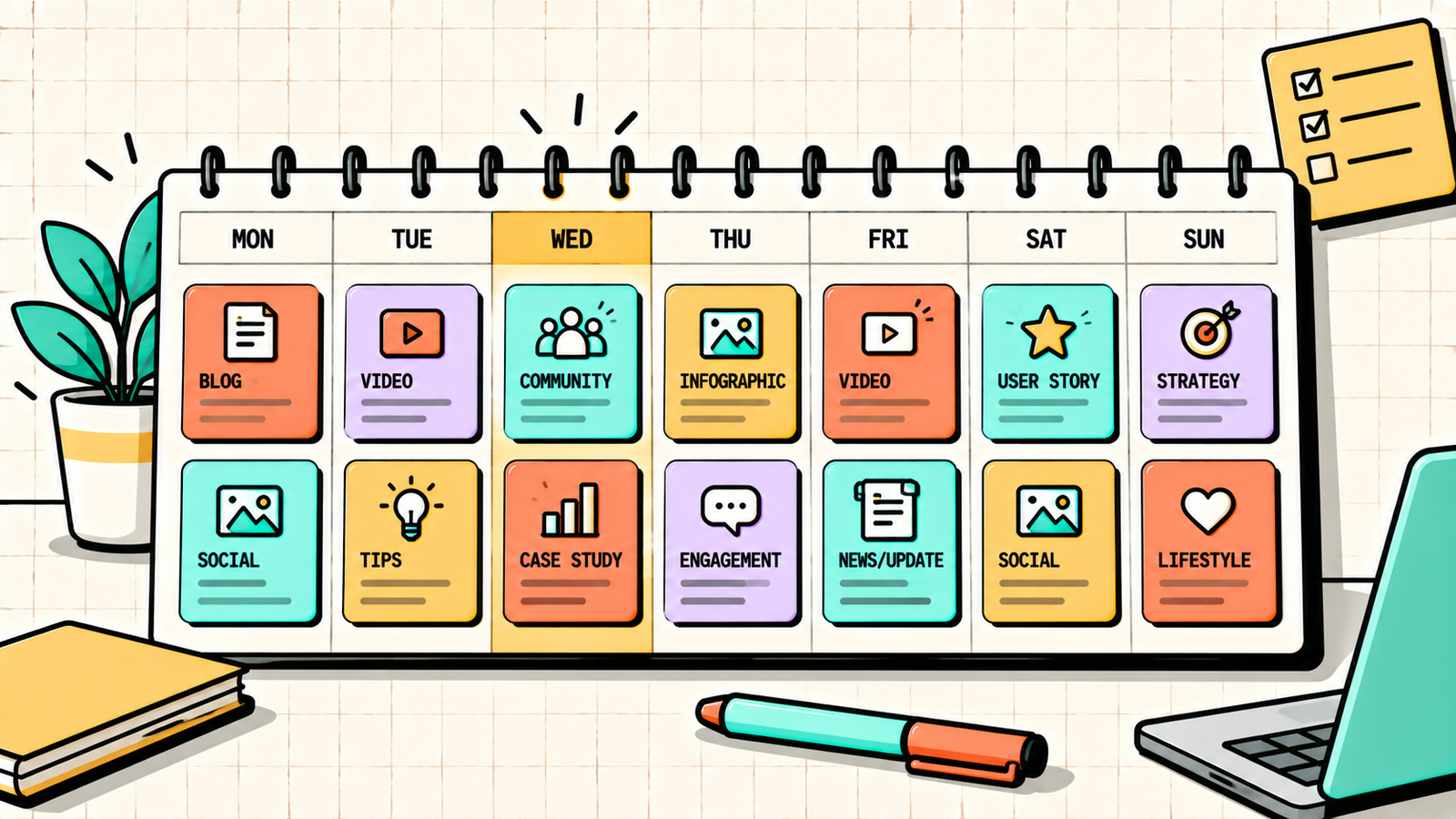
A content calendar is a schedule that maps out what content you will publish, when, and where. It can be as simple as a spreadsheet or as complex as a project management tool with workflows. The format does not matter. What matters is that you have a plan in advance, so you never face the question "what should I post today?" without an answer.
It covers every content channel you use: blog posts, social media posts, emails, videos, podcasts, and anything else you publish regularly. Each entry includes the topic, the format, the channel, the publish date, and the status (planned, drafted, scheduled, published).
Why a content calendar matters
Without a calendar, content creation is reactive. You post when inspiration strikes and go silent when it does not. With a calendar, you batch your planning so you only need ideas once a week or once a month rather than every day. You maintain consistency, which is the single most important factor in building an audience. You ensure topic variety so you do not accidentally post about the same thing five times in a row. You coordinate across channels so a blog post, its social promotion, and its email mention all align. And you reduce stress because the next two to four weeks are already planned.
How to create a content calendar, step by step
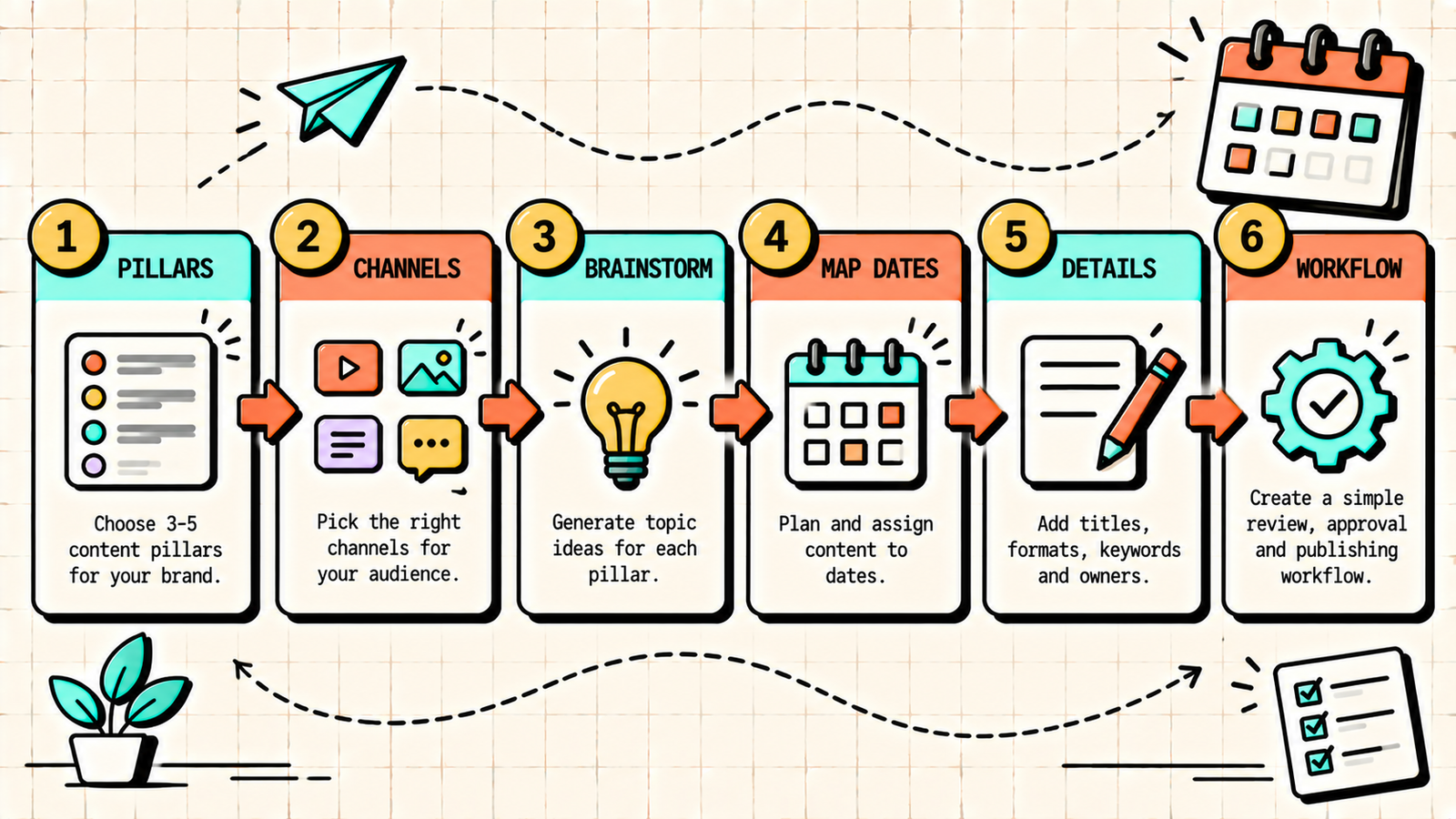
1. Define your content pillars
Before scheduling anything, decide what you are going to talk about. Your content pillars are the three to five recurring themes that all your content falls under. For a marketing agency, that might be SEO guides, AI tools, client results, industry opinions, and founder journey. Every piece of content you plan should fit one of these pillars.
2. Choose your channels and frequency
Decide where you will publish and how often. Be realistic about what you can sustain. It is better to post twice a week consistently than to commit to daily and burn out in two weeks.
| Channel | Recommended starting frequency |
|---|---|
| Blog | 1 to 2 posts per week |
| 3 to 5 posts per week | |
| 3 to 5 posts per week | |
| Email newsletter | 1 per week or biweekly |
| YouTube | 1 per week or biweekly |
| X (Twitter) | 1 to 3 per day (short form) |
Start with one or two channels and add more only after you have built consistency on those.
3. Brainstorm content ideas in bulk
Set aside one session per month to brainstorm ideas. For each pillar, generate five to ten content ideas. Use keyword research for blog topics, audience questions for social content, trending topics in your niche, your own experience and opinions, and content that performed well previously (repurpose and expand). One brainstorm session should generate four to eight weeks of content ideas, which means you only need to do this once a month.
4. Map ideas to dates
Take your list of ideas and assign each one to a specific date and channel. Distribute your pillars evenly so no single theme dominates. For blogs, assign one per week on a fixed day (every Tuesday, for example). For social, assign posts across the week, alternating between pillars. For email, pick a consistent send day.
5. Add details to each entry
For each scheduled piece, note the topic or headline, the content pillar it belongs to, the target keyword (for blog posts), the format (text post, carousel, video, guide), the channel, the assigned creator (if you have a team), and the status (idea, drafted, reviewed, scheduled, published). These details make the calendar actionable rather than just a list of dates.
6. Build a creation and review workflow
A calendar is only useful if the content actually gets created on time. Set a workflow: brainstorm on the first Monday of the month, draft content one week before publish date, review and edit two days before, and schedule or publish on the assigned date. If you are a solo creator, batch your creation: write all blog posts for the week on one day, create all social posts on another. Batching is faster than context-switching between creation, editing, and scheduling every day.
Content calendar template
Here is a simple template structure you can copy into a spreadsheet.
| Date | Channel | Pillar | Topic / Headline | Keyword | Format | Status | Notes |
|---|---|---|---|---|---|---|---|
| Mon 7 Oct | Blog | SEO | How to Do Internal Linking | internal linking | Guide | Drafted | Publish by Tue |
| Mon 7 Oct | Opinion | Why most SEO audits are useless | Text post | Idea | Hook: "Your SEO audit..." | ||
| Wed 9 Oct | Results | Client traffic growth case study | Carousel | Idea | Need screenshot | ||
| Thu 10 Oct | SEO | Weekly: internal linking tips | Newsletter | Idea | Link to blog | ||
| Fri 11 Oct | Founder | Lesson from losing a client | Text post | Idea | Personal story |
Duplicate this for every week, and you have a rolling content calendar that stays full.
We'll show you exactly how to build a content system that stays consistent.
Get a clear, data-backed plan to define your pillars, plan your calendar, and publish content that compounds into real growth.
How to plan a content calendar for SEO
For blog content, the calendar should be keyword-driven. Each blog post targets a specific keyword, and the calendar ensures you are building topic clusters rather than publishing randomly. The process is to do keyword research and create a master list of target keywords, group them into topic clusters (groups of related keywords that interlink), prioritise by a mix of volume, difficulty, and business relevance, schedule one per week in the calendar, and ensure each new post links to existing related posts.
Over time, this builds topical authority: your blog has a cluster of interlinked posts on each core topic, which Google rewards with better rankings for the entire cluster. The calendar is what keeps this systematic rather than accidental.
How to plan a content calendar for social media
Social content is faster to produce and more frequent, so the calendar needs to be lighter and more flexible. The approach is to plan one to two weeks ahead rather than a full month, use your pillars to rotate themes so the feed stays varied, batch-create content for the week in one sitting, schedule using a tool (Buffer, Later, or the native platform scheduler), and leave one or two slots per week unplanned for timely or reactive content. The balance between planned and spontaneous keeps your feed consistent without feeling robotic.
How to repurpose across channels using the calendar
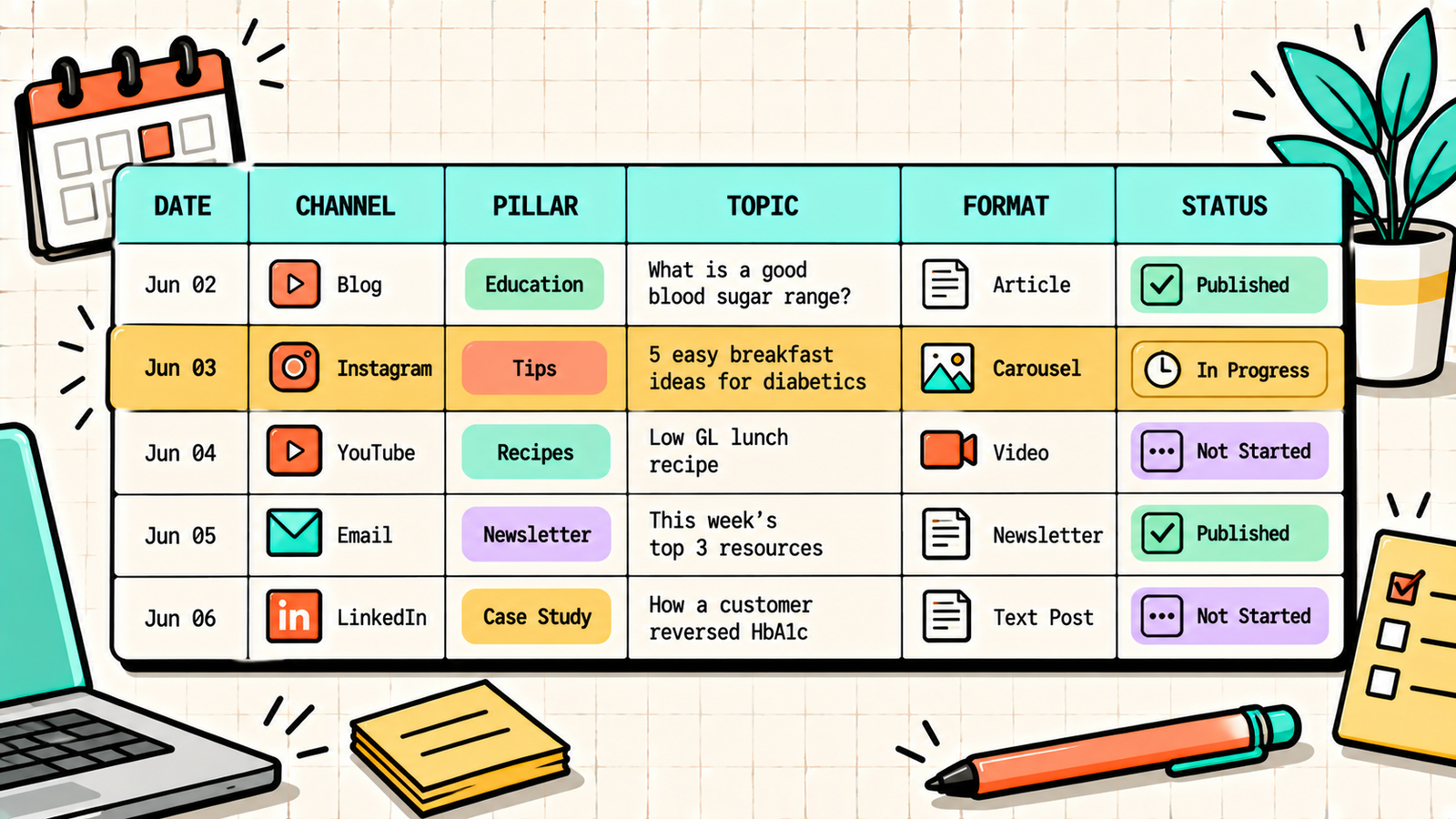
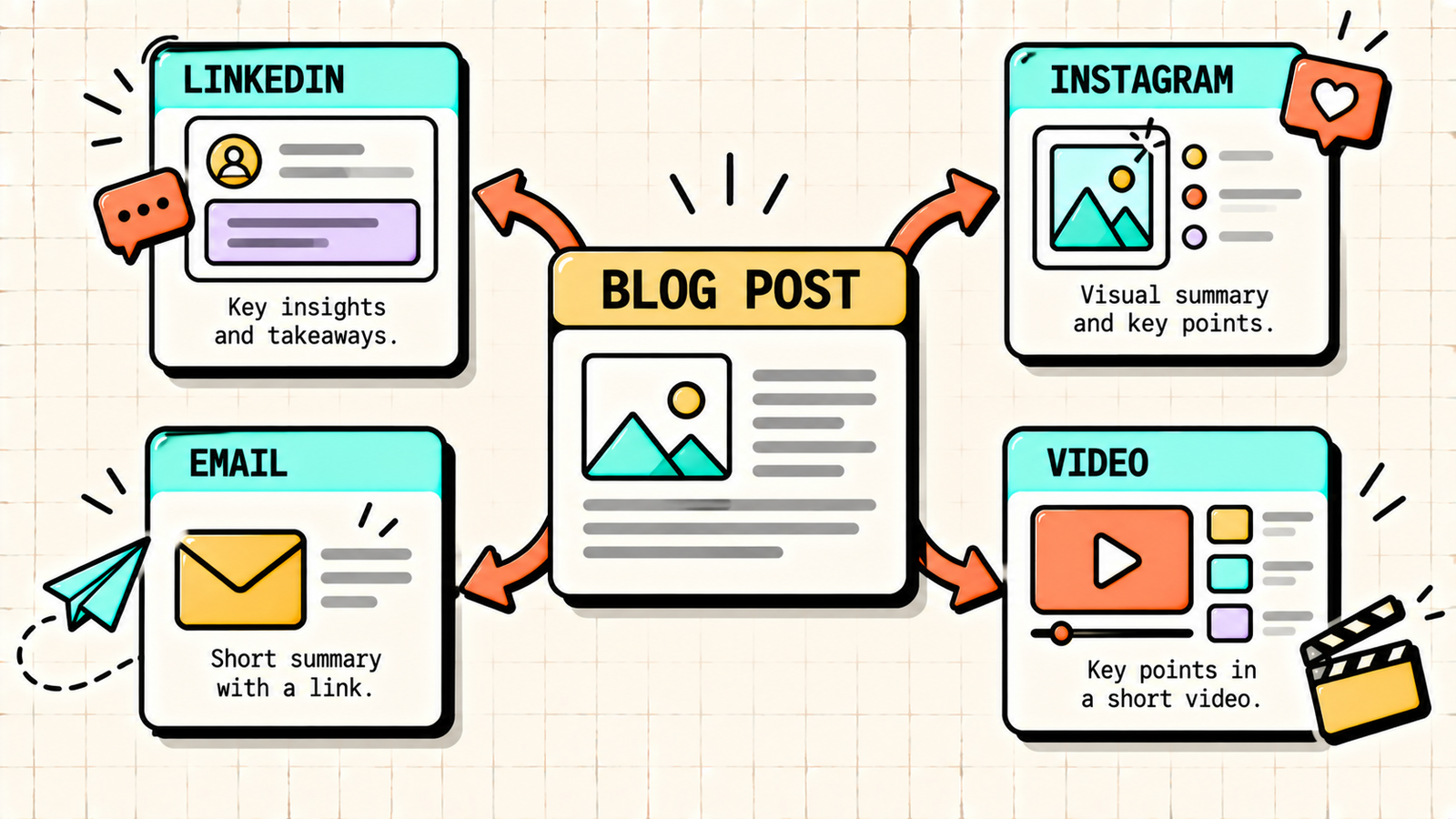
A content calendar makes repurposing systematic. For every blog post, plan the repurposed pieces in the same calendar: a LinkedIn post summarising the key insight (same week as the blog), an Instagram carousel with the main points (two days after), an email newsletter featuring the blog with a personal note (end of week), and a short video or reel with the top takeaway (next week). One blog post becomes four or five pieces of content across channels, and the calendar ensures none of them get forgotten.
Content calendar tools
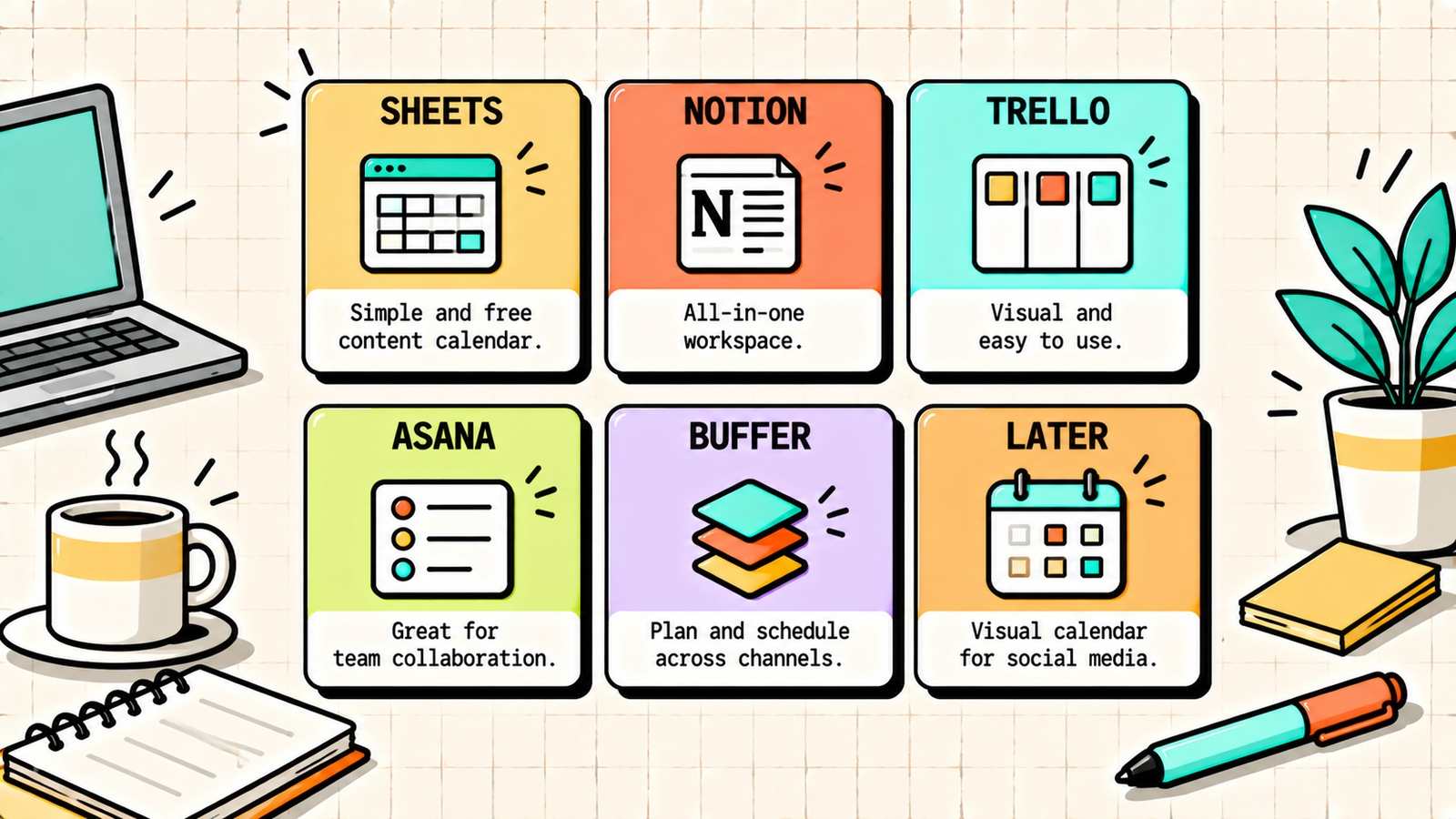
You do not need expensive software. Pick the tool that matches your team size and complexity.
| Tool | Best for | Cost |
|---|---|---|
| Google Sheets | Solo creators, simple calendar | Free |
| Notion | Solo to small team, flexible | Free to low |
| Trello | Visual workflow, small team | Free to low |
| Asana | Team collaboration, workflows | Free to moderate |
| Monday.com | Larger teams, complex workflows | Moderate |
| Buffer / Later | Social media scheduling | Free to low |
| CoSchedule | Content + social integration | Moderate |
For most solo founders and small teams, Google Sheets or Notion is more than enough. Add a social scheduling tool (Buffer or Later) and you have a complete system.
How to Improve Website Speed: The Complete Guide to a Faster Site
How far ahead should you plan?
Plan two to four weeks ahead for social content and four to eight weeks ahead for blog content (since blog posts take longer to research, write, and optimise). Always have the next two weeks fully planned and scheduled, and the following two weeks in draft or idea stage. This buffer prevents last-minute scrambling and ensures consistency even when you have a busy week.
How to stick to a content calendar
The hardest part is not creating the calendar. It is following it. A few habits help. Set a recurring weekly time block for content creation, so it is a scheduled task, not something you fit in when you have time. Batch similar tasks: brainstorm in one session, write in another, edit in another. Start with a frequency you can sustain even on your worst week, and increase later. Use a scheduling tool so content publishes even if you are busy on publish day. And review the calendar every Monday for five minutes to confirm what is scheduled and what needs action. Consistency beats perfection. A calendar you follow 80 percent of the time is infinitely better than a perfect calendar you abandon after two weeks.
Common content calendar mistakes
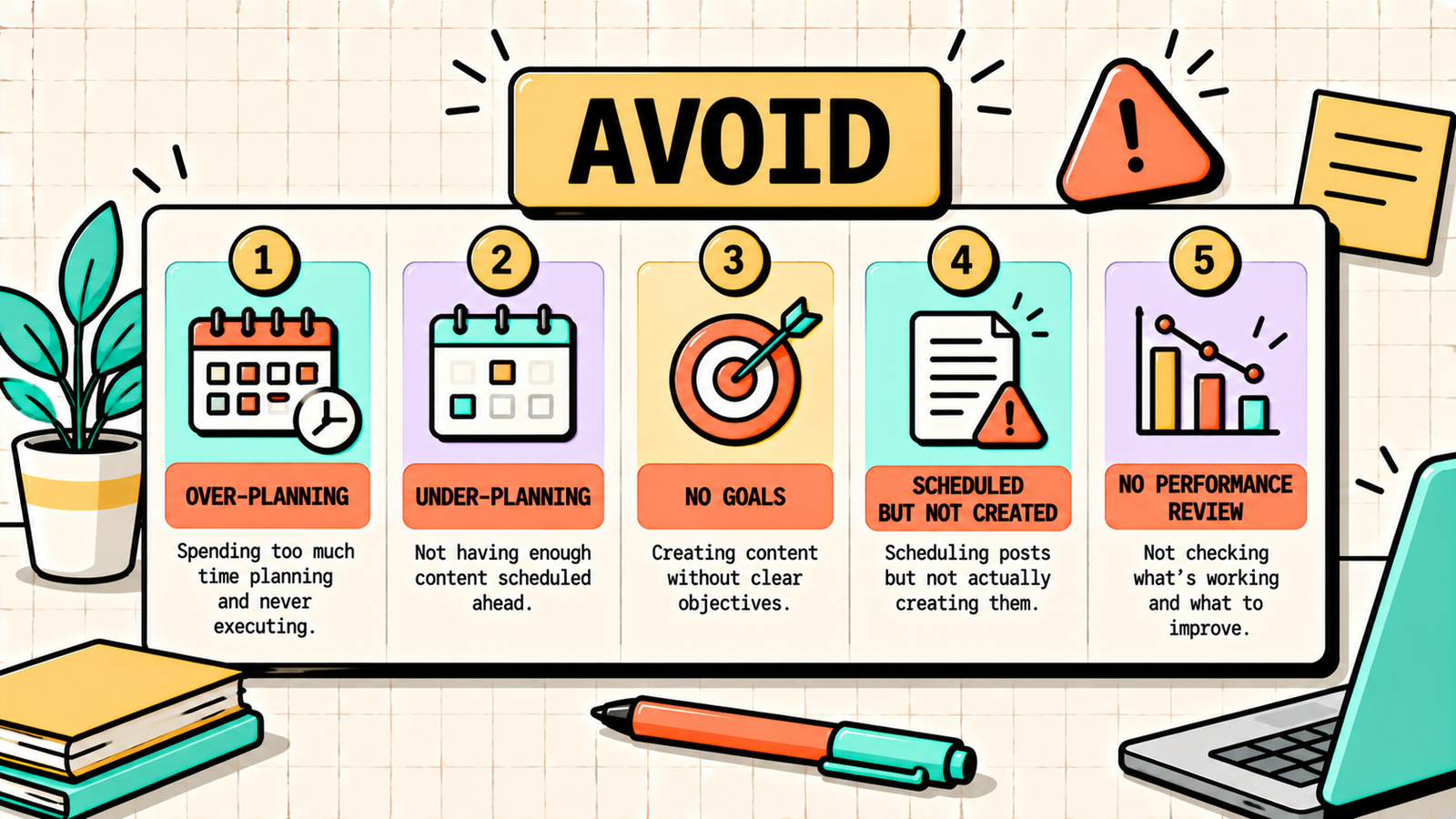
A few patterns kill calendars. Over-planning (scheduling three months ahead with rigid topics) creates a plan too stiff to adapt to what is actually working. Under-planning (only one or two days ahead) keeps you in reactive mode. Not aligning the calendar with business goals means you are publishing content that does not serve growth. Scheduling without actually creating the content means the calendar is full but nothing is ready. And not reviewing performance means you keep publishing what does not work instead of doubling down on what does. Build it, follow it, review it, and adjust it. That cycle is the whole system.
Google Ranking Factors: What Actually Matters for SEO
The bottom line
A content calendar is the system that turns "I should post more" into consistent, strategic publishing. Define your pillars, choose your channels and frequency, brainstorm in bulk, map ideas to dates, build a creation workflow, and stick to it. Use keyword research for blog planning, repurpose across channels, and review performance monthly to double down on what works. The calendar is not the strategy. It is the execution tool that makes the strategy real.
If you want experts to build your content strategy and calendar, LetMeRank plans and executes content for founders and brands, starting with a free audit.