You are about to build a website, or you are stuck on a platform that makes every SEO task painful, and you want to know which CMS actually gives you the best shot at ranking. The answer depends on what kind of site you are building, because no single CMS is best for everyone. A blogger has different needs from an ecommerce store, and an agency site has different needs from a SaaS product.
This guide compares the major CMS platforms on the SEO features that actually matter, so you can pick the one that fits your business without discovering the limitations after you have already built.
What makes a CMS good for SEO?
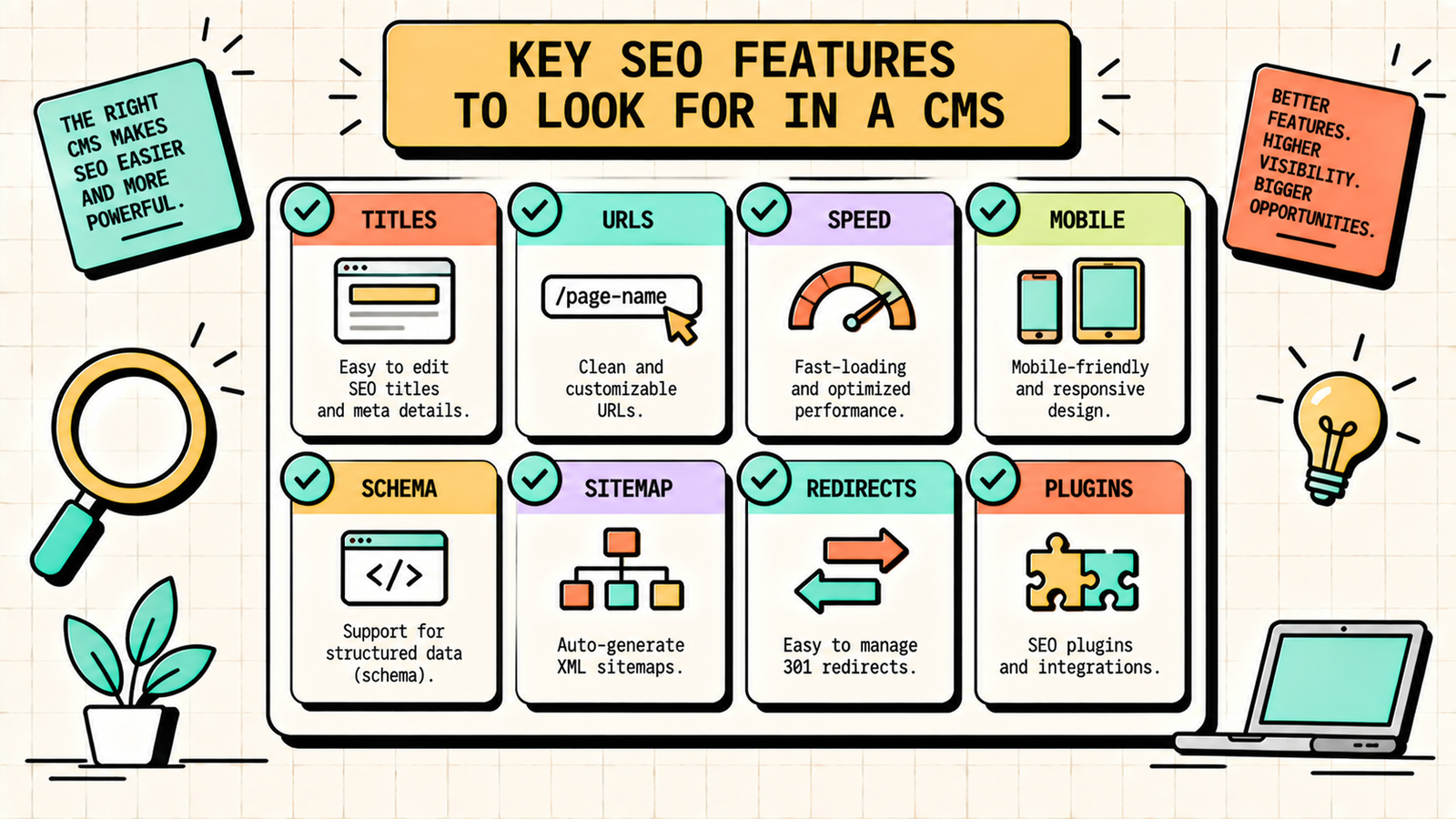
Before comparing platforms, here are the SEO capabilities that matter most in a CMS. Full control over title tags, meta descriptions, and heading structure on every page. Clean, customisable URL structures without forced prefixes or parameters. Fast page loading out of the box, since speed is a ranking factor. Mobile-responsive themes and templates by default. The ability to add schema markup (structured data) easily. A proper XML sitemap generated automatically. Control over canonical tags, robots directives, and redirects. Support for an SEO plugin or built-in SEO tools. Easy internal linking between pages and posts. And the ability to add custom code when needed for advanced optimisation. A CMS that handles all of these lets you focus on content and strategy rather than fighting the platform.
The CMS platforms compared
Here is how the major platforms stack up on the SEO features that matter.
WordPress (self-hosted)
WordPress is the most popular CMS in the world, powering over 40 percent of all websites, and it is the strongest platform for SEO. With plugins like Rank Math or Yoast, you get full control over every SEO element: titles, descriptions, schema, sitemaps, redirects, canonical tags, and more. The URL structure is fully customisable. The theme ecosystem is massive, with many fast, well-coded options. And the plugin ecosystem lets you add virtually any functionality.
The trade-off is that WordPress requires hosting, security, updates, and some technical maintenance. It is not a hosted, managed platform. You are responsible for keeping it fast and secure, which means choosing good hosting, a lightweight theme, and not overloading it with plugins.
Best for: blogs, agencies, service businesses, content-heavy sites, and anyone who wants maximum SEO control.
Shopify
Shopify is the most popular ecommerce CMS and handles SEO basics well out of the box: mobile-responsive themes, SSL, auto-generated sitemaps, and basic meta tag editing. It has improved significantly over the years, and for most ecommerce stores it is a solid SEO platform.
The limitations are real, though. Shopify forces a URL structure that includes prefixes like /products/ and /collections/ that you cannot change. It creates duplicate content through its automatic collection-based product URLs, which requires canonical tag management. Editing robots.txt is limited. Adding custom schema beyond the basics requires Liquid code or apps. And page speed can suffer with heavy themes and too many apps.
Best for: ecommerce stores and D2C brands that want a managed platform and accept the URL and customisation trade-offs.
Webflow
Webflow is a visual website builder with strong SEO fundamentals. It generates clean, fast code, gives you full control over meta tags, URLs, schema (via custom code), canonical tags, and redirects, and produces some of the fastest-loading sites among managed platforms. It also handles responsive design natively.
The limitations are that Webflow's CMS capabilities are less flexible than WordPress for very large or complex sites, the blogging system is more basic, and adding advanced SEO features sometimes requires custom code embeds rather than plugins. The learning curve for the visual editor is steeper than drag-and-drop builders.
Best for: design-focused sites, portfolios, agencies, and landing pages where visual quality and speed matter.
Wix
Wix has improved its SEO capabilities dramatically and now handles the basics well: customisable meta tags, clean URLs, auto-sitemaps, SSL, mobile responsiveness, and a built-in SEO wizard. For small businesses that want a simple, managed platform, Wix is no longer the SEO liability it once was.
The limitations are that advanced SEO customisation (schema, code-level control, server-side optimisation) is more restricted than WordPress or Webflow. Page speed, while improved, can lag behind cleaner platforms. And migrating away from Wix later is harder than from open-source platforms.
Best for: small businesses and solo founders who want the simplest possible setup and accept some SEO limitations.
Squarespace
Squarespace produces beautiful, design-forward sites with solid SEO basics: clean URLs, mobile responsiveness, SSL, meta tag editing, and auto-sitemaps. Its templates are consistently well-designed, and the platform is easy to use.
The limitations are similar to Wix: limited schema customisation, less flexibility for advanced technical SEO, and page speed that can trail behind WordPress and Webflow. Adding custom code is possible but more limited. And the blogging tools, while functional, are less powerful than WordPress.
Best for: creatives, portfolios, restaurants, and small businesses that prioritise design and simplicity over advanced SEO control.
Ghost
Ghost is a modern, fast, content-focused platform built specifically for publishing. It generates extremely clean, fast code, handles basic SEO well (meta tags, URLs, sitemaps), and is designed for writers and publishers who want speed and simplicity. It also supports newsletters natively.
The limitations are that Ghost has fewer themes and plugins than WordPress, less ecommerce functionality, and limited advanced SEO customisation without custom development. It is a publishing platform, not a full website builder.
Best for: bloggers, newsletter creators, and publishers who want the fastest, cleanest content experience.
CMS SEO comparison table
| CMS | SEO control | Speed | Ease of use | Ecommerce | Custom code | Best for |
|---|---|---|---|---|---|---|
| WordPress | Excellent (with plugins) | Good (depends on setup) | Moderate | Via plugins | Full access | Maximum control |
| Shopify | Good (some limits) | Good | Easy | Built-in | Limited (Liquid) | Ecommerce |
| Webflow | Very good | Excellent | Moderate (learning curve) | Basic | Custom embeds | Design + speed |
| Wix | Good (improving) | Moderate | Very easy | Built-in | Limited | Simple sites |
| Squarespace | Good (some limits) | Moderate | Easy | Built-in | Limited | Beautiful sites |
| Ghost | Good (basics) | Excellent | Easy | Limited | Moderate | Publishing |
WordPress vs Shopify vs Webflow: which is best for SEO?
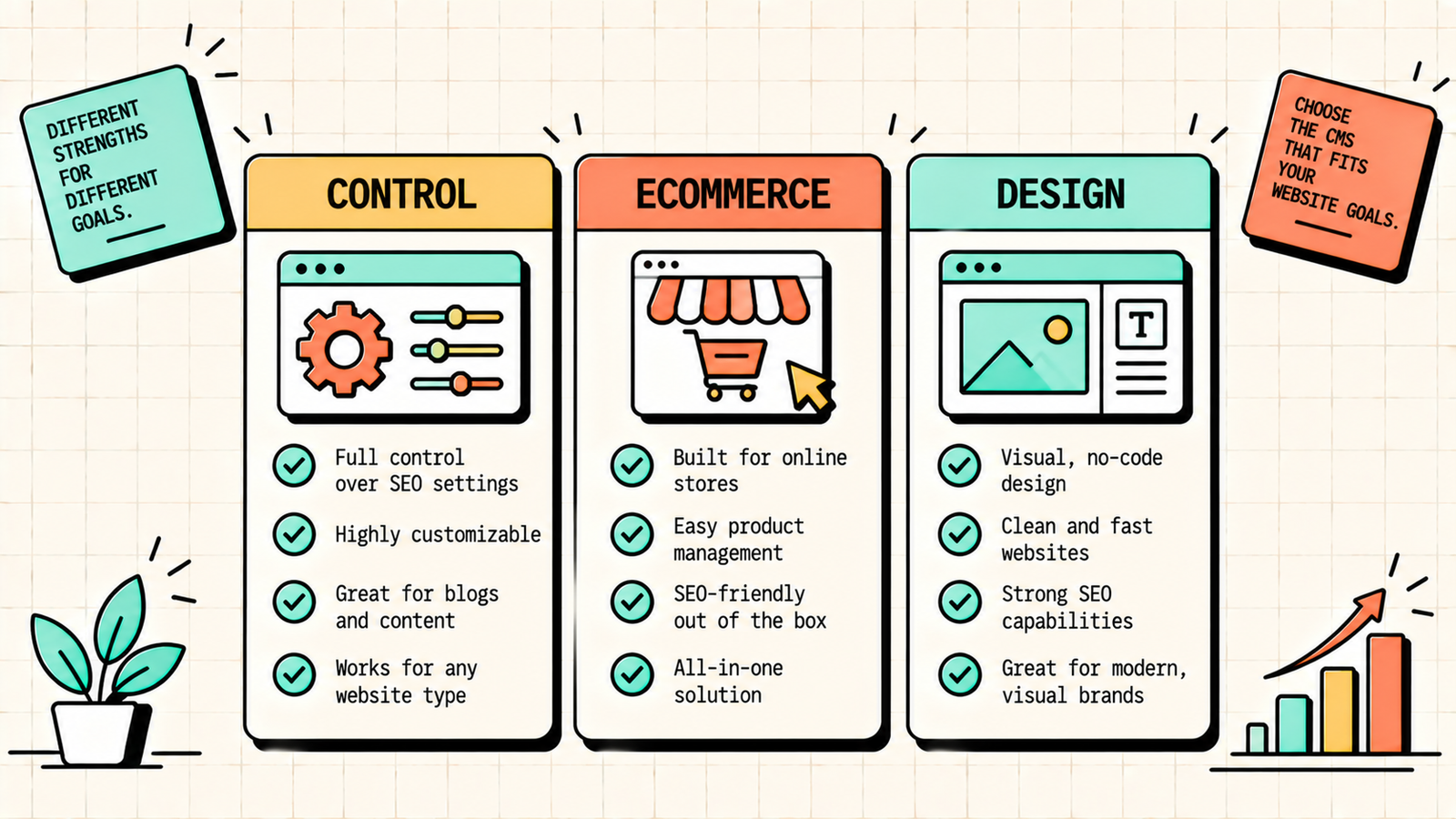
These three come up most, and each wins for a different type of site.
Pick WordPress when you want maximum SEO control, a huge plugin ecosystem, and the flexibility to customise everything. It is the best choice for blogs, content-heavy sites, service businesses, and agencies. The trade-off is you manage hosting, security, and updates yourself.
Pick Shopify when you are building an ecommerce store and want a managed platform that handles payments, inventory, and shipping alongside solid SEO basics. Accept the URL structure limitations and manage the duplicate content with canonical tags.
Pick Webflow when design quality and page speed are your top priorities and you want clean code with strong SEO control in a managed platform. It suits agencies, portfolios, and landing-page-heavy businesses. The trade-off is a steeper learning curve and less blogging power than WordPress.
For most content-focused businesses and agencies (like LetMeRank), WordPress is the strongest choice because of its unmatched SEO plugin ecosystem and content flexibility. For ecommerce, Shopify wins on practicality. For design-forward sites, Webflow wins on speed and code quality.
We'll show you exactly how to get the most SEO out of your CMS.
Get a clear, data-backed plan to optimise your site for search, regardless of which platform you are on, and grow your organic traffic.
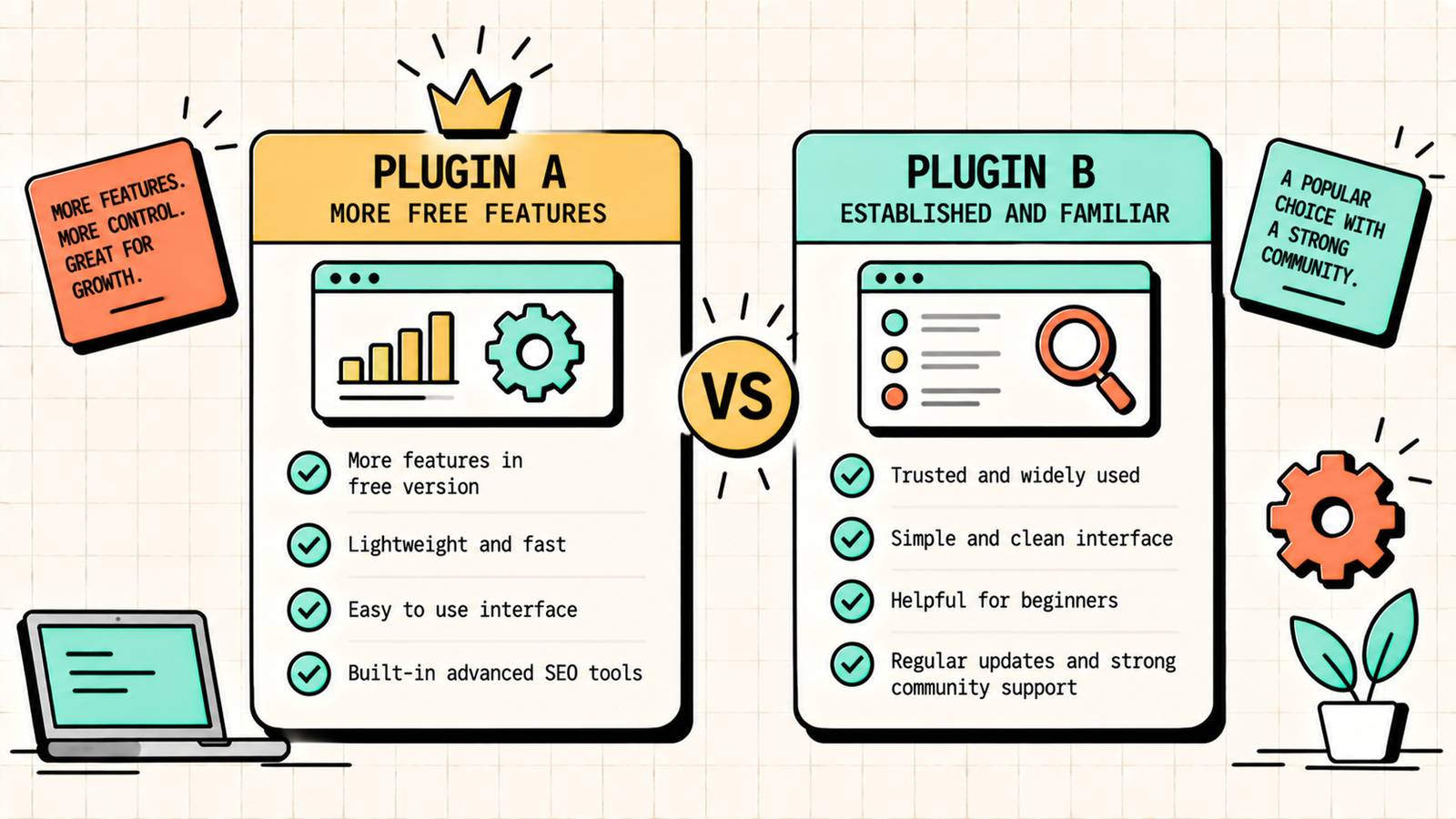
Rank Math vs Yoast: which SEO plugin for WordPress?
Since WordPress needs an SEO plugin, this is the natural follow-up question. Both handle the essentials: title tags, meta descriptions, sitemaps, schema, and on-page analysis.
| Feature | Rank Math | Yoast |
|---|---|---|
| Free version | More generous features | More limited |
| Schema markup | Advanced, multiple types | Basic in free, advanced in Pro |
| Focus keywords | Up to 5 free | 1 free, more in Pro |
| Interface | Cleaner, modern | Established, familiar |
| Performance | Lighter | Slightly heavier |
| Redirections | Built-in (free) | Separate plugin or Pro |
For most users, Rank Math's free version offers more out of the box: multiple focus keywords, built-in redirects, advanced schema, and a lighter footprint. Yoast is the more established name and some users prefer its interface. Either works well. If you are starting fresh, Rank Math is the stronger free option.
Can you change your CMS later?
Yes, but it is not painless. Migrating from one CMS to another means moving all your content, setting up 301 redirects for every URL that changes, preserving your metadata, and testing everything before launch. The bigger your site, the more complex the migration. Some migrations are particularly tricky: Shopify to WordPress changes every URL structure, Wix to anything requires content export and rebuild, and any migration risks temporary ranking fluctuations if redirects are not handled perfectly.
The lesson: choose the right CMS from the start if you can, since switching later costs time and carries SEO risk. But if your current platform is genuinely limiting your growth, a well-planned migration is worth the short-term pain.
Which CMS is best for a new site?
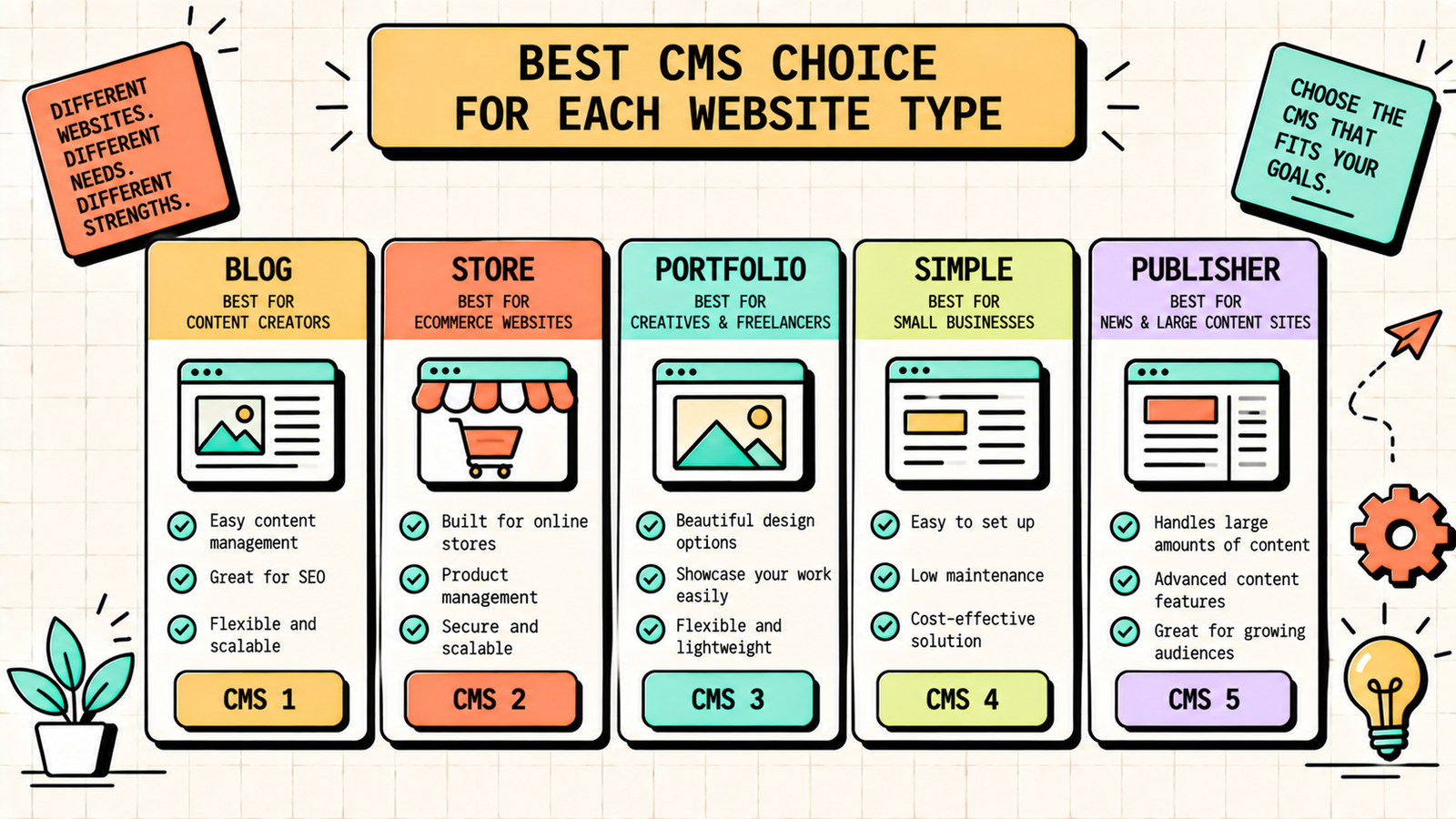
If you are starting from scratch, the decision is straightforward. Building a blog, content site, service business, or agency site? WordPress. Building an online store? Shopify. Building a design-focused site or portfolio? Webflow. Want the absolute simplest setup and accept some limitations? Wix or Squarespace. Building a publication or newsletter? Ghost.
Start with the platform that matches your primary use case, and do not overthink it. The CMS is the foundation, but what you build on it (content, links, optimisation) matters far more for SEO than which platform you chose. A well-optimised WordPress site will outrank a poorly optimised Webflow site, and vice versa. The platform gives you tools. What you do with them determines your rankings.
What Is Domain Authority and How to Improve It
Common CMS and SEO mistakes
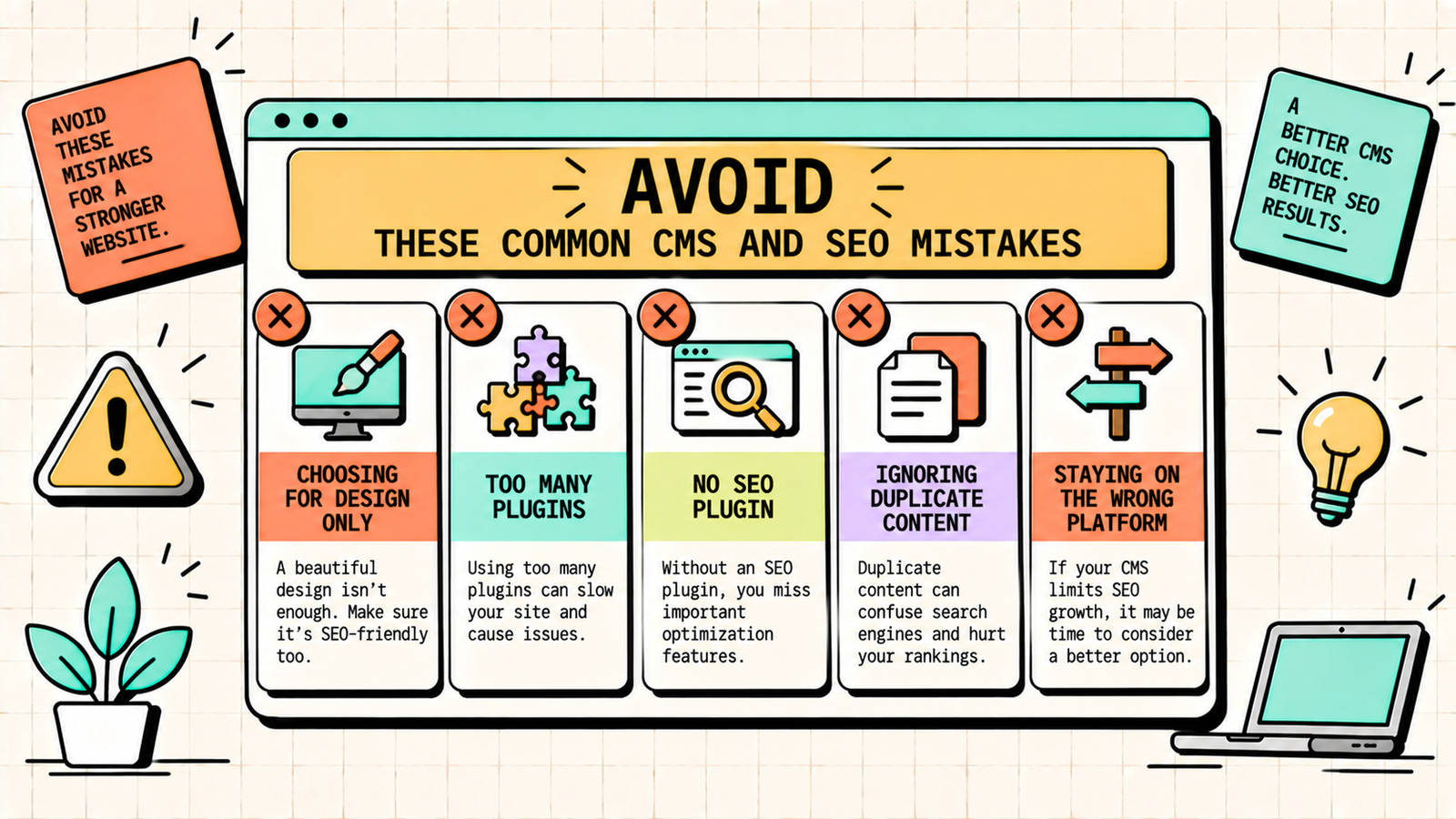
A few patterns cause the most problems. Choosing a platform based on design alone without checking its SEO capabilities leads to frustration later. Overloading WordPress with plugins slows it down and creates security vulnerabilities. Using Shopify's default URL structure without managing canonical tags creates duplicate content issues. Not setting up an SEO plugin on WordPress (or assuming the CMS handles SEO automatically) means basic optimisation never happens. And staying on a platform you have outgrown because migration seems scary keeps you on a foundation that limits your growth. Choose the right platform, set it up properly for SEO from day one, and maintain it, and the CMS becomes the foundation that supports everything else you build.
How to Write a Blog Post That Ranks on Google (Step by Step)
The bottom line
The best CMS for SEO depends on your site type. WordPress gives you the most control and flexibility for content and service sites. Shopify is the practical choice for ecommerce. Webflow wins on design and speed. Wix and Squarespace work for simple sites that prioritise ease. And Ghost is the fastest option for pure publishing. Choose the platform that matches your primary use case, set up the SEO basics from day one, and remember that what you build on the platform, your content, your links, your optimisation, matters far more than which platform you chose.
If you want experts to optimise your site regardless of which CMS you are on, LetMeRank works across WordPress, Shopify, and Webflow to grow your organic traffic, starting with a free audit.