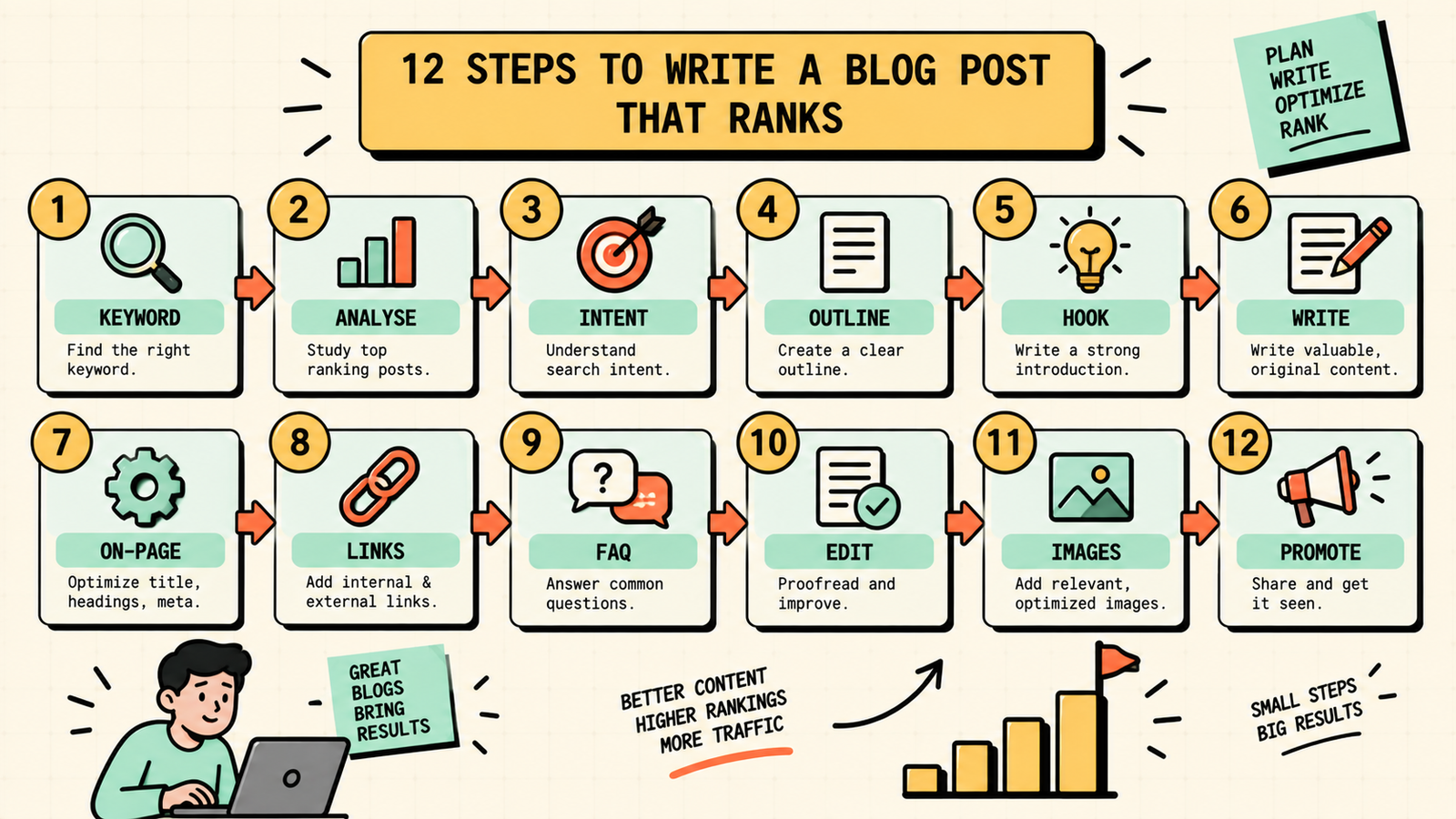
You wrote a blog post. You thought it was good. You hit publish. And then nothing happened. No traffic, no rankings, no sign that Google even noticed it existed. That is what happens when you write for yourself instead of writing for search. A blog post that ranks is not just well-written. It is strategically built: targeting a keyword people actually search for, matching what they expect to find, covering the topic better than what already ranks, and structured so Google understands exactly what it is about. This guide walks you through the exact process of writing a blog post that ranks, from keyword to published piece, with every step that matters and nothing that does not.
Why most blog posts never rank
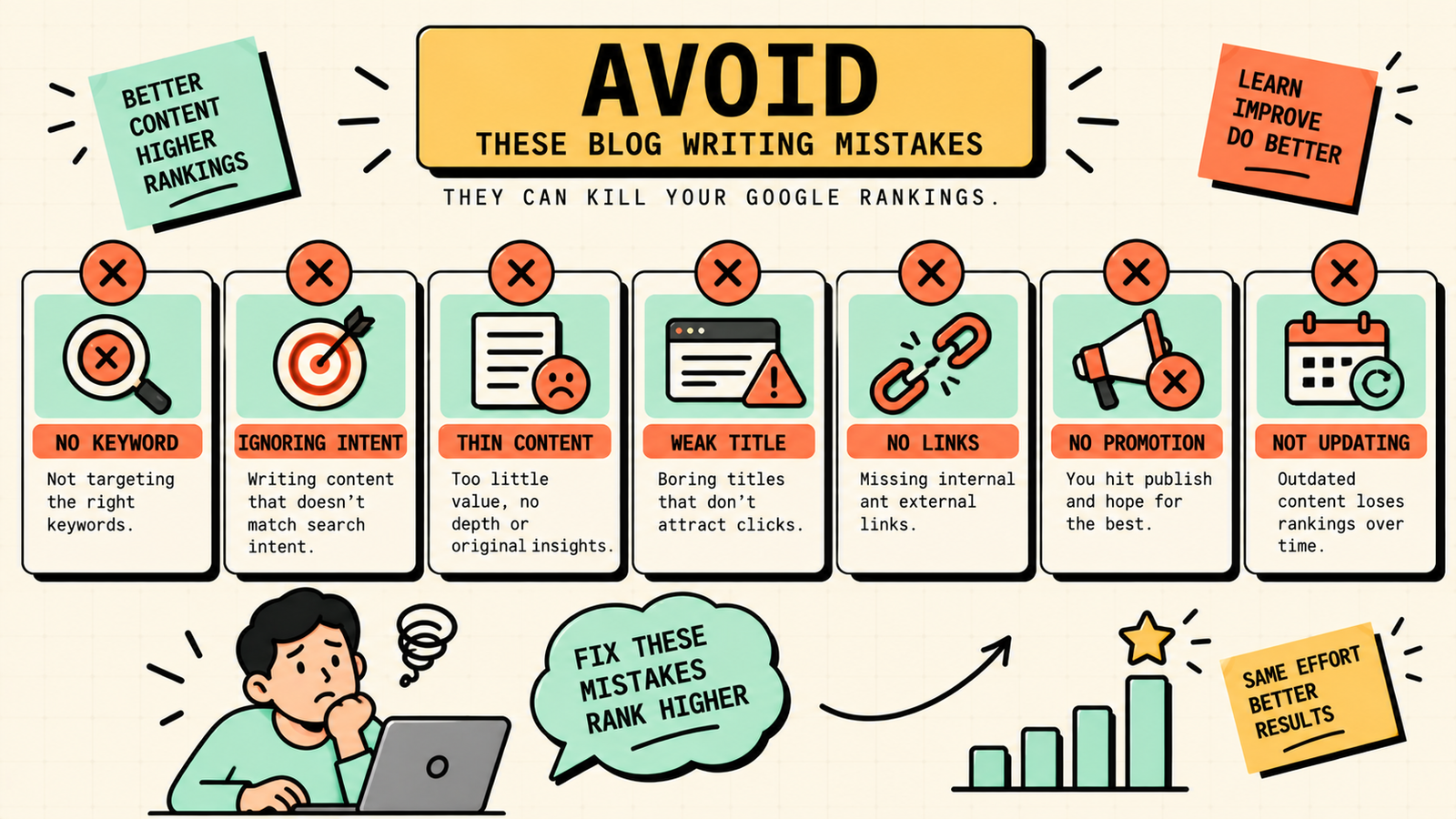
Before the process, it helps to understand why most posts fail. The biggest reasons are no keyword targeting (writing about whatever feels interesting, with no demand behind it), wrong search intent (the post does not match what the searcher actually wants), thin content (not deep or useful enough to beat what already ranks), poor on-page SEO (Google cannot figure out what the page is about), and no promotion (relying entirely on Google to find and rank it, with no initial push). Every step in the process below addresses one of these failure points. Fix all five and your posts have a genuine shot at page one.
How to write a blog post that ranks, step by step
1. Start with a keyword, not a topic
Every ranking blog post begins with a keyword that people actually type into Google. Do not start with "I want to write about X." Start with "what does my audience search for, and can I rank for it?"
Use a keyword tool (Ubersuggest, Semrush, Ahrefs, or even Google's autocomplete and "People also ask") to find keywords with real search volume and competition you can realistically win. For a newer blog, target specific, long-tail keywords (three to five words) with lower difficulty rather than broad, competitive heads. A post targeting "how to write meta descriptions for ecommerce" is easier to rank for and more useful than one targeting "SEO."
2. Analyse what already ranks
Before writing a word, search your keyword and study the top five results. Note what format they use (guide, listicle, how-to, comparison), how long they are, what subtopics they cover, what questions they answer, and what they miss. This tells you what Google considers the best answer for that search right now. Your job is to create something that matches the format the searcher expects and is genuinely more helpful than what already ranks.
3. Match search intent
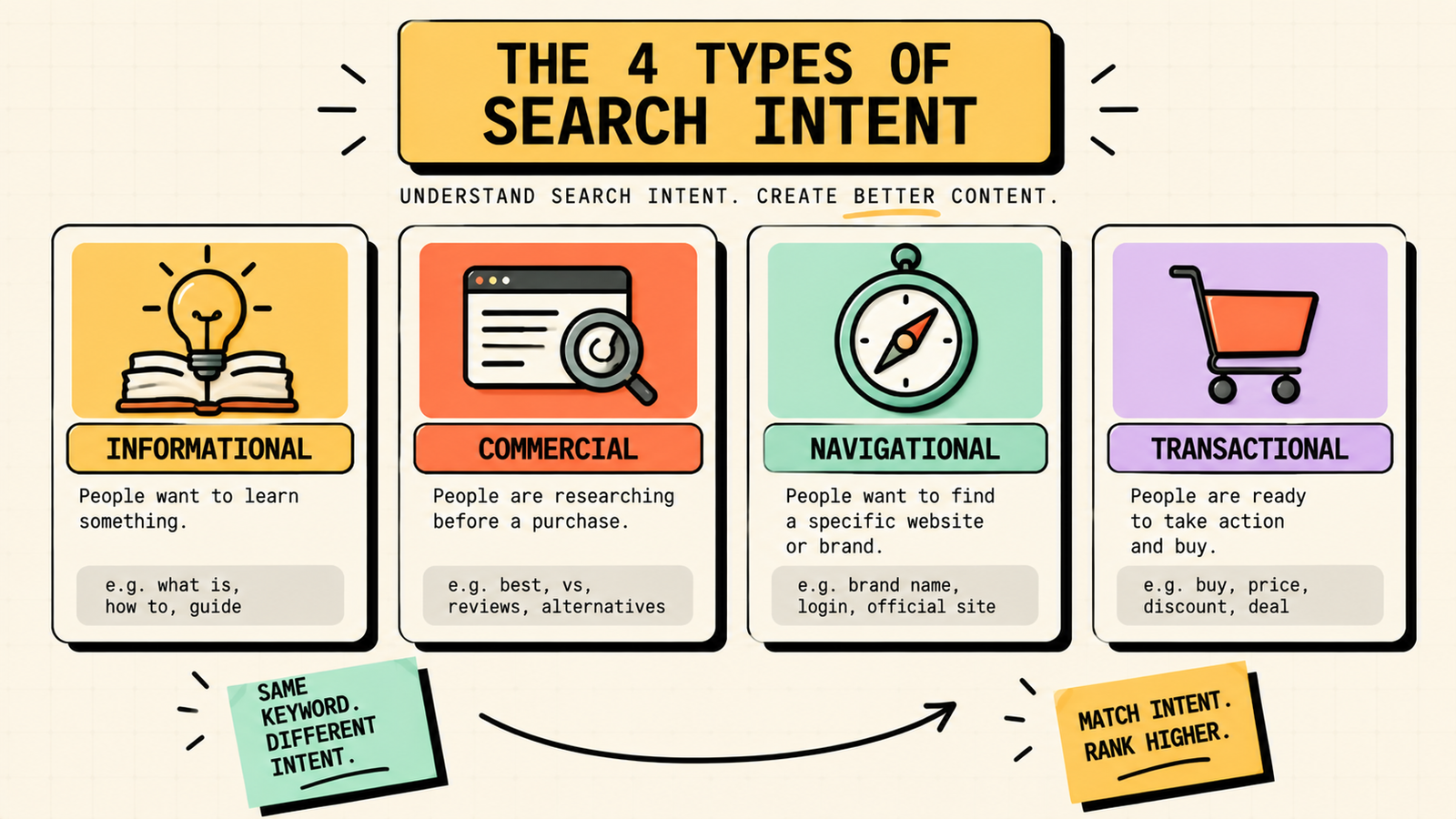
Search intent is the reason behind the search, and matching it is one of the biggest ranking factors. There are four types: informational (the person wants to learn), commercial (they are researching options), navigational (they want a specific site), and transactional (they want to buy or act). If the top results for your keyword are all how-to guides, write a how-to guide. If they are all product comparisons, write a comparison. Publishing a sales page for an informational keyword, or a blog post for a transactional one, means your content does not match what the searcher wants, and Google will not rank it no matter how good it is.
4. Build your outline before writing
An outline keeps your post structured, comprehensive, and focused. Start with your main heading (H1) targeting the keyword. Then list your H2 subheadings, each covering a distinct subtopic or question the searcher needs answered. Add H3 subheadings under any H2 that needs further breakdown. Include a section for FAQs, since these capture "People also ask" queries and are excellent for AI search citation. Check your outline against the top-ranking posts: are you covering everything they cover, plus something they miss? If yes, you have a winning outline.
5. Write the opening hook
Your first sentence determines whether the reader stays or bounces, and bounce rate signals to Google that your content did not satisfy the searcher. Open with a hook that connects to the reader's problem, not a generic introduction about the topic. "You wrote a blog post and nobody found it" hits harder than "Blog posts are an important part of content marketing." Get to the point fast, acknowledge what the reader is dealing with, and promise what they will get from reading.
6. Write the body with depth and clarity
Now write each section of your outline. For every H2, give a clear, complete answer that a reader can understand and act on. Use short paragraphs (two to four sentences), simple language, and concrete examples rather than abstract advice. Include data, numbers, or specific details where they strengthen the point. Add at least one comparison table if the topic involves options or trade-offs, since tables earn featured snippets and are easy to scan. And cover the topic thoroughly: thin sections that say nothing new give Google no reason to rank you above the posts that go deeper.
7. Optimise on-page SEO
On-page optimisation tells Google exactly what your post is about. Place your target keyword in the title tag (ideally near the front), the first 100 words, at least one H2, the URL slug, the meta description, and naturally throughout the body. Do not stuff it: use it where it reads naturally and use variations and related terms elsewhere. Write a meta description under 160 characters that includes the keyword and gives a compelling reason to click. Add descriptive alt text to every image. And use clear, logical heading hierarchy (H1, H2, H3) so Google and readers can scan the structure.
8. Add internal and external links
Link to your own related posts (internal links) to help Google understand your site's topic structure and to keep readers exploring. Link to authoritative external sources where they strengthen a point (data, research, tools). Internal links build topical authority across your blog. External links show Google that your content is well-researched and connected to the wider web. Aim for three to five internal links and two to three external links per post, placed where they genuinely help the reader.
9. Write FAQs for AI search and snippets
Add a FAQ section with four to six questions your audience actually asks (check Google's "People also ask," Quora, Reddit, and your own customer conversations). Answer each concisely in two to four sentences directly under the question heading. These earn "People also ask" features, get cited in AI-generated answers (ChatGPT, Perplexity, Google AI Overviews), and add long-tail keyword coverage. Mark them up with FAQ schema if your CMS or SEO plugin supports it, which increases the chances of rich results.
10. Edit ruthlessly
First drafts are never ready to publish. Read through and cut everything that does not serve the reader: filler sentences, repeated points, vague generalities, and sections that say what the reader already knows. Check every factual claim. Read the post out loud to catch awkward phrasing. And compare the finished piece against the top-ranking posts one more time: is yours genuinely more helpful? If not, improve it before publishing.
11. Optimise images
Every image should have a descriptive, keyword-relevant filename (not IMG_4392.jpg) and alt text that describes what the image shows. Compress images so they do not slow the page (use ShortPixel, TinyPNG, or your CMS's compression tool). Use the right format: WebP for most images, SVG for icons and diagrams. And keep images relevant: decorative stock photos add nothing, while screenshots, diagrams, tables, and original graphics genuinely help.
12. Publish and promote
Publishing is not the finish line. Share the post on your social channels, email list, and relevant communities. Repurpose the key points into social posts, carousels, and short videos. Reach out to anyone you mentioned or linked to, since they may share or link back. And submit the URL in Google Search Console using the URL Inspection tool to speed up crawling. Content nobody sees helps nobody, so the first week after publishing is for active promotion, not waiting.
We'll show you exactly how to write posts that rank and drive traffic.
Get a clear, data-backed plan to build a content strategy that turns every blog post into a compounding source of organic traffic.
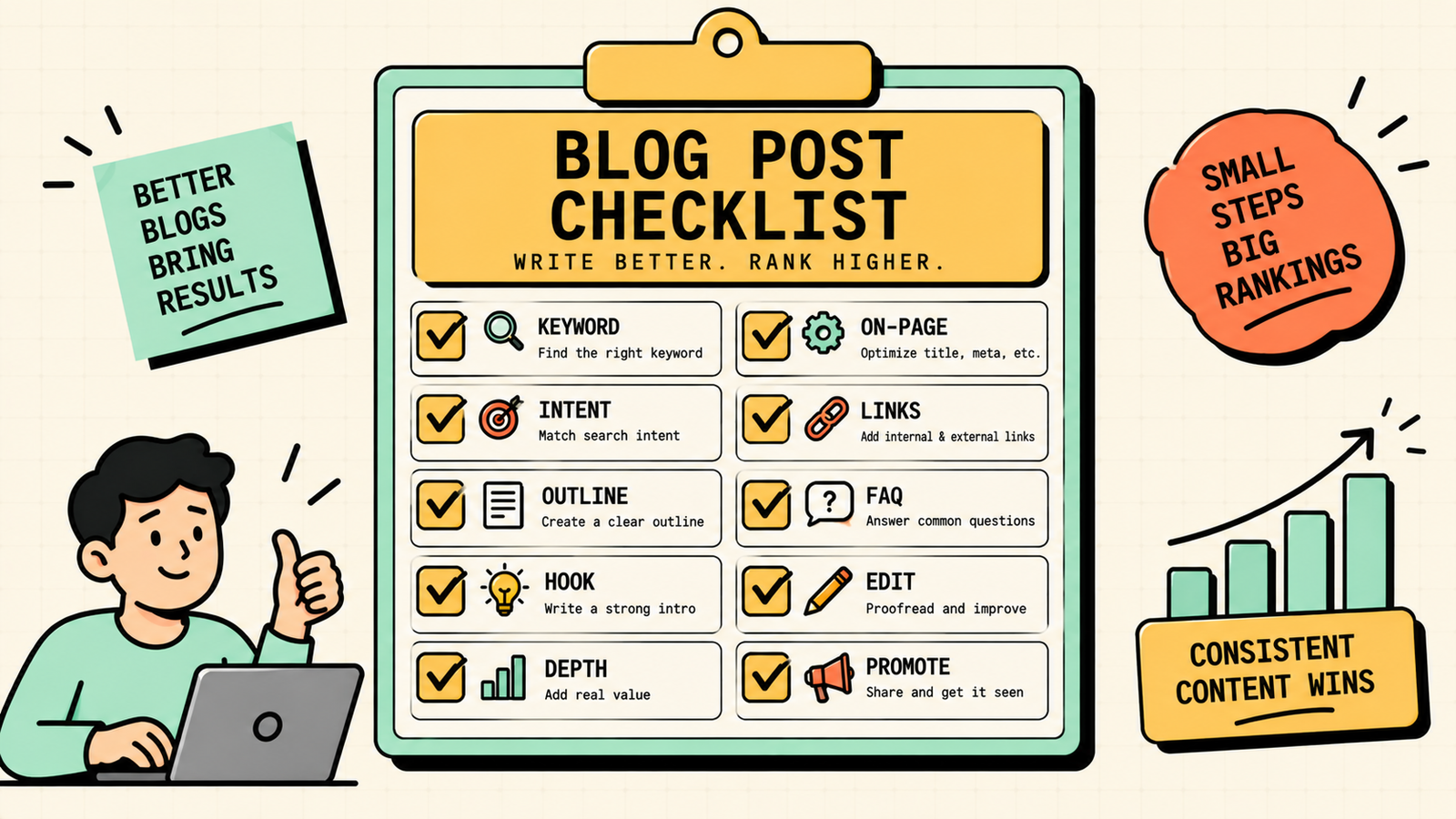
The blog post checklist at a glance
| Step | Check |
|---|---|
| Keyword | Targets a keyword with real volume and winnable difficulty |
| Intent | Matches the format and depth the searcher expects |
| Outline | Covers everything top results cover, plus something they miss |
| Hook | Opens with the reader's problem, not a generic intro |
| Body | Deep, clear, actionable, with tables and examples |
| On-page | Keyword in title, H2, first 100 words, URL, meta, alt text |
| Links | 3-5 internal, 2-3 external, all relevant |
| FAQs | 4-6 real questions with concise answers and schema |
| Edit | Cut filler, check facts, read aloud |
| Images | Descriptive names, alt text, compressed, relevant |
| Promote | Social, email, communities, Search Console submission |
SEO Reporting: What to Track, How to Report, and the Tools That Help
How long should a blog post be to rank?
Length does not rank you. Depth does. A 1,200-word post that fully answers the search can outrank a 3,000-word post stuffed with filler. That said, most topics that rank on page one require 1,500 to 2,500 words to cover thoroughly, because the searcher expects comprehensive answers. The rule is: write until you have covered everything the searcher needs and nothing they do not. Check the word count of the top-ranking posts for your keyword as a baseline, and match or exceed it with genuine substance, not padding.
How to write faster without sacrificing quality
Speed comes from process, not shortcuts. Do all your research and outline before writing, so you never stare at a blank page. Write the first draft without editing, since switching between creating and critiquing slows both. Use AI (ChatGPT or Claude) to generate a first draft from your outline, then edit it into your voice and add your expertise. Batch similar tasks: research five keywords at once, outline five posts, then write them. And build a reusable template for your post structure (hook, body sections, table, FAQs, CTA, images) so the scaffolding is already there every time.
Common blog writing mistakes that kill rankings
A few patterns explain most ranking failures. Writing without a keyword means nobody searches for what you wrote. Ignoring search intent means your format does not match what Google rewards. Thin content that adds nothing new gives Google no reason to choose you. Weak titles that do not include the keyword or compel a click waste your ranking potential. No internal links means your post is an island that does not strengthen your site. Publishing without promoting means the post has to earn its way to page one entirely on Google's timeline. And not updating old posts that start declining lets your best assets quietly die. Fix these systematically and every post you write has a genuine path to page one.
SEO for Small Business: The Complete DIY Guide to Ranking Without a Big Budget
The bottom line
Writing a blog post that ranks is a learnable process, not a mystery. Start with a keyword, analyse what ranks, match intent, outline thoroughly, hook the reader, write with depth and clarity, optimise on-page, add links and FAQs, edit ruthlessly, optimise images, and promote actively after publishing. Follow this process for every post and you build a library of content that compounds into steady, free, high-intent traffic.
If you want experts to build and execute your blog content strategy, LetMeRank helps founders and brands grow through SEO and content, starting with a free audit of your biggest content opportunities.