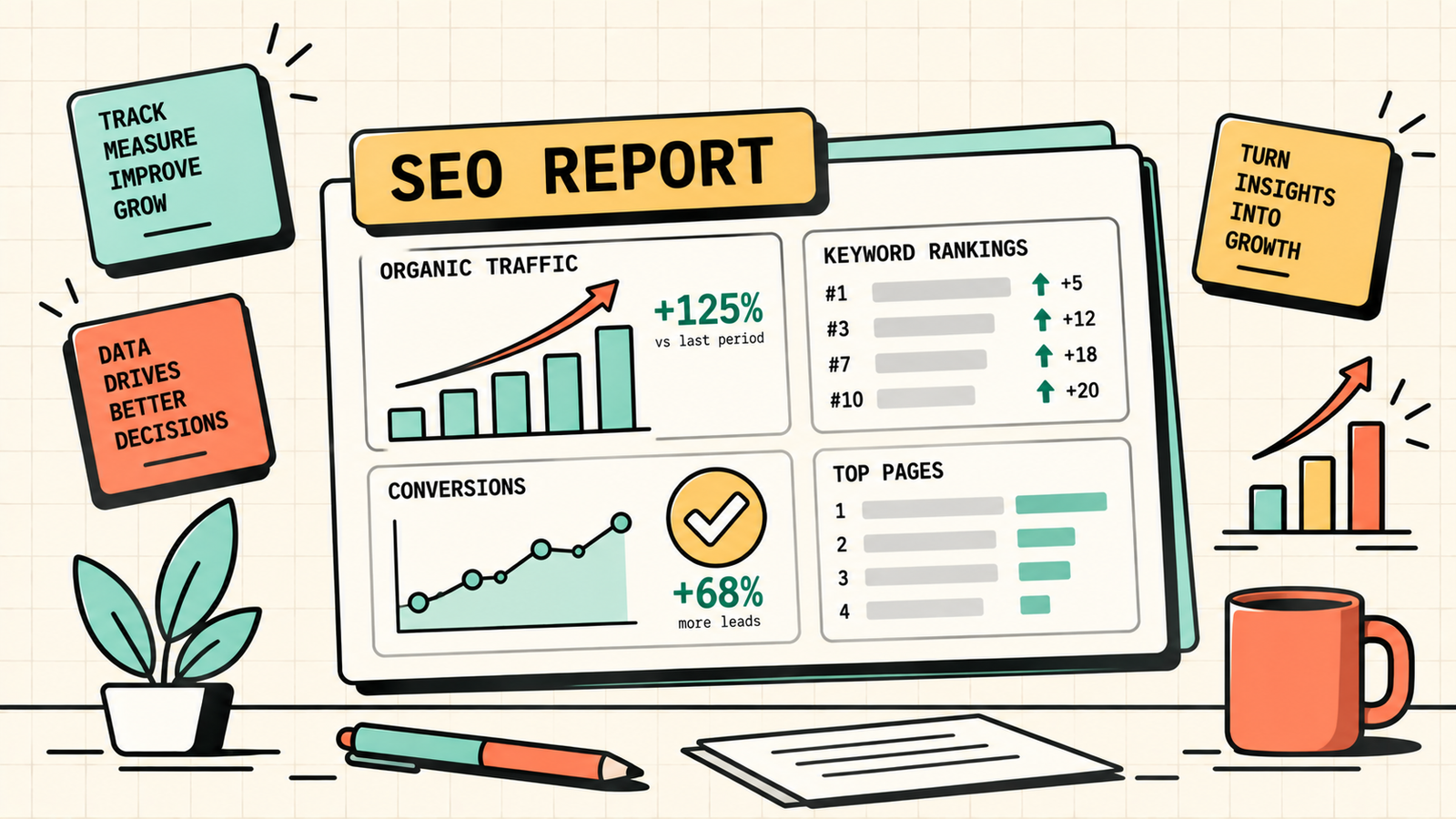
You did the SEO work. You published content, built links, fixed technical issues, and optimised pages. And now someone, your client, your boss, or yourself, is asking: "Is it working?" An SEO report is how you answer that question with data instead of feelings. It shows what is improving, what is not, and what to focus on next.
But most SEO reports are either overwhelming data dumps nobody reads or vanity-metric summaries that prove nothing. This guide covers what an SEO report should actually include, which metrics matter, how to structure it for different audiences, and the tools that make reporting faster without making it shallow.
What is SEO reporting?
SEO reporting is the practice of tracking, measuring, and communicating the results of your SEO efforts. It connects the work you do (content, links, technical fixes) to the outcomes that matter (rankings, traffic, leads, revenue), so you can prove what is working, catch what is not, and make better decisions about where to invest next.
A good SEO report is not a list of numbers. It is a story: here is where we were, here is what we did, here is what changed, and here is what we should do next. That narrative is what makes a report useful rather than just informative.
The metrics every SEO report should include
Not everything that can be measured should be reported. Focus on the metrics that connect SEO work to business results.
| Metric | What it tells you | Where to find it |
|---|---|---|
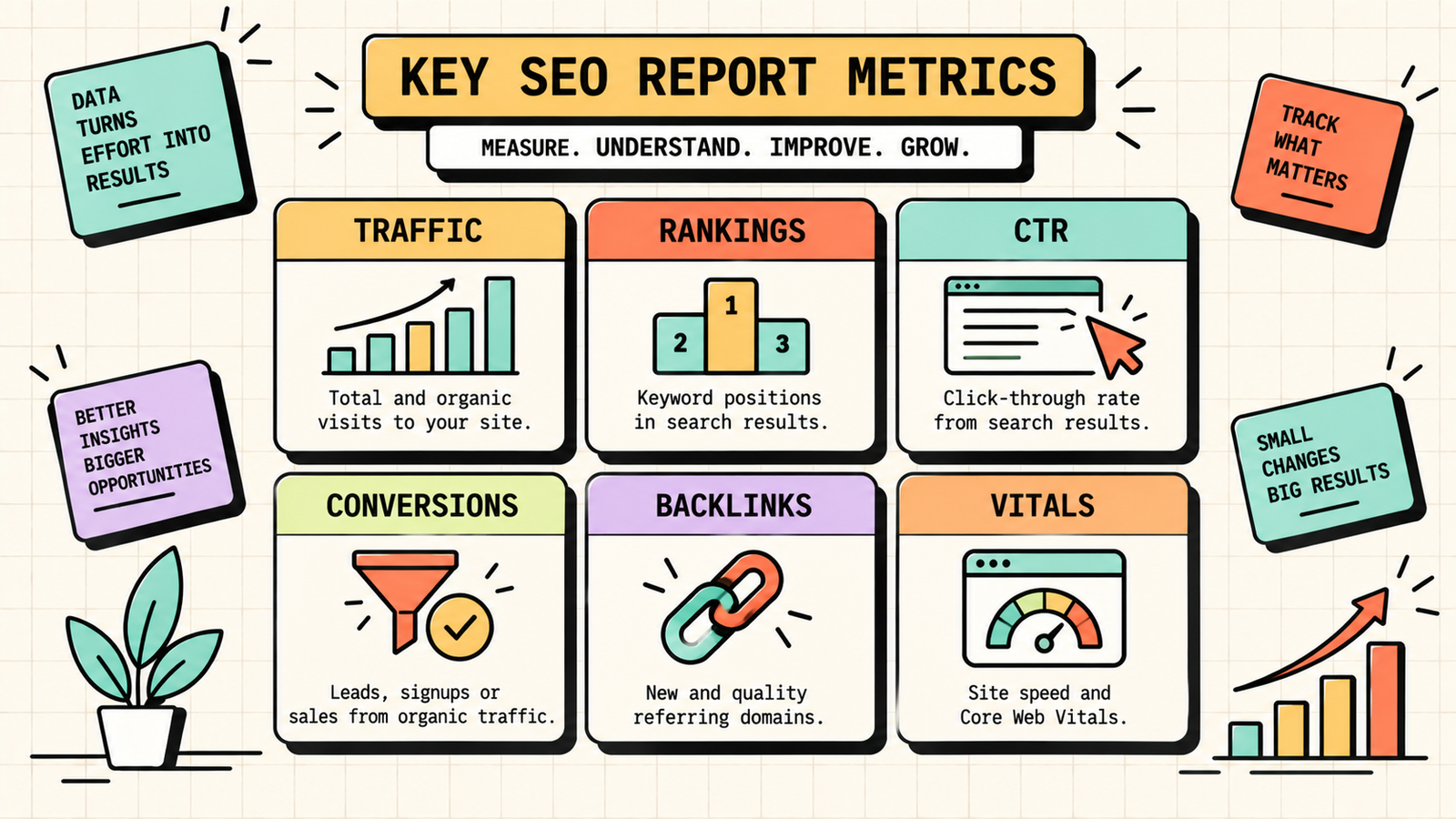
| Organic traffic | How many visitors come from search | Google Analytics |
| Keyword rankings | Where your pages appear in search results | SEO tool (Semrush, Ahrefs, Ubersuggest) |
| Impressions and clicks | How often your pages appear and get clicked | Google Search Console |
| Click-through rate (CTR) | What percentage of impressions become clicks | Google Search Console |
| Conversions from organic | How many organic visitors take a desired action | Google Analytics (Key Events) |
| Pages indexed | How many pages Google has in its index | Google Search Console |
| Backlinks | New links earned and total link profile | SEO tool |
| Core Web Vitals scores | Page speed and user experience | Google Search Console / PageSpeed |
| Top landing pages | Which pages bring the most organic visitors | Google Analytics |
The two that matter most for proving SEO value: organic traffic trend and conversions from organic. Everything else is diagnostic.
How to structure an SEO report
A clear structure makes the report readable and actionable.
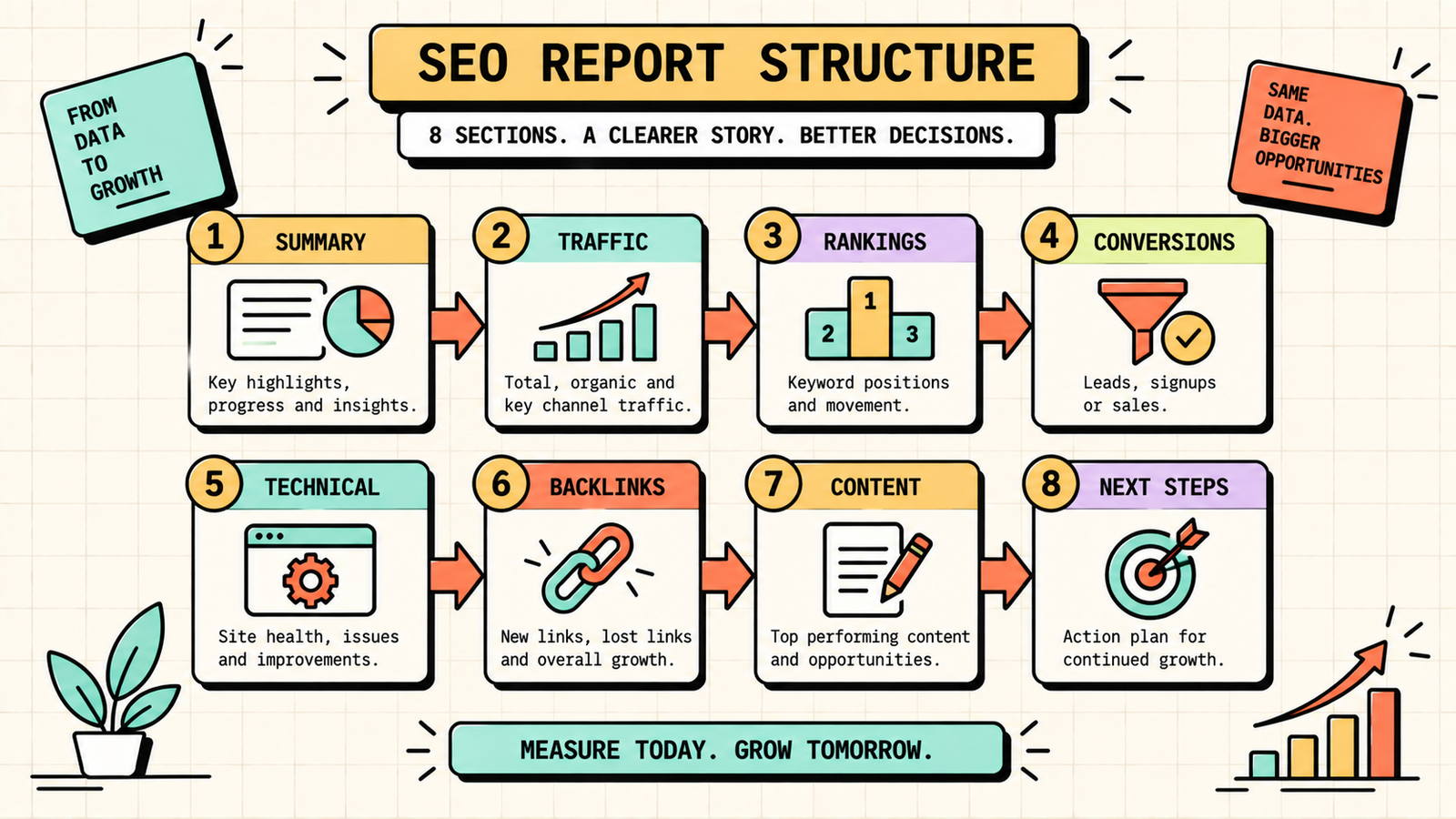
1. Executive summary
Start with a one-paragraph overview: what happened this period, what is the main trend, and what is the key takeaway. A busy client or boss reads this and nothing else, so make it count.
2. Traffic overview
Show organic traffic this period compared to the previous period and the same period last year. Highlight whether traffic is growing, flat, or declining, and why. Break it down by landing page or section if relevant.
3. Rankings and keywords
Show movement in your tracked keywords: how many improved, how many declined, and which specific keywords moved most. Highlight page-two keywords close to page one, since those are the next opportunities.
4. Conversions and revenue
Connect organic traffic to business results. Show how many leads, sales, or signups came from organic search, and compare to the previous period. This is where SEO proves its value in business terms, not just traffic terms.
5. Technical health
Report on indexing status, crawl errors, Core Web Vitals, and any technical issues found or fixed. Keep this brief unless there are problems that need attention.
6. Backlinks
Show new links earned this period, total backlink count, and any notable wins. Note any toxic links identified and addressed.
7. Content performance
Highlight top-performing content, content published this period, and content that needs refreshing. Connect each piece to the traffic and rankings it drove.
8. Actions and next steps
End with what was done this period, what the data says should be done next, and the priorities for the coming period. A report without next steps is a history lesson, not a management tool.
How to report to different audiences
The same data needs different framing for different readers.
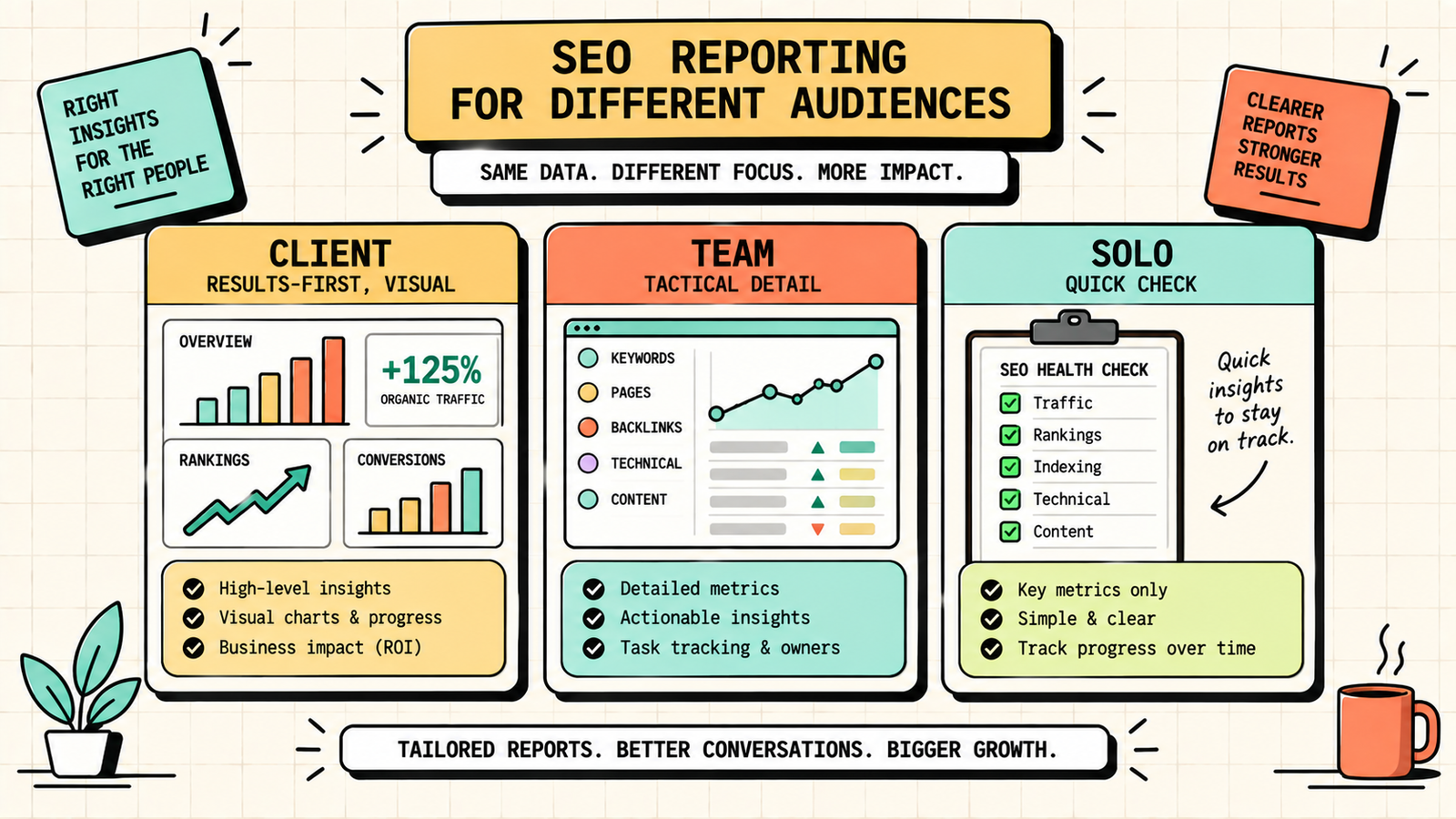
For clients or executives: Lead with results (traffic, conversions, revenue impact). Keep it visual. Skip the jargon. Focus on what changed, why, and what is next. One to two pages plus a dashboard is enough.
For your own team: Go deeper into tactical detail: specific keyword movements, technical issues, link-building progress, content pipeline status. This is where the diagnostic metrics matter most.
For yourself (solo founder): Keep it fast. A weekly fifteen-minute check of Search Console (impressions, clicks, top queries) and Analytics (organic traffic, conversions) is enough for ongoing monitoring. Do a deeper review monthly.
Monthly vs quarterly SEO reporting
Monthly reports are the standard for active SEO work. They keep the feedback loop tight enough to catch problems early and adjust quickly. Quarterly reports are useful for strategic reviews: stepping back to see the bigger trend, assess the strategy, and plan the next quarter's priorities. Most businesses benefit from monthly tactical reports plus a quarterly strategic review. If SEO is a major channel, monthly is the minimum cadence.
We'll show you exactly what your SEO reports should be proving.
Get a clear, data-backed plan to track the metrics that matter, connect SEO to revenue, and build reports that drive decisions.
SEO reporting tools
You do not need many tools, and the most important ones are free.
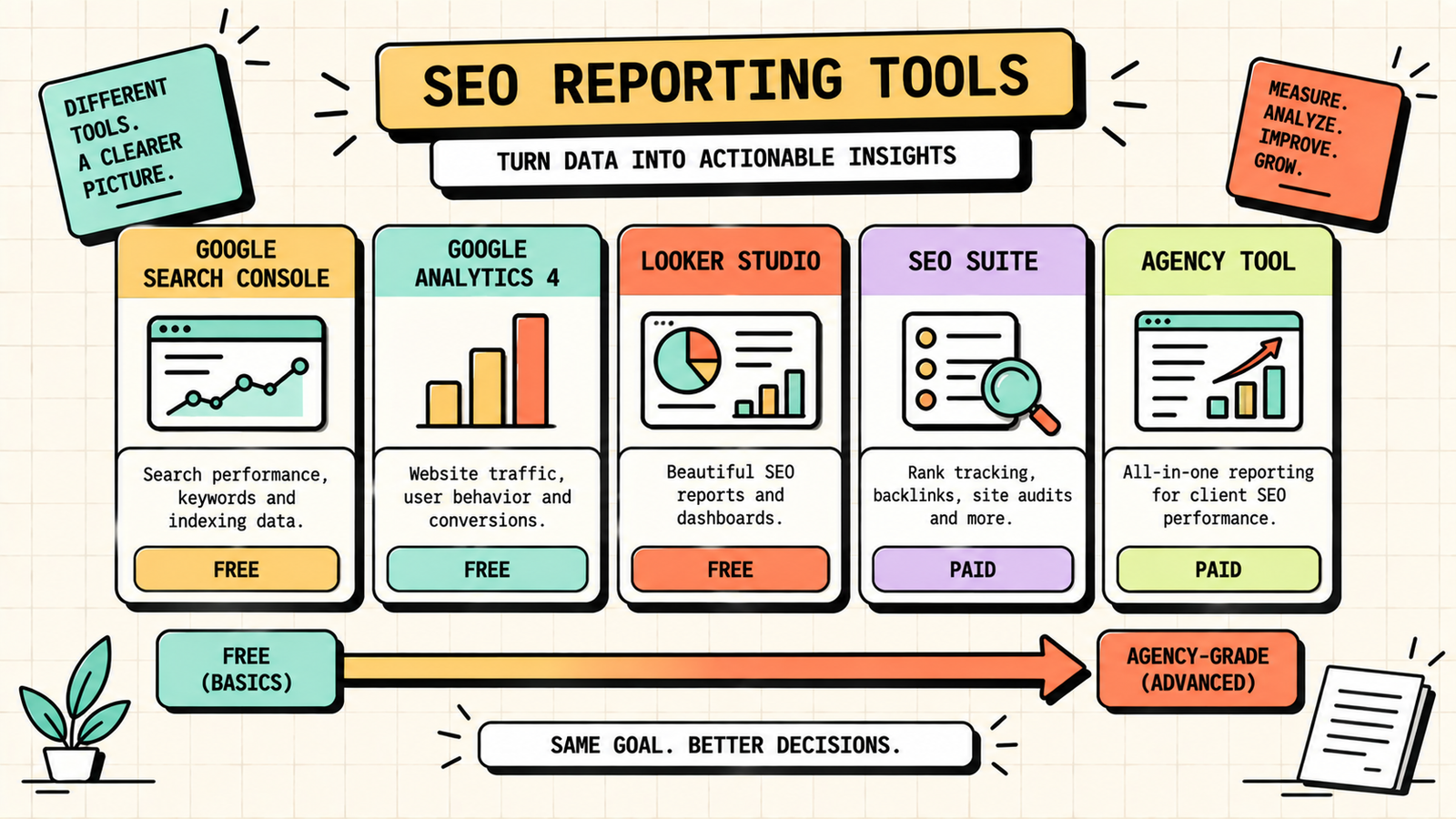
| Tool | What it does | Cost |
|---|---|---|
| Google Search Console | Impressions, clicks, CTR, indexing, Core Web Vitals | Free |
| Google Analytics (GA4) | Traffic, conversions, landing pages | Free |
| Looker Studio (Google) | Custom dashboards pulling from GSC + GA4 | Free |
| Semrush / Ahrefs / Ubersuggest | Rankings, backlinks, site audits | Paid (free tiers) |
| AgencyAnalytics / Whatagraph | White-label client reporting | Paid |
For a solo founder, GSC + GA4 is enough. For an agency reporting to clients, adding Looker Studio or a white-label tool makes reports professional and efficient.
How to build an SEO dashboard in Looker Studio
Looker Studio (formerly Google Data Studio) is free and connects directly to Search Console and Analytics. Create a new report, add GSC and GA4 as data sources, and build pages for each section: traffic overview (line chart of organic sessions over time), keyword performance (table of top queries by clicks and position), landing pages (table sorted by sessions), and conversions (scorecard or chart of key events from organic). Once built, the dashboard updates automatically, so your weekly and monthly reporting becomes as simple as opening a link and reading the current numbers. The setup takes an hour. The time saved is permanent.
SEO for Small Business: The Complete DIY Guide to Ranking Without a Big Budget
SEO reporting for agencies
If you run an agency, your SEO reports do double duty: they inform the client and they justify the engagement. A few practices make agency reporting effective. Brand the report with the client's logo and yours. Lead with the metrics the client cares about (usually traffic and leads, not technical details). Show the work done this period alongside the results, so the client sees the connection between effort and outcome. Include a clear section on next steps so the client knows what is coming. And send the report with a brief email or call that highlights the key takeaway, because a report sent without context often goes unread. The best agency reports are short, visual, results-first, and end with a plan.
Common SEO reporting mistakes
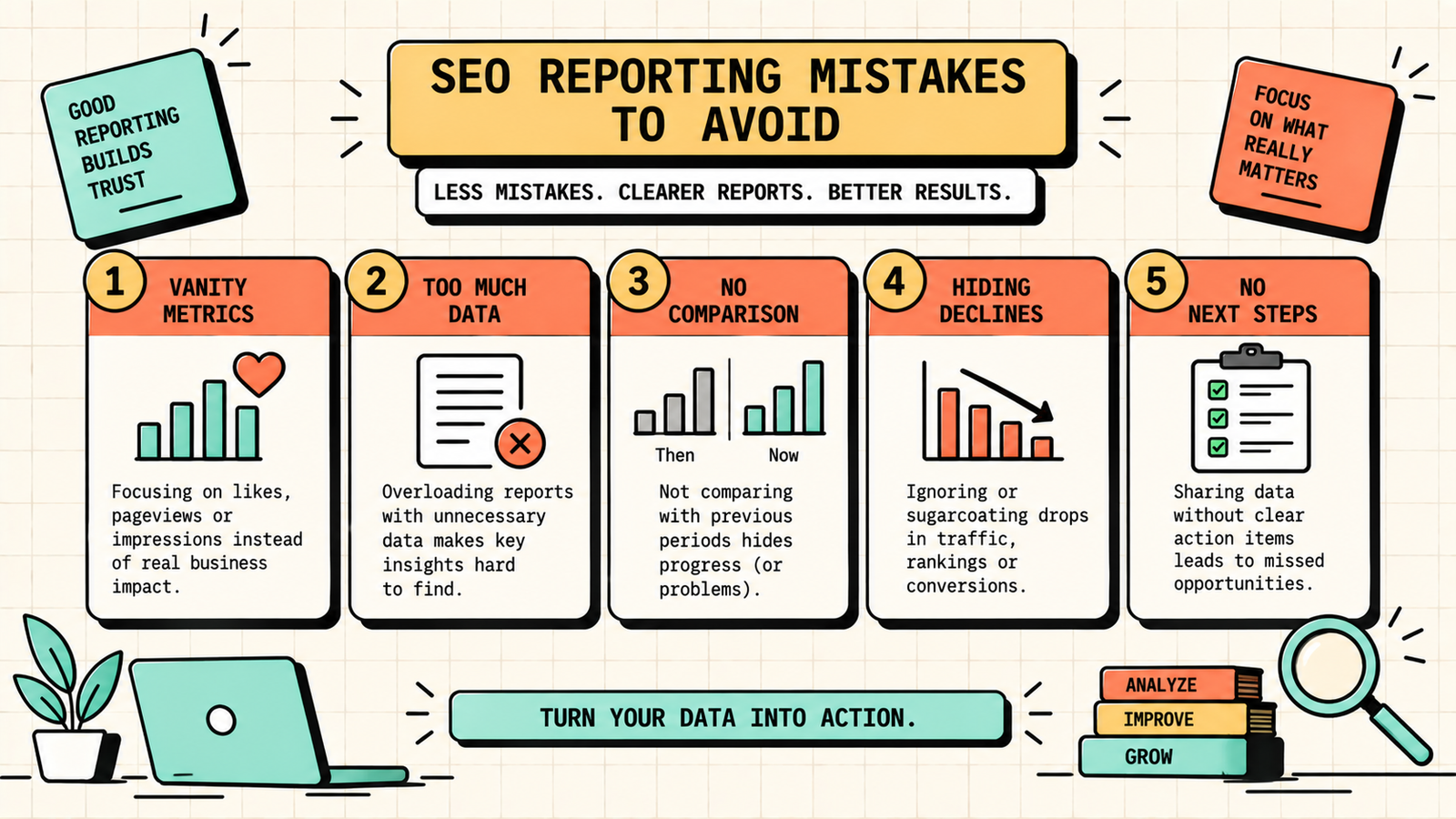
A few patterns make reports useless or worse. Reporting vanity metrics (impressions without clicks, traffic without conversions) makes SEO look busy without proving value. Overwhelming the reader with too much data hides the signal in noise. Not comparing to previous periods makes every number meaningless, since a number without context is just a number. Reporting only good news and hiding declines destroys trust when the reader eventually notices. Not including next steps turns the report into a backward-looking document with no forward momentum. And reporting inconsistently, skipping months or changing the format, makes trends impossible to track. Keep it consistent, results-first, honest, and actionable.
How to show SEO ROI in a report
The question behind every SEO report is "is this worth the money?" and answering it requires connecting SEO to revenue. Track conversions from organic traffic in GA4 (purchases, leads, signups). Assign a value to each conversion: if a lead is worth 5,000 rupees on average, and organic drove 40 leads this month, that is 2,00,000 rupees in pipeline value. Compare that to the cost of SEO (agency fee plus tools plus content) and you have a clear ROI number. Include this calculation in every report, even roughly, because it transforms SEO from "we got more traffic" into "we generated X rupees worth of business." That shift in framing is often the difference between a client who stays and one who cancels.
How to automate your SEO reporting
Manual reporting eats hours that could be spent on actual SEO work. Automate as much as possible. Connect Google Search Console and GA4 to Looker Studio for a live dashboard that updates automatically. Set up scheduled email reports in your SEO tool for weekly ranking snapshots. Use AgencyAnalytics or a similar tool if you need white-label client reports on a schedule. The goal is a system where the data populates itself, and your only job is to read it, add the narrative (what it means and what to do next), and send it. The setup takes a few hours once. The time saved per month is permanent and significant, especially if you report across multiple clients.
Content Pillars: How to Define Yours for Social Media and SEO
The bottom line
SEO reporting is how you prove that SEO works, catch problems early, and make better decisions about where to focus. Track organic traffic, rankings, conversions, and technical health. Structure the report with an executive summary, data sections, and clear next steps. Tailor the depth to the audience. Use free tools (GSC, GA4, Looker Studio) for most of it. Report monthly, review quarterly, and always connect the data to business results. A good SEO report is short, honest, and ends with a plan.
If you want experts to handle your SEO and deliver clear, results-focused reporting, LetMeRank includes transparent monthly reporting in every engagement, starting with a free audit.











