You keep hearing that SEO matters, but every guide assumes you have a marketing team, a content writer, and a budget for expensive tools. You have none of those. You have yourself, a few hours a week, and a business to run. Good news: most of what actually moves the needle in SEO is free, learnable, and doable by one person with limited time. This guide is built for small business owners who want to do SEO themselves, on a small budget, and see real results.
It covers what to focus on, what to skip, the exact steps to follow, and the free tools that do the job.
Why SEO matters for small businesses
SEO brings you customers who are actively searching for what you sell, and it does it for free. For a small business, that is the most important channel to build because paid ads get more expensive every year, but organic rankings, once earned, keep sending you visitors without ongoing cost. A small business that ranks for ten to twenty relevant keywords has a durable, low-cost customer acquisition channel that big competitors cannot simply buy away.
What small business SEO actually involves
Small business SEO is not different from regular SEO. It is the same fundamentals with a narrower focus and a smaller budget. It comes down to four things: make sure Google can find and understand your site (technical basics), optimise your pages for the keywords your customers search for (on-page SEO), create helpful content that answers their questions (content), and earn trust through backlinks and reviews (authority). That is the whole game. Everything else is a refinement of one of those four.
Step-by-step SEO for small businesses
1. Set up the free tools
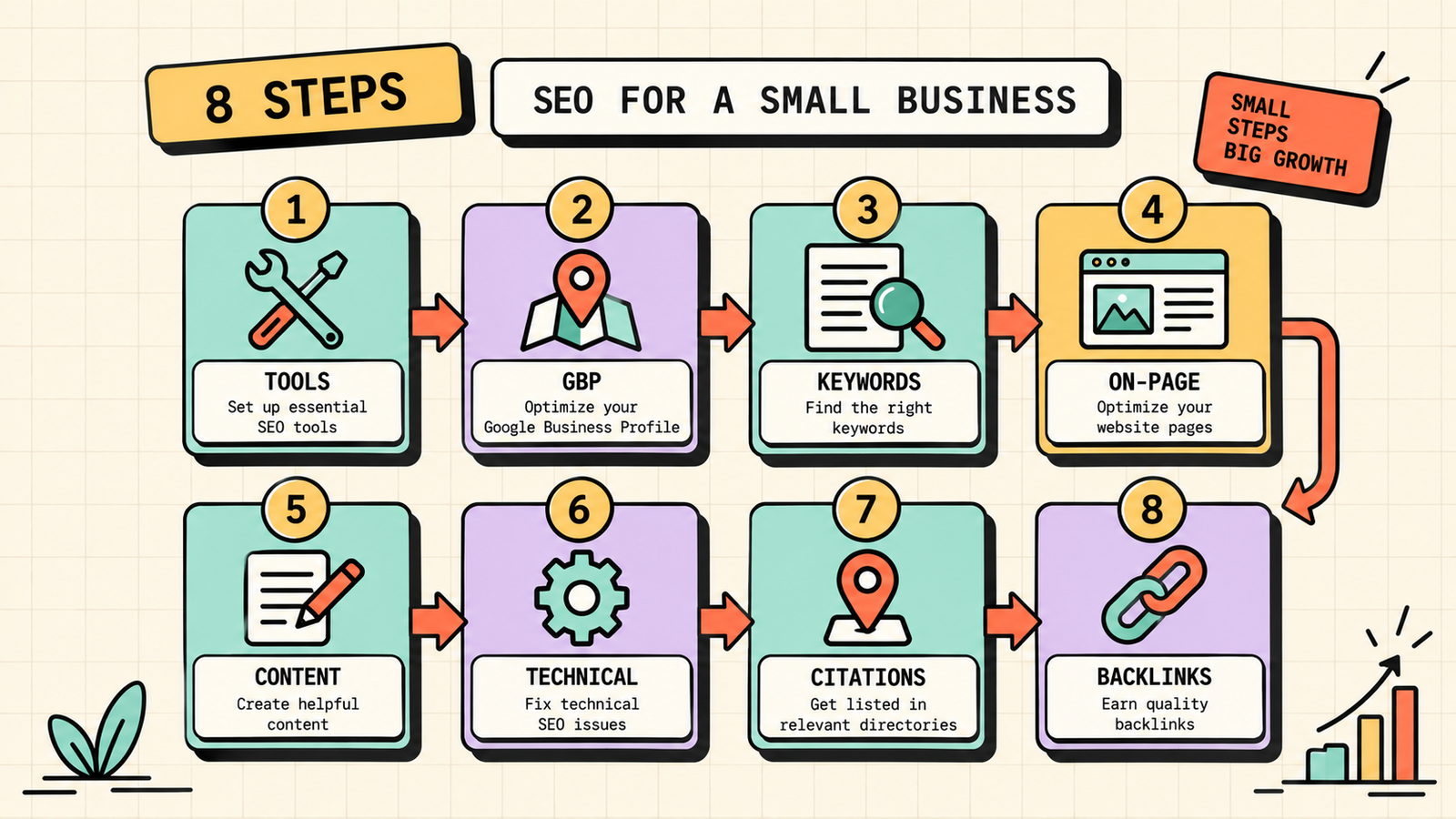
Before anything else, set up Google Search Console and Google Analytics on your site. Both are free, take minutes, and give you the data you need to make every other decision. Search Console shows how Google sees your site. Analytics shows what visitors do. Without these, you are guessing.
2. Fix your Google Business Profile
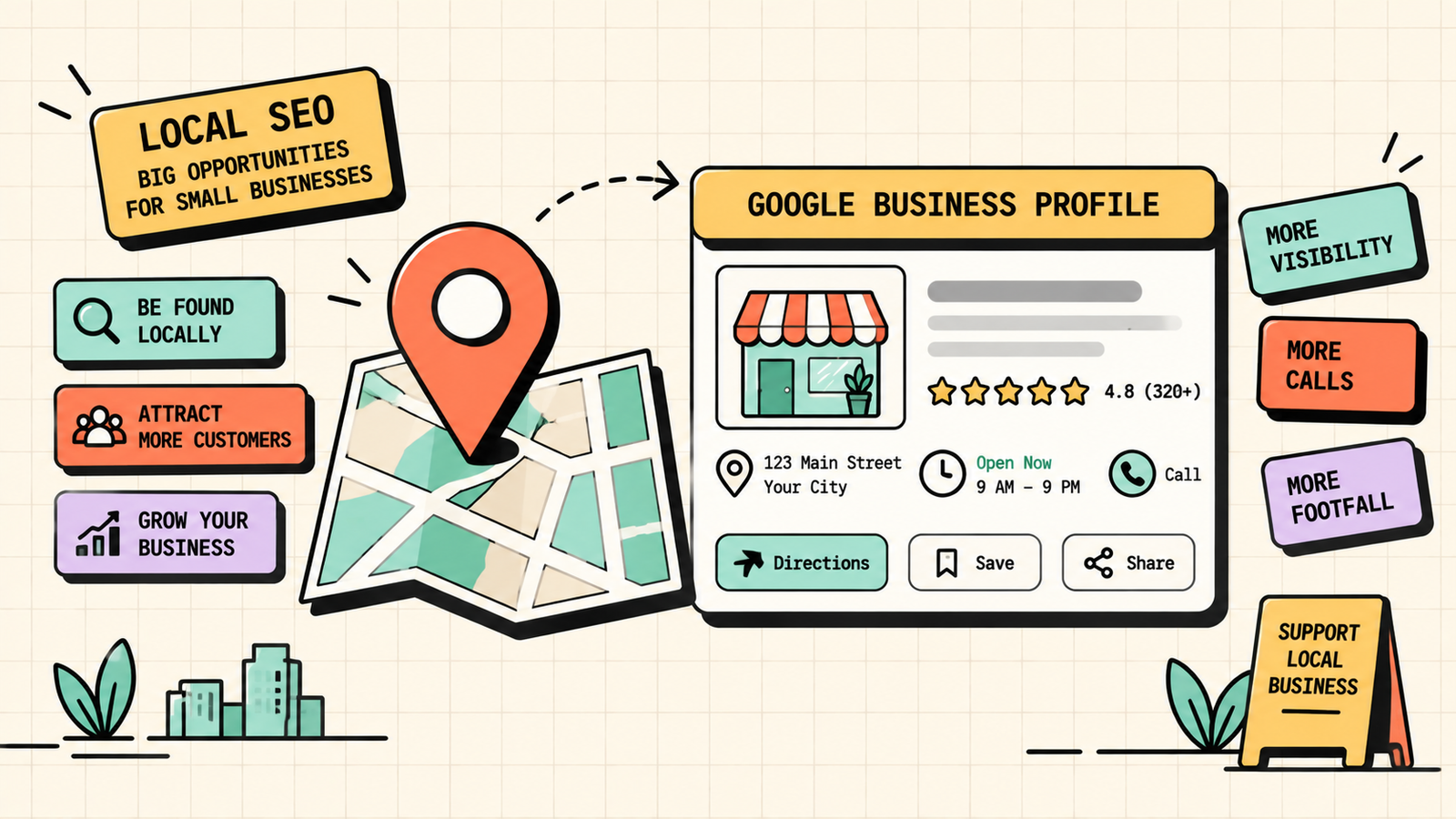
If you serve a local area, your Google Business Profile is the single most impactful thing you can optimise. Complete every field: business name, category, address, phone, hours, website, description, photos, and services. Post regularly. Collect reviews. This alone can put you in the local map pack, which is often where small businesses get most of their leads.
3. Do simple keyword research
Find the words your customers actually type into Google. Use Google's autocomplete (start typing and see what it suggests), the "People also ask" section in search results, and a free keyword tool like the free tier of Ubersuggest. Look for specific, lower-competition phrases rather than broad terms. "Plumber in Durgapur" is easier to rank for and more relevant than "plumbing services."
4. Optimise your key pages
For each important page (homepage, service pages, product pages), make sure the target keyword appears in the title tag, the first paragraph, at least one heading, and the URL. Write a compelling meta description. Keep the content clear, helpful, and specific to what the customer is looking for. This tells Google exactly what each page is about.
5. Create helpful content
Start a blog and write content that answers the questions your customers ask. One well-written post per week or two is enough. Target specific, lower-competition keywords. Each post is a new page that can rank and bring in visitors, and over time the library compounds into a steady stream of organic traffic.
6. Get your technical basics right
Make sure your site loads fast (compress images, use caching), works well on mobile, uses HTTPS, and has a clean sitemap submitted to Search Console. Check for broken links and fix them. These basics ensure Google can crawl and index your site properly, which is the foundation everything else depends on.
7. Build local citations and earn reviews
List your business on relevant directories (Google, Bing, Justdial, Sulekha, industry-specific directories) with consistent name, address, and phone number. Ask happy customers for Google reviews after every job. Reviews build trust with both Google and potential customers, and consistent citations strengthen your local SEO.
8. Earn a few quality backlinks
You do not need hundreds of backlinks. A small business can move the needle with a few quality ones. Write a guest post for a local or industry blog. Get listed in relevant directories and associations. Partner with complementary businesses for cross-promotion. And create content useful enough that people link to it naturally. Five strong, relevant links beat fifty weak ones.
We'll find exactly what's holding your rankings back and how to fix it.
Get a clear, data-backed plan to grow your organic traffic, local visibility, and leads without a big budget.
How much does SEO cost for a small business?
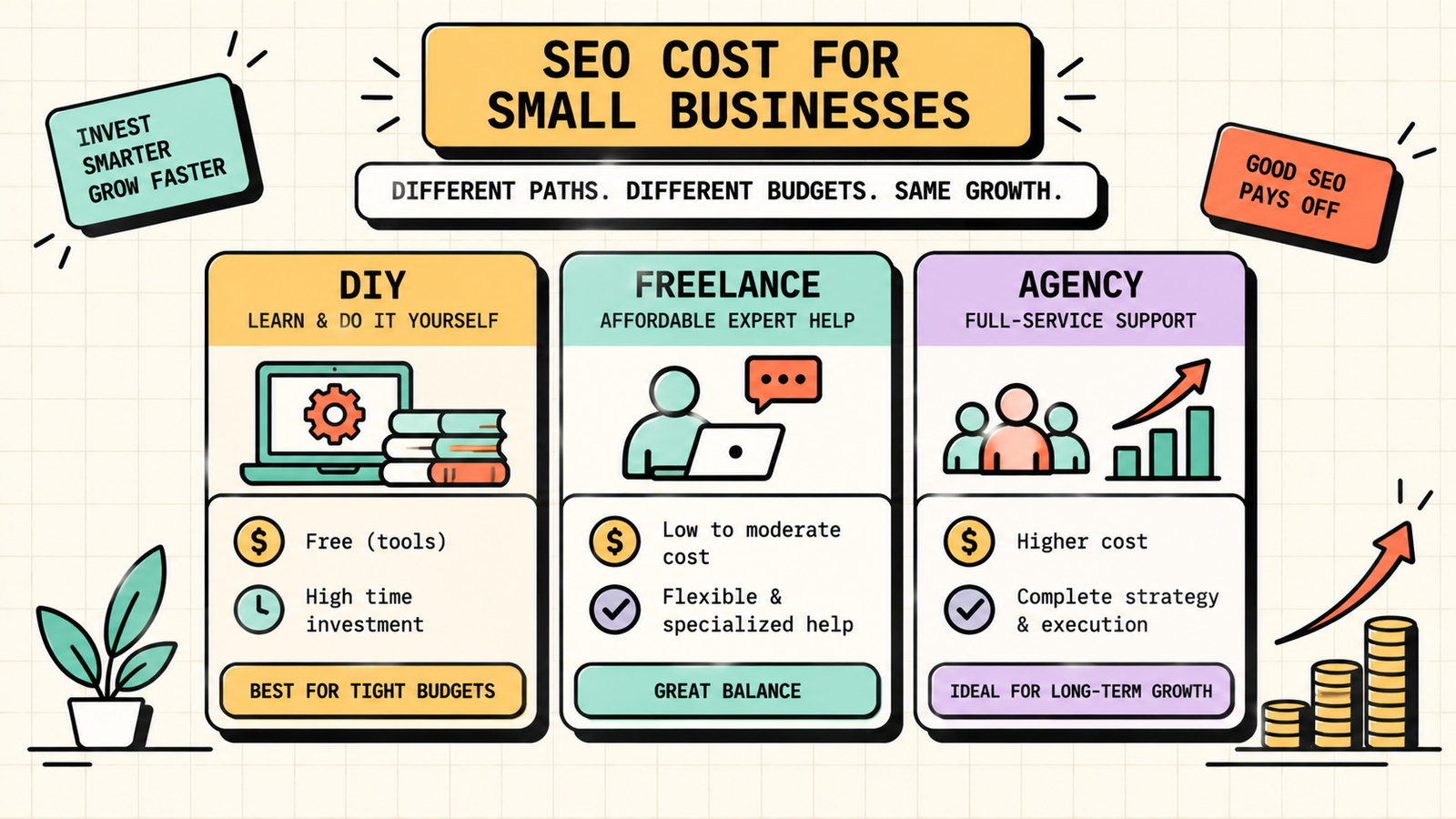
You can do effective SEO for very little. The free tools (Google Search Console, Analytics, Ubersuggest free tier) cover the essentials. A domain and hosting cost a few hundred to a few thousand rupees per year. Your main investment is time: a few hours a week on content, optimisation, and promotion. If you want to hire help, freelance SEO specialists in India typically charge 5,000 to 25,000 rupees per month for a small business, and agencies range from 15,000 to 1,00,000 depending on scope. Start with DIY, learn the basics, and hire help once SEO is clearly driving results worth investing in.
SEO for small business vs enterprise SEO
The fundamentals are the same, but the approach differs. Small businesses have the advantage of focus: you can target a narrow set of keywords, serve a specific local area, and build genuine relationships that earn links. Enterprise SEO deals with thousands of pages, complex technical issues, and brand-level strategies. As a small business, your edge is specificity and agility. You can publish a targeted blog post this week that an enterprise competitor would need three approval cycles to produce. Use that speed.
Content Pillars: How to Define Yours for Social Media and SEO
Local SEO for small businesses
If you serve a specific area, local SEO is your highest-priority channel. It determines whether you appear in the map pack when someone searches "[your service] near me" or "[your service] in [your city]." The local SEO checklist is: fully optimise your Google Business Profile, collect genuine Google reviews consistently, ensure your name, address, and phone number are consistent across every directory, create location-specific content on your website, and earn local backlinks from community organisations, local news, and partner businesses. Local SEO often produces results faster than broader SEO because the competition is limited to your area.
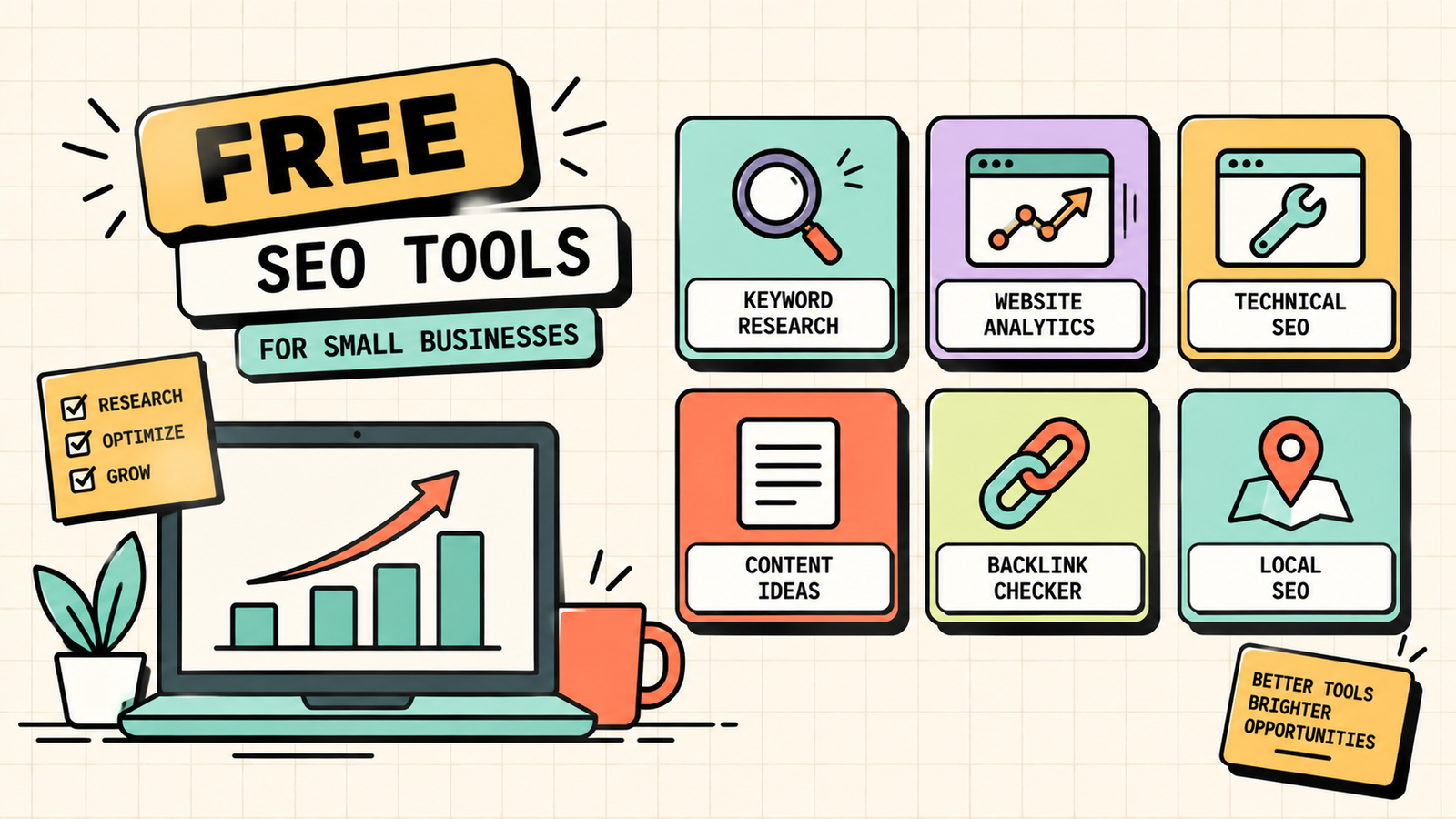
Free SEO tools for small businesses
You do not need expensive software. These free tools cover the essentials.
| Tool | What it does |
|---|---|
| Google Search Console | How Google sees your site: rankings, clicks, indexing |
| Google Analytics | Who visits and what they do |
| Ubersuggest (free tier) | Keyword research and basic site audit |
| PageSpeed Insights | Site speed and Core Web Vitals check |
| Google Business Profile | Your local listing and reviews |
| AnswerThePublic (free) | Questions people ask about your topics |
How long does SEO take for a small business?
SEO is a long game, but small businesses often see local results faster than broader ones. For local SEO with a well-optimised Google Business Profile, you can see movement in the map pack within weeks to a few months. For broader organic rankings on your website, expect meaningful progress around four to six months and compounding results by nine to twelve months. The key is consistency: small businesses that publish one helpful post a week and maintain their GBP steadily outperform ones that do a burst of work and stop.
Common SEO mistakes small businesses make
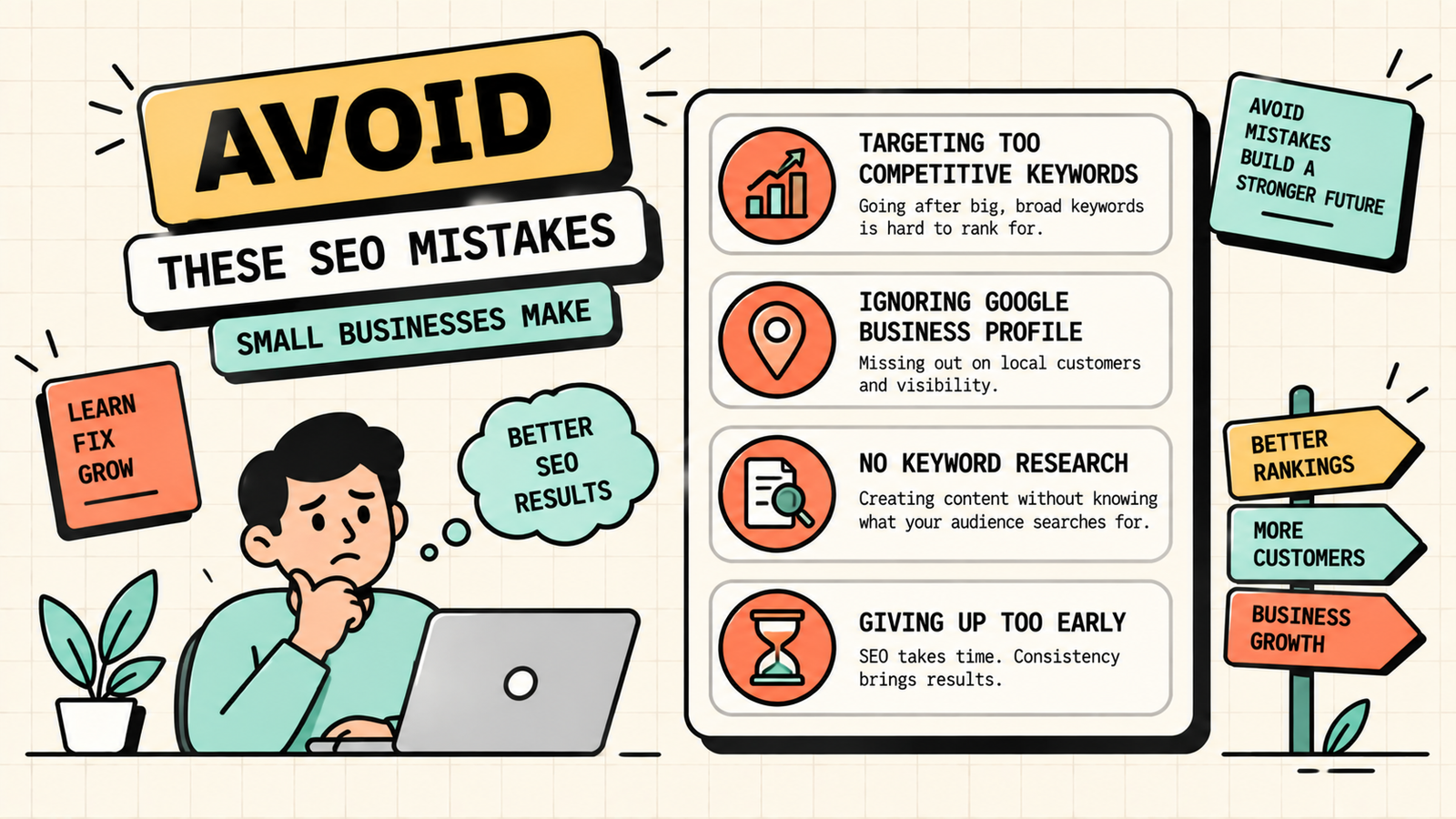
A few patterns waste the most time. Targeting keywords that are too competitive for a small site means you never break through. Ignoring Google Business Profile and local SEO when you serve a local area leaves the easiest wins on the table. Publishing content without keyword research means writing what nobody searches for. Neglecting mobile and speed issues silently hurts rankings. Expecting instant results and giving up after two months abandons the investment before it pays off. And paying for SEO services without understanding the basics means you cannot judge whether the work is any good. Learn the fundamentals first, even if you hire out later.
The small business SEO checklist at a glance
Here is the complete checklist in one table so you can track your progress.
| Task |
|---|
| Google Search Console set up |
| Google Analytics set up |
| Google Business Profile fully completed |
| Keyword research done for main services/products |
| Title tags and meta descriptions optimised |
| At least 5 blog posts published on target keywords |
| Site loads in under 3 seconds |
| Site works well on mobile |
| HTTPS enabled |
| Sitemap submitted to Search Console |
| Listed on 5+ relevant directories with consistent NAP |
| 3+ quality backlinks earned |
Print this, work through it over a month, and you will have done more SEO than most small businesses ever do.
Sales Funnel: What It Is, How to Build One, and Why Most Businesses Get It Wrong
When to stop DIY and hire SEO help
DIY works well for the fundamentals, but there comes a point where hiring help makes more sense. Consider bringing in a professional when you are consistently ranking but want to accelerate growth, when you are competing in a tough niche where expertise makes the difference, when the time you spend on SEO would be better spent running the business, when you have tried for six months and are not seeing results despite following the steps, or when you need technical fixes beyond your skill level. The best time to hire is after you understand the basics yourself, because that knowledge helps you evaluate whether the work being done is actually good. A small business owner who knows SEO fundamentals is a much better client than one who is completely in the dark.
AI Tools for Marketing
The bottom line
SEO for small business is the same fundamentals as any SEO, just focused and realistic about time and budget. Set up the free tools, optimise your Google Business Profile, do simple keyword research, optimise your pages, publish helpful content consistently, fix the technical basics, build local citations and reviews, and earn a few quality backlinks. It takes months, not days, but it builds a durable, low-cost customer acquisition channel that gets stronger over time.
If you want experts to handle your small business SEO while you run the business, LetMeRank helps small businesses and founders grow through search and AI search, starting with a free audit.











