You have 30 students, five lesson plans due this week, a stack of assignments to grade, and exactly zero hours left in the day to figure out how AI is supposed to help you. Here is the short answer: the right AI tool does not replace your teaching. It takes the repetitive, time-heavy work off your plate so you can spend more time actually teaching. This guide covers the best AI tools for teachers by what they help with, which ones are free, how they compare, and how to use them responsibly in a classroom setting.
What makes an AI tool good for teachers
Teaching has specific demands that general AI tools do not always meet. Look for tools that understand educational context, since a lesson plan generator that produces corporate-style content is not helpful. Check whether the output is grade-level and curriculum-appropriate, not just technically accurate. See whether it saves you time on the tasks that eat the most hours, typically lesson planning, materials creation, differentiation, and grading feedback. Make sure there is a free plan that covers real classroom usage, since most teachers are not buying expensive software. And check whether it handles student data responsibly, because privacy matters more in education than almost anywhere else.
Which AI Is Best for What?
The best AI tools for teachers
Here are the tools worth knowing, matched to the teaching tasks they help with.
MagicSchool AI
MagicSchool is built specifically for teachers and is the most popular purpose-built education AI. It has dozens of tools for lesson plans, rubrics, assessments, IEP goals, communication with parents, differentiation, and more, all designed for classroom use. It understands grade levels, standards, and educational language. The free plan is generous and covers most daily needs, with paid tiers adding more features. It is the best all-round AI tool built specifically for teachers.
ChatGPT
ChatGPT is the most versatile general AI, and teachers use it heavily for brainstorming lesson ideas, creating worksheets, generating discussion questions, explaining concepts at different levels, writing parent communication, and building rubrics. The free plan (GPT-4o) is powerful. It is not education-specific, so you need to prompt it clearly for grade level and standards, but its flexibility makes it useful for almost any teaching task.
Diffit
Diffit creates reading passages, comprehension questions, and vocabulary activities adapted to different reading levels from any source material. You paste in a topic or a text and it generates levelled versions with ready-to-use activities. The free plan is strong. It is the best tool for differentiated reading and comprehension materials.
Curipod
Curipod generates interactive lesson slides with polls, open-ended questions, word clouds, and drawing activities that students engage with during class. It turns a topic into a ready-to-present interactive lesson in minutes. The free plan covers basic use. It is the best tool for creating engaging, interactive classroom presentations.
Eduaide.Ai
Eduaide is an AI content generator for education that produces lesson plans, assessments, project ideas, discussion questions, and more across subjects and grade levels. It is designed around educational frameworks and standards. Free plan available with paid tiers for more generation. It is a strong alternative to MagicSchool with a slightly different interface and feature set.
Canva for Education
Canva for Education is free for teachers and gives access to Canva's full design platform plus education-specific templates for worksheets, presentations, posters, infographics, and classroom materials. Its AI features generate images and designs. It is the best tool for visual classroom materials and student-facing documents.
Best AI Tools for Writing a Research Paper
AI tools for teachers compared
| Tool | Best for | Education-specific | Free plan |
|---|---|---|---|
| MagicSchool AI | All-round teacher tasks | Yes, built for teachers | Yes (generous) |
| ChatGPT | Flexible, any teaching task | No, but highly adaptable | Yes (GPT-4o) |
| Diffit | Differentiated reading materials | Yes | Yes |
| Curipod | Interactive lesson presentations | Yes | Yes (basic) |
| Eduaide.Ai | Lesson plans, assessments | Yes | Yes |
| Canva Education | Visual materials, worksheets | Yes (education templates) | Yes (free for teachers) |
MagicSchool vs ChatGPT vs Diffit: which is best for teachers?
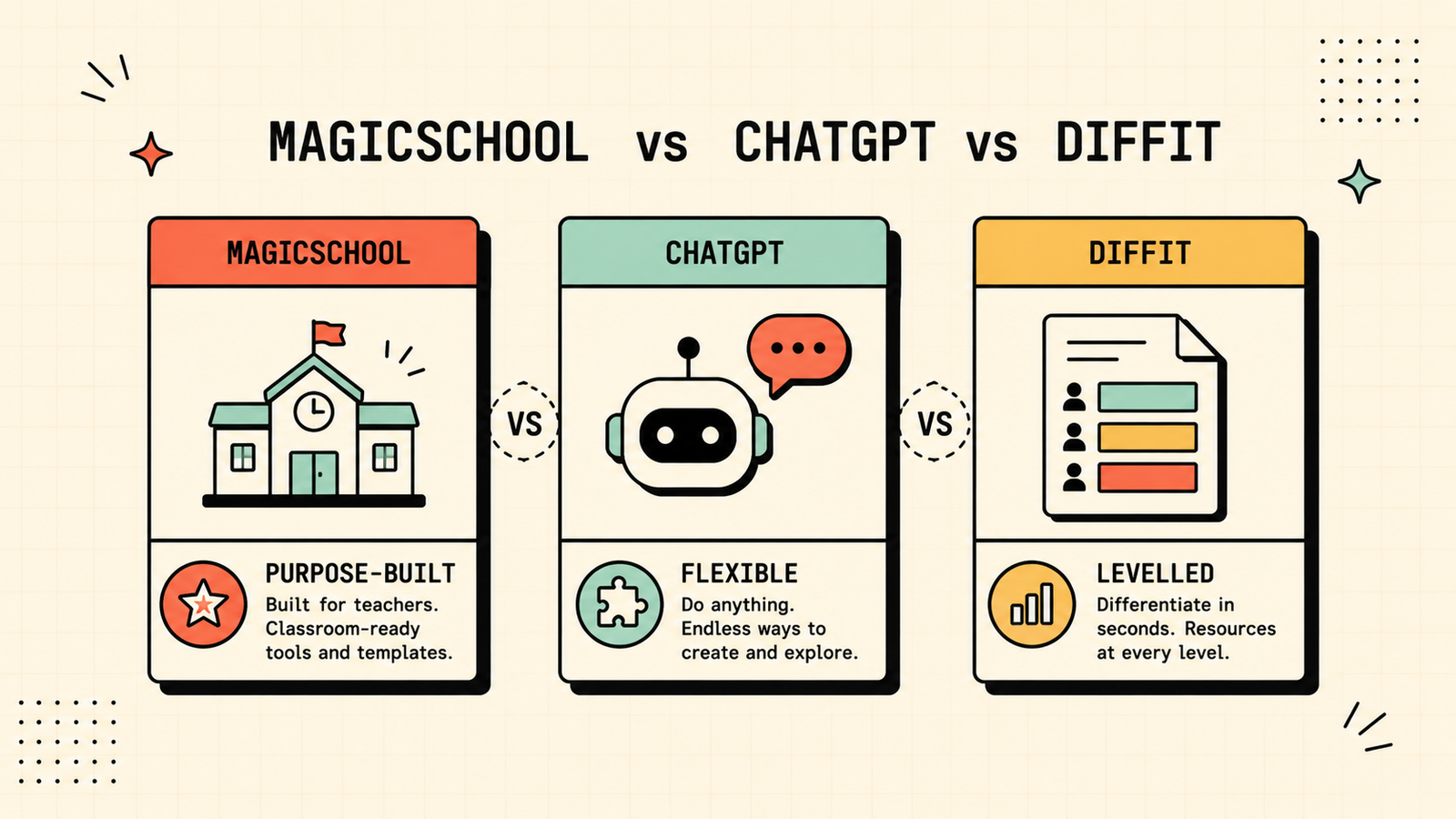
Each wins at a different job. Pick MagicSchool when you want a one-stop tool designed for teachers that handles lesson plans, rubrics, assessments, IEPs, and communication without needing careful prompts. Pick ChatGPT when you need maximum flexibility, especially for tasks MagicSchool does not cover, or when you want to brainstorm creatively and shape the output yourself. Pick Diffit when differentiated reading materials are your main need, since it creates levelled content faster than any general tool. Many teachers use MagicSchool for structured tasks and ChatGPT for everything else, which covers nearly all daily needs.
Best free AI tools for teachers
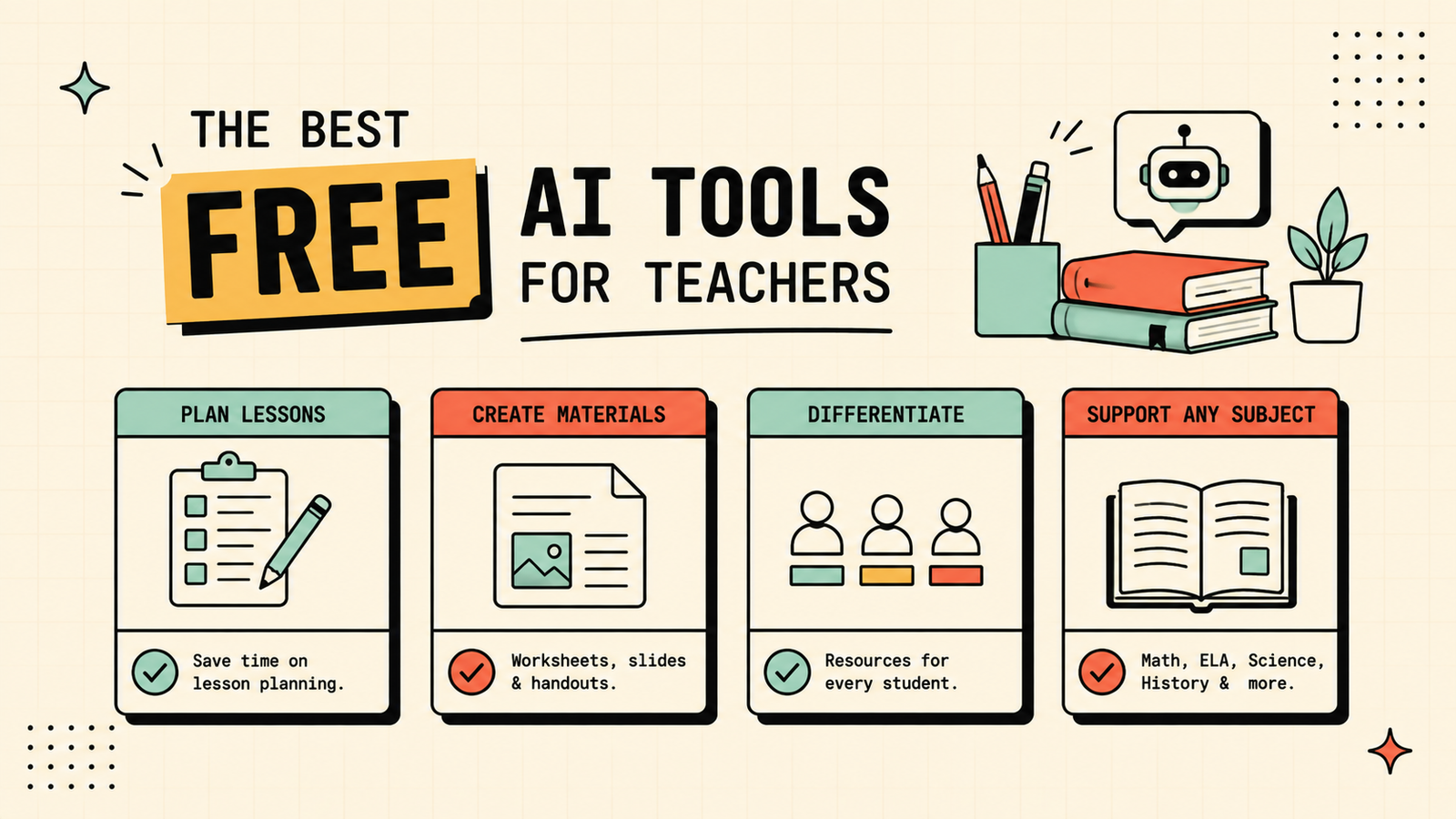
If you are not paying for anything, you have strong options. MagicSchool free covers lesson plans, rubrics, assessments, and communication. ChatGPT free handles brainstorming, worksheets, and any flexible task. Diffit free creates levelled reading materials. Canva for Education is fully free for verified teachers and covers all visual materials. Between these four, most of a teacher's daily AI needs are covered at zero cost, and the outputs are genuinely classroom-ready.
We'll show you exactly which AI tools fit your teaching workflow and save you the most time.
Get a clear, practical plan to build your own teacher AI toolkit that actually saves hours every week.
Best AI for lesson plans
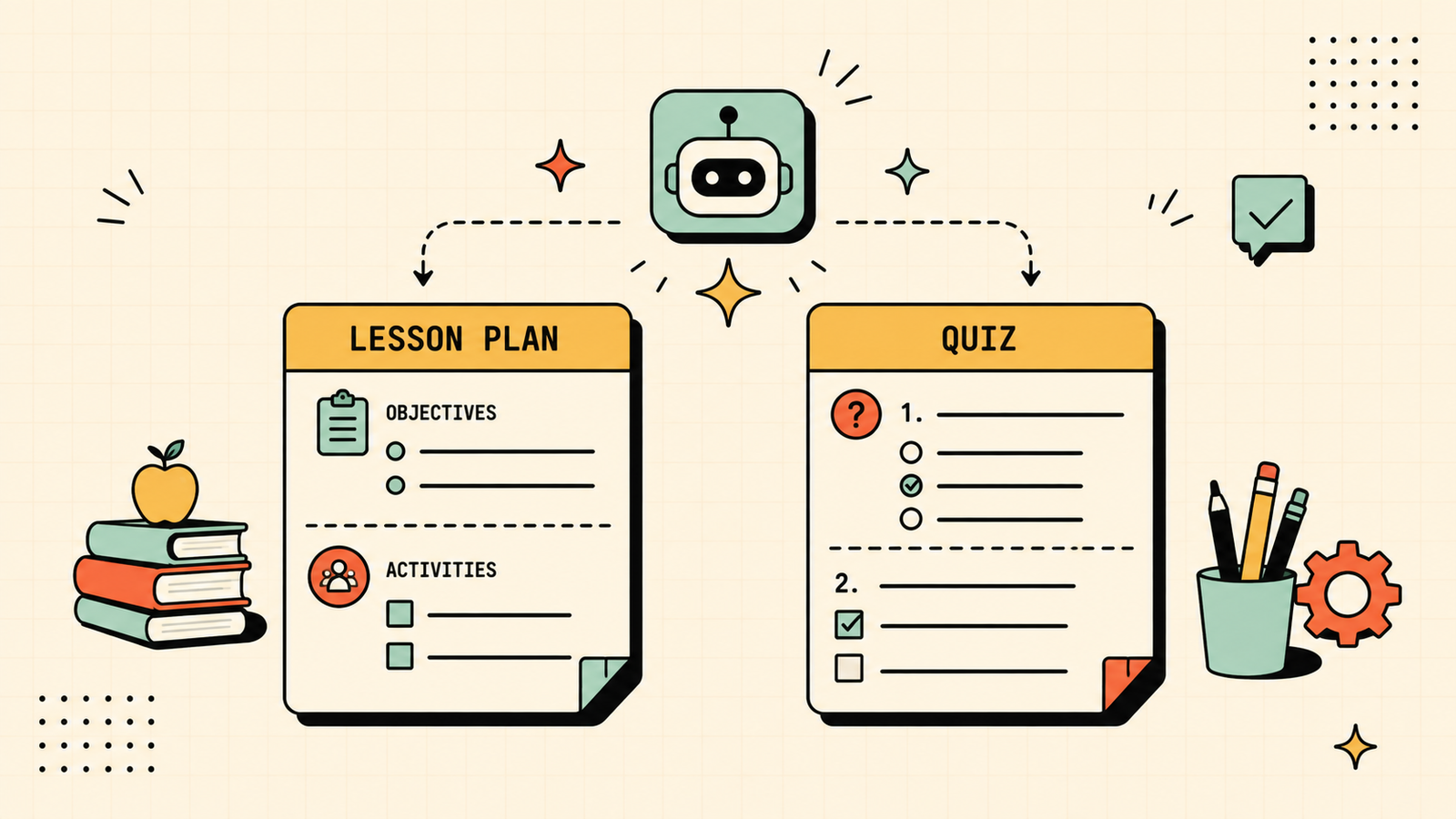
Lesson planning is the task teachers most want AI help with, and two tools handle it best. MagicSchool generates complete, standards-aligned lesson plans from a topic and grade level, including objectives, activities, assessments, and differentiation. ChatGPT does the same when prompted well, with the advantage of being more flexible and conversational, so you can ask it to adjust, expand, or rethink parts of the plan in a back-and-forth. For speed and consistency, MagicSchool wins. For creative flexibility and customisation, ChatGPT wins. Either way, always review the plan against your students and your curriculum before using it.
Best AI for quizzes, tests and assessments
Creating assessments is another major time sink, and AI handles it well. MagicSchool and Eduaide both generate quizzes, tests, and rubrics aligned to grade level and standards. ChatGPT creates any type of assessment when you give it clear instructions on format, difficulty, and topic. Diffit creates comprehension questions alongside reading materials. For multiple-choice, short-answer, and rubric generation, MagicSchool or Eduaide is fastest. For open-ended or creative assessment design, ChatGPT gives you more control. Always review AI-generated questions for accuracy and appropriateness before giving them to students.
Best AI for grading and feedback
AI is not ready to grade autonomously, and it should not be used for final marks, but it can speed up the feedback process. ChatGPT can draft written feedback on student work if you paste it in, suggest improvements, and help you write constructive comments faster. MagicSchool has feedback tools that generate starter comments you can personalise. The rule is clear: use AI to draft feedback and save time writing, but read every comment yourself and make sure it is accurate and appropriate before it reaches a student.
How teachers can use AI responsibly
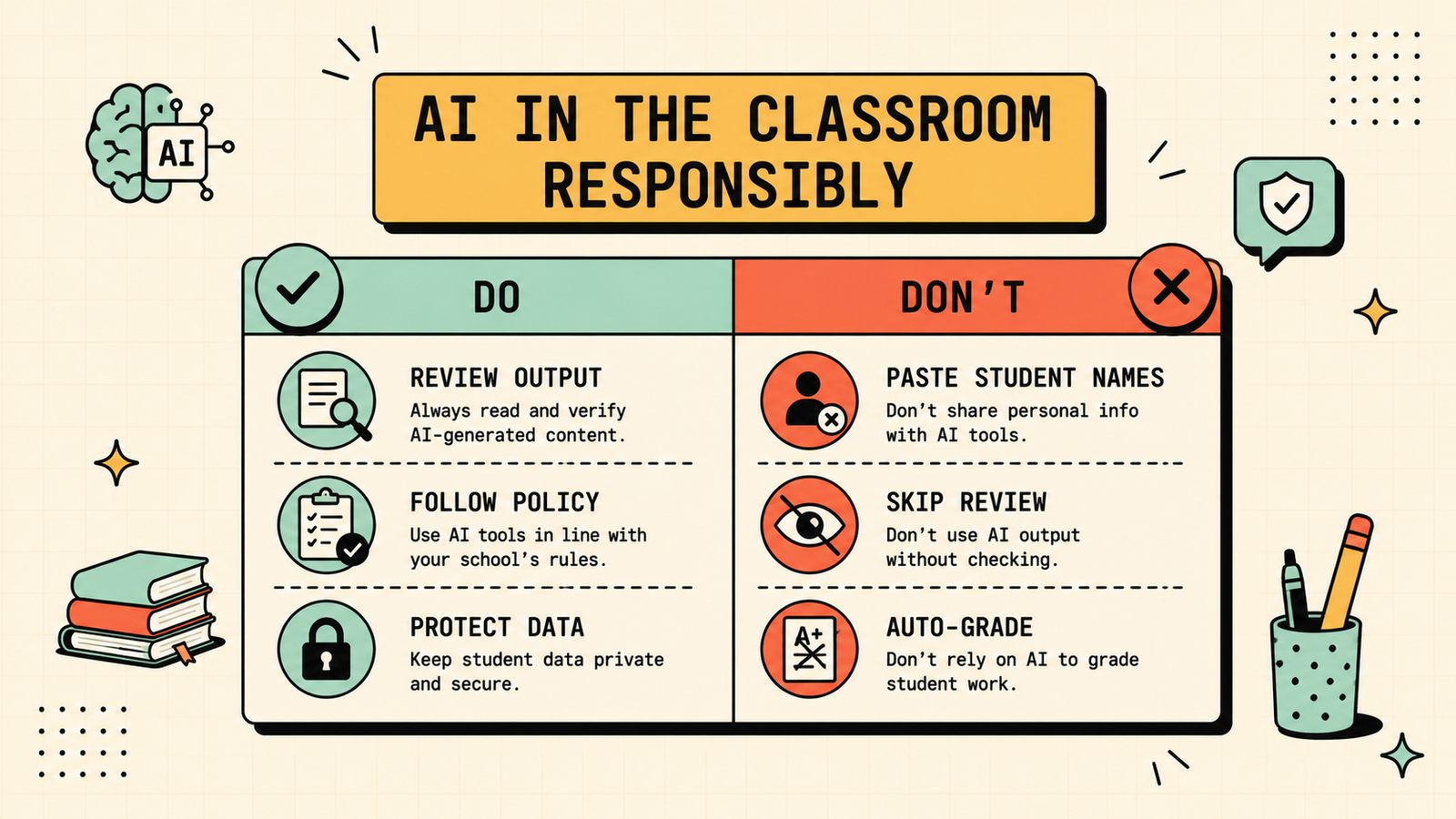
Responsibility matters more in education than in almost any other AI use case, because students, parents, and institutions are watching closely. Never paste student names or identifiable information into any AI tool that is not specifically approved for student data. Review every AI output before using it in class, since errors in educational content have real consequences. Be transparent with students about when and how you use AI, since it models honest use. Follow your school or district's AI policy, and if there is not one yet, advocate for one. Used responsibly, AI makes you a more effective teacher without creating the risks that come from careless use.
AI Tools for Marketing
Common mistakes teachers make with AI
A few patterns cause the most problems. Using AI-generated materials without reviewing them lets errors, inappropriate content, or off-grade material reach students. Pasting student data into tools that are not privacy-approved risks real harm. Over-relying on AI for lesson planning without bringing your own knowledge of your students produces generic lessons that miss the room. And expecting AI to handle grading decisions, rather than just draft feedback, crosses a line most institutions are not ready for. Use AI for the repetitive heavy lifting, but keep your professional judgment in the loop at every step.
Best AI for differentiated instruction
Differentiation is one of the hardest and most time-consuming parts of teaching, and it is where AI makes some of its biggest impact. Diffit creates reading passages and activities automatically adjusted to different reading levels from any source material, which is exactly what differentiated reading requires. MagicSchool has differentiation tools that modify content, instructions, and assessments by level. ChatGPT can rewrite any text at a specified grade level or simplify concepts for different learners when you prompt it clearly. Between these three, creating multiple versions of the same material for different students, a task that used to take hours, can be done in minutes. The output still needs your review for accuracy and appropriateness, but the heavy lifting is handled.
LetMeRank
How to get started with AI as a teacher
If you have not used AI tools before, start small. Pick one task that eats the most of your time, usually lesson planning or creating worksheets, and try MagicSchool or ChatGPT for just that one thing. Spend a week using it, editing the output, and seeing whether it genuinely saves time. Once you are comfortable, add a second use case, like differentiated materials with Diffit or visual content with Canva. Do not try to transform everything at once, since that creates overwhelm rather than relief. The teachers who benefit most from AI are the ones who started with one small, repetitive task and built from there, not the ones who tried to adopt six tools on day one.
The bottom line
The best AI tools for teachers save time on the tasks that eat the most hours, lesson planning, materials, assessments, and feedback, so you can spend more time actually teaching. MagicSchool is the best purpose-built option, ChatGPT is the most flexible, Diffit wins for differentiated reading, Curipod for interactive lessons, and Canva for visual materials. Start free, review everything before it reaches students, and keep student data private. Done right, AI gives you hours back every week.
If you found this useful, LetMeRank publishes practical guides on AI tools and organic growth for educators, founders, and teams.











