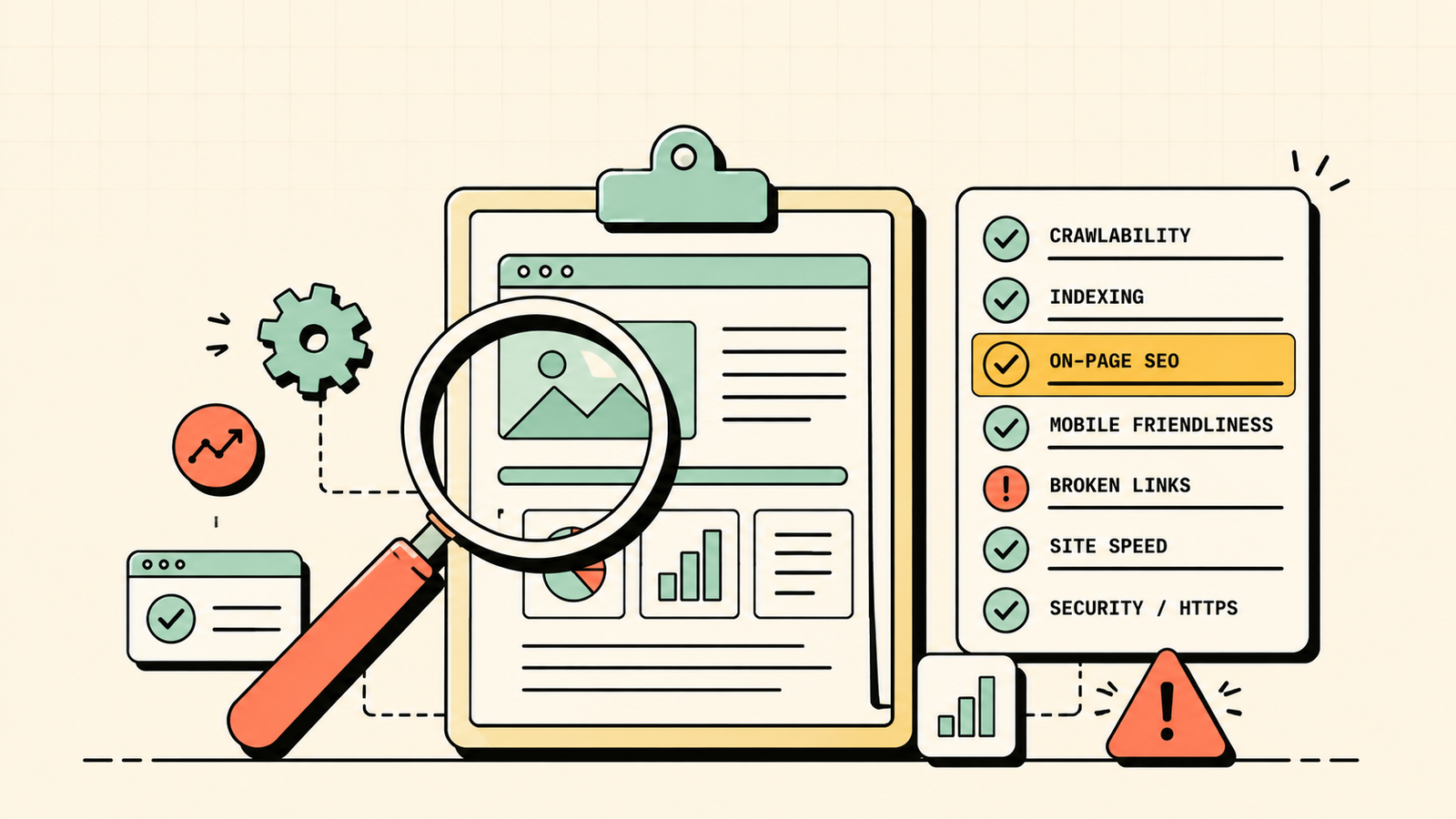
If your rankings have stalled or your traffic is quietly slipping, the problem is almost never a mystery. It is a set of specific, findable issues, and an SEO audit is how you find them. An audit is simply a health check for your website's search performance. It shows you exactly what is working, what is broken, and what is holding your rankings back, so you can stop guessing and start fixing. This guide walks you through a complete SEO audit step by step, covering the technical, on-page, content, and off-page checks that matter, plus how to turn your findings into an action plan.
What is an SEO audit?
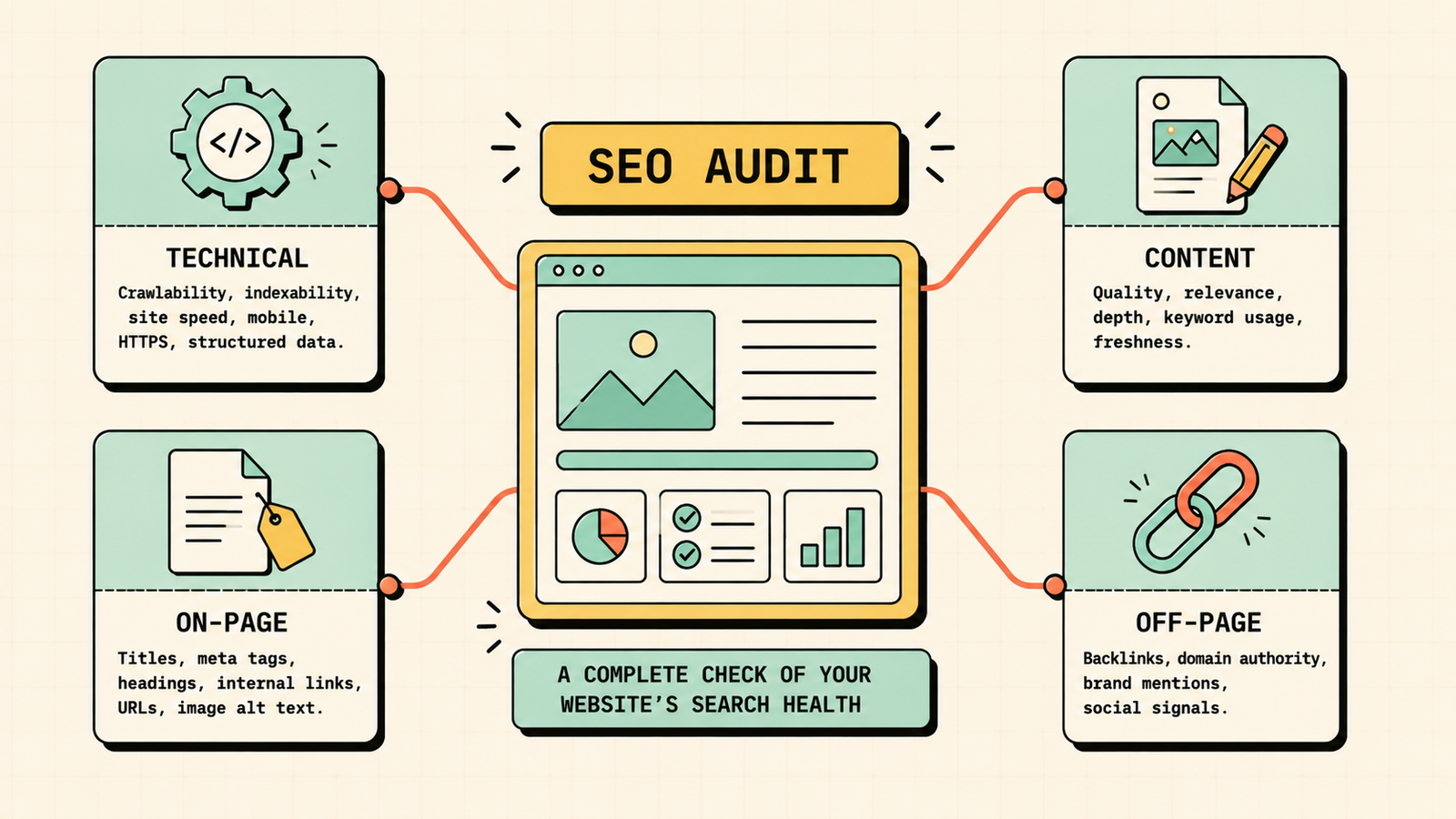
An SEO audit is a thorough review of your website to assess how well it is optimized for search engines and to identify issues holding back your rankings. It examines the technical health of your site, your on-page optimization, your content, and your backlink profile, then gives you a clear picture of what to fix and improve.
Think of it as a diagnosis. Before you can improve your rankings, you need to know what is actually wrong, and an audit gives you that clarity. It turns a vague sense that SEO is not working into a specific, prioritized list of fixes.
How to Increase Website Traffic
Why run an SEO audit?
An audit matters because it removes the guesswork. It uncovers technical problems that may be blocking pages from ranking, finds on-page issues weakening your pages, surfaces content that is thin, outdated, or missing, and reveals backlink problems and opportunities. Whether you are launching an SEO push, recovering from a traffic drop, or just want to know where you stand, an audit gives you the roadmap. It is often the single highest-return thing you can do in SEO, because fixing issues an audit reveals can unlock rankings that were being held back with relatively little effort.
How often should you run an SEO audit?
Run a full audit at least once or twice a year, and a lighter check every quarter. Always audit after a major change like a redesign or migration, since those often introduce new issues, and whenever you notice a sudden traffic or ranking drop. Treating audits as regular maintenance keeps small problems from quietly compounding into big losses.
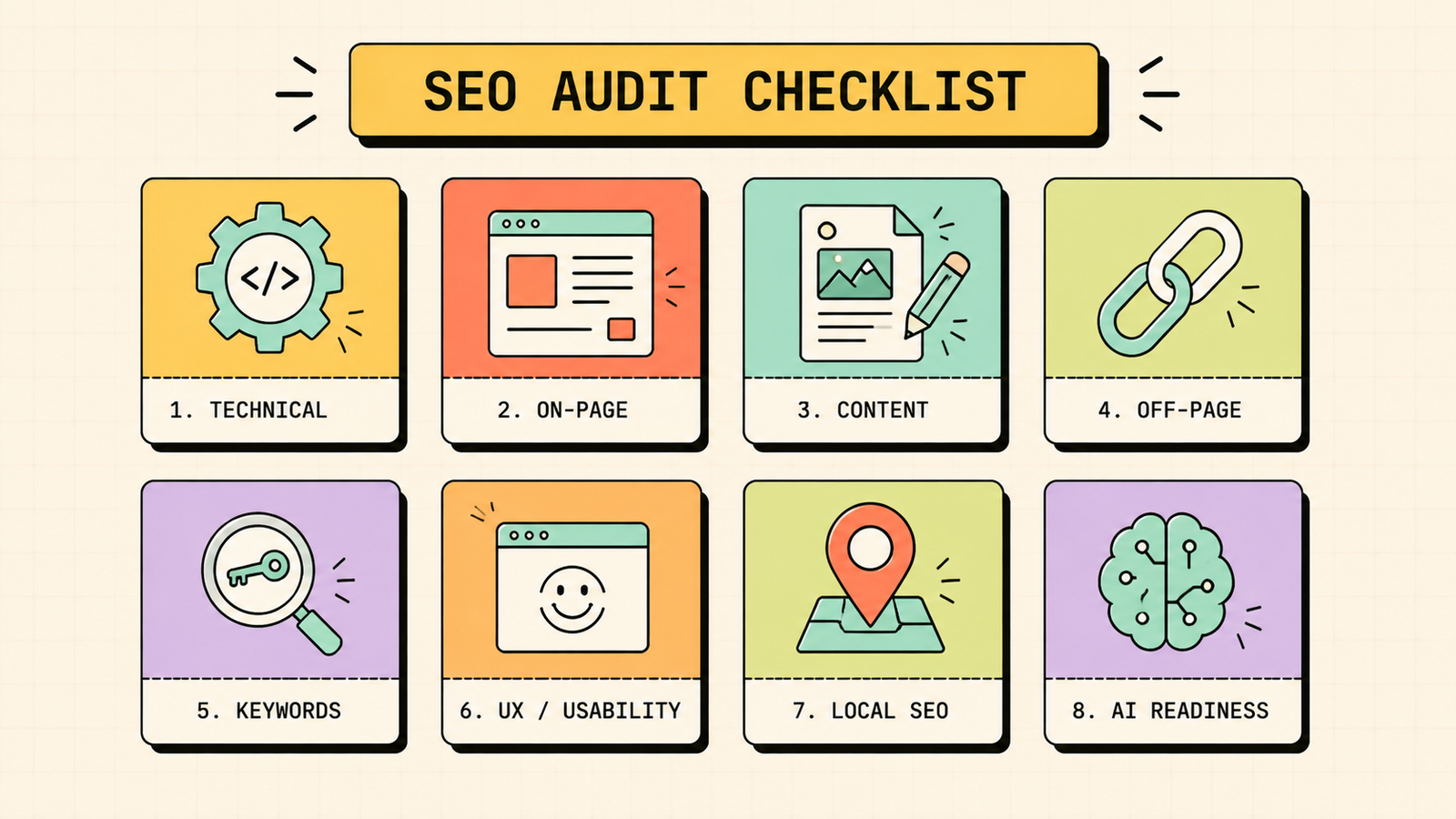
The complete SEO audit checklist
Work through these areas in order. Together they cover everything that affects your rankings.
1. Technical audit
Start here, because technical problems can block everything else. Check that search engines can crawl your important pages, that those pages are indexed, and that your sitemap and robots.txt are set up correctly. Confirm your site loads fast, works well on mobile, and uses HTTPS. Look for crawl errors in Google Search Console, and check for broken links and redirect issues. Technical faults often hide entire pages from search, so fixing them first can produce quick wins.
2. On-page audit
Review how well your individual pages are optimized. Check that each important page has a unique, keyword-relevant title tag and meta description, a clear heading structure, and content that uses target keywords naturally. Make sure each page matches the search intent behind its keyword and includes descriptive image alt text. On-page issues are common and usually quick to fix.
3. Content audit
Assess the quality and performance of your content. Identify thin or low-value pages, outdated content that needs refreshing, duplicate content, and gaps where you are missing content your audience searches for. Also note your best-performing pages, since these are often worth updating and expanding to gain even more. A content audit shows you what to improve, what to consolidate, and what to create.
What Is SEO and How Does It Work?
4. Off-page and backlink audit
Review your backlink profile using an SEO tool. Look at how many quality backlinks you have, spot any toxic or spammy links that could be hurting you, and analyze your competitors' backlinks to find opportunities you are missing. A healthy, relevant backlink profile builds the authority your pages need to rank, so this reveals both risks to fix and links to pursue.
5. Keyword and rankings audit
Check which keywords your site currently ranks for and where. Identify keywords where you rank on page two that could be pushed to page one with some work, keywords you have lost rankings for, and valuable terms you are not targeting yet. This shows you the fastest ranking opportunities and where your strategy has gaps.
6. User experience and Core Web Vitals
Google cares about how good the experience is for visitors. Check your Core Web Vitals, which measure loading, interactivity, and stability, and make sure your site is easy to navigate, fast, and clean on mobile. Poor user experience drags down both rankings and conversions.
7. Local SEO audit (if applicable)
If you serve a local area, review your Google Business Profile for completeness and accuracy, check that your name, address, and phone are consistent across the web, and assess your reviews and local citations. Local factors are the biggest lever for ranking in map results.
8. AI search readiness
A newer but increasingly important check. Review whether your content is structured to be surfaced in AI answers: clear, self-contained answers to questions, strong FAQ content and schema, and demonstrated expertise. As more people search through AI, this readiness is becoming part of every serious audit.
We'll audit your site and hand you a prioritized plan of exactly what to fix and in what order.
Get a clear, data-backed diagnosis that shows what is holding your rankings back and which fixes will move the needle first.
The audit checklist at a glance
| Area | Key checks |
|---|---|
| Technical | Crawling, indexing, sitemap, speed, mobile, HTTPS, errors |
| On-page | Titles, meta, headings, keywords, intent, alt text |
| Content | Thin, outdated, duplicate, gaps, top pages |
| Off-page | Backlink quality, toxic links, competitor gaps |
| Keywords | Rankings, page-two wins, lost and missing terms |
| UX and Core Web Vitals | Speed, stability, mobile, navigation |
| Local | Google Business Profile, NAP, reviews, citations |
| AI search | Structured answers, FAQs, schema, expertise |
Tools you need for an SEO audit
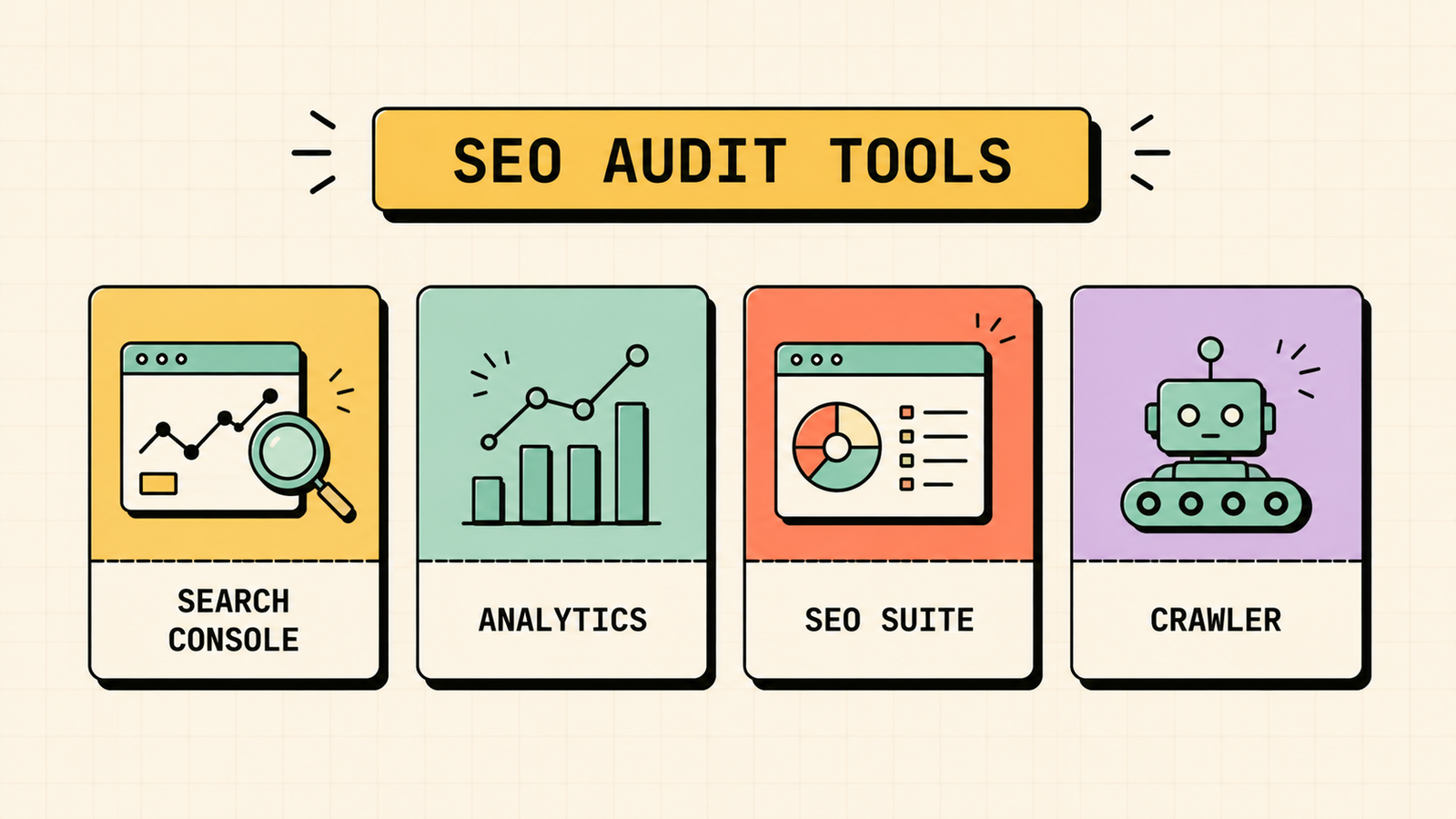
You do not need many tools, and several are free.
| Tool | What it does |
|---|---|
| Google Search Console | Free crawl, index, and performance data from Google |
| Google Analytics | Free insight into traffic and visitor behavior |
| SEO suites (Semrush, Ahrefs, Ubersuggest) | Site audits, backlink data, and keyword rankings |
| Site crawlers (Screaming Frog) | Crawl your site to find technical issues |
| PageSpeed Insights | Free check of speed and Core Web Vitals |
A common setup is Google Search Console plus one SEO suite, which together cover most of what an audit needs.
How to turn your audit into an action plan
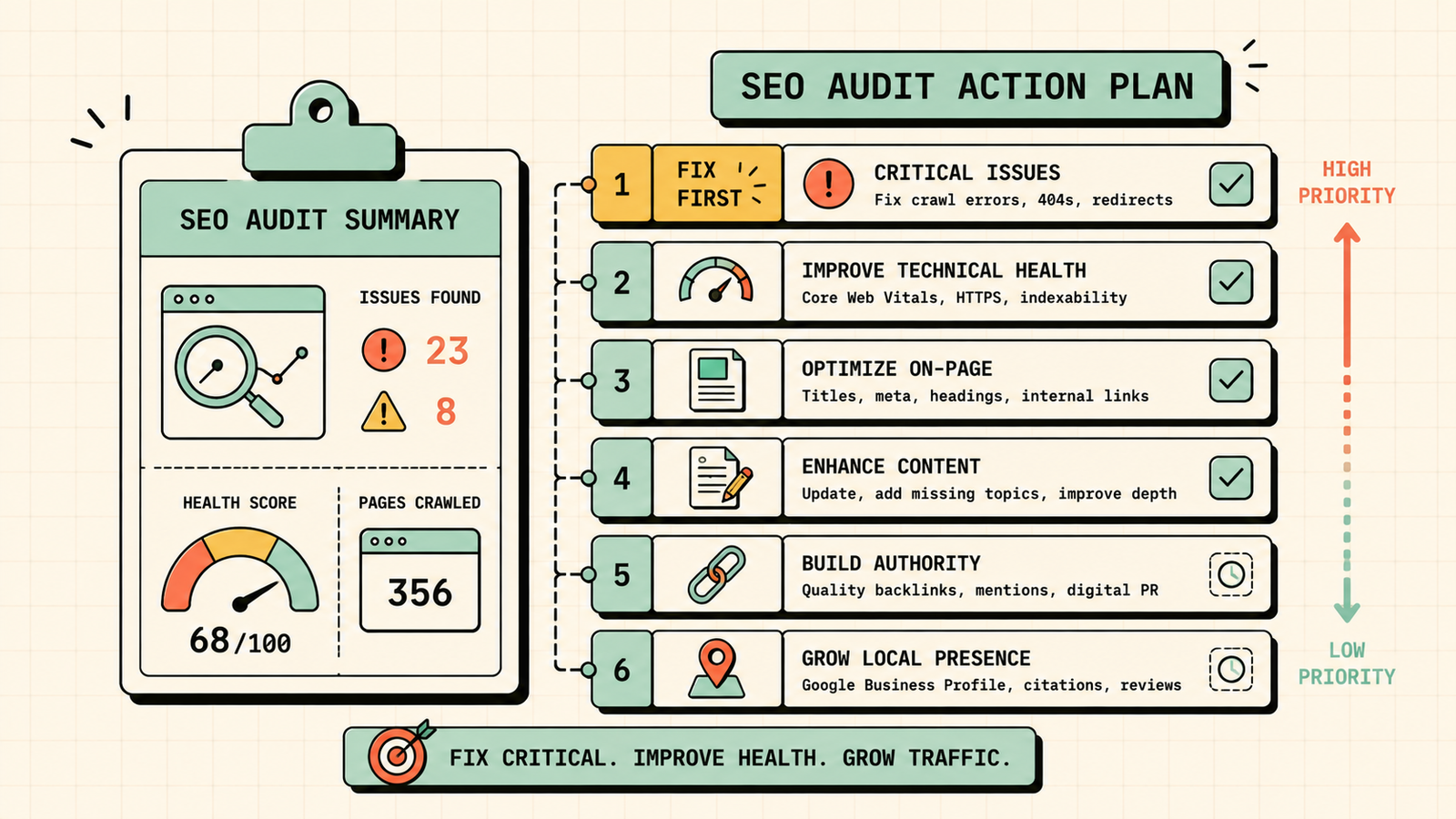
An audit is only useful if it leads to action. Once you have your list of issues, prioritize them by impact and effort. Fix critical problems first, especially anything blocking pages from being crawled or indexed, since those hide whole pages. Next tackle high-impact, quick wins like on-page fixes and speed improvements. Then work through content improvements and backlink opportunities, which take longer but compound. Turn your findings into a simple prioritized list, work through it steadily, and re-audit periodically to measure progress. The goal is not a long report that sits in a drawer, it is a clear set of fixes that actually get done.
Common issues an SEO audit uncovers
Most audits surface a familiar set of problems. Here they are with the fix.
| Common issue | Fix |
|---|---|
| Pages not indexed | Submit sitemap, remove stray noindex tags |
| Slow load times | Compress images, cut scripts, better hosting |
| Missing or duplicate title tags | Write unique, optimized titles |
| Thin or outdated content | Improve, expand, or refresh it |
| Broken links | Fix or redirect them |
| Toxic backlinks | Review and disavow if needed |
| Poor mobile experience | Use responsive, fast design |
LetMeRank
DIY audit vs a professional audit
You can get a long way with a self-audit, and it is worth doing even if you later hire help. Free tools like Google Search Console and PageSpeed Insights, plus the free tier of an SEO suite, let you catch the most common and impactful issues yourself. A professional audit goes deeper, using paid tools and expert judgment to find subtler problems, interpret what actually matters for your site, and prioritize fixes based on real experience. The honest guidance is this: start with a self-audit to catch the obvious wins, and bring in a professional when you want a thorough diagnosis, are competing in a tough space, or keep hitting problems you cannot explain. Either way, understanding what an audit checks makes you a far better judge of the results.
Red flags a quick audit reveals
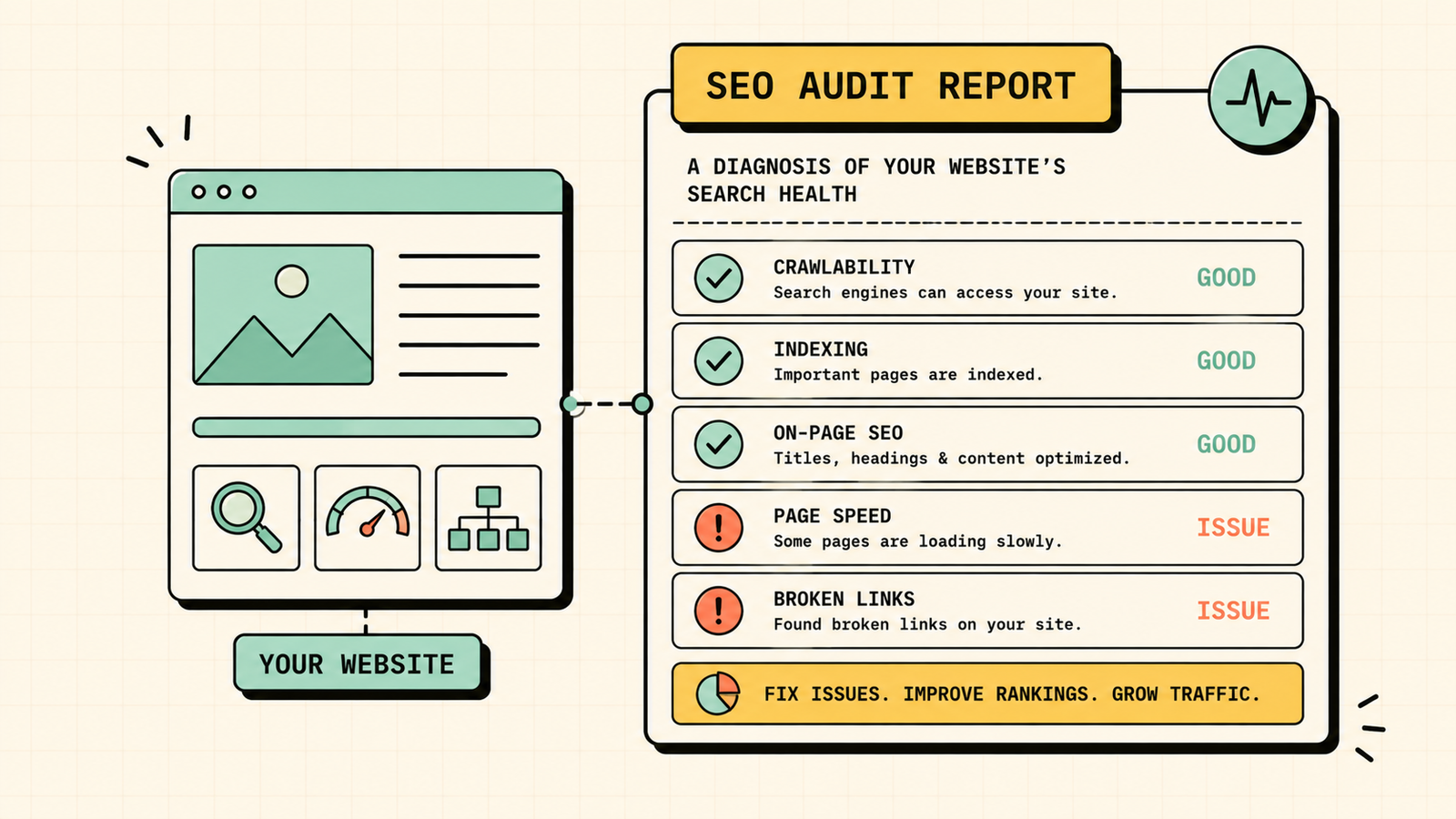
Even a fast, surface-level audit can flag serious problems worth acting on immediately. If a site:yourdomain.com search shows far fewer pages than you have, you likely have an indexing problem hiding pages from search. If your key pages load slowly or fail Core Web Vitals, you are losing both rankings and visitors. If your titles and meta descriptions are missing or duplicated across pages, you are wasting your strongest on-page signals. If your backlink profile is full of spammy links, you may be at risk. And if your content has not been updated in years, it is probably slipping. Spotting even one of these in a five-minute check is often enough to justify a deeper audit and a focused round of fixes.
The bottom line for founders
An SEO audit turns a vague sense that something is wrong into a clear, prioritized list of fixes. Work through the technical, on-page, content, off-page, keyword, and AI-readiness checks, use the right tools, and turn your findings into an action plan you actually execute. Do this regularly and you catch problems early and keep your rankings healthy.
If you would rather have experts audit your site and hand you a prioritized plan, LetMeRank offers a free SEO audit that pinpoints exactly what is holding your rankings back and which fixes will move the needle first.











