
You can have the best content and the strongest backlinks in your niche, and still rank nowhere, because a single technical setting is quietly telling Google not to show your pages at all. That is the frustrating power of technical SEO. It rarely gets the attention that content and links do, but it is the foundation both stand on. If search engines cannot crawl, index, and load your site properly, nothing else you do will save your rankings. This guide covers what technical SEO is, why it matters, and the complete checklist to find and fix the technical issues holding your site back, for both Google and AI search.
What is technical SEO?
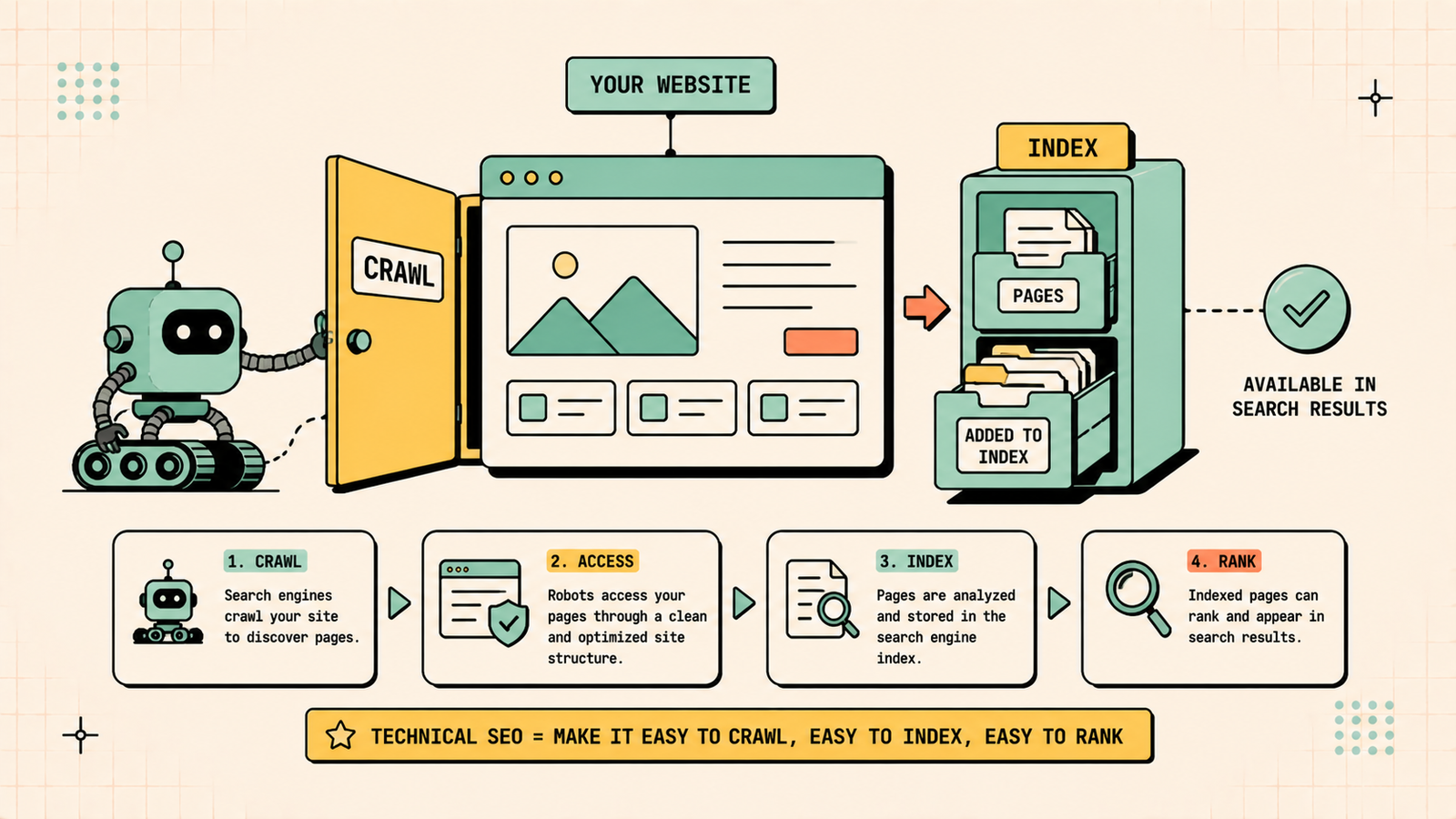
Technical SEO is the practice of optimizing the technical foundations of your website so search engines can crawl, index, and understand it properly. It covers things like site speed, mobile-friendliness, crawlability, indexing, site structure, security, and structured data.
Unlike content or backlinks, technical SEO is about the machinery under the hood. It does not change what your pages say, it makes sure search engines can actually reach, read, and trust them. Think of it as making sure the doors are unlocked and the lights are on before you invite Google in.
On-Page SEO Checklist 2026
Why does technical SEO matter?
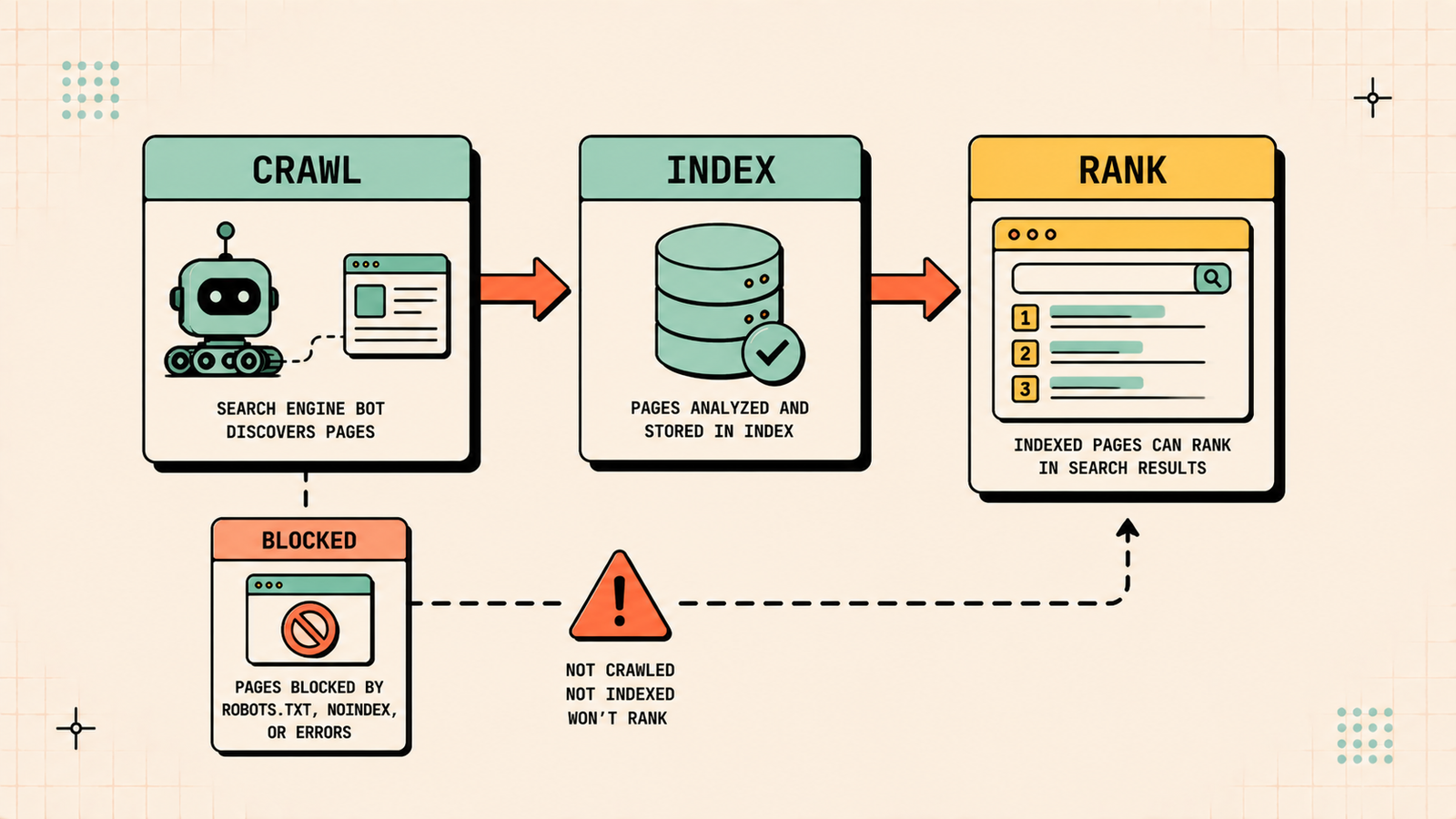
Technical SEO matters because it is the foundation everything else sits on. If search engines cannot crawl your pages, they never see your content. If they cannot index them, those pages cannot rank. If your site is slow or broken on mobile, both rankings and visitors suffer. You can publish brilliant content and earn great links, but a technical problem can stop all of it from working. Fixing technical issues often produces some of the fastest ranking gains in SEO, because you are removing barriers that were actively holding good pages down. It is the difference between a car with a full tank that will not start and one that simply runs.
Technical SEO vs on-page SEO
These overlap, so it helps to separate them.
| Technical SEO | On-page SEO | |
|---|---|---|
| Focus | How search engines access and process your site | How individual pages are optimized to rank |
| Examples | Crawling, indexing, speed, structure, security | Titles, headings, content, keywords |
| Question it answers | Can Google reach and read this site? | Is this page optimized for its keyword? |
Both are essential and connected. Technical SEO makes sure your site can be found and understood, and on-page SEO makes each page as relevant as possible once it is.
The technical SEO checklist
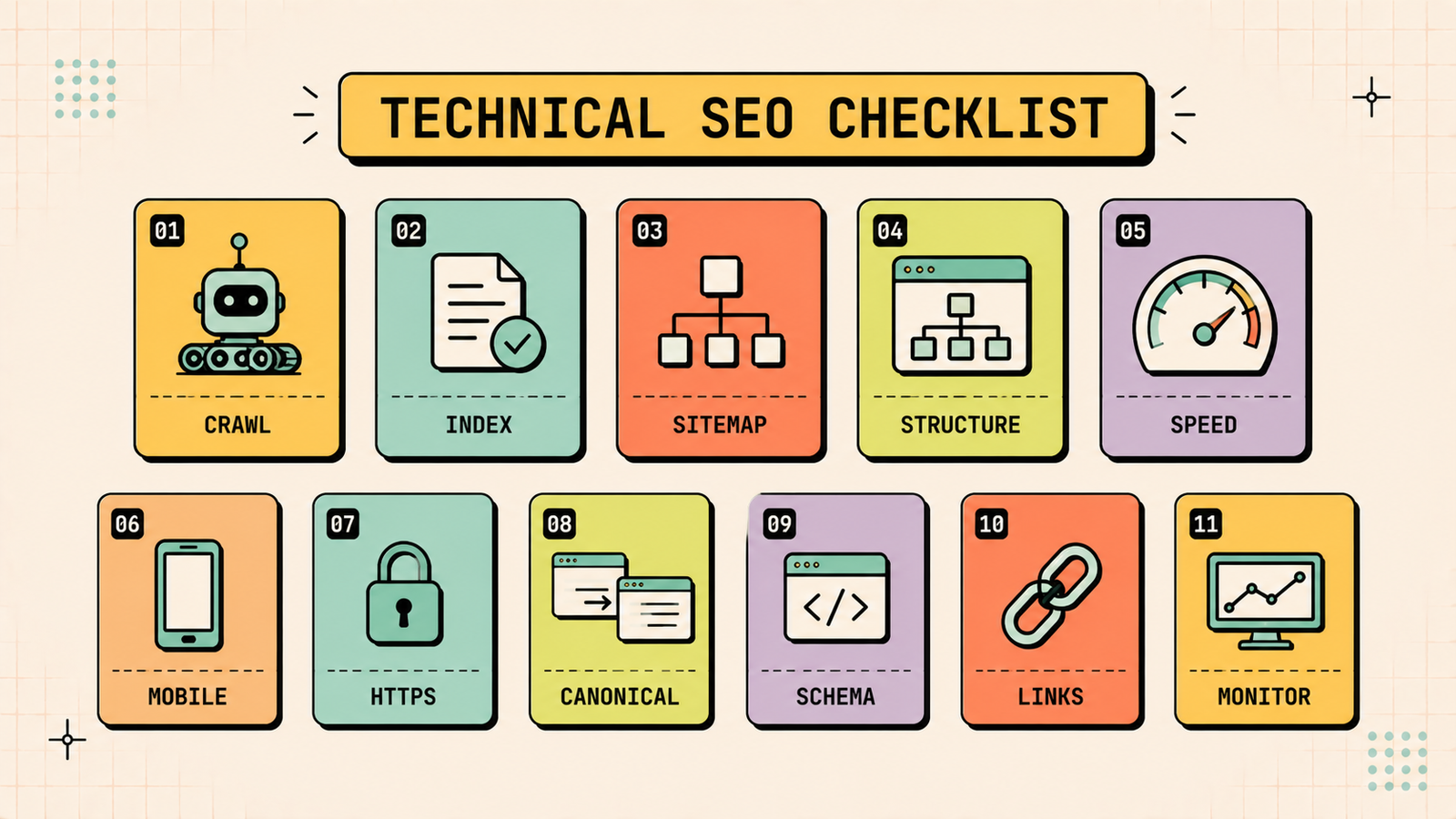
Here are the technical factors that matter most, and what to check for each.
1. Crawlability
Search engines use bots to crawl your site, so make sure nothing blocks them from your important pages. Check your robots.txt file is not accidentally blocking key sections, and make sure your important pages are linked and reachable. If bots cannot crawl a page, it will not rank.
2. Indexability
Being crawled is not enough, a page also has to be indexed to appear in search. Check that important pages are not accidentally set to noindex, and use Google Search Console's index coverage report to see which pages are indexed and which are being left out, then fix the ones that should be in.
3. XML sitemap
Your XML sitemap is a map that helps search engines find all your important pages. Make sure you have one, that it lists your key pages, and that it is submitted in Google Search Console. Keep it clean and updated as you add or remove pages.
4. Site structure and URLs
A logical structure where important pages are reachable within a few clicks helps both users and search engines. Keep URLs short, readable, and descriptive, and organize your site into clear categories. A flat, well-linked structure spreads authority and makes sure pages get found.
5. Site speed and Core Web Vitals
Speed is a ranking factor and a major influence on whether visitors stay. Core Web Vitals measure loading, interactivity, and visual stability, and Google uses them as signals. Compress images, reduce unnecessary scripts, use good hosting, and aim to load your main content in under 2.5 seconds. Faster pages rank better and convert more.
Link Building in 2026
6. Mobile-friendliness
Google primarily judges your site by its mobile version, and most searches happen on phones. Make sure your site uses responsive design, is easy to use on small screens, and loads quickly on mobile. A poor mobile experience drags down your rankings across the board.
7. HTTPS and security
Security is a ranking signal and a trust signal. Make sure your site uses HTTPS with a valid SSL certificate, so both Google and visitors know it is secure. A site still on HTTP looks untrustworthy and can be flagged as not secure in browsers.
8. Duplicate content and canonicals
Duplicate or near-identical pages confuse search engines about which version to rank and can dilute your rankings. Use canonical tags to point search engines to the preferred version of similar pages. This is especially important for ecommerce sites, where filters and product variations create many similar URLs.
9. Structured data and schema
Structured data is code that helps search engines understand your content and can earn rich results like ratings, FAQs, and prices in search. Add relevant schema such as Article, FAQ, Product, or LocalBusiness where it applies. It helps both traditional search and AI search parse and trust your content.
10. Fix broken links and redirects
Broken links and error pages create a poor experience and waste the crawl effort search engines spend on your site. Find and fix broken internal links, set up proper redirects for moved or removed pages, and avoid long redirect chains. Clean links keep both users and search engines moving smoothly through your site.
11. Monitor crawl errors
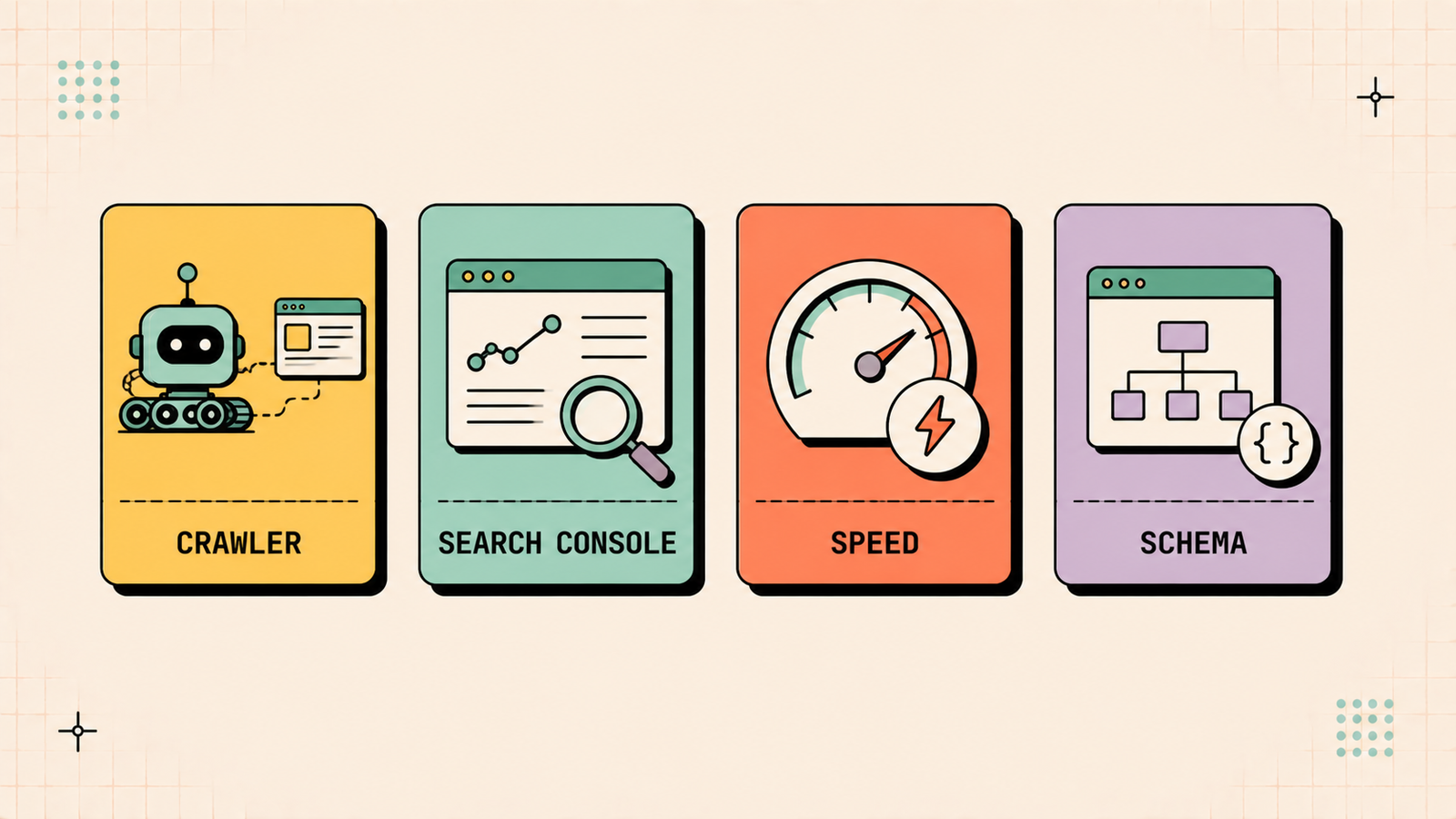
Google Search Console reports crawl errors, indexing issues, and other technical problems for free. Check it regularly, because it is the clearest window into how Google sees your site and flags issues before they quietly cost you rankings.
We'll find the technical issues holding your site back and show you exactly how to fix them.
Get a clear, data-backed plan to remove the invisible barriers that are quietly blocking your rankings.
The technical SEO checklist at a glance
| Area | What to check |
|---|---|
| Crawlability | Robots.txt not blocking key pages |
| Indexability | Important pages indexed, no stray noindex |
| XML sitemap | Present, clean, submitted |
| Site structure | Logical, shallow, clean URLs |
| Speed | Fast load, healthy Core Web Vitals |
| Mobile | Responsive and fast on phones |
| Security | HTTPS with valid SSL |
| Duplicates | Canonicals set correctly |
| Schema | Relevant structured data added |
| Links | No broken links, clean redirects |
| Monitoring | Search Console checked regularly |
How to do a technical SEO audit
A technical audit finds the issues holding your site back. Use an SEO tool to crawl your whole site the way a search engine would, which surfaces broken links, missing tags, duplicate content, slow pages, and indexing problems in one pass. Cross-check with Google Search Console for crawl and index data straight from Google, and test your speed and mobile-friendliness. Then prioritize the fixes: indexing and crawl blocks first, since they hide whole pages, then speed and mobile, then the smaller issues. Running an audit every few months keeps small problems from quietly building into big ranking losses.
Best technical SEO tools
A few tools cover most of what you need.
| Tool type | What it does |
|---|---|
| Site crawlers (Screaming Frog, Semrush, Ahrefs) | Crawl your site and flag technical issues |
| Google Search Console | Free crawl, index, and error data from Google |
| Speed tools (PageSpeed Insights) | Diagnose speed and Core Web Vitals |
| Schema validators | Check your structured data is valid |
Technical SEO and AI search
Technical health matters for AI search too. AI answers are built on content that search engines can crawl, index, and understand, so the same crawlability, speed, and structured data that help you rank on Google also help you get surfaced in AI results. Clean structured data in particular helps AI systems understand exactly what your business and pages are about. A technically healthy site is the entry ticket to both traditional and AI search.
Common technical SEO issues
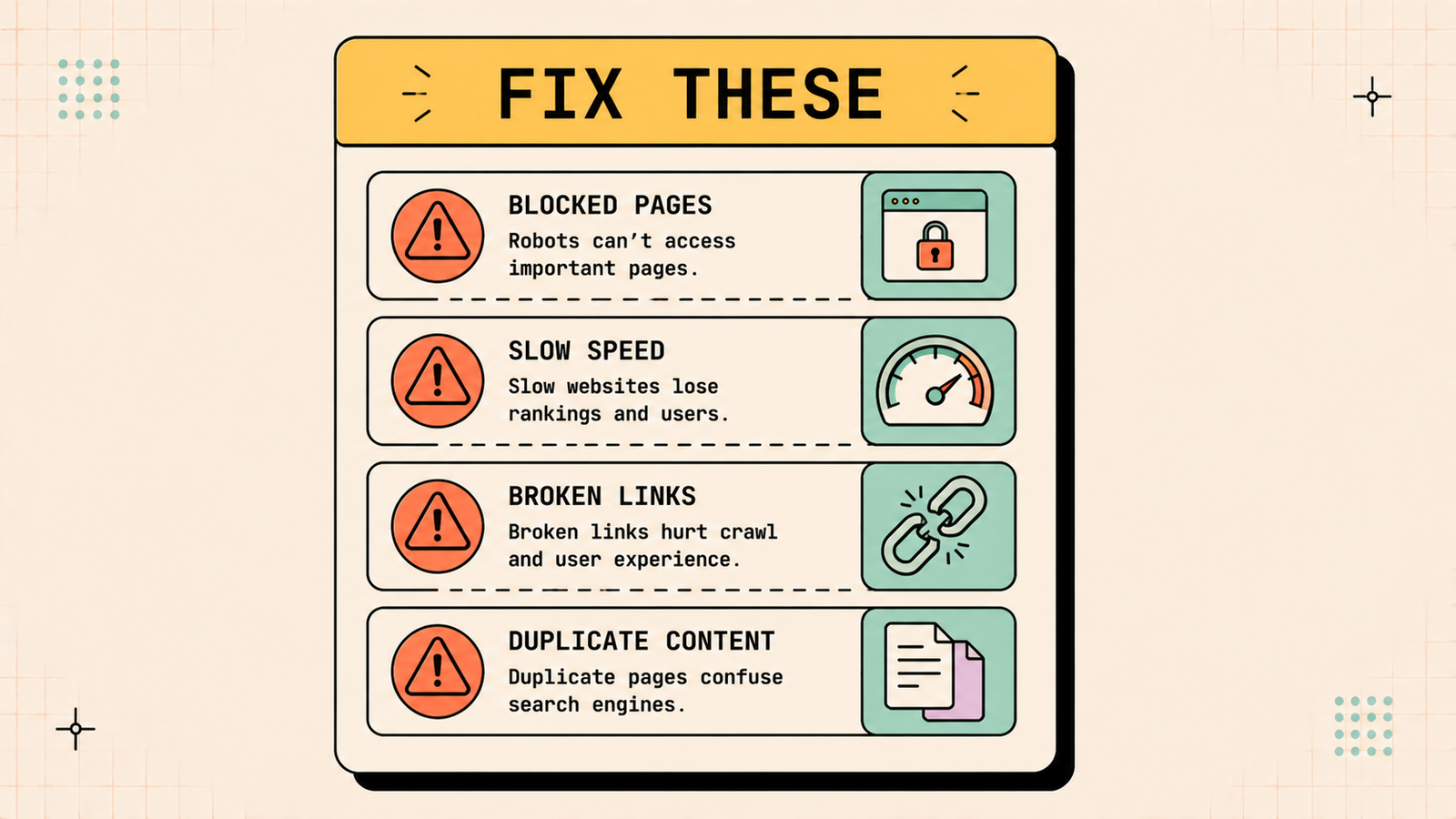
A handful of problems cause most of the damage. Pages accidentally blocked from crawling or set to noindex vanish from search entirely. Slow load times and poor Core Web Vitals drag down rankings and lose visitors. A non-mobile-friendly site suffers everywhere. Duplicate content without canonicals confuses search engines. Broken links and redirect chains waste crawl budget and frustrate users. And missing or invalid schema means lost rich results. Catching these in an audit is often the fastest way to recover rankings that were being held back.
LetMeRank
Which technical fixes to prioritize first
Not every technical issue is equally urgent, so fix them in the order of impact. Start with anything that hides pages from search entirely, like crawl blocks, noindex tags, or a broken sitemap, since those cost you the most for the least effort to fix. Next tackle speed and mobile, because they affect every page and both rankings and conversions. Then handle duplicate content and canonicals, followed by broken links and redirects. Save the smaller refinements, like tidying up schema coverage, for last. Working in this order means your biggest ranking barriers come down first, and you often see gains within weeks rather than months, because you are freeing pages that were ready to rank but were being blocked or slowed.
How often should you check technical SEO?
Technical SEO is not a one-time fix. Sites change constantly as you add pages, install plugins, redesign sections, or migrate platforms, and any of those can introduce new technical problems. Check Google Search Console regularly for new crawl and indexing issues, run a fuller technical audit every few months, and always run one after any major change to your site, such as a redesign or migration, which are the moments technical problems most often creep in. Treating technical SEO as ongoing maintenance rather than a single project keeps small issues from quietly compounding into serious ranking losses.
The bottom line for founders
Technical SEO is the foundation your content and links depend on. Make sure search engines can crawl and index your pages, keep your site fast, mobile-friendly, and secure, handle duplicates and broken links cleanly, add structured data, and monitor Search Console. Fix the technical basics and you remove the invisible barriers that quietly hold good pages down.
If you want experts to find and fix what is holding your site back, LetMeRank offers technical SEO as part of its services, starting with a free audit that pinpoints your biggest technical issues and the fixes that will recover rankings fastest.











